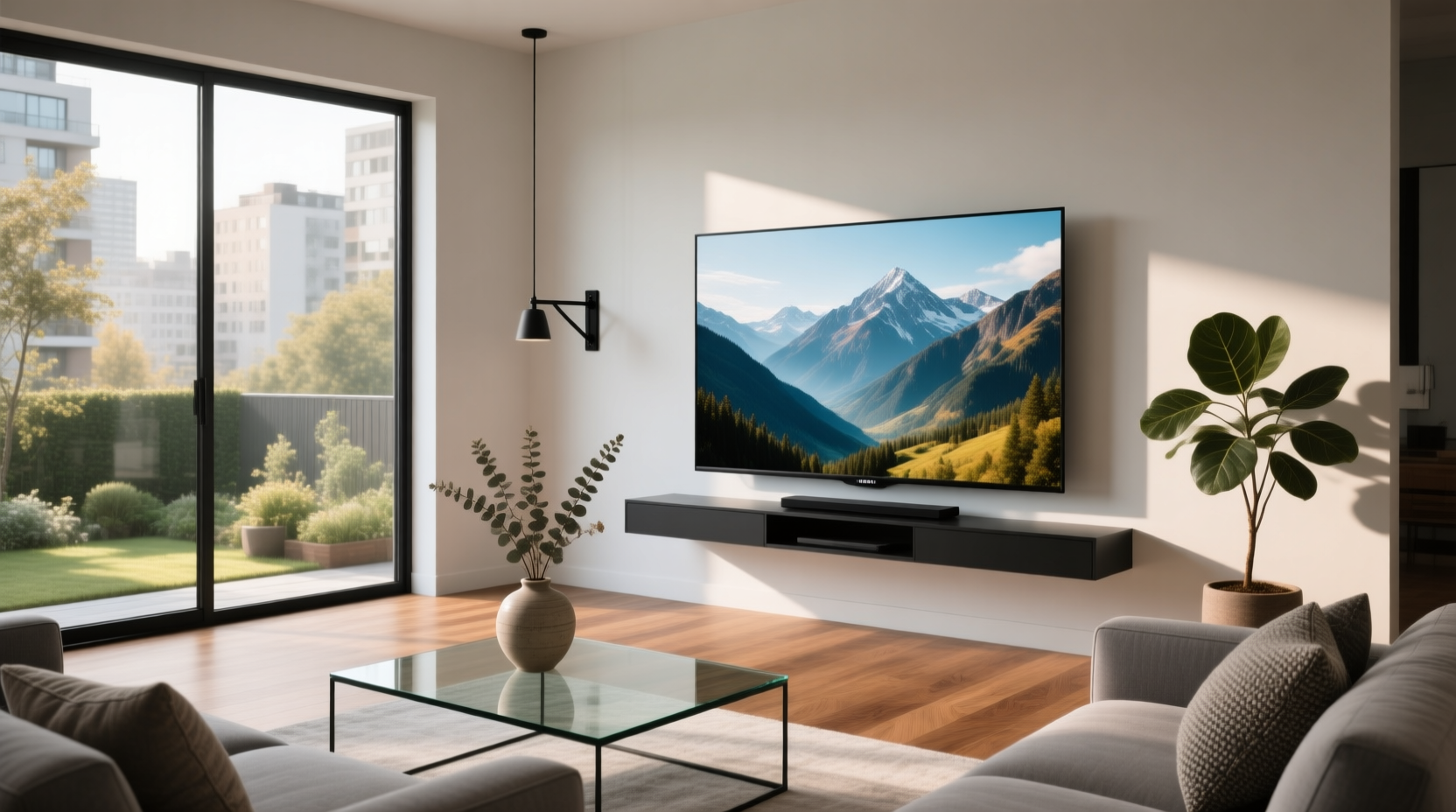
Looking for a 60 inch TV for sale in 2025? You’re not alone—over 480 million Google searches confirm this is one of the most practical mid-size choices for modern homes. A 60-inch 4K UHD TV delivers immersive viewing at typical living room distances (6.5–8 feet), avoids the bulk of larger models, and often offers better value per inch than 55″ or 65″ alternatives1. But not all 60-inch TVs are equal: panel type (LED vs. QLED vs. Mini LED), motion handling (60Hz vs. 120Hz), smart platform reliability, and HDR format support (HDR10, HLG, Dolby Vision) significantly impact daily usability—not just specs on a box. This guide cuts through promotional language to help you verify what matters before purchase.
Why 60 Inches Is a Strategic Sweet Spot
The 60-inch size bridges two common compromises. Smaller TVs (50″–55″) may feel underwhelming on walls >10 ft wide; larger ones (65″+) often require deeper mounting, higher ceiling clearance, and more careful furniture rearrangement. At 60 inches, diagonal measurement translates to roughly 52.3″ width × 29.4″ height (16:9 aspect ratio)—a footprint that fits standard entertainment units (typically 54″–60″ wide) without crowding side tables or obstructing wall art2. Crucially, 4K resolution ensures pixel density remains sharp even at 6.5 feet—the minimum recommended viewing distance for optimal immersion3. That means no visible screen door effect, no need to squint, and consistent clarity across streaming, gaming, and broadcast content.
Key Technical Dimensions That Actually Matter
When evaluating any 60 inch TV for sale, prioritize these five measurable features—not brand slogans:
- Panel Type & Backlight Control: Standard LED/LCD panels use edge-lit or direct-lit backlights with limited local dimming zones. QLED adds quantum dot film for wider color volume but doesn’t inherently improve contrast. Mini LED (e.g., Xiaomi TV S Pro 2026) uses thousands of tiny LEDs for finer dimming—critical for dark-room movie watching4.
- Refresh Rate & Motion Processing: A native 120Hz panel (not motion interpolation) reduces blur during sports or fast-paced games. Many budget 60-inch models list "Motion Rate 240"—this is marketing jargon for interpolated frames, not true refresh rate. Always check manufacturer spec sheets for "native refresh rate."
- HDR Compatibility: HDR10 is universal; HLG works with broadcast TV; Dolby Vision requires licensed hardware and content. If you stream via Apple TV, Netflix, or Disney+, Dolby Vision support adds tangible depth—but only if the TV’s peak brightness exceeds 600 nits (most sub-$1,000 60″ models max out at 350–450 nits).
- Smart Platform Longevity: Google TV and webOS receive regular updates; Tizen (Samsung) and Roku TV offer stability but slower feature rollouts. Avoid TVs running proprietary OSes with no stated update policy—many disappear from app stores within 2 years.
- Input Lag & Gaming Features: For console or PC gaming, input lag under 15ms in Game Mode is essential. Look for HDMI 2.1 ports (for 4K@120Hz, VRR, ALLM)—but verify compatibility: some 60″ TVs claim HDMI 2.1 while limiting bandwidth to 24Gbps instead of full 48Gbps.
Price vs. Performance: What $500–$1,500 Buys You in 2025
Current market data shows three distinct tiers among available 60-inch models:
| Price Range | Typical Panel | Peak Brightness | Dimming Zones | Smart OS | Real-World Use Case Fit |
|---|---|---|---|---|---|
| $499–$749 | Standard LED | 300–400 nits | None or 8–16 zones | Google TV / Tizen Lite | Daily streaming, news, family viewing in well-lit rooms. Not ideal for dark-room movies or competitive gaming. |
| $750–$1,099 | QLED or Advanced LED | 500–650 nits | 32–96 zones | Full Google TV / webOS | Balanced performance: decent HDR pop, reliable voice control, low input lag. Best all-rounder for mixed usage. |
| $1,100–$1,499 | Mini LED or FALD LED | 700–900 nits | 200–1,000+ zones | webOS / Google TV w/ AI upscaling | Cinema-grade contrast, accurate color for creators, future-proofed for next-gen streaming. Justifies premium if used >10 hrs/week. |
Note: Prices cited reflect global retail averages (excluding regional taxes or flash sales). The $750–$1,099 bracket consistently delivers the highest value—where brightness, dimming, and processing converge without over-engineering. Models like the LG 60UP7750PTZ or TCL 60P635 fall here and are widely stocked by authorized distributors5.
Common Misconceptions—and Why They Cost You Time or Money
Three myths persist in 60-inch TV discussions:
❌ "Bigger screen = better picture"
False. A 60-inch TV with poor uniformity (clouding, flashlighting) or narrow viewing angles (common in VA panels) looks worse than a 55-inch IPS model when watched from a sofa corner. Always check measured review data—not just resolution claims.
❌ "All 4K TVs handle HDR the same way"
Incorrect. HDR requires both metadata signaling and hardware capability. A TV may decode Dolby Vision but lack the brightness or contrast to render it meaningfully. Look for verified HDR benchmarks (e.g., Rtings.com or RTINGS.com test reports) showing actual luminance and color gamut coverage—not just logo badges.
❌ "Smart TV platforms are interchangeable"
No. App availability, voice assistant accuracy, and update cadence differ sharply. Google TV supports broader casting protocols (Chromecast built-in), webOS excels at multi-tasking (picture-in-picture + streaming + camera feed), while Tizen restricts third-party APK sideloading. If you rely on niche apps (e.g., Plex, Kodi, or region-specific broadcasters), verify compatibility *before* purchase.
How to Verify Authenticity and Avoid Gray-Market Risks
Because 60-inch TVs are high-value items, counterfeit panels, refurbished units sold as new, and region-locked firmware are documented concerns—especially on marketplace platforms. Here’s how to validate:
- Check the serial number against the manufacturer’s official portal (e.g., Samsung’s serial lookup, LG’s product registration). Legitimate units show warranty start date matching your purchase receipt.
- Confirm power supply voltage rating: Units sold for North America must be rated 120V~60Hz. Imported units labeled 220–240V may require step-down transformers—and void safety certifications.
- Inspect physical packaging: Genuine boxes include multilingual manuals, regulatory labels (FCC ID, CE mark), and correct model numbers matching retailer listings. Mismatched SKUs (e.g., "UA60AU8100" vs. "UA60AU8100KXXV") indicate regional variants with different tuners or remote layouts.
- Test out-of-box behavior: Within 24 hours, navigate to Settings > Support > Software Update. If no update appears—or if the system reboots repeatedly during first setup—it may be a repackaged unit with corrupted firmware.
Gaming, Streaming, and Home Theater: Matching Your Primary Use Case
Your main activity dictates which specs deserve priority:
🎮 For Console or PC Gaming
Prioritize: input lag ≤12ms, HDMI 2.1 with full 48Gbps bandwidth, VRR (Variable Refresh Rate) certification, and Auto Low Latency Mode (ALLM). Avoid models where VRR only works on one HDMI port—or requires disabling HDR. The Sony Bravia X75L and select TCL 6-Series units meet all four criteria at 60 inches.
📺 For Daily Streaming & Family Viewing
Prioritize: voice search accuracy, app load speed, remote ergonomics, and built-in ad-free content aggregation (e.g., Google TV’s Watchlist sync across devices). Skip TVs requiring separate dongles for major services—integrated apps reduce clutter and latency.
🎬 For Dedicated Home Theater
Prioritize: peak brightness ≥800 nits, DCI-P3 color coverage ≥90%, analog audio output (eARC), and calibration-ready settings (e.g., ISF modes, white balance controls). Note: Most 60-inch models lack professional calibration ports—but webOS and high-end Android TVs provide sufficient manual controls for DIY fine-tuning.
Frequently Asked Questions (FAQ)
Q: Can I mount a 60-inch TV on drywall without studs?
A: No—60-inch TVs weigh 45–65 lbs. Drywall anchors alone cannot safely support that load long-term. Always locate and mount into wood or metal studs using a stud finder. If studs don’t align, install a plywood backing board secured to multiple studs first.
Q: Do all 60-inch TVs support Bluetooth headphones?
A: Not universally. Only models with Bluetooth 5.0+ and aptX Low Latency (or similar) deliver sync-accurate audio. Check the spec sheet for "Bluetooth audio transmitter"—not just "Bluetooth enabled." Many budget models only support Bluetooth for keyboard/mouse pairing.
Q: Is a 60-inch TV too big for a bedroom?
A: It depends on viewing distance. At 6 feet, a 60-inch screen occupies ~40% of your field of view—comfortable for most adults. If your bed is <5 feet from the wall, consider 55 inches instead to avoid excessive eye movement.
Q: How much space does a 60-inch TV need around it?
A: Allow ≥3 inches on each side for ventilation, ≥4 inches above for heat dissipation, and ≥2 inches below if placing on a stand (to prevent blocking IR sensors). Never enclose sides/top in cabinets unless rated for TV ventilation.
Q: Are there 60-inch OLED TVs available?
A: As of mid-2025, no major manufacturer produces a 60-inch OLED panel. OLED production yields favor 55″, 65″, and 77″ sizes due to cost efficiency. All current 60-inch models use LED, QLED, or Mini LED backlighting.
