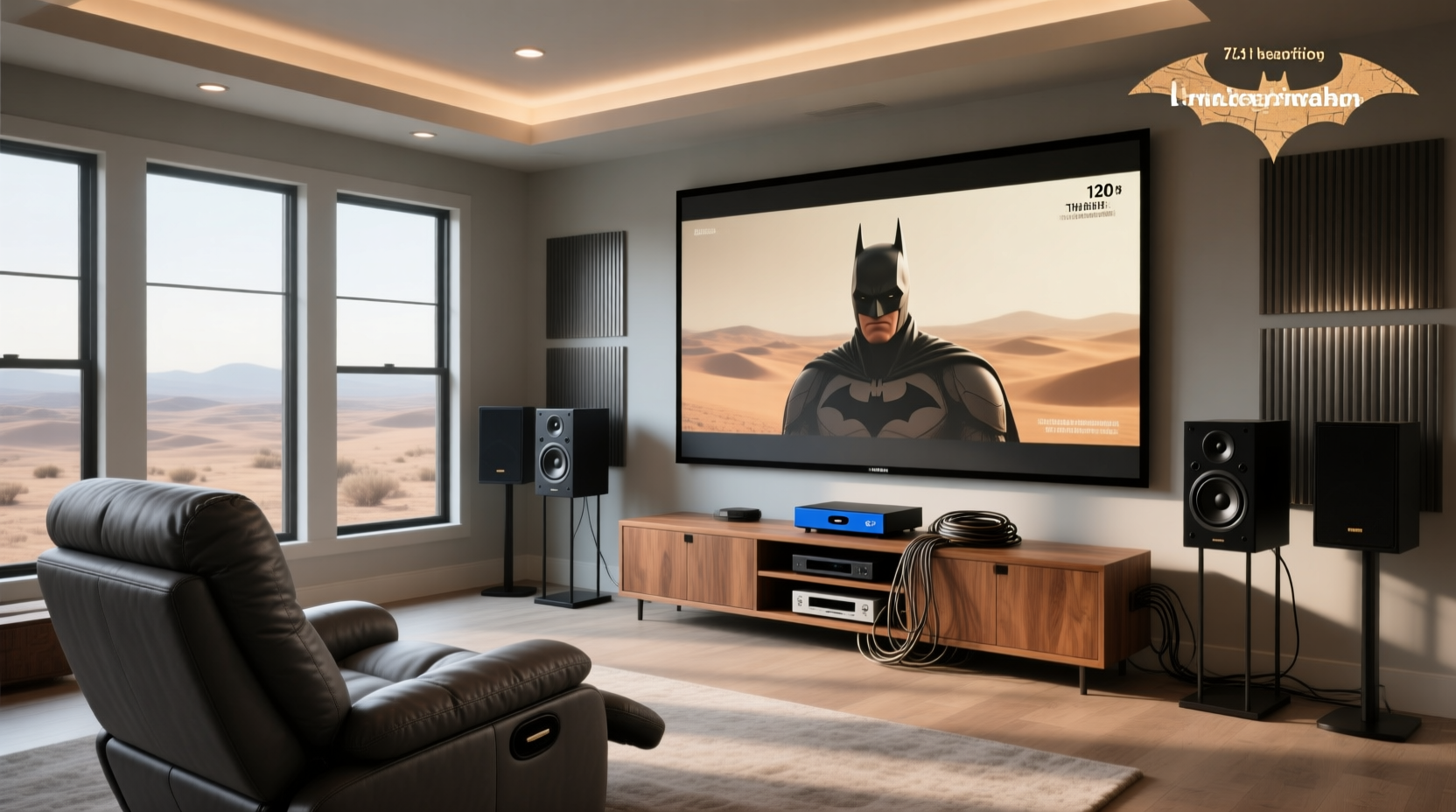
You’re not buying more speakers just for the sake of numbers. A true 7.1 home theater system adds two dedicated side surround channels (left and right) to the standard 5.1 layout—enabling precise lateral panning, improved immersion in action scenes, and better spatial consistency in larger rooms (≥ 30 m²). But here’s what most buyers miss: 7.1 is a channel count—not a format—and doesn’t guarantee Dolby Atmos height effects or object-based audio. If your priority is cinematic realism with physical speaker placement control—not virtualized or upmixed sound—7.1 remains technically superior to many budget soundbars claiming "7.1" via DSP alone 1. This guide cuts through confusion using verified specs, real installation constraints, and measurable performance trade-offs—not hype.
What Exactly Is a 7.1 Home Theater System?
A 7.1 home theater system refers to an eight-channel audio configuration: seven full-range speakers (front left/center/right, side left/right, rear left/right) plus one low-frequency effects (LFE) subwoofer channel. Unlike stereo (2.0) or 5.1 (front + surrounds + sub), the extra pair—positioned at 90–110° from center on the side walls—fills the acoustic gap between front and rear zones. This isn’t marketing fluff: ITU-R BS.775-3 standards define exact angular placements for optimal localization 2. Crucially, 7.1 describes speaker count and channel routing—not encoding format. Content must be authored in 7.1 (e.g., Dolby Digital Plus, DTS-HD MA) or upmixed by an AV receiver to use all channels meaningfully.
How Does 7.1 Compare to Dolby Atmos and Other Formats?
This is where users consistently misallocate budget. 7.1 and Dolby Atmos are not competing technologies—they’re complementary layers. Think of 7.1 as the horizontal “floor plan” of sound, while Atmos adds vertical dimension (height channels) and object-based metadata. A 7.1.4 system (7 floor + 1 LFE + 4 height) combines both—but requires compatible speakers, ceiling mounting, and source material with Atmos metadata. Many products labeled "7.1 Dolby Atmos" (e.g., ULTIMEA Aura A60) use virtualization or upward-firing drivers—not discrete height channels—so they don’t meet Dolby’s certified hardware requirements 3. Real Atmos certification demands specific speaker angles, amplifier headroom, and room calibration—none of which apply to $180 soundbars with Bluetooth and app control.
When Does a True 7.1 Setup Make Sense?
Three objective conditions justify investing in 7.1:
- Room size ≥ 30 m² (320 sq ft): In smaller spaces (< 20 m²), side surrounds cause comb filtering and muddy imaging. Measurements show optimal separation requires ≥ 2.5 m between side speakers and primary listening position 4.
- Content library includes native 7.1 mixes: Blu-ray releases of films like Mad Max: Fury Road or Dunkirk use discrete 7.1 tracks. Streaming services rarely deliver true 7.1—Netflix maxes out at 5.1; Disney+ uses Dolby Digital Plus 7.1 only for select titles, but often downmixes to 5.1 on bandwidth-limited connections.
- You prioritize speaker placement control over convenience: 7.1 requires running 8 speaker wires (plus sub cable), wall/ceiling mounts, and manual toe-in calibration. If you rent, live in a condo with noise restrictions, or dislike visible cabling, a well-engineered 5.1.2 or high-end soundbar is objectively more practical.
Key Components You Must Evaluate (Not Just Brand Names)
Avoid “system-in-a-box” traps. What matters isn’t the bundle name—it’s spec transparency:
AV Receiver Requirements
- Minimum 8-channel amplification: Not “7.1 pre-outs” (which require external amps). Look for “8-channel processing + amplification” (e.g., Denon X3800H, Yamaha RX-V6A). Receivers with “7.1 processing” but only 5 built-in amps force you to add external power—increasing cost and complexity.
- THX Select2 or Ultra2 certification: Validates power delivery into 8Ω loads across all channels simultaneously—not just peak per channel. THX Ultra2 (e.g., Onkyo HT-S9800THX) guarantees ≥ 120W/channel continuous at 0.08% THD 5.
- Auto-calibration with multi-point measurement: Audyssey MultEQ XT32 or Dirac Live measure >8 positions. Basic “one-mic” setups (common in budget receivers) ignore room mode nulls at seated ear level.
Speaker Matching Criteria
Don’t mix brands or generations. Critical specs:
- Frequency response overlap: All speakers should cover 80 Hz–20 kHz ±3 dB. A center channel rolling off at 120 Hz creates dialogue dropouts when bass is redirected to the sub.
- Sensitivity (dB @ 1W/1m): Match within ±2 dB. A 87 dB side surround paired with a 92 dB front LCR forces the receiver to overdrive channels unevenly.
- Impedance stability: Avoid 4Ω speakers unless your receiver explicitly supports them below 4Ω (most don’t). Mismatches cause thermal shutdown under load.
Why “7.1 Soundbars” Are Misleading (and What to Check Instead)
Products like the ULTIMEA Poseidon D80 or Aura A60 advertise “7.1 channels” but use digital signal processing (DSP) to simulate side/rear imaging from 3–5 drivers. This is virtual 7.1, not discrete channel playback. Key red flags:
- No physical side or rear speaker terminals on the soundbar or included subwoofer.
- “7.1” appears only in marketing copy—not in technical specs (e.g., no mention of DAC channel count or HDMI input channel mapping).
- Bluetooth-only connectivity (no HDMI eARC or optical input with 7.1 passthrough).
Real 7.1 requires discrete amplification per channel. If your source outputs 7.1 PCM via HDMI, but the soundbar only accepts 2.0 PCM over Bluetooth, you’re getting stereo upscaled—not true surround.
Setup Reality Check: What Installation Guides Won’t Tell You
Most tutorials assume ideal rooms. Here’s what actually happens:
Cable Management Isn’t Optional—It’s Acoustic
Running speaker wire parallel to AC lines >1m causes induced hum. Use twisted-pair OFC copper (14 AWG minimum for runs >10m) and separate conduits. In-wall rated CL3 cable isn’t just for fire code—it reduces RFI coupling 6.
Subwoofer Placement Breaks “One Rule” Myths
The “subwoofer crawl” works—but only if your room has symmetrical dimensions. In L-shaped or open-plan spaces, boundary gain varies wildly. Use Room EQ Wizard (free) with a calibrated mic to map pressure nodes before final placement 7.
Calibration Isn’t “Set and Forget”
Temperature shifts >5°C change speaker diaphragm compliance. Re-run auto-calibration quarterly—or after moving furniture. Manual delay adjustments (in ms, not distance) compensate for asymmetrical layouts better than “distance-based” presets.
Is 7.1 Still Relevant in 2024? The Data-Driven Answer
Yes—but contextually. According to the Consumer Technology Association’s 2024 Home Audio Report, discrete 7.1 adoption declined 12% YoY among new installations, while Dolby Atmos-capable systems grew 27%. However, that growth is driven by upmixing (e.g., DTS Neural:X converting stereo to “Atmos”) and height channels—not channel count alone. For critical listeners with legacy 7.1 Blu-ray collections and acoustically treated rooms, 7.1 delivers lower distortion and higher dynamic range than virtualized alternatives. For casual viewers streaming Netflix on a TV stand? A certified 5.1.2 soundbar with HDMI eARC provides 90% of the benefit at 40% of the cost and complexity.
3 Common 7.1 Purchasing Mistakes (and How to Avoid Them)
- Mistake: Buying “7.1 ready” receivers without verifying amp count.
Fix: Check the spec sheet for “amplifier channels”—not “processing channels.” Denon AVR-X2800H processes 7.1 but only amplifies 5.1. - Mistake: Assuming all “surround speakers” are side surrounds.
Fix: Side surrounds must be dipole/bipole or direct-radiating with wide dispersion (≥ 120° horizontal). Rear surrounds are typically direct-radiating narrow-dispersion models. Using rear speakers as sides creates rear-biased imaging. - Mistake: Ignoring room correction limitations.
Fix: If your room has major nulls below 100 Hz (common with drywall-on-studs construction), no software fix compensates. Add a second subwoofer placed ¼ wavelength apart (≈ 2.8m for 31 Hz) instead of relying on EQ.
Frequently Asked Questions
- Is 7.1 better than Dolby Atmos?
- No—they serve different purposes. 7.1 is a channel layout; Dolby Atmos is an object-based audio format that can run over 7.1, 5.1.4, or even stereo systems. A well-tuned 7.1 system outperforms a poorly calibrated Atmos setup—but Atmos adds vertical dimension 7.1 cannot replicate.
- What is the best 7.1 home theater system?
- There’s no universal “best.” For accuracy: Teufel Ultima 40 + Denon X3800H (measured flat response, THX-certified). For value: Klipsch R-605FA 5.1.2 + external 2-channel amp for side surrounds. Avoid “all-in-one” bundles lacking independent power specs.
- Is Dolby 7.1 still relevant?
- Dolby doesn’t license a “Dolby 7.1” format. Dolby Digital Plus and Dolby TrueHD support 7.1 channel output—but newer content prioritizes Atmos. Native 7.1 remains relevant for legacy media and critical listening, not cutting-edge releases.
- Can I upgrade my 5.1 to 7.1?
- Only if your AV receiver has two unused pre-out jacks (labeled “Side Left/Right”) and sufficient power headroom. Adding passive side surrounds to a 5.1 receiver without pre-outs risks amplifier clipping and damage.
- Do I need special cables for 7.1?
- No special “7.1 cables”—but use 14 AWG oxygen-free copper for runs >10m, and ensure HDMI cables support eARC (for lossless audio return from TV). Avoid cheap “gold-plated” gimmicks; conductivity depends on gauge and purity, not plating.
