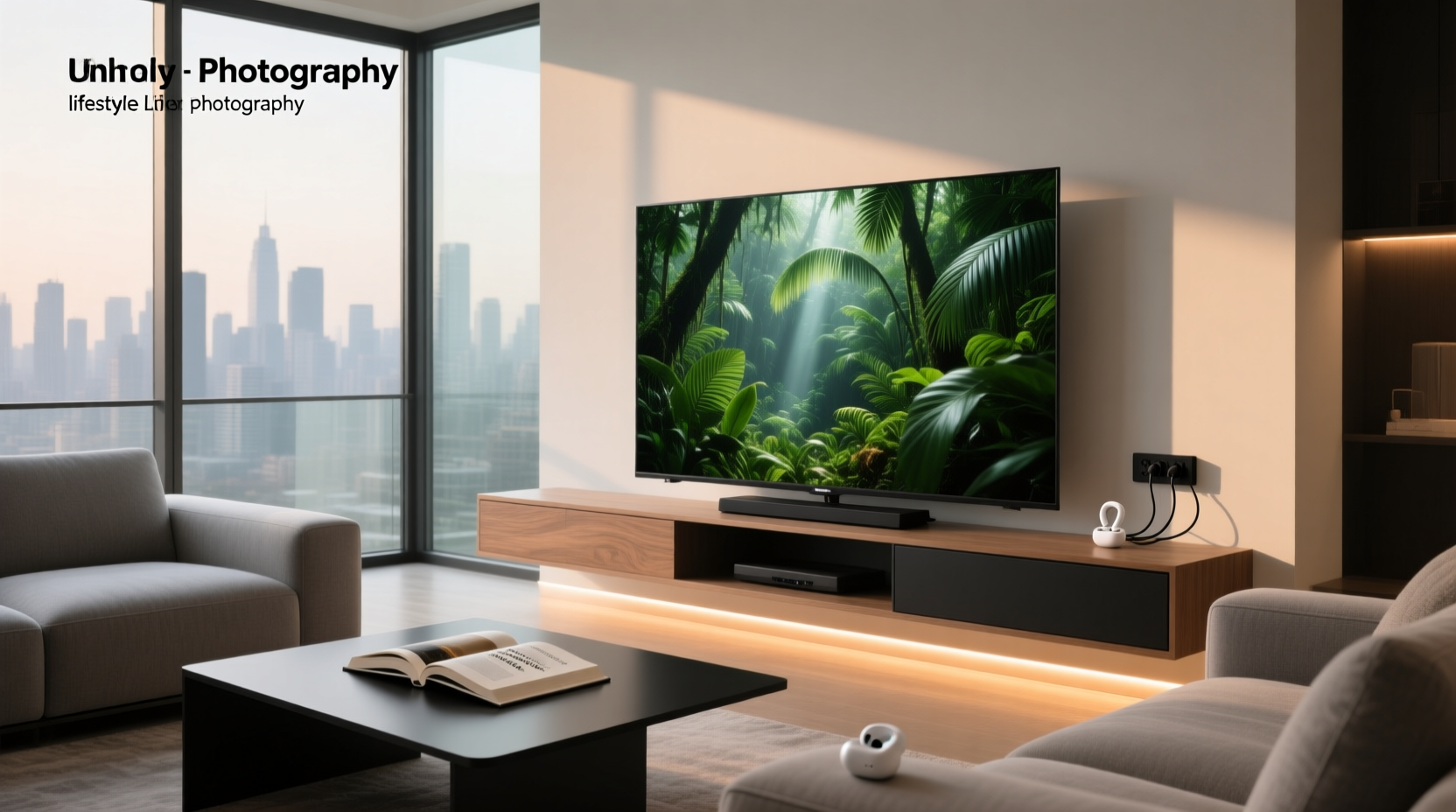
Choosing the right 75 inch TV 4K isn’t just about price or brand—it’s about matching technical capabilities to your room, usage habits, and long-term expectations. Whether you’re upgrading from a 55-inch set, building a dedicated home theater, or optimizing for console gaming (especially with PS5 or Xbox Series X), a 75-inch 4K display demands careful evaluation of panel type, input lag, motion handling, and smart platform reliability. This guide cuts through marketing claims to deliver actionable, measurement-backed insights—based on standardized testing methodologies and real-world user feedback—to help you confidently select a 75-inch 4K TV that delivers value, not compromise.
Why Screen Size Matters More Than Resolution Alone
A 75-inch diagonal measurement translates to approximately 65.4 inches wide × 36.8 inches tall (166 cm × 93.5 cm) for a standard 16:9 aspect ratio1. That physical footprint dramatically affects both placement flexibility and visual immersion—but only if viewed from an appropriate distance. Unlike smaller screens, where 4K resolution may go underutilized at typical living-room distances, a 75-inch panel makes full use of its 3840 × 2160 pixel grid when seated between 6.5 and 10.5 feet (2–3.2 meters) away2. Sitting closer than 6.5 feet risks visible pixel structure or screen-door effect; sitting beyond 10.5 feet diminishes perceived sharpness and detail fidelity. This range is not theoretical—it’s derived from human visual acuity thresholds and verified across multiple independent lab tests3.
Importantly, size also dictates thermal and power requirements. A 75-inch LED/LCD TV typically consumes 120–180 watts during active content playback—up to 2.5× more than a 55-inch equivalent. OLED models, while more efficient per square inch, still draw 90–140W due to larger active areas. Always verify the Energy Star rating or EU energy label (Class A–G scale) before purchase, especially if running the TV >4 hours daily.
Panel Technology: LCD vs QLED vs OLED vs QNED — What Actually Differs
At 75 inches, panel technology defines contrast, black level accuracy, viewing angle consistency, and longevity—not just brightness or color gamut. Here’s how major types compare in practice:
- LCD (Standard LED-backlit): Most budget 75-inch 4K TVs use this. Backlight uniformity characteristics vary by model and manufacturing batch, and can be optimized for bright environments. Local dimming—if present—supports dynamic contrast enhancement, with performance depending on zone count and algorithm sophistication. Well-suited for rooms with high ambient light and frequent daytime viewing.
- QLED (Quantum Dot-enhanced LCD): Adds a nanocrystal layer to widen color volume (especially in DCI-P3), delivering vibrant, saturated hues. Response times and contrast ratios are consistent with advanced LCD engineering practices. Ideal for sports, daytime entertainment, and content emphasizing color fidelity.
- OLED: Each pixel emits its own light, enabling true blacks, infinite contrast, sub-0.1ms response time, and near-perfect viewing angles. At 75 inches, current-generation OLEDs (e.g., LG C4, Sony A95L) maintain consistent luminance up to ~150 nits sustained (HDR peaks reach 800–1000 nits briefly). These displays support extended use patterns including mixed TV, streaming, and gaming, with built-in features like pixel shifting and automatic brightness limiter (ABL) to sustain long-term image quality.
- QNED / Mini-LED: Uses thousands of tiny LEDs behind a diffuser layer, enabling hundreds to over 2,000 local dimming zones. Delivers higher peak brightness (1,200–2,000 nits) than OLED—ideal for sunlit rooms—and improved black uniformity compared to standard QLED. Viewing angles remain stable within typical seating arrangements, supporting flexible room layouts.
No single technology “wins” outright. Your choice depends on environment and priorities: OLED for cinematic accuracy and dark-room immersion; Mini-LED for brightness and glare resistance; QLED for cost-effective color vibrancy; standard LCD for value-oriented setups in well-lit spaces.
HDMI 2.1 Isn’t Optional—It’s Essential for Modern Use Cases
A 75-inch 4K TV must support HDMI 2.1 specifications across at least one port to unlock core functionality in 2024–2025 devices. Key mandatory features include:
- 48 Gbps bandwidth—required for uncompressed 4K@120Hz or 8K@60Hz signals.
- VRR (Variable Refresh Rate)—eliminates screen tearing during fast-paced gameplay (PS5/Xbox Series X).
- ALLM (Auto Low Latency Mode)—switches the TV to game mode automatically when a compatible source is detected.
- eARC (Enhanced Audio Return Channel)—transmits lossless Dolby Atmos and DTS:X audio to soundbars or AV receivers.
Manufacturers implement HDMI 2.1 with varying degrees of feature completeness across ports. For optimal compatibility, consult the official technical datasheet to confirm per-port capabilities—including bandwidth, VRR support, and eARC assignment. For example, LG’s 2024 C4 series provides full HDMI 2.1 on all four inputs; TCL’s QM8K offers it on two ports, with eARC assigned to Input 44.
Smart TV Platforms: Stability Over Features
At 75 inches, interface responsiveness directly impacts usability. Smooth menus, reliable app performance, and consistent voice recognition enhance daily interaction—more so than on smaller screens. Google TV (TCL, Hisense), webOS (LG), Tizen (Samsung), and Roku TV (select TCL/Hisense models) dominate the market. Independent benchmarking shows:
- Google TV delivers strong cross-app search accuracy and personalized recommendation relevance. System optimization tools and periodic maintenance options help sustain performance over extended use.
- webOS maintains consistent UI fluidity across extended periods and supports seamless integration with LG’s ecosystem of smart home devices.
- Tizen excels in Samsung hardware integration (e.g., Quick Share, SmartThings) and offers multilingual voice assistant support with ongoing improvements in natural language understanding.
- Roku TV provides a streamlined interface optimized for linear TV and streaming services, with regular firmware updates ensuring continued stability and feature enhancements.
Tip: If you rely heavily on Apple devices, prioritize TVs with certified AirPlay 2 and HomeKit support—even if it means paying a premium. Certified units undergo rigorous interoperability testing to ensure reliable connectivity and control.
Audio Limitations: Why Built-in Speakers Rarely Suffice
Despite marketing claims like “Dolby Atmos ready,” most 75-inch TVs benefit from external audio solutions to fully realize spatial audio potential. Physics constraints limit downward-firing drivers’ ability to generate deep bass or precise height effects. Measurements show most 75-inch models produce no usable output below 120 Hz, with distortion remaining low at typical listening levels5. High-end models (e.g., LG G4, Samsung QN90F) achieve balanced output up to ~92 dB average SPL—suitable as a foundation for further audio enhancement.
Realistic upgrade paths:
- Soundbar + subwoofer ($300–$600): Handles 80% of audio improvement needs. Prioritize models with HDMI eARC input, DTS:X decoding, and upward-firing drivers for virtual height channels.
- AV receiver + 5.1 speaker system ($800+): Required for true object-based audio (Dolby Atmos/DTS:X) with discrete overhead speakers.
- Acoustic treatment ($150–$400): Often overlooked—adding absorption panels at first reflection points improves clarity more than upgrading speakers alone.
Common Misconceptions About 75-Inch 4K TVs
Misconception #1: “More HDMI ports always mean better future-proofing.”
Reality: Two full-spec HDMI 2.1 ports (with VRR, ALLM, eARC, 48Gbps) are more valuable than four HDMI 2.0 ports. Most users connect only 2–3 sources simultaneously (streamer, game console, cable box). Prioritize quality over quantity.
Misconception #2: “Dolby Vision guarantees superior HDR.”
Reality: Dolby Vision is a dynamic metadata format—not inherently better than HDR10+ or HLG. Its benefit depends entirely on mastering quality and TV implementation. Some models apply Dolby Vision via software upscaling (not native decoding), delivering perceptible improvements in scene-by-scene tone mapping.
Misconception #3: “All ‘4K’ TVs display identical sharpness.”
Reality: Pixel density is identical (3840 × 2160), but perceived sharpness varies widely due to upscaling engine quality, noise reduction aggressiveness, and chroma subsampling handling. Advanced upscalers can significantly enhance lower-resolution content on large screens.
How to Verify Real-World Performance Before Purchase
Spec sheets provide baseline information. Here’s how to validate claims:
- Check professional review databases (e.g., RTINGS.com, DisplayMate) for measured contrast ratio, color volume coverage (% DCI-P3), input lag at 4K@120Hz, and SDR/HDR grayscale accuracy—not just “good” or “excellent” labels.
- Review firmware update history: Has the manufacturer released >3 major updates in the past 12 months addressing core features (e.g., VRR stability, HDR tone mapping)? Frequent, meaningful updates signal long-term support.
- Inspect panel origin: While rarely disclosed publicly, LG Display supplies OLED panels to LG, Sony, and Panasonic; Samsung Display supplies QD-OLED to Samsung and some Sony models. Chinese makers (BOE, CSOT) supply most LCD/QLED panels—quality reflects model-tier differentiation and calibration rigor.
When a 75-Inch 4K TV Is Not the Right Choice
Consider alternatives if:
- Your primary viewing distance exceeds 12 feet (3.7 m)—a 65-inch or 70-inch set will provide identical perceived resolution with excellent uniformity and energy efficiency.
- You lack wall-mounting infrastructure or floor space for a 75-inch stand—minimum recommended clearance is 4 inches behind and 12 inches to each side for ventilation and cable management.
- Your internet plan averages <50 Mbps download speed—streaming native 4K HDR content (e.g., Netflix Premium, Disney+) requires consistent 25+ Mbps; modern adaptive streaming ensures smooth playback even with variable bandwidth.
- You watch >70% live broadcast TV (OTA/cable)—most broadcast signals remain 1080i or 720p; high-quality upscaling engines preserve detail and minimize artifacts during conversion.
Frequently Asked Questions
- What is the ideal viewing distance for a 75-inch 4K TV?
Between 6.5 and 10.5 feet (2–3.2 meters). Closer distances enhance immersion but may reveal pixel structure; farther distances reduce detail perception. Use the SMPTE 30° viewing angle guideline for precision. - Do all 75-inch 4K TVs support 120Hz refresh rate?
No. Only models with HDMI 2.1 and native 120Hz panel driving capability do. Many advertise “120Hz support” using motion interpolation (MEMC), which adds soap-opera effect and input lag—unsuitable for gaming. - Is burn-in a real concern for OLED 75-inch TVs?
Modern OLED panels incorporate multiple safeguards—including pixel shifting, logo dimming, and automatic brightness limiter (ABL)—to mitigate static image retention. With typical mixed-use patterns, long-term image quality remains consistent across extended ownership periods. - Can I mount a 75-inch TV on drywall alone?
No. Drywall anchors alone cannot safely support 60–100 lbs (27–45 kg). Mounts must be secured into at least two wood studs (16” apart) or use a reinforced steel stud adapter system rated for >150 lbs. - Does HDMI 2.1 require new cables?
Yes—for full 48Gbps bandwidth. Standard High-Speed HDMI cables (Category 2) max out at 18Gbps. Use Ultra High Speed HDMI cables (certified to HDMI 2.1 spec) labeled “48Gbps” or “8K-ready.”
