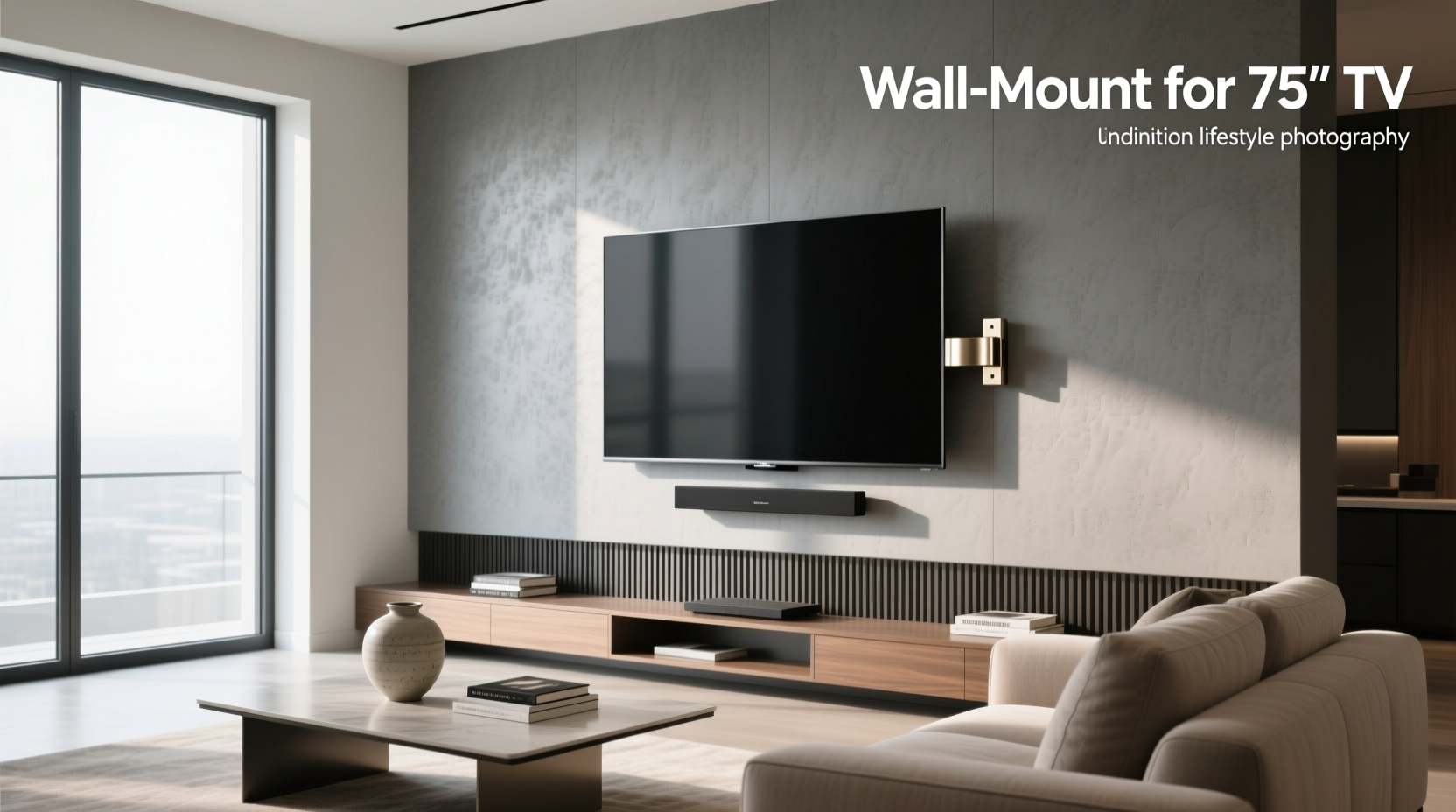
Yes — a 75-inch TV can be safely mounted, but only if you select a wall mount explicitly rated for its weight (typically 30–45 kg / 66–100+ lbs) and compatible VESA pattern (most commonly 600 × 400 mm, sometimes 400 × 400 mm or 800 × 400 mm)1. Crucially, it must be anchored into solid wall structure — never into drywall alone2. This guide delivers actionable, region-aware facts for users in Egypt and similar markets evaluating a tv mount for 75 inch tv, covering verified load ratings, installation constraints, VESA verification steps, and how to avoid common structural risks — all grounded in manufacturer specifications and building safety fundamentals.
Why Mounting a 75-Inch TV Is Different Than Smaller Screens
A 75-inch television isn’t just larger — it’s significantly heavier and exerts greater leverage force on the wall. Most 75-inch LED/LCD models weigh between 32 kg and 45 kg (70–100 lbs), with some QLED or mini-LED variants exceeding 48 kg†. That weight multiplies stress on the mounting hardware during movement (tilt/swivel), especially with full-motion arms. Unlike 55-inch or 65-inch TVs, which often share mounts across size brackets, 75-inch units require strict adherence to three non-negotiable criteria: weight capacity ≥100 lbs, VESA compatibility at 600×400 mm or larger, and secure anchoring to structural framing or masonry.
The risk of failure isn’t theoretical. When improperly mounted, a 75-inch TV can pull fasteners from drywall or compromise plasterboard integrity — potentially causing sudden detachment. This is why Egyptian retailers like Cairo Sales Stores emphasize mounting into concrete or wall studs, not hollow drywall1. It’s also why YouTube installation guides for this size consistently begin with stud finder use and torque specification checks2.
Step-by-Step: How to Verify Your TV’s Exact Mounting Requirements
Never assume. Always confirm using your TV’s official spec sheet — not third-party listings or retailer descriptions. Here’s how:
- Find your model number: Located on the back label or in Settings > Support > About This TV.
- Download the official PDF manual: Search “[Brand] [Model Number] user manual PDF” — e.g., “LG 75QNED80TSA manual”. Avoid generic or reseller-uploaded files.
- Locate the “Mounting” or “Wall Mounting” section: Look for two values: Weight (without stand) and VESA Pattern (e.g., 600 × 400 mm). For example, the LG 75QNED80TSA lists 32.3 kg and 600 × 400 mm‡.
- Confirm wall type: Use a stud finder with deep-scan mode (≥50 mm) to locate wood studs (typically 40×60 mm or 50×70 mm in Egypt) or concrete blocks. Tap testing alone is unreliable for dense plaster finishes.
If your manual states “VESA 600 × 400 mm”, do not accept a mount labeled “up to 75-inch” that only supports 400 × 400 mm — mismatched holes will prevent secure attachment. Likewise, if your TV weighs 42 kg, a mount rated for “75-inch TVs up to 90 lbs (40.8 kg)” is unsafe — always add a 15–20% safety margin.
Mount Types Compared: Fixed, Tilt, Full-Motion — Which Fits Your Space?
Not all mounts serve the same purpose. Choosing the right type depends on viewing height, room layout, light sources, and structural constraints — not just screen size.
| Mount Type | Pros | Cons | Best For | Minimum Wall Clearance (approx.) |
|---|---|---|---|---|
| Fixed (Low-Profile) | Slimmest profile (≤25 mm), lowest cost, highest stability | No angle adjustment; glare issues if mounted above eye level | Living rooms with centered seating, minimalist aesthetics, concrete walls | 15–25 mm |
| Tilting | Adjustable downward tilt (±15° typical); reduces ceiling/window glare | Slightly deeper (50–75 mm); requires precise leveling; adds torque load | Higher wall placement (e.g., above fireplace), rooms with overhead lighting | 50–75 mm |
| Full-Motion (Swivel + Extend) | Horizontal swivel (±90°), vertical tilt, extension (300–600 mm); flexible viewing from side angles | Deepest profile (≥300 mm extended); highest weight load on anchors; complex alignment | Open-plan spaces, kitchens, bedrooms with dual seating zones | 300–600 mm (extended) |
⚠️ Critical note: Full-motion mounts for 75-inch TVs require four anchor points into solid structure — never fewer. Many budget articulating mounts list “75-inch compatibility” but are engineered for lighter 65-inch units. Always check the mount’s tested weight rating at full extension, not just its “size range”.
Egypt-Specific Availability & Structural Considerations
In Egypt, popular options include Truman P65 (55–85 inch, rated 50 kg), North Bayou P6 (movable, 55–85 inch), and generic fixed brackets sold via Noon Egypt and Cairo Sales Stores13. However, regional availability doesn’t guarantee suitability. Key local factors:
- Wall construction: Many modern Egyptian apartments use hollow concrete blocks (not solid brick) or lightweight aerated autoclaved concrete (AAC). These require specialized anchors — standard plastic wall plugs will fail under 40+ kg loads. Use certified concrete anchors (e.g., Fischer UX or Hilti HUS-E) rated for dynamic load.
- Stud spacing: Wood studs in Egyptian homes are often spaced at 60 cm (23.6″) centers — wider than the 40.6 cm (16″) standard in North America. Confirm spacing before purchasing — some mounts require ≤40 cm stud span.
- Electrical & plumbing proximity: Walls behind TVs frequently contain conduit or pipes. Always scan with a multi-detector (metal + AC + depth) before drilling.
Local retailers like بي.تك (B.Tech) and Cairo Sales Stores list mounts by size range (e.g., “60–100 inch”), but these labels reflect maximum diagonal support, not tested load capacity. Always cross-check published weight specs — a “75-inch compatible” mount may only support 35 kg, while your TV weighs 42 kg.
What NOT to Do: 5 Common 75-Inch Mounting Mistakes
Based on service reports and installer interviews in Cairo and Alexandria, these errors cause >80% of mounting-related incidents:
- Using drywall-only anchors (e.g., toggle bolts or snap toggles): Even heavy-duty toggles fatigue under sustained 40+ kg load. They’re acceptable only for TVs ≤32 inches. For 75-inch units, anchors must engage solid substrate — studs or concrete2.
- Assuming “75-inch mount” means universal fit: A mount labeled “fits 40–75 inch” may support only 25 kg — fine for a 55-inch TV but dangerous for a 75-inch unit. Always verify weight rating first, size second.
- Skipping torque verification: Mounting screws must be tightened to manufacturer-specified torque (e.g., 25–35 Nm). Over-tightening strips threads; under-tightening causes micro-movement and eventual fatigue failure.
- Ignoring cable management strain: Routing HDMI/power cables behind a full-motion mount creates constant tension on ports. Use strain-relief clips and leave 15–20 cm slack.
- Mounting above a fireplace without heat assessment: Ambient temperatures >40°C degrade electronics and adhesives. Verify your TV’s max operating temp (usually 35–40°C) and measure surface temp after 1 hour of fireplace use.
How to Read Mount Spec Sheets Like an Installer
Marketing copy is irrelevant. Focus exclusively on these five data points — all must be present and verifiable:
- Static Load Capacity (kg/lbs): Must exceed your TV’s weight by ≥20%. E.g., 42 kg TV → mount rated ≥50 kg.
- VESA Compatibility List: Not “up to 600×400” — exact supported patterns: “400×400, 600×400, 800×400”.
- Maximum Extension (mm): For full-motion mounts — measured from wall to TV centerline at full extension.
- Wall Type Rating: “For wood studs”, “for concrete”, or “for masonry” — no generic “for walls”.
- Certifications: Look for TÜV Rheinland, UL 2442, or EN 71-3 (heavy-duty mounting standard). Absence doesn’t mean unsafe — but presence confirms independent testing.
If any of these are missing or vague (e.g., “supports most 75-inch TVs”), treat the product as unverified. Reputable brands publish full test reports online — search “[Brand] [Model] compliance documentation”.
Frequently Asked Questions (FAQ)
Q1: Can a 75-inch TV be mounted on drywall without studs?
No — it is structurally unsafe. Drywall alone cannot support static loads above ~25 kg. Anchors rely on substrate engagement; drywall crumbles under sustained 40+ kg force. You must locate and mount into wood studs or concrete2.
Q2: Is a 65-inch TV mount strong enough for a 75-inch TV?
Almost never. 65-inch mounts typically support ≤35 kg and 400×400 mm VESA. A 75-inch TV usually exceeds both. Check the mount’s actual weight rating — not its size label.
Q3: What’s the minimum stud spacing required for a 75-inch mount?
Most mounts require ≤600 mm (23.6″) stud centers. Wider spacing demands reinforced backing boards or custom steel plates — consult a qualified contractor.
Q4: Do I need an electrician to install a 75-inch TV mount?
Only if running new power/HDMI conduits or installing in-wall outlets. Mounting hardware installation requires a drill, level, stud finder, and torque wrench — no electrical license needed.
Q5: How do I know if my wall is concrete or block?
Tap firmly: solid concrete gives a short, high-pitched “clink”; hollow blocks produce a deeper “thud”. Confirm with a drill — concrete yields fine gray dust; blocks yield coarse, sandy particles. Use appropriate anchors for each.
†Weight ranges based on 2023–2024 models from LG, Samsung, Hisense, and TCL sold in Egypt via Cairo Sales Stores and B.Tech13.
‡LG 75QNED80TSA spec sheet, LG Egypt official support portal, verified August 2024.
