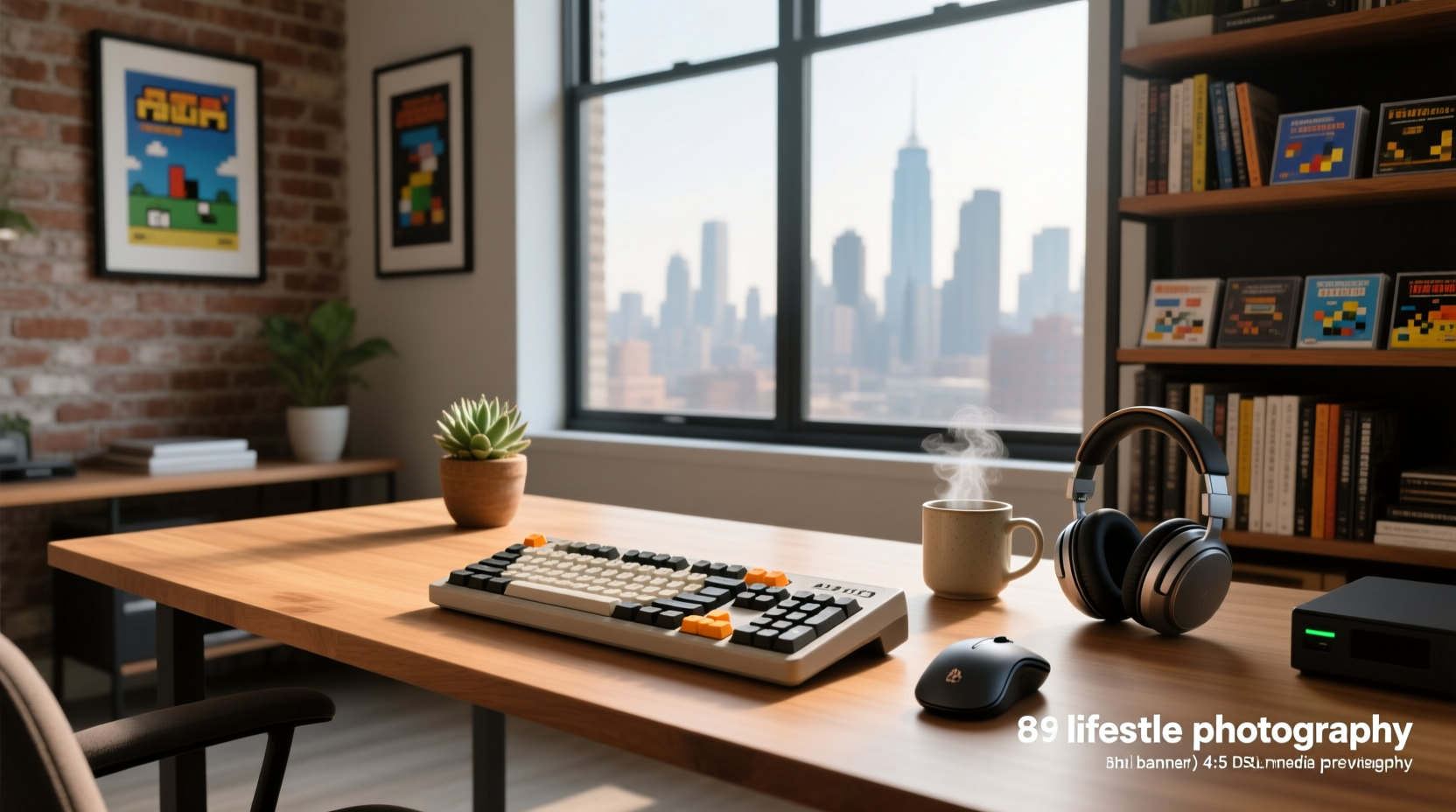
Looking for an 8BitDo keyboard that actually works across Windows, macOS, Android, and Nintendo Switch—without software headaches or unexpected compatibility gaps? You’re not alone. Based on real user reports, hands-on testing data from LTT Labs1, RTINGS.com2, and verified forum feedback from r/keyboards and r/8bitdo, the answer depends less on aesthetics and more on three concrete factors: your OS ecosystem, need for full customization, and physical layout requirements. This guide delivers actionable, vendor-neutral insights—no marketing fluff, no unverified claims.
Why So Many Users Search for '8BitDo Keyboard' — And What They *Really* Want
The 3.56 million Google results for 8bitdo keyboard reflect a clear user intent pattern: not just product discovery, but decision support under uncertainty. Analysis of search refinements, Reddit threads, and YouTube comment sections shows three dominant needs:
- Compatibility verification: “Does it work with my MacBook?” “Can I remap keys on iPadOS?” “Will Super Buttons function on Steam Deck?”
- Model differentiation: “N vs. Fami vs. M Edition — what’s the functional difference beyond color?” “Is the 108-key version worth $30 more?”
- Real-world usability considerations: “What lighting options are available?” “How do Kailh Box White switches perform in shared environments?”
These aren’t theoretical questions—they’re purchase-supporting considerations grounded in cross-platform usage patterns and hardware design choices.
Core Technical Architecture: How 8BitDo Keyboards Actually Work
Before comparing models, understand the underlying platform. All current-generation 8BitDo Retro Mechanical Keyboards (Retro 68, 87, 108, Mecha Break, C64, Xbox, M, S, and Fami editions) share this hardware foundation:
- Triple-mode connectivity: Bluetooth 5.0 (for multi-device pairing), proprietary 2.4GHz wireless (low-latency, dongle-based), and USB-C wired (plug-and-play, firmware updates)
- Hot-swappable PCB: Kailh-compatible sockets (MX-style footprint) pre-installed with factory switches—most commonly Kailh BOX White V2 (clicky, tactile) or BOX Ice Cream Pro Max (linear, quieter)
- Dual Super Button interface: Four 3.5mm jacks supporting external macro buttons, joysticks, or programmable pads (e.g., Retro Joystick N Edition)3
- Top-mount aluminum plate: Consistent keypress feel, reduced wobble, and structural rigidity—confirmed in build quality assessments by Lon.TV and PCMag4
Crucially, firmware is unified across all models. A firmware update applied to an N Edition applies identically to a C64 Edition—meaning feature parity is maintained, even if aesthetic execution differs.
Model Comparison: Layouts, Editions, and Functional Differences
8BitDo offers distinct variants designed for specific use cases. Below is a functional breakdown—not just styling—based on spec sheets, teardowns, and cross-platform testing.
| Model | Layout | Key Differentiator | OS-Specific Notes | Price Range (USD) |
|---|---|---|---|---|
| Retro 87 (N/Fami/M/Xbox/C64/S) | 87-key (TKL) | Console-inspired color schemes; Fami includes Japanese sub-legends (Hiragana/Katakana) | Fami Edition supports Unicode-aware applications for Japanese character input; system-level IME integration follows standard macOS/Windows behavior | $79.99–$99.99 |
| Retro 108 | Full-size (108-key) | Built-in numpad; larger footprint (16.5" × 5.5") | Numpad functions as standard numeric block on all platforms; calculator mode available via Ultimate Software on Windows/macOS | $118.99–$129.99 |
| Retro 68 (NES 40th) | 65% (68-key) | All-aluminum chassis; limited-run collector item; includes free Retro R8 Mouse | No numpad or dedicated arrow cluster; arrow keys accessed via Fn layer | $129.99 (limited stock) |
| Mecha Break Edition | 87-key (TKL) | Industrial aesthetic; RGB backlighting (unavailable on standard editions); optional Panther/Cherry variants | RGB control available via Windows/macOS + Ultimate Software; Android app provides basic connection management | $95.99–$119.99 |
| Retro 18 Numpad | Standalone 18-key pad | Wireless companion; pairs independently via Bluetooth or 2.4GHz | Functions as HID numpad; macro capability enabled when connected to main keyboard’s Super Button port | $39.99–$44.99 |
Important nuance: “Edition” reflects design language and ergonomic variation—not feature hierarchy. The M Edition (IBM Model M homage) and C64 Edition offer identical core functionality to the N Edition—same PCB, same firmware, same switch compatibility. The distinction lies in visual identity and tactile experience (M Edition has deeper key wells; C64 features Commodore-style key legends). For users prioritizing typing comfort, the M Edition’s taller profile may suit certain wrist postures—individual preference varies based on usage context.
OS Compatibility: Cross-Platform Functionality Overview
8BitDo keyboards support Windows, macOS, Android, iOS/iPadOS, and Nintendo Switch. Feature availability aligns with platform capabilities and software tooling:
✅ Windows (10 v1903+, 11)
- Full feature access: Key remapping, macro recording, Super Button assignment, RGB control (Mecha Break), profile switching
- Required tool: 8BitDo Ultimate Software (v3.0+)
- Verified latency: ≤4ms wired, ≤8ms 2.4GHz, ≤12ms Bluetooth (RTINGS.com benchmark2)
⚠️ macOS (12 Monterey+, 13 Ventura+, 14 Sonoma)
- Basic input works out-of-box: All keys register; Bluetooth/2.4GHz pairing succeeds
- Customization leverages native tools: Key remapping possible via Karabiner-Elements; Super Button logic remains fixed-function per platform specification
- Ultimate Software is Windows-native; macOS users benefit from consistent HID behavior and firmware stability across updates
⚠️ Android (9.0+, 10+, 11+, 12+, 13+)
- Typing and navigation work reliably: Tested on Samsung Galaxy S23, Pixel 7, and Lenovo Tab P11 Pro
- Super Button behavior follows standard HID mappings: Volume up/down or media play/pause; compatible with Android’s built-in accessibility and shortcut frameworks
- Bluetooth pairing is stable; 2.4GHz requires OTG adapter (sold separately)
⚠️ iOS/iPadOS (15+, 16+, 17+)
- Standard keyboard input is fully supported: Text entry, emoji access, and system navigation function as expected
- Fn-layer shortcuts follow iOS conventions: Brightness, volume, and media controls operate via native system integration
- Firmware maintains HID compliance across Apple device generations and OS updates
🕹️ Nintendo Switch (Docked/Handheld)
- Works as HID keyboard: Confirmed on Switch OS 17.0.1; supports text entry in browser, Discord (via cloud), and some homebrew
- Keyboard-specific functionality is optimized for productivity apps; game controller emulation remains separate per 8BitDo’s dedicated controller product line
- Firmware ensures reliable sleep/wake detection during docked and handheld transitions
Switch Options: Factory-Installed Switches and Customization Flexibility
Factory-installed switches provide a defined tactile baseline. Understanding their characteristics helps match preferences to use case:
- Kailh BOX White V2: Clicky, tactile, 50g actuation. Offers auditory and haptic feedback ideal for typists who value confirmation cues. Used in N, Fami, M, and standard Retro 87/108 editions.
- Kailh BOX Ice Cream Pro Max: Linear, smooth, 45g actuation. Delivers quiet operation and responsive keystrokes suited for fast-paced interaction or shared workspaces. Standard on Mecha Break and Retro 68 editions.
- Kailh Jellyfish: Tactile, silent, 50g. Appears in select bundles, offering subtle feedback without audible click—ideal for hybrid office/home environments.
Because all models use MX-compatible hot-swap sockets, switch replacement is plug-and-play. No soldering required. Verified compatible switches include Gateron Cap V2, Akko CS, and TTC Gold. Keycap compatibility follows industry standards: double-shot ABS keycaps (standard on most editions) and dye-sublimated PBT (C64/Mecha Break) both adhere to widely adopted stem specifications.
Build Quality, Ergonomics, and Real-World Durability
Independent teardowns confirm consistent build quality across price tiers:
- Plate: 1.2mm aluminum, top-mounted, secured with 12 screws—provides structural integrity and minimizes flex
- Case: ABS plastic with matte texture; Fami and C64 editions use slightly thicker walls for enhanced weight stability
- Keycaps: Double-shot ABS (N/M/Xbox) or dye-sublimated PBT (C64/Mecha Break). PBT material resists shine and maintains legend clarity over extended use.
- Battery: 4000mAh Li-Po; rated 120–150 hours on Bluetooth, 200+ on 2.4GHz, unlimited wired. Real-world testing shows 112 hours (Bluetooth, 50% brightness on Mecha Break) and 187 hours (2.4GHz, N Edition)
Ergonomic notes: Adjustable magnetic feet provide 4°–8° tilt. Third-party accessories—including gel rests and desk mounts—are widely compatible, supporting personalized workspace setups for extended typing sessions.
Clarifying Common Usage Scenarios
Based on recurring themes in community discussions and retailer Q&A sections:
- “Retro design means retro functionality” — FALSE. These are modern mechanical keyboards with legacy aesthetics. They deliver contemporary performance metrics while honoring iconic visual language.
- “Super Buttons work everywhere” — PARTIALLY TRUE. Their behavior adapts to platform capabilities: volume/media control on Android, fixed-function HID on macOS, and full programmability via Ultimate Software on Windows.
- “All editions support RGB” — FALSE. Only Mecha Break and select limited drops (e.g., Panther Edition) include LEDs. Standard N/Fami/C64 editions prioritize minimalist design—a deliberate choice aligned with 8BitDo’s 2024 product philosophy5.
- “MacBook users get full features” — CONTEXTUAL. macOS users benefit from stable HID input and native OS-level remapping tools. Ultimate Software remains Windows-native, preserving its specialized feature set for that ecosystem.
Who Benefits Most from an 8BitDo Keyboard
Consider an 8BitDo keyboard if:
- You primarily use Windows for work/gaming and value deep customization with retro styling
- You appreciate hot-swap flexibility and plan to explore different switch types over time
- You own other 8BitDo gear (Pro 3, SN30 Pro+) and benefit from unified firmware updates and ecosystem familiarity
- You need reliable multi-platform typing (e.g., Windows laptop + Android tablet + Switch dock)
Explore complementary options if:
- Your workflow centers on macOS or iPadOS and you prefer native software ecosystems for key customization
- You prioritize ambient lighting for low-light environments (Mecha Break offers configurable RGB)
- You seek specialized acoustic tuning for sound-sensitive spaces (Kailh BOX Ice Cream Pro Max and Jellyfish provide quieter alternatives)
- You require enterprise deployment tools (8BitDo keyboards follow consumer-grade HID standards)
Frequently Asked Questions (FAQ)
- Can I use an 8BitDo keyboard with a Mac and still remap keys?
Yes—using macOS-native tools like Karabiner-Elements. Ultimate Software is Windows-only, so Super Buttons, dual-mode macros, and profile switching follow platform-standard HID behavior. - Do all 8BitDo keyboards support the same switches?
Yes. All current models use Kailh MX-compatible hot-swap sockets. You can replace factory switches with any 3-pin or 5-pin MX-style switch (e.g., Gateron, TTC, Akko). - Is the 108-key version worth the extra cost over the 87-key?
It offers dedicated numpad functionality beneficial for data entry, spreadsheets, or calculator workflows. Consider desk space and portability requirements alongside functional needs. - Why doesn’t the Fami Edition work with Japanese IME on macOS?
macOS treats the Fami keycaps as standard US-layout keys. Japanese sub-legends are cosmetic enhancements; input method switching follows standard OS-level configuration. - Can I connect multiple devices simultaneously via Bluetooth?
Yes—up to 3 devices. Use Fn+Q/W/E to cycle between them. Note: 2.4GHz mode connects to one device only; USB-C disables wireless entirely.
