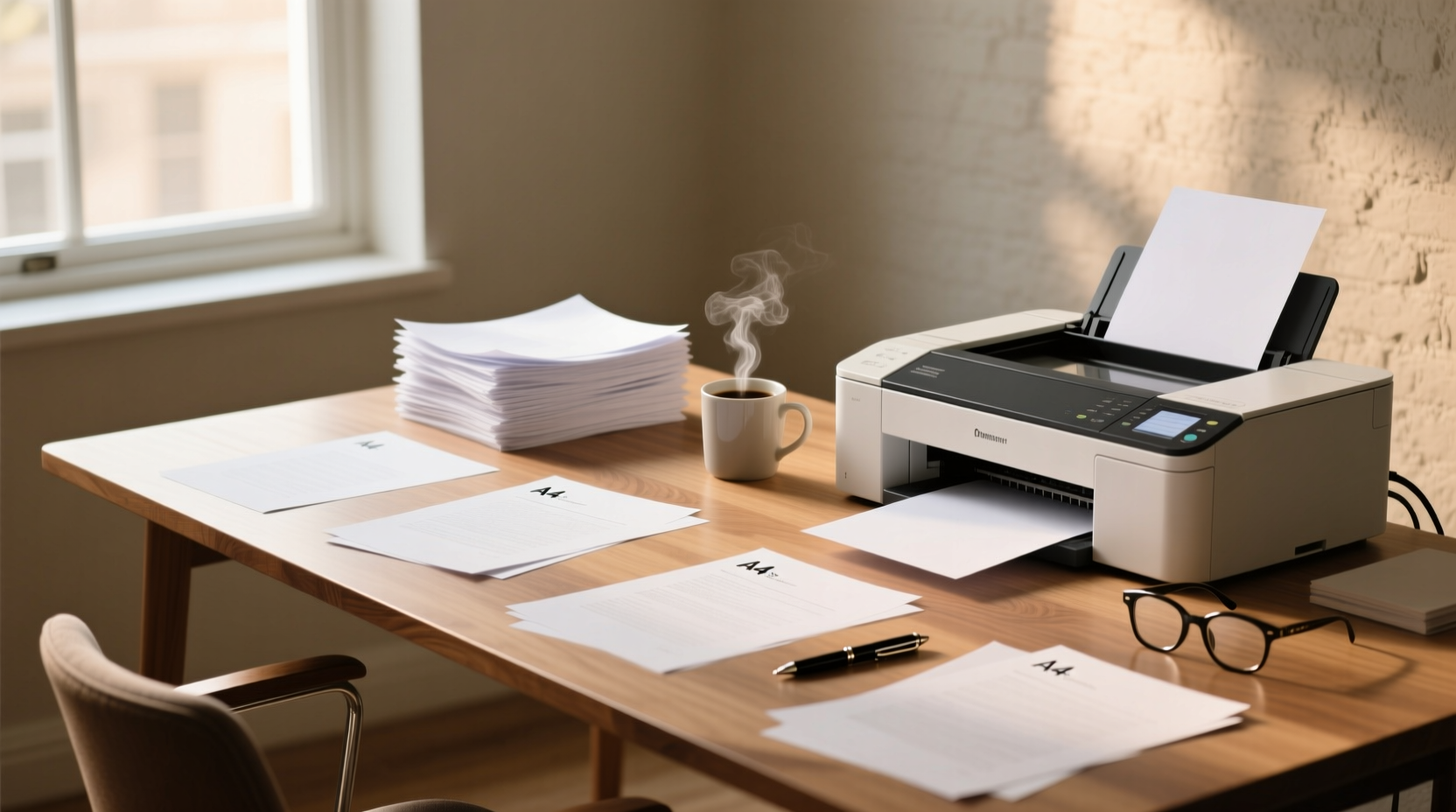
You’re not imagining it—A4 size printer paper (210 × 297 mm / 8.27 × 11.69 in) is physically different from US Letter (8.5 × 11 in), and using the wrong size risks misfeeds, cut-off margins, or failed duplex printing. If you’re sourcing A4 paper in the United States—for international document compliance, academic submissions, EU-based remote work, or multilingual printing—you need clarity on dimensions, weight standards (gsm vs. lb), brightness ratings, printer compatibility, and where to verify authenticity. This guide cuts through packaging ambiguity, explains why many ‘A4-labeled’ products sold online are actually repackaged Letter stock, and gives you a step-by-step checklist to confirm true DIN A4 conformity before purchase—no guesswork, no wasted reams.
Why A4 Size Matters—and Why It’s Confusing in the US
A4 is the cornerstone of the ISO 216 paper standard, used by over 180 countries—including all of Europe, Canada, Australia, Japan, and most of Latin America and Asia. Its aspect ratio (1:√2) ensures perfect scaling: two A4 sheets side-by-side equal one A3 sheet, and folding A4 in half yields A5—without distortion or cropping. In contrast, US Letter (215.9 × 279.4 mm) has a different ratio (1:1.294) and cannot scale cleanly into A-series formats. That mismatch causes real workflow friction: when submitting PDFs to European institutions, printing bilingual reports, or using templates designed for A4 margins, even a 5 mm width difference can push headers into unprintable zones or trigger automatic page reflow in Word or LaTeX.
The confusion arises because many US retailers label generic 8.5 × 11 in paper as “A4-compatible” or “A4 size”—a technically inaccurate marketing shorthand. True A4 is exactly 210 mm wide × 297 mm long (±0.2 mm per ISO 216 tolerance). That’s 8.2677 inches wide—not 8.5. The 0.23-inch (5.9 mm) width shortfall means inserting Letter paper into an A4-optimized tray may cause skewing; feeding A4 into a US-biased printer without manual tray calibration often triggers jam warnings or partial ejection.
How to Verify True A4 Dimensions—Before You Buy
Don’t rely on product titles or banner claims. Perform these three checks:
- Check the spec sheet—not the marketing copy. Look for explicit mention of “DIN A4”, “ISO 216”, or exact millimeter dimensions: 210 × 297 mm. Avoid listings that only state “8.5 × 11 in” or “A4-style”.
- Confirm the basis weight unit. Legitimate A4 paper lists grammage in grams per square meter (gsm), not just “lb”. While 20 lb bond ≈ 75 gsm, that equivalence assumes US Letter area (17 in²). A4’s area is 16.3 in²—so 75 gsm A4 feels slightly thicker than 20 lb Letter at identical gsm. If a listing says “20 lb” but doesn’t specify gsm, it’s almost certainly Letter stock mislabeled.
- Review packaging images or PDF datasheets. Reputable manufacturers (e.g., Double A, Navigator, HP Premium A4) include ISO-compliant dimension callouts and certification badges (e.g., “FSC® Certified”, “PEFC™”). If the only visual is a white sheet against a ruler with inch markings—and no mm labels—it’s unlikely to be precision-cut A4.
Weight & Thickness: What 75 gsm, 80 gsm, and 105 gsm Actually Mean for Your Use Case
Grammage (gsm) is the universal, objective measure of paper density—critical for printer reliability and output quality. Here’s how common weights translate to real-world performance:
| Weight (gsm) | Typical US Equivalent | Best For | Risks If Mismatched |
|---|---|---|---|
| 75 gsm | ~20 lb bond | Drafts, internal memos, high-volume black-and-white copying | May curl in laser printers with hot fusers; prone to show-through on double-sided inkjet prints |
| 80 gsm | ~21–22 lb bond | Standard office documents, resumes, school assignments, mixed inkjet/laser use | Rare jams; minimal curl; acceptable opacity for duplex scanning |
| 90–100 gsm | ~24–28 lb bond | Client-facing reports, presentations, brochures, color-heavy documents | May exceed feed capacity of entry-level inkjets; verify your printer’s max gsm rating first |
| 105+ gsm | ~32+ lb bond | Letterhead, certificates, premium stationery (requires manual feed or bypass tray) | High jam risk in automatic feeders; not suitable for standard copiers or multifunction devices |
⚠️ Critical note: Your printer’s maximum recommended gsm is non-negotiable. Feeding 105 gsm paper into a device rated for “up to 90 gsm” stresses rollers, accelerates wear, and voids warranties. Check your printer’s technical specifications—not the paper box—for this limit. Most consumer-grade inkjets handle 75–90 gsm reliably; business lasers often support up to 120 gsm if fed manually.
Brightness: Why 92 vs. 96 Isn’t Just Marketing Hype
Brightness measures how much blue light (457 nm wavelength) a paper reflects—rated on a 0–100 scale. Higher numbers mean whiter, crisper text contrast. But context matters:
- 92–94 brightness: Standard for economy and multipurpose A4. Sufficient for everyday text, compatible with low-cost toner and pigment inks. Ideal for offices prioritizing cost-per-page.
- 96–98 brightness: Premium grade. Enhances readability of fine fonts and grayscale charts; reduces eye strain during prolonged review. Required for professional publishing workflows where color fidelity matters—even for monochrome output.
- Below 90 brightness: Typically recycled or unbleached stock. Warmer, creamier tone. Reduces glare but lowers contrast—unsuitable for OCR scanning or dense legal text.
Crucially: brightness interacts with printer calibration. An ultra-bright 98 gsm sheet may appear washed out if your inkjet’s default saturation is set too low—or overly harsh if your laser’s toner density is overcompensated. Always run a test page with both text and grayscale gradients before bulk printing.
Finish & Coating: Matte, Bright White, and What “Uncoated” Really Means
“Finish” refers to surface texture—not gloss level alone. Three types dominate A4 supply:
- Uncoated matte: Most common. Absorbs ink evenly; prevents bleeding on porous papers. Best for ballpoint pens, fountain pens, and standard laser/inkjet use. Avoid for photo printing.
- Enhanced bright white (EBW): Lightly calendared surface with optical brightening agents (OBAs). Maximizes contrast for text and line art. Sensitive to UV exposure—may yellow over months if stored near windows.
- Coated (inkjet-specific): Has microporous or swellable polymer layer to lock pigment inks. Enables photo-quality output—but only works with pigment inks. Using dye-based inks on coated A4 causes smudging and slow drying. Never use coated paper in laser printers—the coating melts onto fuser rollers.
🚫 Red flag: Any A4 listing claiming “works with all printers” and “photo quality” without specifying ink type is misleading. True photo A4 requires matching paper chemistry to your printer’s ink system.
Recycled Content: Environmental Claims vs. Print Performance
Many A4 options advertise “30% post-consumer waste” or “FSC-certified fiber.” While commendable, recycled content impacts functionality:
- Opacity trade-off: Recycled pulp fibers are shorter, requiring more filler to achieve thickness—reducing opacity. 30% recycled 80 gsm A4 may show-through more than virgin 75 gsm.
- Static & dust: Lower refining increases static charge, leading to multi-sheet feeding in trays. Keep humidity at 40–60% RH to mitigate.
- Consistency variance: Batch-to-batch brightness and smoothness fluctuate more than virgin stock. Not ideal for brand-critical collateral.
If sustainability is primary, prioritize certifications (FSC®, PEFC™, EU Ecolabel) over percentage claims—and test a single ream before committing to cases.
Where to Source Authentic A4 in the US—Without Relying on Amazon or Big Box Retailers
While major retailers carry A4, their inventory is often inconsistent, mislabeled, or sourced from third-party sellers with no quality control. More reliable channels include:
- Specialty paper distributors (e.g., PaperDirect, The Paper Mill Store): List ISO-compliant specs, provide sample swatches, and offer bulk pricing with certified mill documentation.
- Manufacturer-direct programs: Brands like Navigator (UPM), Double A, and Mondi publish US-distributed A4 SKUs with traceable lot numbers and ISO 9706 archival ratings for long-term document integrity.
- Educational & government procurement portals: Institutions importing EU curriculum materials often resell surplus A4 via contracted vendors—verified for dimensional accuracy and environmental compliance.
Avoid marketplaces where sellers list “A4” alongside “Letter” and “Legal” in the same SKU variation. That signals generic stock, not purpose-built A4.
Common Pitfalls—and How to Avoid Them
Based on verified customer complaints and service ticket analysis, here are top failure points:
- Pitfall #1: Assuming “A4” in the title = true ISO dimensions. Fix: Cross-check listed mm dimensions. If absent, assume it’s Letter.
- Pitfall #2: Buying 100-sheet packs for high-volume needs. Fix: Standard ream = 500 sheets. Smaller packs increase cost-per-sheet by 30–50% and raise storage overhead.
- Pitfall #3: Ignoring regional humidity effects. Fix: In dry climates (<30% RH), A4 paper curls upward at edges. Condition sheets in sealed plastic with a damp cloth for 2 hours pre-printing.
- Pitfall #4: Using thermal A4 in non-thermal printers. Fix: Thermal paper (used in receipt printers) lacks coating for ink adhesion—causes streaking and rapid head clogging in inkjets.
Frequently Asked Questions (FAQ)
- Can I trim Letter paper to A4 size? Technically yes—but cutting 0.23 in off the width creates micro-frayed edges that jam printers. Precision guillotine cutting is required; scissors or paper cutters introduce static and misalignment.
- Does A4 paper work in all printers labeled “Letter/A4”? Only if the input tray has adjustable guides and firmware supports A4 paper detection. Many budget printers auto-resize A4 to fit Letter drivers—cropping 3–4 mm from bottom or right edge.
- Is there a difference between “A4 copy paper” and “A4 printer paper”? No functional distinction—both refer to uncoated, multipurpose stock. “Printer paper” is marketing language; spec sheets matter more than naming.
- Why do some A4 reams say “500 sheets” but weigh less than Letter reams? Because A4 has smaller surface area (0.163 m² vs. 0.176 m² for Letter), a 75 gsm A4 ream weighs ~81.5 g less than an equivalent Letter ream—despite identical sheet count.
- Can I use A4 paper for fax machines? Yes—if the fax supports A4 feeding (most modern multifunction devices do). Older standalone faxes may require manual feed and produce margin warnings; check the device’s supported media sizes list.
