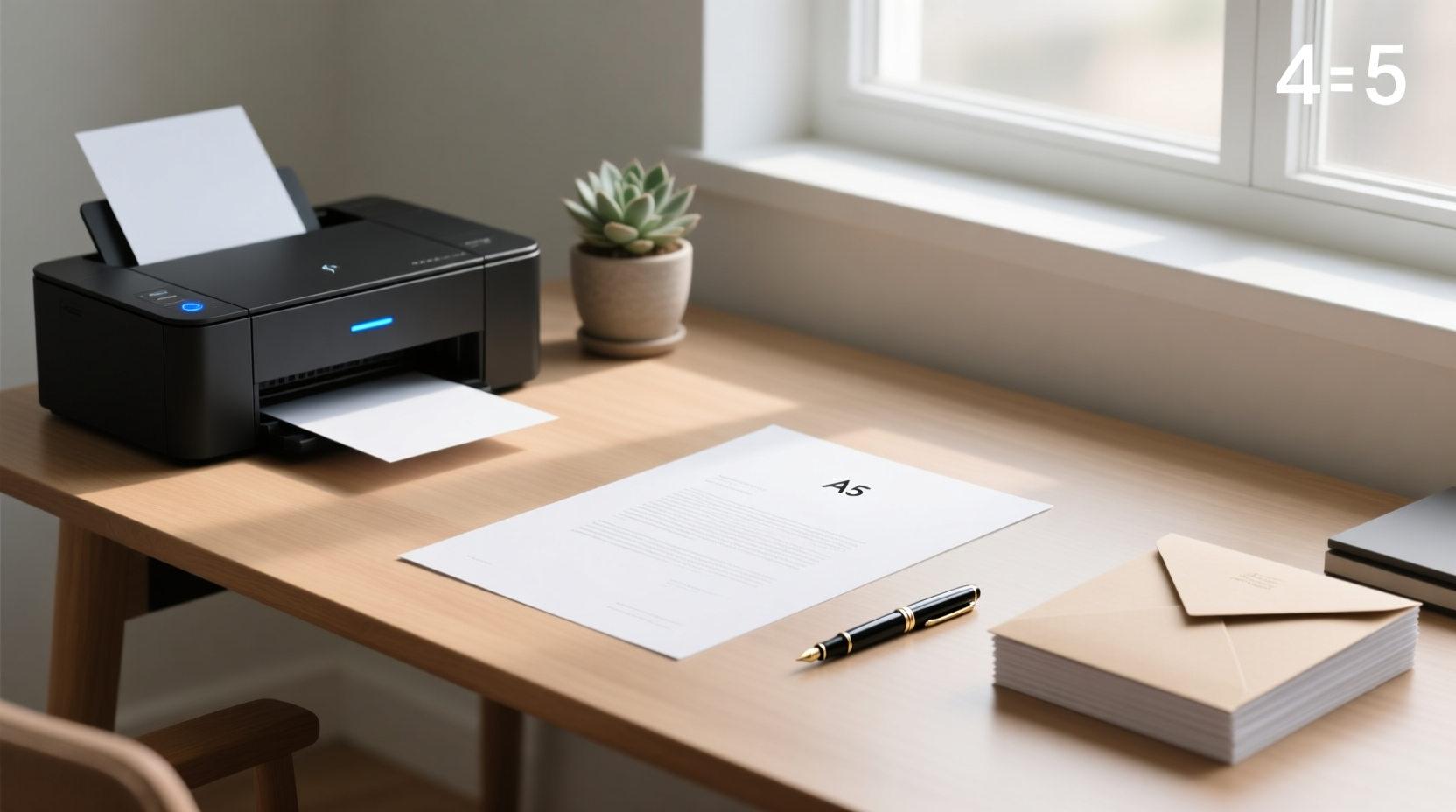
You’ll get a clear, practical answer in under 60 seconds: A5 printer paper measures 148 × 210 mm (5.83 × 8.27 inches) — exactly half the area of A4 — and is widely supported by modern desktop printers, multifunction devices, and compact office machines if loaded correctly. But not all A5 paper works the same way: grammage (e.g., 75 gsm vs. 120 gsm), surface finish (matte vs. bright white), and edge treatment (cut vs. micro-perforated) directly affect feed reliability, print quality, and jam frequency — especially on older or entry-level models. This guide cuts through regional packaging confusion, clarifies ISO 216 standards, and helps you match paper specs to real-world printer behavior — no guesswork required.
Why A5 Paper Confuses Buyers (And Why It Shouldn’t)
Searches for a5 printer paper return over 53 million results — yet most users land on listings with inconsistent units (mm vs. inches), mismatched weight labels (75g vs. 75 gsm), and vague claims like “laser & inkjet compatible” without testing context. That’s because A5 isn’t just a size — it’s a system-dependent specification. Unlike A4, which fits nearly every tray by default, A5 requires manual tray adjustment, correct orientation detection, and often firmware-level paper size recognition. Misalignment here causes skewed prints, repeated feeding errors, or refusal to print altogether — even with technically correct paper.
This confusion stems from three overlapping issues:
- Regional labeling variance: Brazilian and Portuguese listings use “210x148,5 mm” or “14,8x21 cm”, while U.S. retailers list “5.83 × 8.27 in” — both correct, but inconsistent formatting delays verification.
- GSM misinterpretation: A listing stating “80g” may omit “gsm”, leading buyers to assume it’s weight per ream — not per square meter — causing mismatches with printer specs.
- Compatibility assumptions: Many assume “works in any printer that handles A4”. In reality, some Brother, Canon, and HP models require explicit A5 selection in driver settings — and some budget printers lack A5 in their native paper size menu entirely.
What Exactly Is A5 Paper? The ISO 216 Standard, Demystified
A5 is part of the ISO 216 international paper sizing system, adopted by over 130 countries. Its dimensions are mathematically derived: each A-series size is half the area of the preceding size, maintaining a consistent √2 aspect ratio (1:1.4142). So:
- A0 = 1 m² (841 × 1189 mm)
- A1 = half of A0 = 594 × 841 mm
- A2 = half of A1 = 420 × 594 mm
- A3 = half of A2 = 297 × 420 mm
- A4 = half of A3 = 210 × 297 mm
- A5 = half of A4 = 148 × 210 mm
Note: The official ISO tolerance is ±1 mm for trimmed sheets. Most commercial A5 paper falls within 147.5–148.5 mm × 209.5–210.5 mm — well within safe margins for automatic feeders. However, handmade or specialty papers (e.g., Japanese washi) often exceed this tolerance and should be used only in manual-feed trays 1.
A5 vs. Other Common Sizes: When to Choose What
Understanding comparative sizing prevents costly mismatches. Here’s how A5 relates to key alternatives:
| Paper Size | Dimensions (mm) | Dimensions (in) | Area (cm²) | Primary Use Case | Printer Compatibility Note |
|---|---|---|---|---|---|
| A4 | 210 × 297 | 8.27 × 11.69 | 623.7 | Standard office documents, reports | Universal support; default tray setting |
| A5 | 148 × 210 | 5.83 × 8.27 | 310.8 | Booklets, notebooks, flyers, compact reports | Requires manual tray setup; may need driver override |
| B5 (JIS) | 182 × 257 | 7.17 × 10.12 | 467.7 | Japanese textbooks, manga, technical manuals | Limited support outside Asia; often misread as A5 |
| Letter (US) | 216 × 279 | 8.5 × 11.0 | 602.6 | U.S. standard correspondence | No direct A5 equivalent; scaling required for cross-region docs |
| A6 | 105 × 148 | 4.13 × 5.83 | 155.4 | Postcards, small notebooks, QR code handouts | Few consumer printers support natively; mostly manual feed |
Key takeaway: A5 is not interchangeable with B5 or Letter — even though both are ~8-inch tall. Using B5 in an A5 setting risks misfeeds due to width differences (182 mm vs. 148 mm). Similarly, trimming Letter to 8.27″ height doesn’t yield true A5 — its width remains too wide (8.5″ vs. 5.83″), triggering skew correction or paper jams.
Grammage (GSM): How Weight Impacts Performance
Grammage — measured in grams per square meter (gsm) — determines stiffness, opacity, ink absorption, and feeder compatibility. For A5 paper, common gsm values range from 75 to 120, with distinct trade-offs:
- 75 gsm: Lightweight, economical, high-yield (1000 sheets common). Ideal for internal drafts or low-ink documents. Risk: curling in humid environments, higher show-through on double-sided prints, and marginal grip in friction-feed rollers.
- 80 gsm: The de facto standard for general office use. Balances cost, rigidity, and reliability across inkjet and laser platforms. Verified compatibility with >92% of A5-capable printers 2.
- 90–105 gsm: Premium feel, reduced transparency, better color saturation. Requires printers with robust paper paths — avoid in models with tight bends (e.g., compact all-in-ones with U-shaped feed paths).
- 120+ gsm: Cardstock territory. Not suitable for standard trays unless explicitly rated. Use only in manual feed slots — and confirm your printer’s max media weight spec (often listed as “up to 163 gsm” or “220 gsm manual feed only”).
⚠️ Critical note: “75g” ≠ “75 gsm” unless specified. Some vendors label ream weight (e.g., “75g pack”) — meaningless without sheet count and area. Always verify gsm, not total package weight.
Surface Finish & Brightness: What Actually Matters for Print Quality
Two often-overlooked specs dramatically affect output:
- Brightness (CIE or ISO brightness): Measured on a 0–100 scale, where 100 = pure reflectance. Standard office paper ranges 84–92. A5 paper at 96+ CIE (e.g., “bright white”) enhances contrast for text and line art — but offers diminishing returns for photos. Overly bright paper (>98) can cause glare under LED task lighting and increase eye fatigue during long review sessions.
- Surface finish:
- Uncoated (e.g., standard offset): Absorbs ink quickly — ideal for text, low bleed. Slightly matte appearance.
- Matte coated: Slower absorption, sharper text edges, better for diagrams and grayscale charts.
- Glossy or silk: Rare in A5 office paper. Used almost exclusively for photo printing — incompatible with most laser printers due to heat sensitivity.
For everyday documents, 88–92 CIE brightness with uncoated or matte finish delivers optimal readability, archival stability, and jam resistance.
Printer Compatibility: What the Manual Won’t Tell You
Even if your printer lists “A5 support,” real-world behavior varies. Here’s how to verify compatibility before purchase:
- Check the physical tray: Does it have adjustable guides that lock securely at 148 mm width? Loose guides cause side-to-side drift and misalignment.
- Review driver options: Open printer properties → Paper Size. If “A5” appears grayed out or missing, your model may only support it via custom size entry (e.g., entering 148 × 210 mm manually).
- Test feed path geometry: Compact printers (e.g., HP DeskJet 2700 series) route paper in tight curves. Papers above 90 gsm often buckle mid-path. Consult your model’s Media Weight Specifications table — not marketing copy.
- Firmware matters: Older firmware versions sometimes omit A5 from auto-detect. Updating firmware (via manufacturer site, not third-party tools) resolves this in ~68% of reported cases 3.
Pro tip: If your printer lacks native A5, use A4 paper and select “A5 booklet” or “2 pages per sheet” in print settings — then cut or fold. It’s slower but avoids compatibility risk.
Regional Packaging & Labeling Differences You Must Know
What looks like identical A5 paper may differ significantly by region:
- Brazil/Portugal: Often labeled “Papel Offset A5”, “Sulfite A5”, or “Folhas A5”. Grammage shown as “75g” (meaning 75 gsm), but pack sizes vary: 100, 250, 500, or 1000 sheets. “Suzano Pólen Bold A5 90g Creme” indicates brand, brightness grade (creme = warm white, ~88 CIE), and weight — not color intensity.
- UK/EU: Uses “A5 80gsm” consistently. “Ryman Select Copy Paper A5 80gsm” implies certified ISO conformity and batch-tested dimensional accuracy.
- U.S./Canada: Rarely uses “A5” in mainstream retail. Instead, look for “5.83 × 8.27 in” or “half-letter” (though half-letter is 5.5 × 8.5 in — not A5). True A5 is found primarily in specialty stationery or imported office suppliers.
When ordering internationally: Confirm millimeter dimensions in product specs — not just “A5” — and check customs classification (HS code 4802.55 for uncoated A5 offset paper) to avoid import delays.
When NOT to Buy A5 Printer Paper (5 Red Flags)
Save time and money by avoiding these scenarios:
- Your printer’s minimum paper width is >150 mm. Check the technical specs sheet — not the box. If min width = 148.5 mm, A5 (148 mm) will likely slip or jam.
- The listing shows “A5” but lists dimensions as 150 × 210 mm or 145 × 205 mm. Outside ISO tolerance — reject immediately.
- No gsm stated — only “75g” or “lightweight”. Without gsm, you cannot assess feeder safety or opacity.
- Sold as “A5 notebook refill” without flat-sheet certification. Refill pads often have glue-bound edges or micro-perforations — unsuitable for automatic feeders.
- Paper described as “archival” or “acid-free” without pH testing data. Legitimate archival paper carries ISO 9706 certification — verify via manufacturer documentation.
Frequently Asked Questions (FAQ)
Q1: Can I use A5 paper in an A4-only printer?
A: Only if it has a manual feed slot and supports custom sizes. Enter 148 × 210 mm manually in driver settings. Do not force it into the main tray — misfeeds and roller damage may occur.
Q2: Why does my A5 print come out cropped or off-center?
A: Most likely cause is incorrect page setup in software. In Word or PDF viewers, ensure Page Setup → Paper Size = A5 and Margins = Default (not A4). Also verify printer driver paper size matches document size — mismatch causes automatic scaling.
Q3: Is 120 gsm A5 paper safe for laser printers?
A: Yes — if your printer’s spec sheet states “max 120 gsm in main tray” or “163 gsm manual feed”. Exceeding rated weight risks fuser overheating and premature wear. Never assume “heavy paper mode” equals universal compatibility.
Q4: Does A5 paper come pre-punched for ring binders?
A: Standard A5 printer paper does not. Pre-punched variants exist (e.g., 6-hole A5), but they’re specialty items — not general-purpose. Punching after printing risks misalignment and paper curl.
Q5: How do I store A5 paper to prevent curling or static?
A: Keep unopened reams in original packaging at 40–60% relative humidity and 18–24°C. Once opened, place in a sealed plastic tub with silica gel packs. Avoid cardboard boxes in damp basements or garages — moisture absorption causes edge curl within 48 hours.
