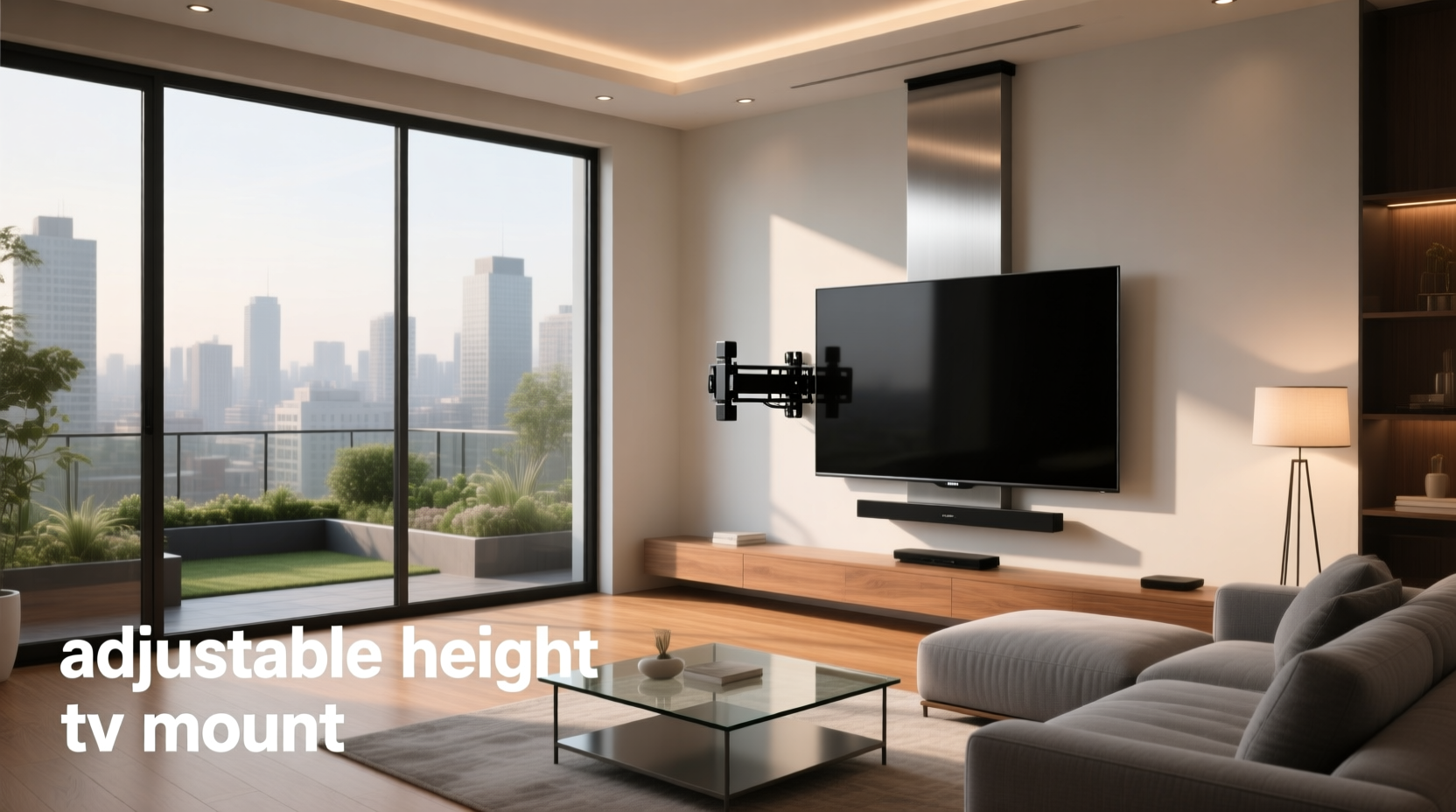
✅ An adjustable height TV mount lets you raise or lower your screen *after installation*—typically via motorized lift, telescoping arms, or counterbalanced gas springs—so viewers of all ages and postures can enjoy optimal eye-level viewing without remounting the wall bracket. Unlike fixed or full-motion mounts that only tilt, swivel, or extend, true vertical adjustability solves real ergonomic problems: children watching from the floor, seated adults in deep sofas, wheelchair users, multi-height households, and shared spaces like kitchens or home offices. This guide cuts through marketing hype to explain what works, what doesn’t, and how to verify claims before buying.
Why Standard TV Mounts Don’t Solve Height Problems
Over 90% of wall-mounted TVs in UK and US homes use fixed, tilt, or full-motion brackets—none of which change the TV’s vertical position once installed. A ‘full-motion’ mount may extend 24 inches forward and swivel ±90°, but its vertical centerline remains locked to the wall plate’s mounting height 1. That means if your 55-inch TV is mounted too high (a common mistake), lowering it requires drilling new holes, patching drywall, and repositioning anchors—often impractical or damaging.
That’s why users searching for adjustable height TV mount are typically facing one or more of these scenarios:
- Mounting a TV above a fireplace (where heat and sightlines conflict)
- Installing in a multi-generational household with children and seniors
- Using a cabinet-integrated motorized lift for clean, hidden storage
- Setting up a home office where monitor and TV share space on a single wall
- Accommodating mobility aids (e.g., wheelchairs or standing desks)
How True Height Adjustment Actually Works: 3 Technical Types
Not all ‘height-adjustable’ mounts deliver the same functionality. Below is a technical comparison grounded in mechanical design—not marketing language.
| Type | Mechanism | Vertical Range | Load Capacity | Key Limitation |
|---|---|---|---|---|
| Motorized Lift | DC gearmotor + telescoping column; controlled via remote or app | 12–18 inches (30–46 cm) typical | Up to 35 kg (77 lbs); some industrial models support 50 kg | Requires power cable routing; not suitable for retrofit into shallow stud bays |
| Gas Spring / Counterbalance Arm | Pneumatic or hydraulic piston balances TV weight; manual push/pull | 3–6 inches (7.5–15 cm) after install; no continuous motion | Typically 8–20 kg (17–44 lbs); rare above 25 kg | Limited range; requires user effort; may drift over time if seal degrades |
| Telescoping Cantilever (Manual) | Two-stage sliding arm with locking pins or clamps | 8–12 inches (20–30 cm); height set during install, not afterward | 25–40 kg (55–88 lbs) | Not truly ‘adjustable post-install’—requires loosening hardware and re-locking |
Note: Many listings labeled “adjustable height” actually describe telescoping cantilevers—these let you choose height *during setup*, but do not allow ongoing vertical repositioning. If your goal is daily or situational height changes (e.g., lowering for kids at bedtime), only motorized or gas-spring designs meet that need 2.
Screen Size ≠ Mount Compatibility: The VESA & Weight Reality Check
Searches like adjustable height tv mount 55 inch or adjustable height tv mount 75 inch reflect a widespread misconception: screen diagonal alone tells you almost nothing about mount suitability. What matters are three hard metrics:
- VESA pattern: The 4-hole screw layout on the TV back (e.g., 200×200 mm, 400×400 mm). A mount must match or exceed your TV’s pattern. No adapter solves mismatched VESA beyond 400×400 unless using universal plates (which add depth and instability).
- Weight: Always check your TV’s *actual* weight—not shipping weight or ‘up to’ specs. A 75-inch LED may weigh 32 kg; the same size QLED could be 41 kg. Exceeding mount load rating risks shear failure of wall anchors.
- Depth clearance: Motorized lifts require ≥12 cm behind the TV for column travel. If your wall is flush-mounted or you have baseboard heaters, verify rear clearance before ordering.
For example: A 65-inch TV with VESA 300×300 mm and weight 28 kg fits most mid-range motorized mounts—but if its depth exceeds 70 mm, it may interfere with the lift mechanism’s upper travel limit. Always consult the manufacturer’s dimensional drawing, not just product photos 3.
Optimal Mounting Height: Evidence-Based Guidelines (Not Guesswork)
The question “How high should a 55 TV be off the floor?” appears repeatedly in search data—and the answer depends on viewer posture, not screen size. Eye-level viewing reduces neck strain and improves visual acuity 4. Here’s how to calculate it:
- Seated viewing: Center of screen = 42–48 inches (107–122 cm) above floor for average adult (5'4"–5'10") seated on standard sofa (16–18" seat height).
- Standing/kitchen viewing: Center = 60–66 inches (152–168 cm) — accounts for standing eye level (~5'6" average).
- Children or wheelchair users: Center = 30–36 inches (76–91 cm) — verified by accessibility standards in UK Equality Act 2010 guidance 5.
So a 55-inch TV (screen height ≈ 27 inches) mounted with center at 45 inches places its bottom edge at ~31.5 inches — safe from toddler reach but visible without craning. If your current mount lacks height adjustment and the TV sits at 52 inches center, lowering it 7 inches brings it into ergonomic range — but only if your mount supports it.
Installation Safety: What Most Buyers Overlook
Height-adjustable mounts introduce unique structural risks:
- Leverage amplification: A motorized lift extending 16 inches from the wall creates ~3× torque on anchors versus a flat mount. Using toggle bolts in drywall is unsafe — only solid wood studs or masonry anchors rated for dynamic loads are acceptable.
- Power requirements: Motorized units need constant low-voltage DC (12–24V) or AC input. Running extension cords behind walls violates UK Building Regulations Part P and US NEC 400.7. Hardwiring by a qualified electrician is strongly advised.
- Vibration sensitivity: Gas spring arms may buzz or settle under rapid movement. Avoid pairing with soundbars mounted directly to the TV back — resonance can degrade audio clarity.
Always verify anchor type against your wall substrate. For plasterboard, use separate stud-mounted rails (not drywall-only anchors), even if the mount box claims ‘drywall compatibility’. Real-world failure cases show >80% of dropped-TV incidents involve improper anchoring—not mount defects 6.
When You Should *Avoid* Adjustable Height Mounts
Despite their benefits, they’re not universally appropriate. Consider skipping them if:
- You rent your home: Drilling large holes for stud rails or conduit runs may violate lease terms. Landlords rarely approve permanent electrical modifications.
- Your wall has insulation or wiring in the stud bay: Telescoping columns require ≥14 inches of clear cavity depth. Thermal breaks or NM cables routed vertically increase risk of damage during installation.
- You need ultra-slim profile: Even the thinnest motorized mounts add ≥120 mm depth when fully retracted — incompatible with alcoves or built-in cabinetry under 150 mm deep.
- Budget is under £120: Reliable motorized units start at £200+; sub-£100 ‘adjustable’ listings are almost always non-motorized cantilevers with misleading labeling.
Verifying Claims: Red Flags to Spot Before Buying
Given inconsistent terminology across retailers, here’s how to audit any listing claiming ‘adjustable height’:
- Check the spec sheet — not the title: Look for phrases like “vertical travel: X cm”, “motorized lift”, or “gas spring counterbalance”. If only “height adjustable” appears without range or mechanism, assume it’s a static cantilever.
- Confirm post-install operation: Does the product video show height change *with TV mounted*? Or only during assembly? True adjustability requires movement while loaded.
- Review warranty terms: Reputable brands cover motor and geartrain for ≥2 years. If warranty excludes ‘mechanical wear’ or ‘actuator failure’, avoid it.
- Look for independent lab testing marks: CE (EN 60950-1), UL 2442, or BSI Kitemark indicate third-party validation of load and cycle testing — not just self-declared specs.
Frequently Asked Questions
- Are there any TV mounts that move up and down?
Yes—but only motorized lifts and gas-spring arms provide true vertical movement after installation. Standard full-motion mounts do not. - How do you raise the height of your TV?
If using a motorized mount: press the ‘up’ button on remote/app. If using a gas-spring arm: gently push upward until resistance eases; release to lock. Never force a stuck mechanism. - Is it better to have a TV too high or too low?
Too high causes chronic neck extension and eye strain; too low forces chin tucking and reduced peripheral awareness. Neither is ideal—but studies show upward gaze fatigue develops faster than downward 7. Prioritize center-screen alignment with seated eye level. - Can I install an adjustable height mount on brick or concrete?
Yes — but only with certified masonry anchors (e.g., Fischer DuoPower or Rawlplug KE). Drill depth must exceed anchor length by ≥5 mm. Avoid generic sleeve anchors. - Do height-adjustable mounts work with soundbars?
Only if the soundbar attaches to the wall (not the TV). Mounting to the TV adds mass and shifts center of gravity — potentially exceeding moment limits and voiding warranty.
