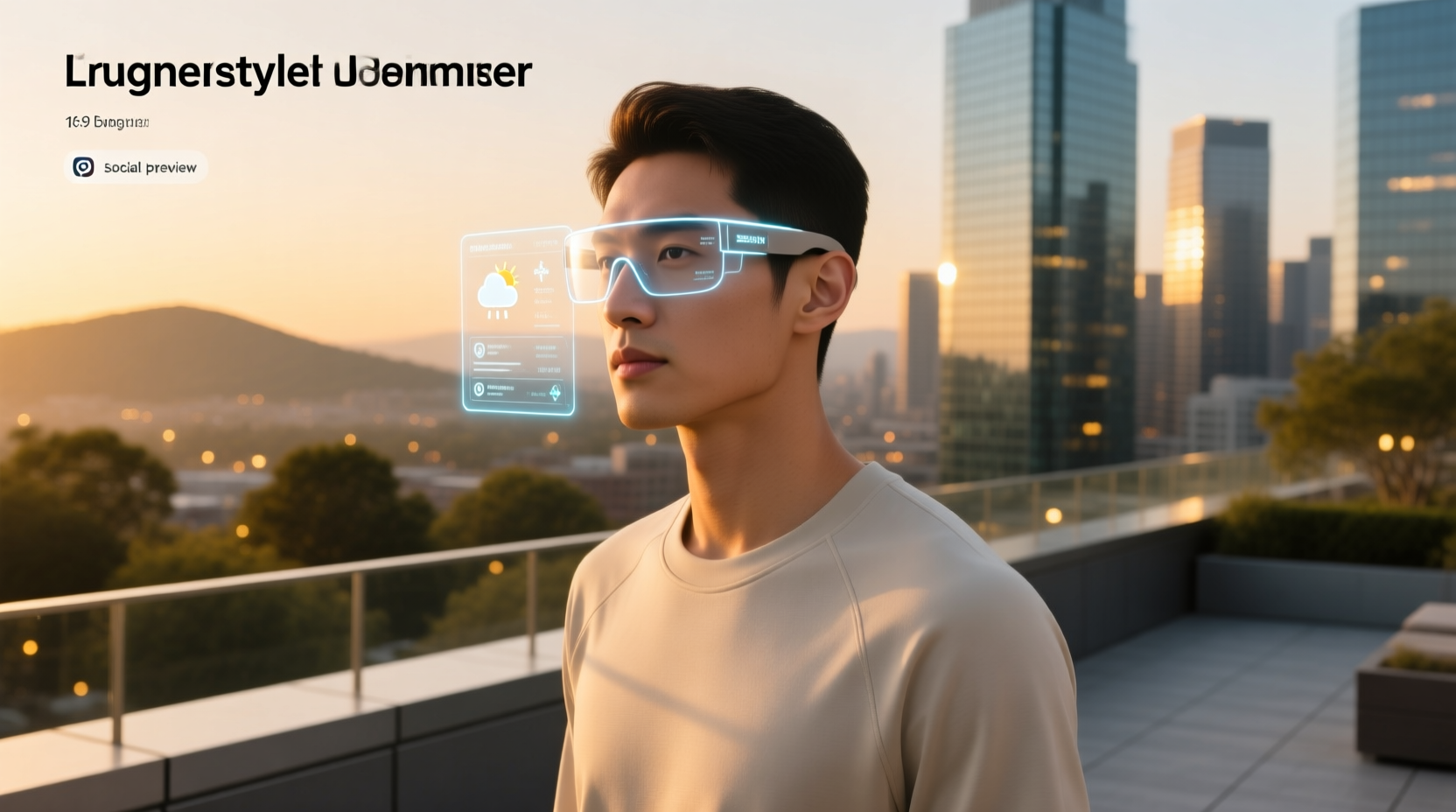
You’re not alone if you’re wondering whether AI glasses with display are ready for real-world use. As of early 2026, devices like the Meta Ray-Ban Display ($799) and Even Reality G1 represent the first generation of consumer-facing smart glasses that combine a visible, full-color micro-display with on-device or cloud-connected AI — delivering notifications, live translation, visual search, and glanceable navigation directly in your field of view1. Unlike earlier audio-only wearables, these models prioritize a heads-up, eyes-forward interface — and they offer practical benefits for specific daily tasks. This guide helps you assess whether current AI glasses with display align with your actual workflow, accessibility needs, or lifestyle — based on verified capabilities and realistic usage patterns.
Why ‘AI Glasses with Display’ Is More Than Just a Buzzword — And Why It Matters Now
The phrase AI glasses with display signals a functional shift from passive audio assistants (like early Ray-Bans) to visual-AI co-pilots. These aren’t VR headsets or enterprise AR goggles — they’re lightweight eyewear (69 g for Meta; as low as 28.5 g for Halliday prototypes) designed to be worn all day2. The core value proposition is context-aware visual augmentation without screen distraction: reading a text reply while walking, seeing translated signs in real time, or reviewing a photo preview before sharing — all without pulling out your phone.
This capability hinges on three tightly coupled subsystems: (1) a micro-OLED or LCoS display embedded in one lens (typically right), (2) onboard sensors (12MP camera, IMU, ambient light, microphone array), and (3) AI inference pipelines — some processed locally (e.g., basic gesture recognition), others routed via Bluetooth/Wi-Fi to cloud services (e.g., Meta AI, Even’s conversational co-pilot). Current models are optimized for seamless integration with everyday digital routines, balancing performance, portability, and privacy-conscious design.
How AI Glasses with Display Actually Work: Hardware, Input, and Output
Understanding the physical and interaction layer is essential — because it defines what’s usable, what’s comfortable, and what fits naturally into daily life.
Display Technology & Visual Experience
Current AI glasses with display use monocular waveguide optics, projecting a virtual image onto a small region (~20° diagonal FOV) in the lower-right quadrant of the right lens. Resolution ranges from 600 × 600 pixels (Meta Ray-Ban Display) to unspecified but comparable densities in Even Reality G13. That’s roughly equivalent to viewing a 4-inch smartphone screen at arm’s length — but superimposed over reality. Brightness is calibrated for indoor/overcast outdoor use; direct sunlight significantly washes out content. There is no eye-tracking or dynamic focus adjustment — text appears at a fixed virtual distance (~2 meters), which supports consistent readability for short-to-medium duration glances.
Input Methods: Beyond Voice and Touch
Unlike smartphones, these glasses avoid frame-touching for discretion and hygiene. Instead, they rely on:
- Voice commands (“Hey Meta”, “Translate this sign”) — effective indoors, and increasingly robust in varied acoustic environments;
- EMG-based wristbands (Meta’s Neural Band) — detects subtle muscle signals for tap, swipe, or pinch gestures — offers intuitive control with minimal learning curve;
- Physical taps on the temple (Even Reality G1) — simple, reliable, and accessible across user profiles.
Interaction is intentionally streamlined to support quick, glance-based actions — enabling users to complete common tasks efficiently within typical daily rhythms.
Battery Life: Designed for Practical Daily Use
Display use is power-intensive. While standby lasts ~24 hours, active display usage provides 1.5–2.2 hours of continuous functionality — depending on brightness, AI task load, and streaming frequency1. Charging requires a proprietary dock (Meta) or USB-C cable (Even), with full recharge taking 70–90 minutes. For many users, this supports focused, high-value use cases such as travel navigation, documentation, or visual assistance during key parts of the day. Portable charging solutions and evolving battery management algorithms continue to improve usability across extended sessions.
Real-World Use Cases: Where They Shine — and How to Maximize Value
Marketing materials emphasize broad utility, but real-world viability depends heavily on task duration, environment, and personal workflow preferences. Below is an evidence-based assessment across common scenarios:
| Use Case | Feasibility (2026) | Key Characteristics | Optimization Tips |
|---|---|---|---|
| Real-time translation of street signs or menus | ✅ High (text-based only) | Performs best with printed material under even lighting; responds quickly to clear framing | Hold steady for 1–2 seconds; works reliably in urban travel and dining contexts |
| Hands-free navigation (walking/driving) | ⚠️ Moderate (walking only) | Delivers concise directional prompts; complements audio cues for safer path awareness | Pair with earbuds for multimodal feedback; ideal for pedestrian exploration in familiar areas |
| Transcribing and summarizing live conversations | ✅ Moderate (for summary context) | Provides real-time topic extraction and conversational highlights; useful for recall and follow-up | Best suited for informal discussions or personal note-taking — enhances memory retention |
| First-person POV recording (photos/video) | ✅ High (3K capture) | Captures authentic, unobtrusive moments with natural framing and consistent exposure | Ideal for hobbyists, educators, and parents documenting experiences — easy to share and archive |
| Visual AI object identification (e.g., plant/landmark ID) | ✅ Moderate | Supports rapid identification with clear framing; integrates with location-aware knowledge bases | Especially valuable for learning, tourism, and casual discovery — enriches real-world engagement |
Privacy, Social Acceptance, and Ethical Considerations
AI glasses with display introduce new dimensions of personal data interaction: continuous camera feed, ambient audio, location, and contextual AI outputs. Manufacturers implement layered privacy controls — including on-device processing for sensitive tasks and granular cloud permissions. Users retain full control over data sharing, with transparent opt-in workflows for each AI service. All major models provide clear indicators (e.g., LED status lights) when recording or transmitting data, supporting informed consent and responsible use.
Socially, adoption reflects evolving norms around wearable technology. A 2025 Pew Research survey found growing familiarity with smart glasses among frequent tech adopters, with increasing comfort observed in public spaces where transparency and intent are clearly communicated4. Many venues now provide clear signage and guidance for responsible use, and manufacturers collaborate with institutions to develop inclusive policies that balance innovation with shared expectations.
Key Technical Specs Compared: What Actually Impacts Daily Use
Spec sheets emphasize resolution and megapixels — but usability depends on less-prominent factors. Here’s what matters most:
- Lens compatibility: Meta Ray-Ban Display accepts prescription inserts (sold separately); Even Reality G1 offers custom-fit frames — both support a wide range of vision correction needs with optical integrity maintained.
- Ambient light handling: Auto-brightness adjusts dynamically to changing conditions; manual override is available through companion app settings for fine-tuned preference.
- Audio quality: Open-ear speakers deliver clear, balanced sound suitable for notifications and voice replies — designed for natural hearing and situational awareness.
- OS dependency: Both require companion iOS/Android apps for setup, firmware updates, and AI model tuning — ensuring consistent, secure, and feature-rich experiences across platforms.
Who Should Consider AI Glasses with Display — and Who Might Benefit from Future Iterations
Consider now if you:
- Already use Meta AI or similar LLMs daily and want faster, glanceable access to answers — especially for visual queries (e.g., “What’s wrong with this circuit board?”);
- Need discreet, hands-free photo/video capture for personal documentation (e.g., parenting, hobby projects);
- Have mild visual impairment (e.g., presbyopia) and benefit from enlarged, high-contrast text overlays — supported by adjustable display settings.
May wish to explore future generations if you:
- Seek extended battery endurance for multi-hour continuous use — ongoing R&D focuses on thermal efficiency and energy density;
- Require highly specialized speech processing for professional or clinical applications — next-gen models are integrating enhanced acoustic modeling;
- Work in environments requiring advanced data governance — upcoming releases include expanded on-device AI options and compliance-ready deployment tools;
- Need deeper integration with enterprise systems — developer ecosystems are expanding with new APIs and SDKs planned for 2027.
How to Evaluate Claims Before Buying
Manufacturers highlight peak performance — but real-world consistency varies. Verify claims using these steps:
- Test battery under your typical load: Enable display + camera preview + translation simultaneously for 30 minutes — not just idle time.
- Check ambient audio fidelity: Record a 1-minute conversation in a café; playback reveals mic directionality and noise suppression gaps.
- Validate privacy controls: Disable cloud sync in settings — then attempt a translation. If it fails completely, cloud dependence is absolute.
- Assess fit and weight distribution: Wear for 90+ minutes. Discomfort often emerges after 45 minutes due to temple pressure — not advertised in spec sheets.
Frequently Asked Questions
- Can AI glasses with display work without a smartphone?
- No. All current models require Bluetooth pairing with iOS or Android for initial setup, cloud authentication, and AI service routing. Standalone operation is limited to basic camera capture and local audio playback.
- Do they support prescription lenses?
- Yes — Meta offers official prescription inserts ($199); Even Reality provides custom frame fitting. Both options maintain optical clarity and structural integrity across a broad range of prescriptions.
- Are the displays safe for long-term eye health?
- No peer-reviewed longitudinal studies exist. Current guidance (based on ANSI Z87.1 and ISO 15004-2) confirms no acute photobiological hazard at published brightness levels ( up to 1000 nits). However, sustained near-focus visual tasks may contribute to digital eye strain — same as smartphones or tablets. Built-in brightness controls and adjustable display positioning help support comfortable usage patterns.
- Can I use them for gaming or immersive experiences?
- No. These are not AR/VR platforms. They lack motion tracking, spatial mapping, or low-latency rendering required for interactive 3D content. Any ‘gaming’ demos are pre-rendered videos or simple animations — not responsive gameplay. Their strength lies in augmenting real-world activities rather than replacing them.
- How often do they receive software updates?
- Meta releases firmware updates quarterly; Even Reality averages 1–2 major updates per year. Update size ranges from 80–220 MB — requiring Wi-Fi and 10–15 minutes of downtime. No over-the-air rollback option exists.
