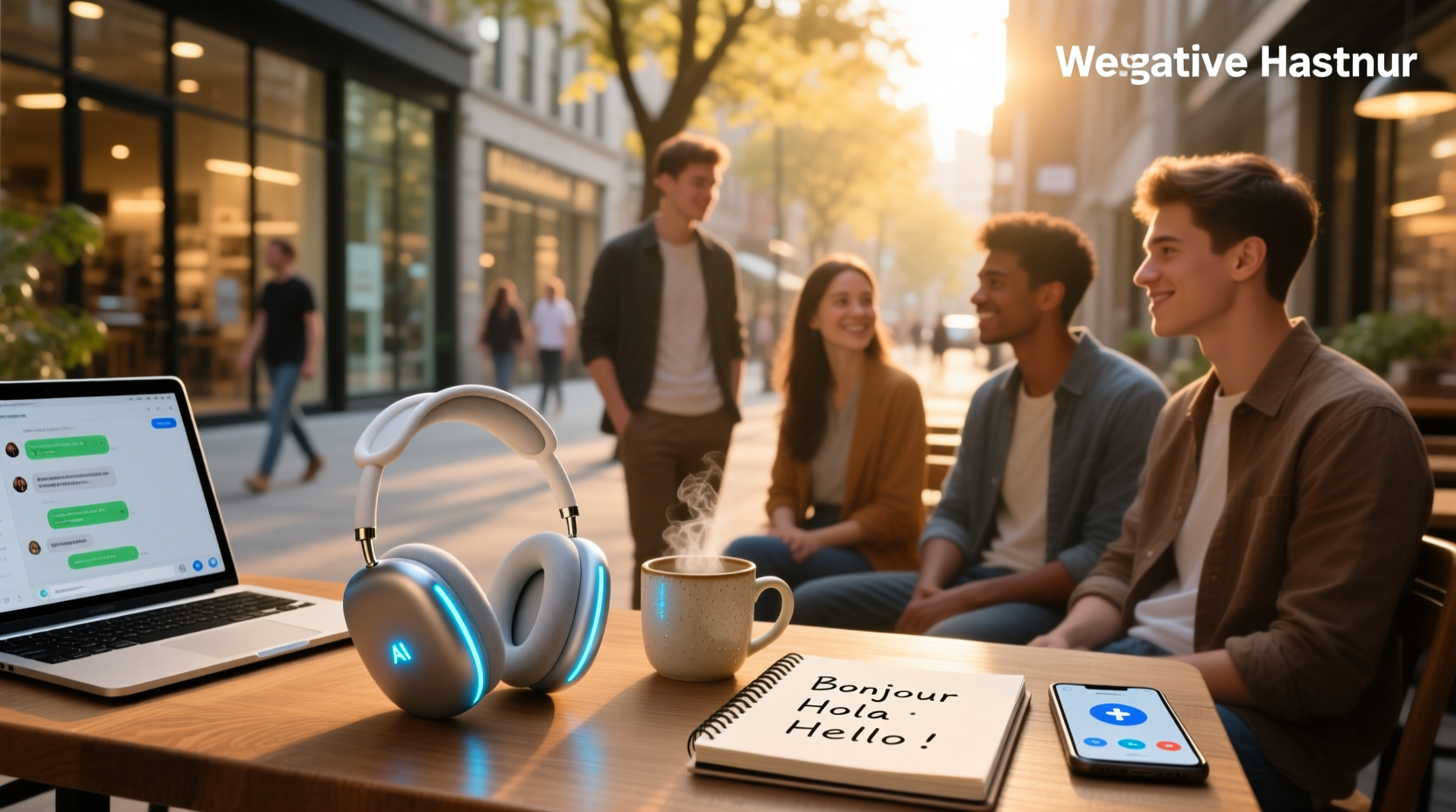
AI translator headphones can enable basic two-way spoken translation across 140+ languages in real time—but only under specific conditions: clear speech, quiet environments, stable Bluetooth connection, and smartphone app dependency. They are most effective for travel phrase support or structured business dialogues—not nuanced negotiations, medical consultations, or fast-paced multilingual group chats.
What Are AI Translator Headphones—And What Problem Do They Solve?
AI translator headphones are wireless earbuds equipped with dual microphones, onboard voice processing (or cloud-dependent AI), and companion smartphone apps designed to capture speech, convert it to text, translate it, synthesize voice output, and deliver translated audio in near real time. Unlike standard Bluetooth earbuds, they integrate speech-to-text (STT), machine translation (MT), and text-to-speech (TTS) pipelines—often optimized for conversational turn-taking 1.
Their primary use cases align closely with three high-friction scenarios:
- Travel navigation: Ordering food, asking directions, checking hotel check-in details in non-native settings;
- Business outreach: Conducting preliminary vendor meetings, interpreting short presentations, or facilitating bilingual team stand-ups;
- Language learning: Hearing pronunciation models, comparing native speaker intonation, or practicing simple Q&A exchanges.
Crucially, these devices do not replace professional interpreters. They augment them—or serve as a stopgap where no interpreter is available. Understanding that boundary is essential before purchase.
How Real-Time Translation Actually Works (and Where It Breaks Down)
Every translation cycle involves four sequential steps—and each introduces potential error or delay:
- Voice capture: Dual mics isolate speaker voice but struggle with overlapping speech, background noise (e.g., café chatter, airport announcements), or distant talkers;
- Speech-to-text conversion: Accuracy drops significantly with accents, rapid speech, technical jargon, or low-volume utterances—even for widely supported languages like English or Spanish;
- Machine translation: While neural MT engines (e.g., those powering Google Translate or DeepL) have improved dramatically, they still misinterpret idioms, cultural references, honorifics, and context-dependent meaning—especially in Arabic dialects or tonal languages like Mandarin or Vietnamese;
- Voice synthesis: TTS output often lacks natural prosody, pauses, or emotional cues—making translated speech sound robotic and harder to follow in extended dialogue.
Measured end-to-end latency—the time from speaking to hearing the translation—typically ranges from 1.8 to 4.2 seconds depending on model, network strength, and language pair 2. That delay disrupts conversational flow, especially during back-and-forth exchanges. Users report needing to pause noticeably longer than normal between sentences—a habit not intuitive for spontaneous communication.
Key Technical Specifications That Matter (and Which Ones Don’t)
Marketing claims often emphasize headline numbers—“163 languages!” “60-hour battery!”—but many lack practical relevance. Below is a reality-checked breakdown of what actually impacts usability:
✅ Language Coverage: Quantity ≠ Quality
While some models list support for 144–163 languages 3, coverage depth varies drastically:
- Core languages (e.g., English, Spanish, French, German, Japanese, Mandarin) usually include full offline STT + MT + TTS support;
- Regional variants (e.g., Gulf Arabic vs. Egyptian Arabic) may share one model but produce inconsistent recognition—especially for colloquial terms;
- Low-resource languages (e.g., Swahili, Urdu, Tagalog) often rely solely on cloud-based translation, requiring uninterrupted data connectivity and offering slower response times.
Always verify whether your target language pair supports offline mode—a feature confirmed only for select major languages in top-tier models like Timekettle M3.
✅ Microphone Architecture & Noise Handling
Most AI translator earbuds use beamforming dual-mic arrays. However, effectiveness depends heavily on physical design:
- Open-ear designs (e.g., NUEEK, Aminy) prioritize situational awareness but sacrifice voice isolation—making them vulnerable to wind or ambient interference;
- In-ear sealed models improve voice pickup but reduce environmental awareness—a safety concern while walking or cycling;
- Active noise cancellation (ANC) helps in steady-noise environments (e.g., airplanes) but can distort voice input if over-applied.
No current consumer-grade model reliably handles >65 dB ambient noise (equivalent to a busy restaurant) without significant STT degradation.
✅ Battery Life: Real-World vs. Advertised
Claimed “60-hour total” battery life assumes:
- No translation active (only music playback or standby);
- Bluetooth 5.3 LE connection (not older versions);
- Default volume and brightness settings.
With continuous translation enabled—including mic monitoring, cloud API calls, and TTS playback—actual earbud runtime typically falls to 2.5–4 hours per charge. The charging case extends this, but frequent recharging remains necessary during multi-day travel.
❌ LCD Touchscreen Cases: Novelty Over Utility
Several models advertise an LCD touchscreen on the charging case for language selection or mode switching. In practice, users report:
- Small screen size limits readability in sunlight;
- Touch responsiveness lags behind app-based controls;
- No functional advantage over smartphone interface—except for brief glance-and-go checks.
This feature adds cost and complexity without measurable improvement in translation reliability.
Three Critical Scenarios Where AI Translator Headphones Fall Short
Understanding failure modes prevents costly disappointment. These are documented limitations—not edge cases:
1. Group Conversations With Overlapping Speech
Current STT engines cannot robustly separate speakers in real time. When two people speak simultaneously—even briefly—the system either merges utterances into garbled output or drops one speaker entirely. This makes them unsuitable for family dinners, classroom discussions, or conference breakout sessions.
2. Technical, Legal, or Medical Contexts
Domain-specific terminology (e.g., pharmaceutical names, contract clauses, engineering specs) is frequently mistranslated due to insufficient training data. One tested model translated “contraindicated” as “not recommended” instead of “medically prohibited”—a clinically dangerous simplification 1. Always verify critical translations manually—or consult domain-expert human interpreters.
3. Low-Bandwidth or Offline Environments
Even “offline-capable” models require initial cloud sync to download language packs. Once downloaded, offline performance degrades noticeably for less common phrases or compound sentences. And no consumer device currently offers fully offline, high-accuracy translation for all listed languages. If you’re traveling to remote areas with spotty cellular coverage, assume translation will be unavailable unless explicitly verified for your destination language.
How to Test AI Translator Headphones Before You Rely on Them
Don’t wait until you’re at the airport. Use this 15-minute validation protocol:
- Test in your target environment: Record yourself speaking naturally (not reading aloud) in a noisy room—then compare app-displayed transcription against your original words;
- Verify bidirectional latency: Use a stopwatch to measure time from finishing your sentence to hearing the translation. Anything over 3 seconds breaks conversational rhythm;
- Check accent handling: Ask a native speaker with regional pronunciation to say 5 common phrases—e.g., “Where’s the nearest pharmacy?”—and assess recognition rate;
- Confirm fallback behavior: Turn off Wi-Fi and mobile data. Try translating a prepared phrase. Does it fail silently? Show an error? Or switch gracefully to cached vocabulary?
If any step fails more than 20% of the time, the device isn’t ready for mission-critical use.
Alternatives Worth Considering—Depending on Your Use Case
AI translator headphones aren’t the only tool for cross-language communication. Consider these evidence-backed alternatives:
- Smartphone-only apps (e.g., Google Translate, Microsoft Translator): Offer comparable translation quality with larger screens, keyboard input, camera-based text translation, and free updates. No hardware lock-in or battery anxiety.
- Dedicated pocket translators (e.g., Pocketalk, Timekettle W3): Feature physical buttons, larger mics, better noise rejection, and longer battery life—ideal for field workers or educators needing hands-free operation.
- Human remote interpretation services (e.g., Interprefy, Gengo): Provide certified interpreters via secure audio link—essential for legal depositions, healthcare visits, or investor pitches. Cost: $1–$3/min, but accuracy approaches 99%.
Ask yourself: Is convenience worth sacrificing precision? For casual travel, yes. For contracts, consent forms, or diagnoses—never.
What to Look for in Product Listings (and What to Ignore)
When reviewing specs online, prioritize verifiable metrics over marketing fluff:
| Metric | What to Verify | Red Flag |
|---|---|---|
| Supported languages | Look for explicit mention of offline support and dialect coverage (e.g., “Egyptian Arabic, not just Modern Standard Arabic”) | “163 languages” with no breakdown or source citation |
| Battery life | Check runtime with translation active, not just music playback | Only “total case capacity” stated, no earbud-only duration |
| Latency | Manufacturer cites average end-to-end delay in seconds (not “instant” or “real-time”) | No latency figure provided anywhere in description or manual |
| Microphone count & type | Specifies “dual beamforming mics” or “6-mic array with AI noise suppression” | Vague phrasing like “advanced voice pickup” with no technical detail |
Final Recommendation: Who Should Buy—And Who Should Wait
Buy if:
- You need lightweight, portable phrase assistance for short trips (≤5 days);
- Your conversations are predictable (e.g., hotel check-in, train station queries, menu ordering);
- You’re comfortable double-checking critical translations via written confirmation or gestures.
Wait or skip if:
- You regularly engage in technical, legal, or emotionally sensitive dialogue;
- You work in consistently noisy environments (construction sites, markets, factories);
- You expect flawless accuracy without verification—or plan to use them as a primary accessibility tool for Deaf/hard-of-hearing individuals (they are not FDA-cleared or WCAG-compliant).
AI translator headphones are evolving tools—not finished solutions. Their value lies in reducing friction, not eliminating ambiguity. Treat them as intelligent assistants—not authoritative voices.
Frequently Asked Questions
- Do AI translator headphones work without a smartphone?
No. All current consumer models require Bluetooth pairing with a smartphone running a dedicated app. There is no standalone, self-contained AI translator earbud on the market. - Can they translate phone calls in real time?
Not natively. Most models cannot intercept or process call audio due to OS-level restrictions (iOS privacy policies, Android call permission limitations). Translation during calls requires third-party call recording apps—which may violate local consent laws. - Are they compatible with hearing aids or cochlear implants?
Not directly. These devices lack medical certification or audio output customization (e.g., frequency compression, telecoil support). Consult an audiologist before use if managing hearing loss. - Do they support sign language or text-based translation only?
No current model interprets sign language. Some offer photo translation (via linked phone camera), but none perform real-time visual scene interpretation or ASL-to-speech conversion. - How often do firmware and language packs update?
Updates depend entirely on manufacturer support cycles. Most brands release 1–2 major firmware updates per year—often limited to bug fixes, not new language additions or accuracy improvements.
