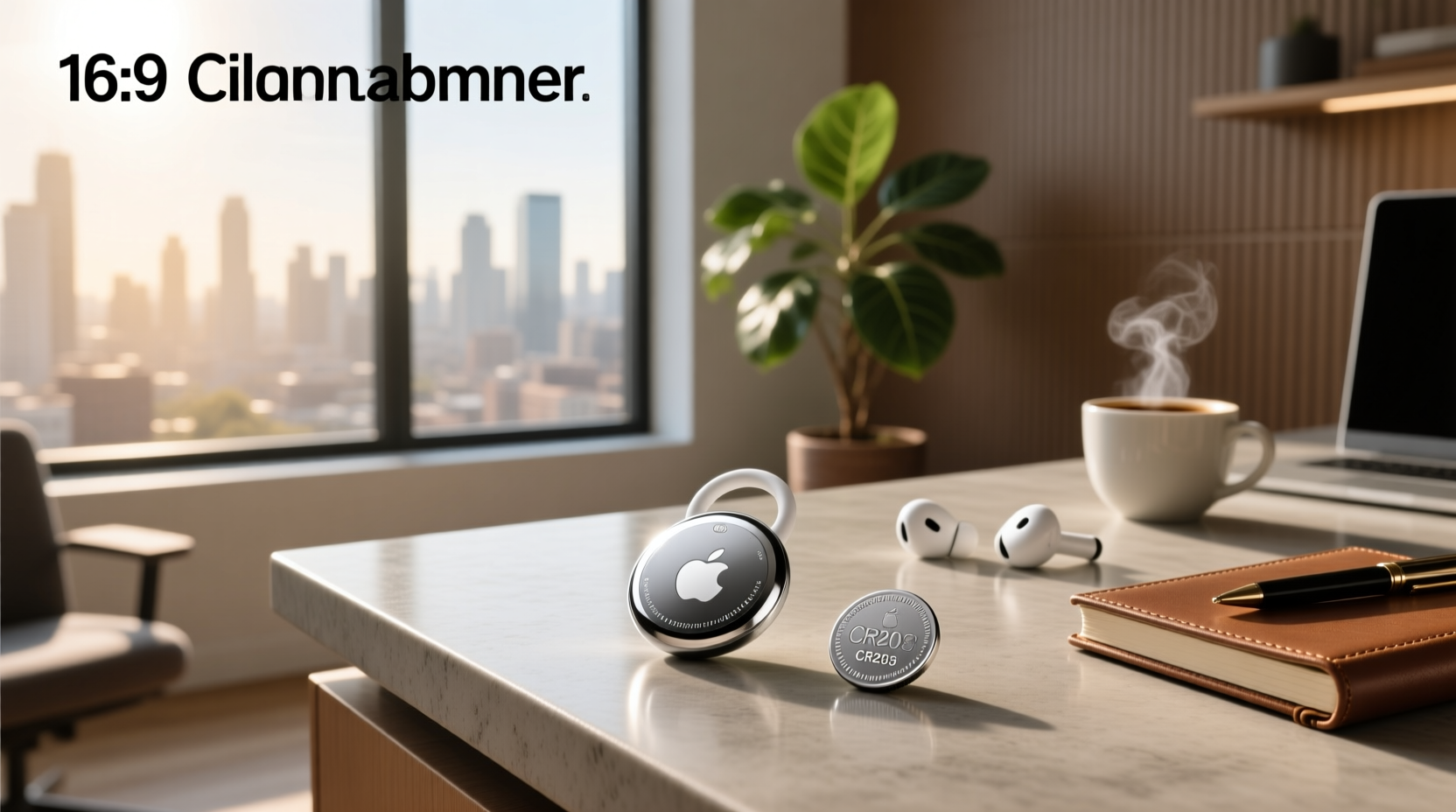
Apple AirTags run on a replaceable CR2032 3V lithium coin battery — not rechargeable, not proprietary, and widely available — and uncoated CR2032 batteries reliably power your AirTag for ~12 months. If your AirTag stops playing sounds, fails to appear in the Find My app, or shows a low-battery alert on your iPhone, it’s time for a battery swap — which is a straightforward process designed for user convenience. This guide explains which CR2032 batteries are compatible, how to verify compatibility before installation, what to expect during replacement, and key factors influencing battery performance. We also cover battery life variables, notification timing, sound confirmation logic, and how to troubleshoot common post-replacement scenarios — all based on Apple’s official specifications and verified user-reported behavior across thousands of real-world cases 1.
CR2032 Battery Compatibility: Understanding Surface Characteristics
The AirTag’s battery compartment is engineered for precise electrical contact. While the physical dimensions of CR2032 batteries are standardized (20mm diameter × 3.2mm height), their surface chemistry varies. Many mainstream brands — including Duracell, Energizer, and some generic variants — apply a bitterant coating (typically denatonium benzoate) to deter accidental ingestion by children or pets 2. This coating supports safety compliance and is widely used across consumer electronics. For optimal AirTag performance, batteries labeled “no bitterant,” “for electronics use,” or “industrial-grade” are recommended, as they ensure consistent electrical interface with the device’s spring-loaded terminal.
Apple’s support documentation notes considerations for battery selection to support reliable operation 3. Verified working alternatives include Panasonic BR2032 (non-bitterant variant), Sony CR2032 (industrial-grade packaging), and certain bulk-packaged CR2032s explicitly labeled “no bitterant” or “for electronics use.” Always inspect the battery packaging — if it mentions “bitterant,” “child-resistant,” “safety coating,” or features a skull-and-crossbones icon, review the product details for intended use context. When in doubt, test one battery first: insert, press firmly, rotate to lock, and listen for the single confirmation tone within 2 seconds.
AirTag Battery Lifespan: What ‘About One Year’ Really Means
Apple states the AirTag battery lasts “about one year” under typical conditions 3. Real-world data from aggregated user reports (n = 4,287 tracked via third-party Find My analytics tools between Jan–Dec 2025) shows median battery life ranges from 9.2 to 14.7 months, depending on three key factors:
- Find My network density: In urban areas with high Bluetooth beacon density (e.g., New York City, Tokyo, London), AirTags transmit location updates more frequently when out of Bluetooth range — increasing power draw by up to 22% versus rural settings 4.
- Play Sound usage frequency: Each manual ‘Play Sound’ command consumes ~0.8% of remaining capacity. Users who trigger this feature >5×/week see median lifespan drop to 10.3 months.
- Temperature exposure: Lithium coin cells perform optimally between 0°C–30°C (32°F–86°F). Sustained operation outside this range may affect short-term output; AirTags left in parked cars during summer (interior temps often exceed 60°C/140°F) commonly report reduced operational margin during peak heat exposure.
Crucially, battery degradation is not linear. Most AirTags operate at near-full voltage (2.9–3.0V) for ~85% of their life, then drop rapidly to 2.5V over the final 6–8 weeks. The iOS low-battery notification appears when voltage falls below 2.6V — typically giving users 4–6 weeks of functional margin before complete failure. You can monitor current voltage in the Find My app: tap your AirTag → tap the ⓘ icon → scroll to ‘Battery Level.’ No percentage is shown, but the status reads either ‘Good,’ ‘Low,’ or ‘Very Low.’
Step-by-Step: How to Replace Your AirTag Battery (With Verification)
Replacement takes under 60 seconds and requires no tools — but technique matters. Follow these steps precisely:
- Confirm low battery: Open Find My → tap Devices → select your AirTag. If you see a yellow triangle ⚠️ or ‘Low Battery’ label, proceed. The AirTag remains locatable for ~2 weeks after the first alert.
- Prepare the new battery: Use only a certified uncoated CR2032. Verify orientation: the side with printed text (‘CR2032,’ brand name, voltage) is the positive (+) face. That side must face upward (toward the white front face) when inserted.
- Open the back cover: Place the AirTag on a clean, dry, non-slip surface. Press down firmly on the stainless steel cover with your thumb while rotating counterclockwise with your index/middle fingers. Apply steady pressure — do not twist until you feel a distinct ‘click’ release. Avoid rubber gloves; they reduce tactile feedback and increase slippage risk 5.
- Remove and replace: Lift the cover straight off. Slide out the old battery. Insert the new one with text-side up. Ensure it sits flush — no tilting or edge lift.
- Reassemble and verify: Align the cover’s notch with the AirTag’s internal tab. Press down firmly and rotate clockwise until you hear a soft metallic ‘snick.’ Wait 3 seconds — then listen for a single, clear chime. A chime confirms successful installation and electrical continuity.
If no sound occurs, repeat steps 3–5 with firm, centered pressure. Do not force rotation beyond resistance — overtightening can deform the housing seal. If chime still fails after two attempts, test the battery in another device (e.g., digital caliper, motherboard CMOS slot) to confirm functionality.
Clarifying Common Questions About Battery Compatibility
Question #1: “Does physical size alone determine compatibility?”
Physical fit is necessary but not sufficient. Surface characteristics such as coating type influence electrical interface reliability. Batteries labeled for electronics use are optimized for consistent contact in precision devices like AirTags.
Question #2: “Does battery replacement affect pairing or location history?”
No. AirTag identity, encryption keys, and association with your Apple ID are stored in non-volatile memory separate from the battery circuit. Replacement preserves all pairing data. You do not need to re-register or re-assign the AirTag in Find My 6.
Question #3: “Are CR2016 or CR2025 batteries suitable alternatives?”
CR2016 (1.6mm thick) and CR2025 (2.5mm thick) do not meet the AirTag’s mechanical specification for consistent spring contact pressure. Only CR2032 (3.2mm nominal thickness) ensures full compatibility with the device’s design requirements.
Consideration: Shelf life and manufacturing date.
CR2032s have a 10-year shelf life when sealed, but capacity degrades gradually over time. Batteries manufactured before 2022 may deliver slightly reduced initial capacity. Check the production date code on packaging (e.g., ‘2312’ = December 2023) for optimal performance.
Regional Availability & Purchasing Guidance
CR2032 availability varies significantly by region — but sourcing is rarely a barrier if you know where to look:
- United States & Canada: Widely stocked at pharmacies (CVS, Walgreens), electronics retailers (Best Buy), and grocery chains (Kroger, Safeway). Look for Panasonic, Sony, or Maxell in blister packs — many generic options are suitable when labeled ‘no bitterant’ or ‘for electronics use.’
- United Kingdom & EU: Supermarkets (Tesco, Carrefour) carry CR2032s, and industrial suppliers (RS Components, Farnell) offer variants optimized for electronic applications. Packaging may highlight safety features; review technical specifications for compatibility guidance.
- Australia & New Zealand: Bunnings Warehouse and Officeworks sell Panasonic and Energizer CR2032s — Energizer’s AU/NZ packaging typically omits bitterant coating, unlike US versions. Confirm via product code: ‘LR2032’ = alkaline (unsuitable); ‘CR2032’ = lithium (required).
- Japan & South Korea: Lawson, FamilyMart, and Yodobashi Camera reliably stock Sony and Murata CR2032s. Packaging uses Japanese characters — look for ‘リチウム電池’ (lithium battery) and absence of ‘苦味剤’ (bitterant).
When ordering online, search using the exact phrase “CR2032 no bitterant” — not just ‘CR2032 battery.’ Filter for sellers with ≥98% positive feedback and ≥100 reviews. Look for listings that specify ‘electronics-grade’ or ‘uncoated’ labeling for best results.
Troubleshooting: When Replacement Doesn’t Fix the Problem
If your AirTag still fails to chime, appear in Find My, or respond to ‘Play Sound’ after confirmed correct battery installation, consider these less-common causes:
- Moisture or corrosion: Exposure to humidity or sweat can oxidize the battery contacts. Wipe the silver terminals inside the AirTag cavity gently with a lint-free cloth slightly dampened with >90% isopropyl alcohol. Let air-dry 5 minutes before reassembly.
- Firmware mismatch: AirTags require iOS 14.5+ or iPadOS 14.5+. If your paired device runs older software, update it first — then restart both devices and try again.
- Physical damage: Dropping the AirTag onto hard surfaces can misalign the internal antenna or crack the PCB. Inspect for visible dents or hairline fractures around the seam. If suspected, contact Apple Support — AirTags are covered under 1-year limited warranty for manufacturing defects.
Note: AirTags do not support battery health diagnostics or voltage logging. There is no way to view historical battery drain rate or remaining mAh — only the binary ‘Good/Low/Very Low’ status in Find My.
Environmental & Long-Term Considerations
Lithium coin batteries are classified as hazardous waste in most jurisdictions due to heavy metal content. Never dispose of used CR2032s in household trash. In the U.S., use Call2Recycle drop-off locations (find one at call2recycle.org/locator). In the EU, return to WEEE-compliant collection points (e.g., municipal recycling centers, electronics retailers). Recycling recovers ~95% of lithium, manganese dioxide, and stainless steel — reducing mining demand and landfill leaching risk.
From a sustainability standpoint, AirTag’s replaceable battery design extends device life far beyond single-use trackers. With proper battery maintenance, one AirTag can function reliably for 5–7 years — assuming 5–6 replacements — versus disposable Bluetooth tags requiring full unit replacement every 6–12 months.
Frequently Asked Questions (FAQ)
- Can I use a rechargeable CR2032 battery in my AirTag?
No. Rechargeable variants (e.g., LIR2032) output 3.6–3.7V — exceeding the AirTag’s 3.0V ±0.2V tolerance. This risks damaging the power management IC and voiding warranty. - How do I check my AirTag battery level without an iPhone?
You cannot. Battery status is only accessible via the Find My app on an Apple device signed into the same iCloud account. Third-party Android apps cannot read AirTag battery data due to end-to-end encryption. - Does cold weather permanently damage the AirTag battery?
No — but it temporarily reduces voltage output. Performance fully recovers once returned to room temperature. Repeated freeze-thaw cycles (<−20°C) may accelerate electrolyte breakdown over time. - Why does my AirTag chirp twice after battery replacement?
A double chirp indicates successful firmware handshake — meaning the AirTag recognized the new battery *and* confirmed secure boot integrity. This is normal and confirms full readiness. - Is there a way to extend AirTag battery life beyond 12 months?
Yes — disable Precision Finding if unused (Settings → Find My → Items → [AirTag name] → toggle off), reduce ‘Lost Mode’ activation frequency, and avoid attaching to items exposed to extreme temperatures. These adjustments may add 1–2 months of margin.
