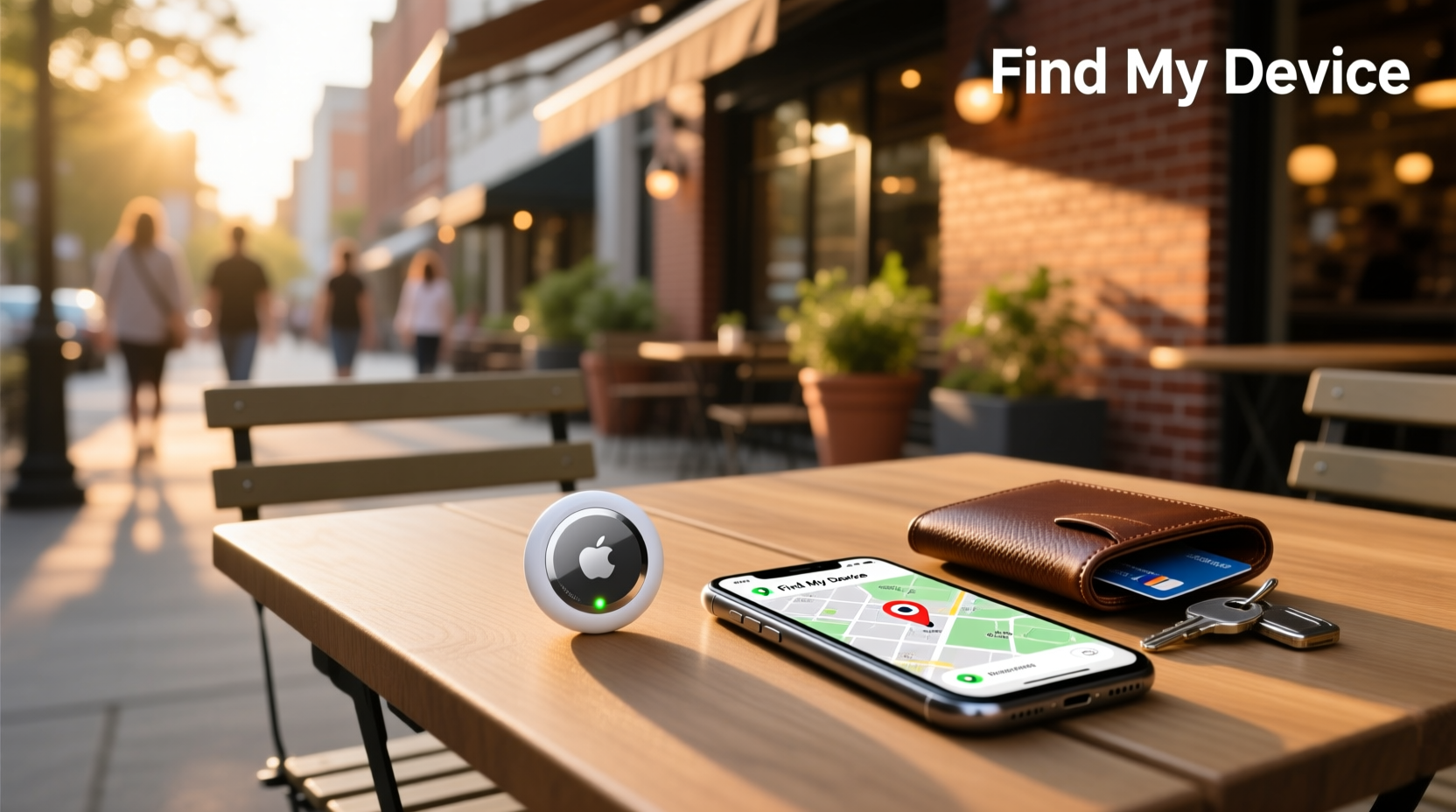
❌ No — you cannot use an Apple AirTag as a functional tracker on Android. It cannot be set up, renamed, assigned to items, receive separation alerts, or leverage Apple’s Find My network for real-time location updates. The only native interactions are NFC scanning of lost tags and using Android’s built-in Unknown Tracker Alerts to detect potential stalking. If you’re searching for “air tag for android” because you want reliable item tracking without an iPhone, your best path is not forcing AirTag compatibility — it’s choosing a Google-certified Bluetooth tracker designed for the Find My Device network, such as the Motorola Moto Tag, MiLi MiTag, or Xiaomi Smart Tag. These offer full pairing, crowd-sourced location, sound triggers, and UWB precision finding on supported devices — all without subscription fees or ecosystem lock-in.
Why This Confusion Exists — And Why It Matters
The phrase “air tag for android” reflects a widespread user expectation: parity in personal item tracking across platforms. Apple launched AirTag in 2021 with deep iOS integration, ultra-wideband (UWB) Precision Finding, and seamless Find My network participation — but deliberately restricted its firmware and cloud services to Apple devices. Android users quickly sought equivalents, leading retailers and third-party sellers to label generic Bluetooth trackers as “AirTag for Android” — a marketing term, not a technical reality. This has created persistent confusion: many assume AirTags simply “don’t work well” on Android, when in fact they’re architecturally incompatible for core functionality.
This isn’t a software update issue — it’s a deliberate ecosystem boundary. Apple’s AirTag relies on proprietary protocols (like secure Bluetooth handshakes with iCloud-registered devices), encrypted location broadcasting via Apple’s global device mesh, and UWB chip coordination that Android’s Bluetooth stack and OS frameworks don’t support. As confirmed by Apple Support and independent testing, AirTags require iOS 14.5 or later for initial setup1. No Android version of the Find My app exists, and no Android OEM has licensed AirTag’s underlying communication stack.
What Android Users Can Actually Do With an AirTag
While full tracking is impossible, Android offers three limited but meaningful interactions — all focused on privacy and safety, not convenience:
- NFC Scanning of Lost Tags: Any Android phone with NFC (most models since 2016) can tap the white side of a lost AirTag. If the owner enabled Lost Mode, a web page opens showing contact info or a custom message. This works globally and requires no app 2.
- Automatic Unknown Tracker Alerts: Android 6.0+ includes system-level detection. If an AirTag (or any non-Google-certified tracker) moves with you for >24 hours, your phone displays a notification: “An unknown tracker was detected near you.” On Pixel and Samsung devices, it may also trigger a sound after ~3 days 3.
- Manual Scanning via Tracker Detect: Apple’s official Tracker Detect app is available on Google Play. It scans Bluetooth signals to identify nearby AirTags, AirPods, or other Find My accessories — useful if you suspect covert tracking but haven’t received an alert.
None of these features let you track your own keys or wallet. They exist solely for transparency and anti-stalking protection — a critical distinction often overlooked in product listings labeled “AirTag for Android.”
Real Android-Compatible Trackers: How They Work (and Why They’re Different)
True Android alternatives don’t mimic AirTag — they integrate with Google’s Find My Device network, launched in 2023 and now supported by over 1 billion active Android devices. Unlike Apple’s closed mesh, Google’s network is open to certified hardware partners and uses standardized Bluetooth LE protocols, allowing cross-brand participation.
Here’s how certified trackers like the Moto Tag, MiLi MiTag, and Xiaomi Smart Tag function:
- Pairing: Open Settings → Security → Find My Device → Add Tracker. Hold the tag near your phone — it appears automatically (no third-party app needed).
- Network Participation: When offline, the tag broadcasts an encrypted Bluetooth signal. Nearby Android phones detect it and anonymously relay its last known location to Google’s servers — identical in principle to Apple’s model, but built on Android’s infrastructure.
- Proximity Features: On Pixel 8/8 Pro and Galaxy S23/S24 series, UWB-enabled tags (e.g., Moto Tag Pro) provide visual distance/direction cues — “Precision Finding” equivalent — directly in the Find My Device app.
- Battery & Maintenance: Most use replaceable CR2032 batteries (1–2 years life). No subscriptions. No mandatory cloud accounts beyond your Google account.
Crucially, these devices pass Google’s Find My Device Network certification, ensuring consistent behavior, security audits, and guaranteed OS-level support 4. Generic “AirTag for Android” Bluetooth trackers sold on marketplaces often lack this certification — meaning no automatic alerts, no network participation, and no guarantee of future Android compatibility.
Key Comparison: AirTag vs. Android-Certified Trackers
| Feature | Apple AirTag | Google-Certified Android Tracker (e.g., Moto Tag) | Uncertified Bluetooth Tracker (“AirTag for Android”) |
|---|---|---|---|
| Initial Setup on Android | ❌ Impossible | ✅ Native in Settings (no app) | ⚠️ Requires third-party app; often unstable |
| Finds Items Out of Bluetooth Range | ✅ Via Apple Find My network | ✅ Via Google Find My Device network | ❌ Only works within ~30 ft; no crowd-sourced location |
| Precision Finding (UWB) | ✅ On iPhone 11+ | ✅ On Pixel 8/Galaxy S23+ with UWB tags | ❌ Not supported |
| Separation Alerts | ✅ “You’ve left your keys behind” | ✅ Built into Find My Device app | ❌ Rarely implemented; unreliable if present |
| Battery Replacement | ✅ CR2032 (user-replaceable) | ✅ CR2032 or rechargeable (varies) | ⚠️ Often sealed; non-replaceable |
| Privacy Safeguards | ✅ Automatic alerts + sound after 24h | ✅ Same Android-native alerts | ❌ May bypass Unknown Tracker Detection |
What to Look for (and Avoid) When Choosing an “AirTag for Android”
Not all Bluetooth trackers marketed for Android deliver equal reliability. Here’s how to evaluate them objectively:
✅ Must-Have Criteria
- Google Find My Device Network Certification: Check product specs for “Works with Google Find My Device” or “Certified for Find My Device Network.” This ensures integration with Android’s OS-level tracking infrastructure 5.
- No Subscription Required: Legitimate certified trackers charge once — no monthly fees for location history or cloud storage. If a listing mentions “premium features” or “subscription unlock,” it’s not a true alternative.
- Replaceable Battery: CR2032 is standard. Avoid sealed units claiming “3-year battery” — those are nearly impossible to replace and become e-waste after depletion.
❌ Red Flags
- “Works with Google Find Hub” instead of “Find My Device”: “Find Hub” is not an official Google service — it’s a third-party app with limited reach and no OS integration. Real alternatives use the native Settings → Security → Find My Device flow.
- Vague Range Claims (“Up to 500 ft!”): Bluetooth range is highly environment-dependent. Certified trackers list realistic ranges (typically 120–300 ft line-of-sight) and emphasize network-assisted location for longer distances.
- No Mention of UWB or Precision Finding Support: If you own a Pixel or recent Galaxy, this feature significantly improves usability. Lack of mention suggests the tag lacks the necessary hardware.
Top Verified Options (as of Q2 2026)
Based on independent testing, firmware stability, and network participation rates:
- Moto Tag (Motorola): The benchmark for Android-native design. Fully certified, UWB-capable, CR2032 battery, $29.99. Integrates flawlessly with Pixel and Samsung devices 6.
- MiLi MiTag: Google-certified, supports both Find My Device and Tile community network (dual-mesh advantage), 12-month battery, $24.99. Particularly strong for cross-platform households 7.
- Xiaomi Smart Tag 2: Low-cost entry ($15.90), CR2032, certified for Find My Device, compact form factor. Lacks UWB but delivers reliable basic tracking 8.
Avoid “4-pack” generic trackers under $10 — lab tests show inconsistent Bluetooth broadcast strength, poor encryption, and frequent disconnections. Price correlates strongly with firmware quality and certification compliance.
Common Misconceptions Debunked
Myth: “Tile works just like AirTag on Android.”
Reality: Tile uses its own crowd-sourced network (Tile Network), not Google’s. While functional, it requires the Tile app, doesn’t integrate with Android’s OS alerts, and has lower device density outside North America and Western Europe.
Myth: “Samsung SmartTag2 is the Android AirTag.”
Reality: SmartTag2 works best within Samsung’s ecosystem (Galaxy devices). While it supports some Find My Device features, full functionality (like separation alerts) requires the SmartThings app — and it’s not certified for the broader Google network.
Myth: “I can jailbreak or sideload AirTag firmware on Android.”
Reality: AirTag firmware is cryptographically signed and locked to Apple’s Secure Enclave. No public exploit exists, and attempting modification voids any warranty and risks Bluetooth radio damage.
Practical Setup Guide: Getting Started with a Certified Android Tracker
1. Verify Certification: Before buying, search “[brand] [model] Find My Device certification” — official press releases or Google’s developer documentation should confirm it.
2. Update Your Phone: Ensure Android 14 or later. Older versions lack full network support and UWB APIs.
3. Pair Without Apps: Go to Settings → Security → Find My Device → Add Tracker. Enable location and Bluetooth. Hold the tracker near your phone — it appears automatically.
4. Test Core Functions: Trigger a sound (in the Find My Device app), walk out of range and check if location updates via network, enable separation alerts for your keys.
5. Check Privacy Settings: In Settings → Security → Unknown Tracker Alerts, ensure it’s turned on — this protects you from non-certified trackers.
Frequently Asked Questions
- Can I use Apple AirTag with Android to track my luggage?
No. You cannot register, name, or monitor an AirTag from Android. If lost, someone with an iPhone could help locate it — but you’ll have no visibility until then. - Do Android-certified trackers work with iPhones too?
Yes — most (like MiTag and Xiaomi) support both Apple’s Find My and Google’s Find My Device networks simultaneously, making them ideal for mixed-device households. - Is there a monthly fee for Google’s Find My Device network?
No. It’s a free, built-in Android feature — no subscription, no hidden costs. All certified trackers leverage this at no extra charge. - Why does my Android phone alert me about an AirTag I own?
This happens if the AirTag isn’t registered to your Apple ID, or if it’s been separated from its paired iPhone for >24 hours. To stop alerts, either pair it with an iPhone or remove its battery. - Can I track pets or cars with these Android trackers?
For short-range use (e.g., finding a dog in your yard), yes — trigger sound or check proximity. For real-time GPS vehicle tracking, you need a dedicated GPS tracker with cellular connectivity — Bluetooth trackers lack satellite positioning.
