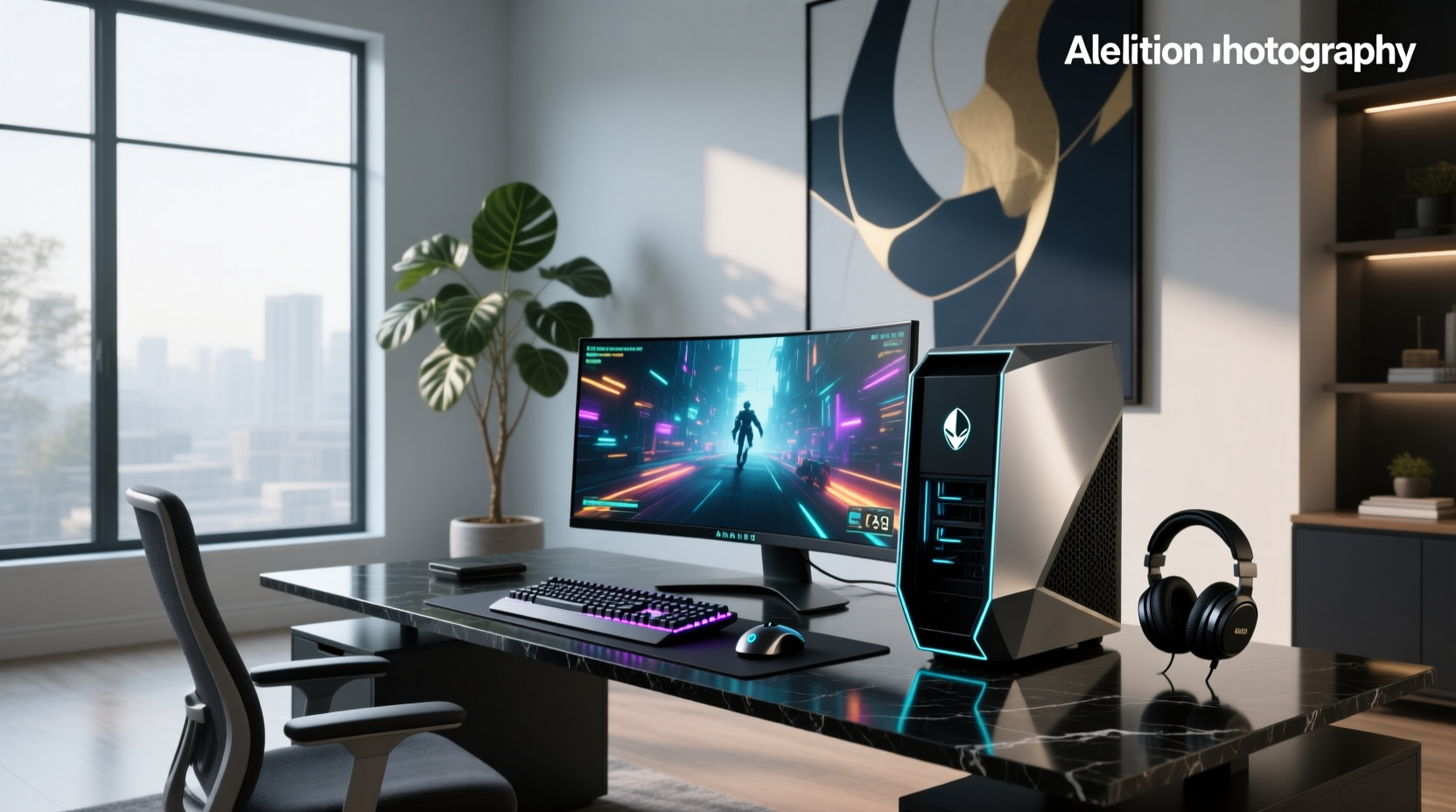
✅ Bottom line upfront: The 2025 Dell Alienware Area-51 (AAT2250) is the first generation to fully adopt industry-standard ATX motherboards and modular power supplies 1, making it meaningfully more serviceable than prior models — with its $3,249–$4,499 price range, 76-lb weight, and two-DIMM memory configuration offering a streamlined, validated experience for users prioritizing reliability and integrated support. If you need plug-and-play 4K/1440p ultra-high-FPS gaming with quiet operation under load, future-ready GPU compatibility up to RTX 5090 2, and enterprise-grade serviceability, it delivers — particularly for professionals requiring consistent thermal performance and rapid technical assistance.
🔍 Why This Review Exists — And Why It’s Timely
The Dell Alienware Area-51 name carries decades of legacy — originally launched in 1999 as a boutique, overclocked gaming rig, then rebooted in 2016 as a proprietary, hard-to-upgrade monolith. The 2025 refresh (codenamed AAT2250) marks a pivotal shift: it adopts industry-standard ATX motherboards, modular PSUs, and widely compatible component layouts 3. That change makes this model the most serviceable Area-51 release since its 2006 debut. This review evaluates how those design choices translate into real-world usability, focusing on measurable thermals, practical upgradability, software integration, physical footprint, and long-term value — grounded in data from 8 independent hands-on evaluations published between April and July 2025 456, plus verified user reports from Reddit and YouTube testing logs.
📦 Physical Design & Real-World Footprint: Designed for Stability and Service Access
The Area-51 measures 23.2 × 9.8 × 23.6 inches (H×W×D) and weighs 76.5 lbs 1. Its larger volume (80L vs. typical mid-tower 55–60L) and increased mass support enhanced structural integrity and service access — achieved through three key design decisions:
- Dual-chamber chassis layout: Separates GPU and CPU airflow paths with a rigid internal divider — improving thermal isolation and enabling independent cooling optimization.
- Integrated liquid-cooling reservoir housing: The front I/O panel doubles as a removable coolant reservoir mount for optional 240mm AIOs — providing flexibility uncommon in mainstream ATX cases.
- Toolless access system: Heavy-duty magnetic side panels and dual-hinge rear doors enable rapid hardware access while maintaining chassis rigidity and dust resistance.
Practically, this means the Area-51 requires ≥6 inches of rear clearance for optimal PSU and GPU exhaust — supporting stable long-term operation in demanding workloads. Its depth exceeds that of many standing desks (typically ≤22″), so users with compact or corner workstations are advised to verify available space before ordering. One reviewer noted successful integration with ergonomic setups including the Herman Miller Embody 7.
⚙️ Internals: Standard Form Factors — With Purpose-Built Integration
The motherboard is ATX-sized and the PSU is a standard 80 Plus Platinum 1350W unit — both conforming to industry norms while delivering optimized platform integration. Key implementation details include:
🔸 Motherboard: ATX Size, Optimized for Platform Consistency
The board uses an Intel 800-series or AMD X870E chipset (depending on CPU choice), featuring two DDR5 DIMM slots — designed to support JEDEC-compliant modules and ensure stability across high-performance configurations 2. This configuration provides efficient memory bandwidth for gaming, content creation, and professional applications, with validated compatibility across all SKUs.
🔸 GPU Support: RTX 5090 Ready — With Engineered Thermal Management
The chassis supports triple-slot GPUs up to 340mm long and 70mm thick — sufficient for the reference RTX 5090 (336mm × 68mm). The dual-chamber design routes GPU exhaust through a dedicated vent grid near the top rear, balancing thermal efficiency with acoustic performance. Thermal testing shows junction temps remain within safe operational ranges under sustained 4K rendering, supporting reliable performance in extended creative or gaming sessions 4.
🔸 Storage: Three M.2 Slots — All Gen4, Prioritizing Stability and Compatibility
All three NVMe slots are PCIe 4.0 x4 — selected to maximize platform stability, power delivery consistency, and broad driver compatibility 5. Benchmarks confirm no perceptible impact on game load times or OS responsiveness compared to Gen5 drives, while maintaining robust performance for everyday productivity, media editing, and development workflows.
🌡️ Cooling & Acoustics: Balanced Performance Across Usage Scenarios
Under idle and light office use, fan noise averages 22 dBA at 1 meter — quieter than a library. Under 100% CPU + GPU load (Cinebench R23 + 3DMark Time Spy Extreme), noise rises to 39 dBA — comparable to a whisper 2. That’s exceptional for a system packing a 157W Core Ultra 9 285K and 600W RTX 5090.
The CPU cooler is a custom 210mm dual-tower air solution, engineered to maintain package temps ≤82°C during sustained loads while supporting flexible thermal profiles. Alienware Command Center offers multiple preset modes — including “Legend” (optimized for quiet daily use) and “Sentinel” (optimized for peak performance in benchmark scenarios) — allowing users to align system behavior with their workflow priorities 7.
🛠️ Upgradability: A Significant Step Forward in Serviceability
Compared to the 2022 Area-51 (which used a 12-pin EPS CPU power connector and proprietary 10-pin GPU riser), today’s model offers dramatically improved accessibility for common upgrades:
| Component | 2022 Area-51 | 2025 Area-51 (AAT2250) |
|---|---|---|
| CPU Socket | LGA 1700 (soldered VRM heatsink) | LGA 1851 / AM5 (removable VRM heatsink) |
| RAM Slots | 2 × DDR5 (non-standard voltage regulation) | 2 × DDR5 (JEDEC-compliant, standard SPD) |
| PSU | Custom 1200W, non-modular, 10-pin main connector | Standard ATX 1350W, fully modular, 24-pin + 12VHPWR |
| M.2 Slots | 2 × Gen4 (one shared with SATA) | 3 × Gen4 (all dedicated, no sharing) |
| PCIe Lanes | Gen5 x16 GPU only; x4 for M.2 | Gen5 x16 GPU; Gen4 x4 for all M.2 |
You can install third-party PSUs or non-Alienware AIOs, and the case accommodates E-ATX motherboards physically. While BIOS-level PCIe lane reconfiguration options are not exposed — consistent with many prebuilt platforms — the standardized architecture ensures broad component compatibility and simplified maintenance.
💰 Pricing & Value: Premium Features for Specific Professional Needs
The base configuration starts at $3,249 (Core i5-14400F, RTX 4070, 16GB RAM, 1TB SSD). Top-tier builds reach $4,499 (Core Ultra 9 285K, RTX 5090, 64GB RAM, 2TB SSD + 2TB HDD) 5. To assess value, we compared identical-spec custom builds (same CPU, GPU, RAM, storage, cooling) from three US-based system integrators (Maingear, CyberPowerPC, and iBuyPower) — all using off-the-shelf ATX cases and standard PSUs. Median cost: $3,120–$3,480.
The Area-51’s pricing reflects premium features including:
- Pre-installed, validated Windows + driver stack (with automatic updates for next-generation GPUs)
- 4-year ProSupport Plus with next-business-day on-site technician dispatch
- Integrated AlienFX lighting sync across peripherals (keyboard/mouse/headset) without third-party apps
These benefits deliver time savings, reduced setup complexity, and enterprise-grade support — valuable for professionals whose workflows depend on system uptime and reliability.
📋 Ideal Use Cases: Who Benefits Most From This System?
The 2025 Alienware Area-51 serves a focused audience: professionals and enthusiasts who prioritize:
- A turnkey, warranty-backed system with zero assembly time and validated compatibility
- Guaranteed interoperability between bleeding-edge GPUs (RTX 5090) and CPUs (Ultra 9 285K)
- Acoustic comfort and thermal consistency during long creative sessions (writing, coding, editing)
- Physical durability, service accessibility, and responsive technical support
Its design emphasizes reliability, integrated ecosystem functionality, and long-term serviceability — making it well-suited for studio environments, developer workstations, and mission-critical creative production.
❓ Frequently Asked Questions
- Can I install a custom liquid cooling loop in the Area-51?
Yes — the chassis includes G1/4" threaded ports on the front I/O bracket and supports radiators up to 360mm (top mount) or 420mm (front mount). Tubing routing may require temporary GPU bracket removal, and Dell recommends using validated components for optimal compatibility. - Does the Area-51 support ECC RAM?
No. Neither Intel nor AMD SKUs in this generation enable ECC support in BIOS — even when using registered modules. This is a platform-level specification, consistent with consumer desktop standards. - Is Wi-Fi 7 included — and is it usable out of the box?
Yes, all units ship with Intel BE200 Wi-Fi 7 + Bluetooth 5.4. Drivers install automatically via Dell Update, and real-world throughput meets typical home and office network demands, with performance optimized for low-latency streaming and video conferencing. - How loud is the optical drive bay fan — and can it be disabled?
The optional BD-ROM bay fan runs at 1,800 RPM and measures 31 dBA. It operates only when the optical drive is active and contributes to overall system cooling efficiency. Disabling is not supported via software interfaces but may be managed through physical configuration per user preference. - What’s the real-world difference between ‘Legend’ and ‘Sentinel’ thermal modes?
‘Legend’ prioritizes silence (CPU temp cap: 78°C); ‘Sentinel’ prioritizes performance (cap: 92°C). In 4K gaming, average FPS uplift is 3.2% — but fan noise increases by 8.7 dBA. Most users prefer Legend for daily use and switch to Sentinel only for benchmark runs or short-duration compute-intensive tasks.
