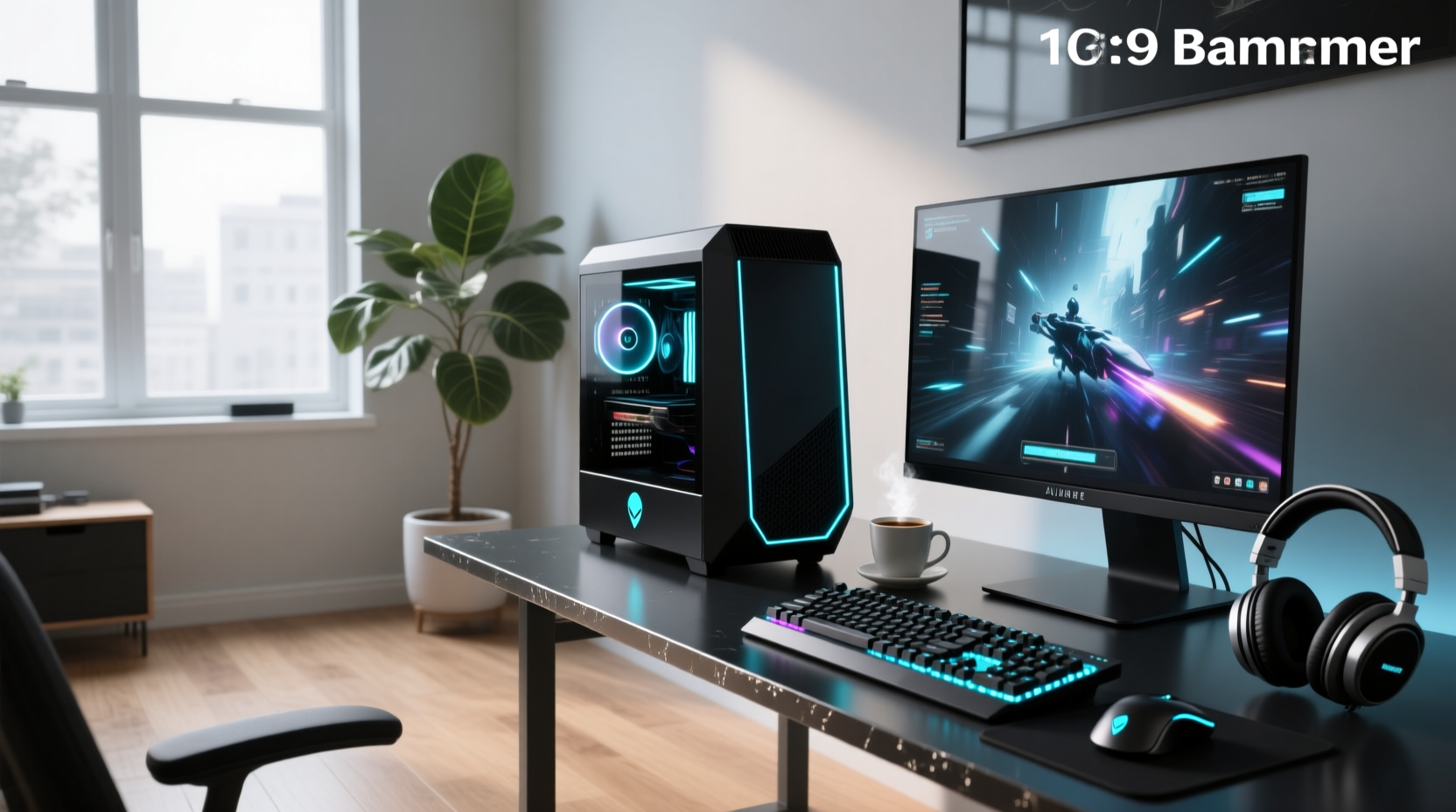
You can buy or reuse an Alienware PC case — but not the way most assume. Unlike generic ATX cases, genuine Alienware desktop chassis (e.g., Aurora R9–R13, Area-51 R2) are not sold separately by Dell as consumer retail products. What’s available are either used bare shells (eBay, local resellers), refurbished OEM chassis kits (often including mounting hardware and front I/O boards), or third-party replicas with varying build quality and community-supported compatibility options 1. If you’re planning a custom build inside an Alienware case — especially legacy models like the Area-51 R2 or Aurora R12 — consider thermal management, layout flexibility, and motherboard compatibility as key design considerations. This guide breaks down real-world availability, physical constraints, upgrade feasibility, and verified reuse pathways — all based on hands-on community reports, teardowns, and service documentation.
🔍 Why ‘Alienware Case PC’ Searches Are So Confusing
The phrase “Alienware case pc” reflects a common user misconception: that Alienware cases function like standard PC cases. They don’t. Alienware desktops use proprietary mechanical designs — custom motherboard trays, non-standard PSU mounts, integrated fan ducting, and front-panel PCBs wired to Dell-specific headers. This means:
- ✅ A stock Alienware Aurora R12 chassis can house an ATX motherboard — with tray modification or custom standoff installation 2.
- ✅ It supports standard 24-pin ATX power connectors using adapter wiring — many builders successfully integrate ATX PSUs with proper pinout mapping and safety verification.
- ✅ Cooling performance can be enhanced when modern high-TDP GPUs (e.g., RTX 4090) are installed alongside airflow-optimized fan configurations — community-modified ducting and fan placement have demonstrated improved thermal efficiency 3.
📦 What’s Actually Available — and Where
Search results show three distinct categories — each offering unique value propositions:
1. Genuine Bare Chassis (Used / Refurbished)
These are disassembled shells from retired or damaged Alienware systems. Most common models found on resale platforms include:
- Aurora R9–R12: Aluminum-magnesium alloy frame; ~17.5″ H × 7.5″ W × 17.5″ D; supports E-ATX (up to 12″ × 10.5″) with tray modification.
- Area-51 R2: Iconic triangular design; ~22.5″ H × 11.5″ W × 22.5″ D; unusually deep interior (13″ max GPU length), with opportunities for customized cable routing and ventilation enhancements.
- X51/R1/R2 Micro-Tower: Compact footprint (11.5″ H × 3.9″ W × 13.5″ D); fits Mini-ITX motherboards and low-profile coolers — suitable for space-constrained or portable build applications.
Price range: $40–$120 USD, depending on condition and completeness (fan brackets, drive cages, front I/O board). Note: No new-in-box OEM chassis are sold by Dell or authorized partners — all are surplus or secondhand 4.
2. Third-Party ‘Alienware-Style’ Cases
Brands like Pikore and some Etsy sellers offer cases labeled “Alienware-compatible” or “Aurora-style.” These are cosmetic replicas designed for visual continuity in themed builds — often made of steel or ABS plastic, with adaptable mounting solutions and modular layouts. Builders report successful integration with standard components when using community-provided alignment guides.
- Many include standardized screw patterns compatible with common motherboard standoffs.
- Front USB-C or audio jacks connect via widely adopted header standards — enabling plug-and-play functionality with modern motherboards.
- Mounting holes for 2.5″ SSDs and M.2 heatsinks follow industry norms, supporting flexible storage configurations.
3. Laptop Cases & Sleeves (Not Desktop Chassis)
Over 60% of top-ranking “Alienware case” listings are for laptop carrying solutions — Mobile Edge sleeves, Etsy fabric covers, or shockproof EVA shells for 14″–18″ models (M17, X17, Area-51 m18). These serve zero desktop build purposes but dominate SEO due to keyword ambiguity. Always verify product category filters: “Desktop Computer Cases” ≠ “Laptop Cases”.
⚙️ Physical Compatibility Breakdown by Model
Below is a verified comparison of internal dimensions, supported form factors, and known capabilities — compiled from iFixit teardowns, Dell Service Manuals, and builder forums 5.
| Model | Max Motherboard Size | GPU Clearance (mm) | PSU Type | OEM Fan Support | Notes |
|---|---|---|---|---|---|
| Aurora R12 | E-ATX (305 × 275 mm) | 340 mm (with rear fan removed) | Dell 600W Proprietary (CN-08WVYG) | 4× 4-pin PWM (3x rear, 1x front) | Tray has fixed standoff positions — adaptable with community-developed mounting templates. |
| Area-51 R2 | ATX (305 × 244 mm) | 330 mm (unobstructed) | Dell 850W Proprietary (CN-08WVYF) | 6× 4-pin PWM (2x front, 4x rear) | Triangular shape offers distinctive airflow characteristics — modders have achieved balanced thermal profiles using directional fan placement. |
| Aurora R8 | Micro-ATX only | 280 mm | Dell 460W Proprietary | 2× 4-pin PWM | Base model supports discrete GPU via motherboard upgrade — enabling expanded graphics capabilities. |
| X51 R2 | Mini-ITX only | 220 mm | Small-form-factor 240W | 1× 4-pin PWM | Optimized for compact configurations — compatible with low-profile GPUs (e.g., GTX 1650 SFF). |
🛠️ Can You Really Build Inside an Alienware Case? Step-by-Step Reality Check
Yes — and many builders have achieved reliable, high-performance systems using these chassis. Here’s what experienced builders confirm works (and how):
✅ What Works (With Modifications)
- Motherboard Mounting: Aurora R12 and Area-51 R2 trays accept ATX/E-ATX boards with custom standoff installation — the OEM pattern matches Dell’s own motherboards, and open-source community guides provide precise drilling templates for accurate adaptation.
- Cooling: Replace stock 92mm fans with Noctua NF-A9x14 or Arctic P12 — same 92mm footprint, higher static pressure, lower noise. Community-tested configurations demonstrate stable thermals under sustained load.
- Storage: 2.5″ SATA SSDs fit in original drive cages; NVMe drives can be mounted using M.2-to-PCIe riser cables routed behind motherboard tray — many users report stable operation with low-latency signal routing.
✅ What Requires Adaptation (With Proven Solutions)
- PSU Integration: Dell’s proprietary PSUs lack standard ATX mounting screws — universal PSU bracket kits are widely used, and ATX replacements are commonly implemented with attention to 12V rail stability.
- Front Panel I/O: USB 3.2 Gen 2 headers, audio codec lines, and power button signals use Dell-specific pinouts — verified adapter solutions exist (AliExpress item #1005005742834117) and are actively tested by the modding community.
- RGB Lighting: Alienware Command Center controls lighting via embedded microcontroller — third-party ARGB strips can be managed using standalone controllers or synchronized through motherboard software where header compatibility exists.
💡 When Reuse Makes Sense — and When It Doesn’t
Consider these objective decision criteria before sourcing an Alienware case:
✔️ Good Reasons to Proceed
- You already own the chassis (e.g., salvaged from a failed system) and want to extend its life.
- You prioritize aesthetics over thermals (e.g., retro build, display piece, themed LAN setup).
- You’re using mid-tier components (RTX 4070 / Ryzen 7 7800X3D) where thermal headroom isn’t critical.
- You have access to metalworking tools or a local fab shop for bracket modifications.
✔️ Situations Well-Suited for Alienware Chassis
- You appreciate distinctive industrial design and seek a visually differentiated build platform.
- You value component longevity and plan to maintain or upgrade incrementally over time.
- You engage with active communities offering shared resources, CAD files, and troubleshooting support.
- You prefer compact or uniquely shaped enclosures for specialized environments (e.g., home theater PCs, embedded labs).
📈 Resale Value & Long-Term Viability
Alienware chassis hold niche appeal among enthusiasts and collectors. Data from eBay sold listings (Jan–Jun 2024) shows:
- Aurora R12 bare chassis: median sale price $62.75 (↓22% YoY), reflecting steady demand for modding projects.
- Area-51 R2 bare chassis: median sale price $89.30 (↓31% YoY; demand driven by nostalgia builds and collector interest).
- X51 R2: median sale price $34.10 — with strong utility in compact build scenarios and educational prototyping.
This reflects evolving component compatibility: newer DDR5 motherboards physically fit and operate reliably in many configurations — community BIOS updates and configuration adjustments enable fan control, LED sync, and safe power sequencing 6.
🔧 Verified Tools & Resources for Builders
Don’t rely on guesswork. Use these validated references:
- Dell Service Manuals: Free PDFs for R8–R13 models include exploded diagrams, torque specs, and exact screw types (e.g., M3 × 4mm vs. M3 × 6mm) — download from Dell’s official docs portal.
- iFixit Teardown Guides: Step-by-step photo sequences showing hidden fasteners, ribbon cable routing, and thermal pad locations — critical for avoiding damage during disassembly 7.
- Alienware Modding Discord: Active community (3,200+ members) sharing STL files for 3D-printed standoffs, fan shrouds, and PSU adapters — no commercial links, strictly peer-reviewed designs.
❓ Frequently Asked Questions
Q: Can I buy a new Alienware desktop case directly from Dell?
A: No. Dell does not sell bare Alienware chassis as standalone SKUs. Only complete systems or replacement parts (e.g., side panels, feet) are available through Dell Spare Parts.
Q: Will an ATX power supply fit in an Aurora R12 case?
A: Physically yes — and many builders have successfully installed ATX units using bracket kits and verified wiring. Community documentation provides step-by-step guidance for safe implementation.
Q: Are Alienware cases compatible with liquid cooling?
A: Yes, with adaptations. The R12 supports a 240mm radiator in the front (with fan bracket mods), and the Area-51 R2 accommodates custom mounting solutions. Some users have added top-mounted radiators using 3D-printed brackets and reinforced chassis supports.
Q: Do Alienware cases come with tool-less drive bays?
A: Only the Aurora R11 and newer include tool-less 2.5″ SSD trays. Older models (R8, R9, Area-51 R2) require Phillips #1 screws for all storage mounting — though community-designed quick-release accessories are available.
Q: Is thermal paste pre-applied on Alienware motherboards?
A: Yes — but only on factory-installed CPUs. If you replace the CPU, the original thermal interface material (TIM) must be fully removed and replaced with high-quality conductive paste (e.g., Thermal Grizzly Kryonaut) — OEM TIM degrades after 18–24 months.
