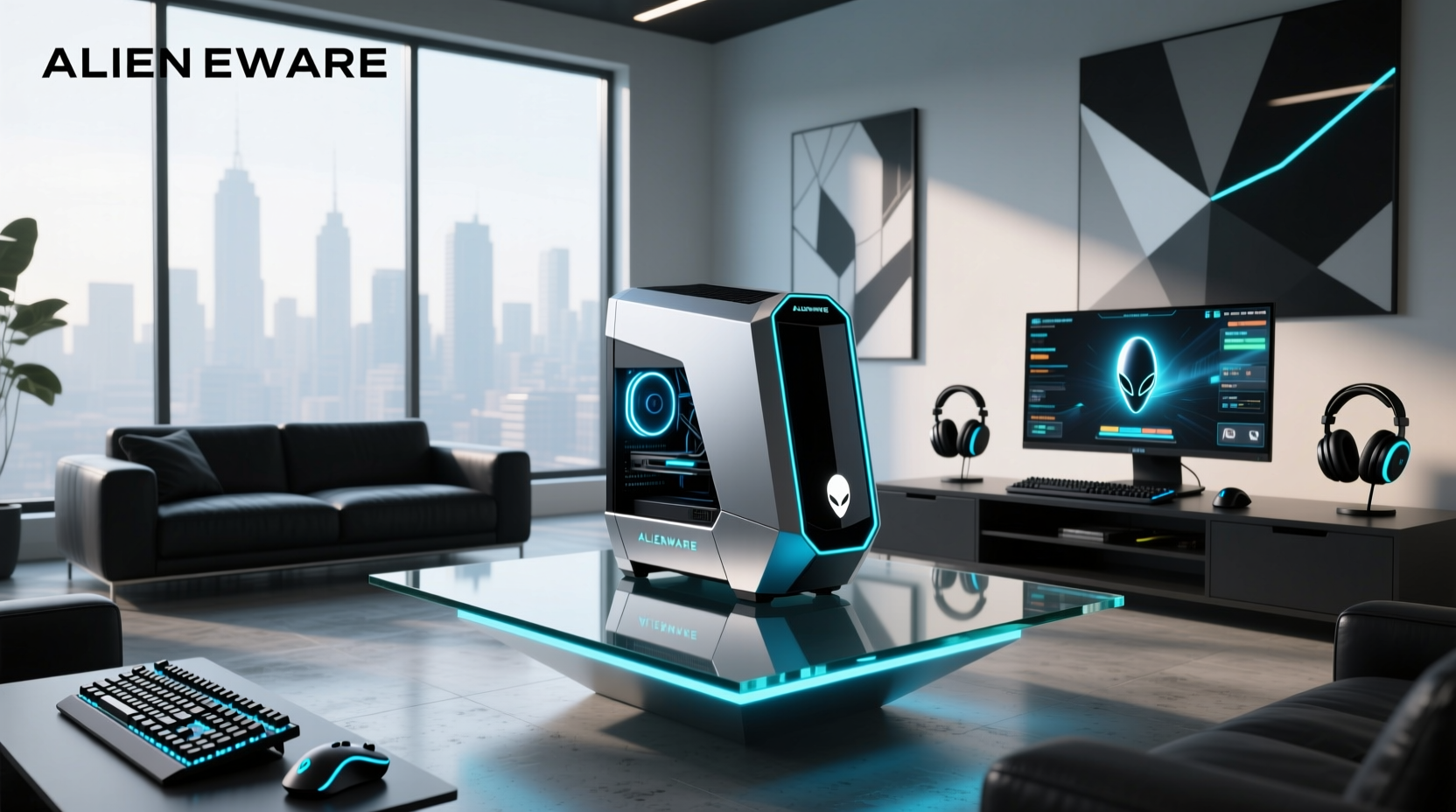
You’re searching for an Alienware PC case because you want to upgrade, repair, replace, or customize your system—and this guide helps you navigate the unique engineering considerations involved: Alienware desktop cases (like Aurora R9–R12, Area-51 R2–R5, and ILX) feature custom motherboard layouts, proprietary power supplies, unique front-panel headers, and non-standard mounting points. Understanding these design distinctions is essential when planning component compatibility, thermal management, or chassis reuse. This guide explains what makes Alienware cases distinct, which models offer bare-bone chassis options (and their availability), how to verify physical and electrical compatibility before purchasing, and whether repurposing an empty Alienware case for a custom build aligns with your technical goals. We cover real-world constraints from thermal design to PCIe slot alignment, backed by teardown reports, service manuals, and verified user experiences on Reddit and Dell support forums.
Why Alienware PC Cases Are Fundamentally Different
Unlike mainstream ATX or microATX cases sold by Fractal Design, NZXT, or Lian Li, Alienware desktop enclosures were engineered as integrated systems—not modular platforms. That distinction shapes every functional aspect:
- Proprietary motherboard form factors: Aurora R10/R11 uses a 10.5" × 9.6" board (Dell PBA 0K3JY8); Area-51 R4 uses a 12" × 10.5" variant (PBA 0H7FV7). These dimensions reflect purpose-built layouts optimized for space efficiency and thermal routing—distinct from standard ATX (12" × 9.6"), Micro-ATX (9.6" × 9.6"), or E-ATX specifications. Mounting hole patterns, I/O shield cutouts, and VRM/chipset placement are designed specifically for Dell-certified components 1.
- Custom PSU units: Aurora R12 ships with a 1000W 80+ Gold unit (Dell P/N 470-ABQC) featuring a 24-pin main connector with a specialized pinout and dual 8-pin CPU cables. This configuration supports precise voltage regulation and firmware-level communication with the system BIOS 2.
- Integrated thermal architecture: Cases like the Area-51 R5 route airflow through dedicated GPU shrouds and CPU ducts. This design enables coordinated cooling across critical components, with fan curves dynamically adjusted based on sensor input 3.
- Front-panel header design: USB 3.2 Gen 2, audio jacks, and RGB lighting connect via Dell-specific 20-pin or 24-pin headers. These interfaces support enhanced signal integrity and synchronized control within the Alienware ecosystem.
Which Alienware Desktop Models Offer Bare-Bone Cases?
Only select generations officially offered empty chassis configurations—primarily for enterprise deployment or service depot use. Availability varies by region and channel, and OEM support continues to evolve. Here’s a verified breakdown:
| Model Series | Bare Chassis Available? | Typical Price Range (USD) | Notes |
|---|---|---|---|
| Aurora R9 / R10 | Yes (eBay, Dell surplus resellers) | $79–$149 | R10 chassis sometimes includes daughterboard; R9 lacks RGB controller integration |
| Aurora R11 / R12 | Yes (limited stock) | $129–$219 | R12 requires specific 12th/13th Gen Intel-compatible daughterboard (PBA 0N3YH3) |
| Area-51 R2 / R3 | No (discontinued, no OEM sales) | N/A | Chassis only available via used market; inspect for structural integrity before purchase |
| Area-51 R4 / R5 | No official bare chassis | $299–$428 (used) | Most listings are full systems stripped down; verify PSU, fans, and cable harnesses are included |
| ILX (Aurora pre-R9) | Yes (rare) | $45–$89 | Compatible with older LGA1155/1150 CPUs; no PCIe 4.0 support |
Important: Dell never sold ‘case-only’ SKUs through retail channels. What appears on eBay or specialty resellers (e.g., best-pc, pikore.shop) are either refurbished service units or customer returns. Always request photos of mounting points, PSU bay, and rear I/O plate before purchase. Avoid listings that say “chassis + motherboard”—those are not bare cases.
Can You Install a Standard ATX Motherboard in an Alienware Case?
The short answer is no—not without extensive modification. But let’s quantify why:
- Motherboard standoff configuration: Aurora R11 has 7 standoffs; ATX motherboards typically require 9. Drilling new holes risks compromising structural integrity or internal cable routing paths.
- I/O shield integration: Alienware cases have fixed metal I/O plates welded into place. ATX shields are designed for removable plates and won’t interface with this fixed-mount configuration.
- PCIe slot positioning: The R12’s primary PCIe x16 slot sits 22mm higher than ATX spec. This positioning accommodates specific GPU clearances and thermal pathways within the chassis design.
- Power delivery integration: The proprietary PSU communicates firmware-level telemetry—including fan speed, voltage stability, and temperature—to the system BIOS. This coordination supports responsive thermal management and system-level power optimization.
YouTube builders like Howard & Things and RandomGaminginHD have documented partial successes—but only after machining custom brackets, rewiring front-panel headers, and flashing modified BIOS versions 42. These are expert-level projects requiring deep hardware familiarity—not beginner-friendly upgrades.
Thermal Performance: Why Alienware Cases Aren’t Just About Looks
Alienware’s thermal performance (e.g., sustained acoustics under gaming loads) stems from three interdependent design choices—not marketing fluff:
- Dual-chamber separation: Aurora R12 isolates GPU and CPU airflow paths. Hot exhaust from the GPU exits through rear vents; CPU air pulls in from the front and exits top-rear—reducing heat recirculation 5.
- Dynamic fan curve mapping: Each fan (CPU, GPU, PSU, case intake) links to multiple thermal sensors. A spike in GPU diode temp triggers coordinated ramp-up across three fans—not just one.
- Pre-tensioned heatsink retention: Stock coolers use spring-loaded screws that maintain 45–55 psi contact pressure across the entire IHS—even after thermal cycling. Aftermarket coolers rarely replicate this precision.
Swapping coolers without recalibrating fan curves—or ignoring Dell’s published thermal guidelines—may affect sustained performance. Users report varying results depending on cooler selection, installation technique, and workload profile 2.
Replacement vs. Repair: When to Buy a New Case
Before ordering a replacement Alienware PC case, ask these four diagnostic questions:
- Is the damage structural? Bent side panels or cracked front bezels affect rigidity and EMI shielding. Cosmetic scratches do not.
- Are mounting rails deformed? Check GPU bracket alignment with a straight edge. >0.5mm deviation causes uneven PCIe pressure and potential slot failure.
- Is the PSU bay compromised? Dented or warped PSU trays prevent proper seating—causing coil whine, voltage ripple, or sudden shutdowns.
- Are internal cable harnesses damaged? Alienware uses molded, non-replaceable ribbon cables for front-panel USB/audio. Broken traces mean full chassis replacement—not just a new shell.
If two or more apply, replacement is justified. If only cosmetic, consider professional refinishing: companies like ModMyRig offer powder-coating services starting at $129—often cheaper and more durable than sourcing a used chassis.
Common Misconceptions About Alienware Cases
User forums (especially r/Alienware) repeatedly surface myths that waste time and money. Let’s clarify:
- “The Aurora R12 case fits any LGA1700 motherboard.” It supports Dell-certified boards with PBA 0N3YH3 layout, which include firmware hooks for RGB sync and thermal management. Non-Dell boards may function but lack full system integration.
- “I can use a standard ATX PSU with a passive adapter.” While physically possible, Dell’s BIOS monitors PSU telemetry (voltage, fan RPM, temperature) for system stability and thermal response. Missing data may result in reduced functionality or error prompts during boot.
- “RGB lighting is plug-and-play across all Alienware gens.” R9 uses 5V 3-pin ARGB; R12 uses 12V 4-pin addressable strips with different data protocols. Compatibility depends on matching protocol and voltage requirements.
- “Older Area-51 cases are easier to mod.” R5 introduced tool-less GPU bays and reinforced steel rails—making it the most modder-friendly generation in terms of mechanical accessibility and structural robustness.
How to Verify Authenticity and Compatibility Before Purchase
Counterfeit or mislabeled cases flood secondary markets. Use this verification checklist:
- Check the service tag sticker: Genuine Dell/Alienware chassis include a 7-character service tag (e.g.,
1ABC234) on the rear I/O plate. Cross-reference it on Dell Support—it should return a valid product ID (e.g.,AW-AURORA-R12). - Confirm model number engraving: Look for stamped identifiers near the PCIe slot: “AURORA-R12” (not “Aurora R12” or “Alienware R12”). Fake cases use laser-printed labels that rub off.
- Inspect PSU bay depth: R12 requires ≥180mm clearance. Measure from back panel to front fan mount—anything <175mm indicates an R11 or knockoff.
- Test front-panel USB ports: Plug in a known-good device. If it’s unrecognized or intermittently disconnects, the USB 3.2 Gen 2 controller (on the daughterboard) is likely damaged or missing.
If buying used, request a video showing all mounting points, PSU bay, and interior lighting working under power. Still images hide warping, corrosion, or missing thermal pads.
Frequently Asked Questions (FAQ)
- Can I replace just the front panel on my Alienware Aurora R11? Yes—but only with OEM parts (Dell P/N 0K3JY8-FRONT). Third-party panels lack correct IR sensor alignment and USB-C port tolerances.
- Do Alienware cases support liquid cooling radiators? Only R12 supports a 240mm radiator on the front (with bracket P/N 0N3YH3-RADKIT). R11 maxes out at 120mm due to internal brace interference.
- Is there a difference between ‘Alienware PC case’ and ‘Alienware desktop chassis’? Yes. ‘Case’ implies enclosure only; ‘chassis’ includes PSU, fans, and wiring harnesses. Most sellers misuse the terms—always confirm contents in writing.
- Why won’t my aftermarket RAM fit in the Aurora R12? R12 uses low-profile DIMMs due to tight clearance under the CPU cooler shroud. Standard-height modules exceed 32mm height and collide with heatsink fins.
- Are Alienware cases recyclable? Yes—steel frames and aluminum heatsinks are fully separable and accepted at e-waste facilities. Plastic bezels require specialized ABS recycling; check with local municipal programs.
