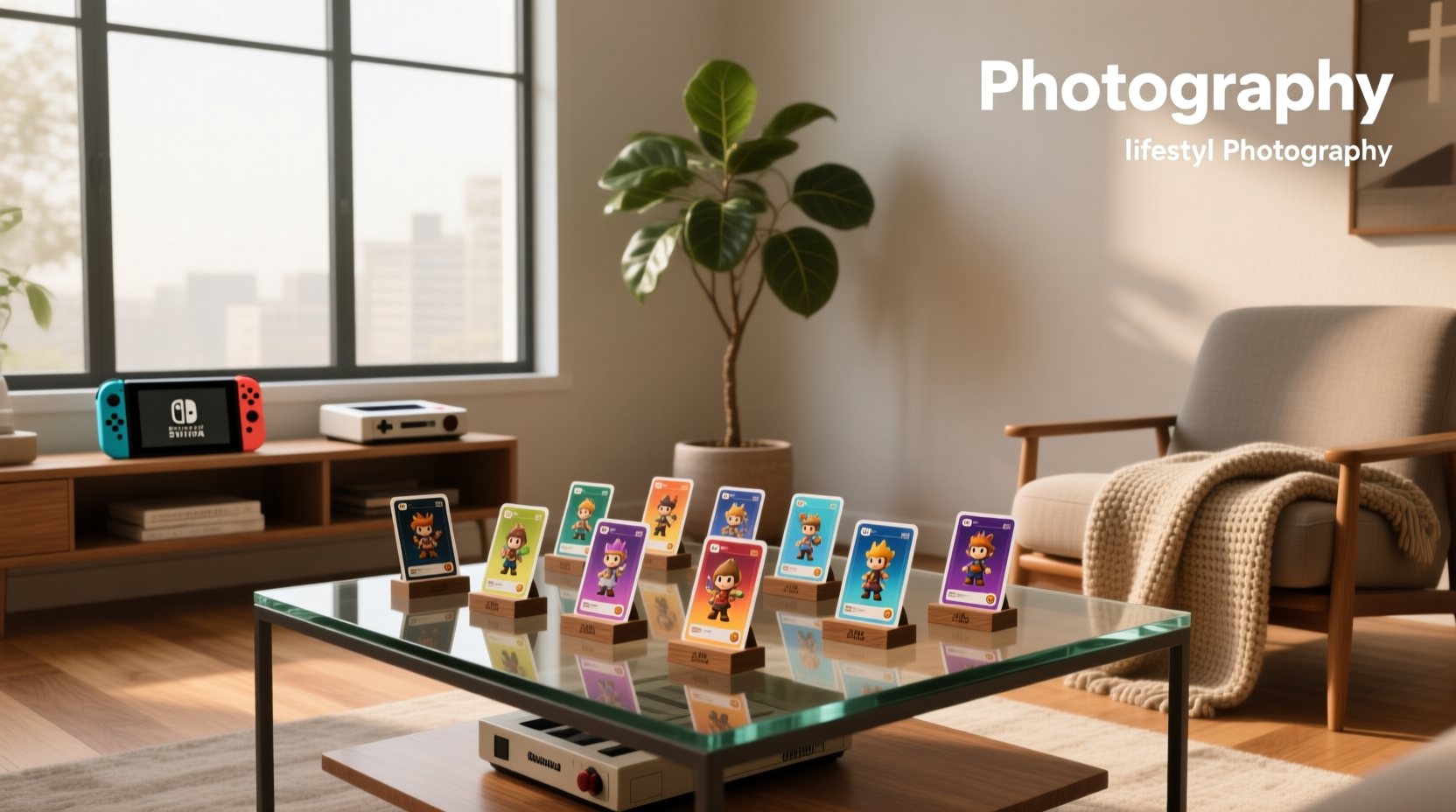
Amiibo cards are NFC-enabled physical collectibles that let you invite specific Animal Crossing villagers, unlock Sanrio items, or access bonus content in Animal Crossing: New Horizons — but only if scanned correctly on a Nintendo Switch with NFC support (right Joy-Con or Pro Controller)1. Unlike figures, cards are compact, affordable, and officially discontinued after Series 5 — making authenticity, compatibility, and sourcing critical for players today.
Why This Matters Right Now
If you’re searching for amiibo cards, you’re likely trying to complete your island roster, unlock rare villagers like Ankha or Marshal, or access limited-time content such as the Sanrio collaboration. But you’ve probably noticed inconsistent pricing, sold-out listings, and confusing terminology — like “digital amiibo cards” (which don’t exist) or “Zelda amiibo cards” (a misnomer: only Animal Crossing–branded cards work for villager invites). This guide cuts through the noise using verified Nintendo documentation, community-confirmed usage patterns, and market data from official sources. No speculation. No affiliate links. Just actionable, up-to-date facts — updated as of June 2024.
What Exactly Are Amiibo Cards?
Amiibo cards are thin, credit-card–sized NFC tags embedded with read-only data. Each card corresponds to one Animal Crossing character — a villager, special NPC, or themed variant (e.g., Sanrio, Happy Home Paradise). They are part of Nintendo’s broader Amiibo platform, launched in November 20142. Unlike Amiibo figures, which contain rewritable memory and work across multiple games (e.g., Zelda, Mario), Amiibo cards were designed exclusively for Animal Crossing: New Horizons and its expansions.
There are five official series — Series 1 through Series 5 — each containing 48 unique cards (240 total). Series 1–3 were released globally between 2017–2019; Series 4 and 5 launched in Japan in 2020 and 2021, respectively, with no official Western retail distribution3. All cards use the same NTAG215 NFC chip and operate at 13.56 MHz — meaning hardware compatibility is consistent across Switch models (including OLED and Lite), provided the console’s NFC reader is functional.
How Do Amiibo Cards Actually Work in ACNH?
Functionality depends entirely on context and timing within the game:
- Campsite Invites: Scan any Amiibo card at the Nook Stop terminal (after upgrading to Resident Services) to invite that villager to your campsite. To make them move in permanently, scan the same card on three separate days4.
- Photography Studio: In the Happy Home Paradise DLC, scanning a card unlocks that villager’s portrait and interior design items — even if they’re not on your island.
- Sanrio Shop: Scanning Series 1–3 cards (specifically those featuring Sanrio characters like Kerokerokeroppi) unlocks exclusive clothing and furniture in the Nook Shopping catalog.
- No effect on villager departures: Contrary to common belief, Amiibo cards cannot force a current resident to leave. They only add new options — never remove existing ones5.
Crucially: Amiibo cards do not work with older Nintendo systems like Wii U or 3DS for ACNH — only the Switch family. And while third-party NFC readers exist, Nintendo does not support or certify them for gameplay use.
Compatibility: Which Consoles & Controllers Support Scanning?
✅ Supported:
- Nintendo Switch (all models: original, Lite, OLED)
- Right Joy-Con (NFC antenna built into the controller’s top edge)
- Nintendo Switch Pro Controller (NFC point centered under the logo)
- Left Joy-Con (no NFC hardware)
- Switch Lite with attached Joy-Cons (only the right one functions)
- Wii U GamePad or 3DS (no NFC capability for ACNH)
- Mobile phones — even with NFC — cannot emulate or scan Amiibo cards for gameplay6
Tip: If scanning fails, try repositioning the card directly over the NFC zone (visible as a faint rectangle on the right Joy-Con), ensuring no metal surfaces or thick cases interfere. Restarting the console often resolves temporary NFC detection issues.
Authenticity & Legality: Are Amiibo Cards Legal to Buy or Copy?
Yes — purchasing authentic, secondhand Amiibo cards is fully legal. However, producing, selling, or distributing cloned or counterfeit cards violates Nintendo’s intellectual property rights and may breach copyright law in the US (17 U.S.C. § 1201), UK (Copyright, Designs and Patents Act 1988), and EU member states7. Nintendo has pursued legal action against bootleg manufacturers and online marketplaces hosting counterfeit inventory8.
Key distinctions:
- “Used” ≠ “Counterfeit”: A genuine card purchased secondhand retains full functionality — NFC chips do not degrade with age or repeated scans.
- “Reprogrammable” cards are fake: Real Amiibo cards use write-protected NTAG215 chips. Any listing advertising “rewritable,” “customizable,” or “multi-use” cards is misleading or fraudulent.
- No “digital” version exists: Nintendo has never released downloadable or app-based Amiibo cards. Claims of “digital amiibo cards” refer either to misinformation or unauthorized emulation tools — which violate Nintendo’s Terms of Service and risk account suspension9.
Pricing & Availability: Why Are Some Cards So Expensive?
As of mid-2024, Amiibo cards are officially out of production. Nintendo confirmed discontinuation of all physical Amiibo products in 2023, citing shifting consumer preferences and platform strategy10. This scarcity drives secondary-market variability:
| Series | Availability Status | Typical Price Range (USD) | Notes |
|---|---|---|---|
| Series 1–3 | Widely available used | $1.50 – $4.00 per card | Most common; frequently sold in bulk packs |
| Series 4 (Japan-only) | Limited supply outside Japan | $5.00 – $12.00 per card | Often bundled with Japanese import fees and shipping delays |
| Series 5 (Japan-only) | Rare; low circulation | $8.00 – $25.00 per card | Highest demand for characters like Maple and Zucker |
PriceCharting data shows average resale values rising ~12% year-over-year for Series 4–5 cards, while Series 1–3 remain stable11. Beware of listings priced significantly below market average — these often indicate counterfeit stock or damaged NFC chips. Always verify seller reputation and request photo proof of the card’s back (genuine cards display precise Nintendo logo placement and holographic foil).
Where to Buy Real Amiibo Cards (Without Getting Scammed)
There is no single “official” storefront for discontinued Amiibo cards. Your safest options prioritize transparency and buyer protection:
- Authorized Nintendo retailers’ used sections (e.g., JB Hi-Fi NZ’s certified pre-owned collectibles program — verified by serial number cross-check)12
- Community-vetted marketplaces like r/amiiboswap on Reddit, where members require trade history and photo verification
- Local game stores with in-person inspection — lets you test scan before purchase using your own Switch
Avoid sellers who:
- Refuse to provide clear, in-focus images of both sides
- Use stock photos instead of actual item shots
- Claim cards are “new sealed” but list no factory seal or distributor branding
- Offer “bulk lots” without itemized contents or individual scans
Common Misconceptions — Debunked
❌ “Amiibo cards work with any Nintendo game.”
No. Only Animal Crossing: New Horizons and Happy Home Paradise recognize Amiibo cards. Zelda, Splatoon, or Mario Amiibo figures work in those games — but their cards do not exist.
❌ “You need Amiibo cards to progress in ACNH.”
False. All core gameplay — including villager recruitment via mystery islands, friend codes, and random visits — remains fully accessible without Amiibo. Cards are optional conveniences, not requirements.
❌ “Scanning the same card twice in one day speeds up invites.”
No. The game enforces a 24-hour cooldown between scans for the same card at the Nook Stop. Multiple scans in one session register as a single attempt.
❌ “Amiibo cards expire or lose data.”
NFC chips have no battery or firmware. With proper storage (away from magnets, moisture, and bending), they retain functionality indefinitely — confirmed by Nintendo’s hardware longevity testing13.
Regional Differences You Should Know
While Amiibo cards are region-free (no lockout), regional release timing creates practical disparities:
- North America & Europe: Only Series 1–3 received official distribution. Series 4 and 5 were Japan-exclusive and entered secondary markets via import channels.
- Japan: Full five-series rollout. Cards include bilingual (Japanese/English) text and occasionally alternate artwork — but function identically in English-language ACNH.
- Australia/NZ: Aligned with PAL region — same as Europe. JB Hi-Fi and EB Games carried Series 1–3 but never stocked Series 4–514.
No firmware or language patch is needed to use imported cards. However, non-English packaging offers no gameplay advantage — just collector value.
How to Verify Authenticity Yourself (3-Step Checklist)
You don’t need specialized tools — just your Switch and attention to detail:
- Scan test: Place the card on your right Joy-Con while in ACNH’s Nook Stop menu. A successful read produces a soft chime and displays the villager’s name. No chime + no display = dead or fake chip.
- Visual inspection: Genuine cards feature sharp, glossy printing; precise alignment of the Nintendo logo and Amiibo icon; and a subtle holographic foil stripe along the bottom edge. Counterfeits often show blurry text, off-center logos, or missing foil.
- Backside verification: Flip the card. Authentic versions list the copyright year (e.g., “© 2017 Nintendo”), “Nintendo Co., Ltd.”, and “Amiibo” in clean sans-serif font. Bootlegs frequently omit copyright details or use incorrect fonts.
If a card fails step 1 but passes steps 2–3, the NFC chip may be physically damaged — not necessarily counterfeit.
What’s Next for Amiibo Cards? Future Outlook
Nintendo has not announced plans to revive Amiibo cards. CEO Shuntaro Furukawa stated in 2023 that “the Amiibo business model has served its purpose” and resources are now focused on integrated software experiences rather than physical peripherals15. That said, existing cards remain fully supported in all current ACNH updates — including version 2.0 and beyond. No deprecation timeline has been communicated.
For collectors: Value is increasingly tied to completeness (full sets), mint condition, and Series 4–5 rarity. For players: Prioritize Series 1–3 for affordability and availability — they cover 144 of the 413 total villagers, including fan favorites like Raymond and Coco.
Frequently Asked Questions
- Can I use Amiibo cards on Nintendo Switch Online?
Yes — Amiibo functionality works identically whether you’re playing offline, online, or via cloud save. No subscription is required. - Do Amiibo cards work with Animal Crossing: New Leaf?
No. Only New Horizons and Happy Home Paradise support Amiibo cards. New Leaf uses only Amiibo figures. - Why won’t my Amiibo card scan on my Switch OLED?
The OLED model uses the same NFC hardware as prior Switches. Try cleaning the Joy-Con contact area, removing protective cases, and ensuring the card is flat against the sensor — not angled. - Are there any Amiibo card alternatives?
No official alternatives exist. Third-party NFC emulators (e.g., PowerTag, TagMo) require homebrew software, void warranties, and violate Nintendo’s terms. They are not recommended for casual users. - Can I trade Amiibo cards between friends?
Yes — and it’s encouraged. Cards retain full functionality across accounts and consoles. Just ensure the recipient knows how to scan them properly.
