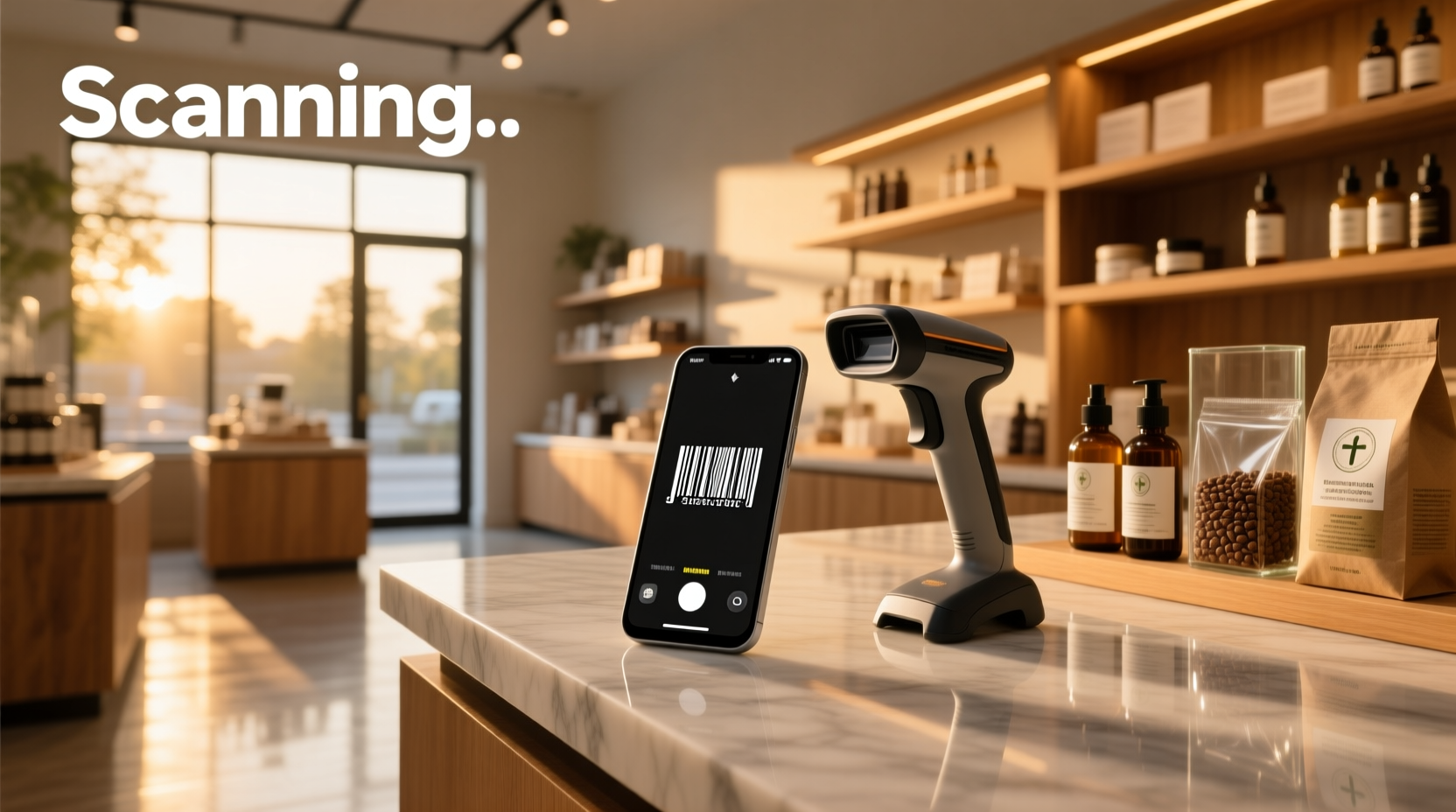
Looking for a reliable barcode scanner for Android? You don’t need dedicated hardware for most everyday tasks—modern Android phones can scan 1D (UPC, EAN) and 2D (QR, Data Matrix) codes using built-in tools, free apps, or Bluetooth peripherals—depending on your use case, volume, environment, and integration requirements. This guide cuts through the noise to help you choose the right solution: whether you’re checking product prices at home, managing inventory in a warehouse, or syncing scans to QuickBooks or a WMS. We compare native methods, third-party apps, and rugged Android mobile computers side-by-side—based on real-world performance, OS support (Android 13/14), connectivity options, and long-term reliability—not marketing claims.
Why This Matters: Your Use Case Determines the Right Tool
Before selecting any Android barcode scanner, ask: How often will I scan? Where? What data do I need from each scan? Do I need offline operation, cloud sync, or system integration? A student scanning textbook ISBNs once a week has vastly different needs than a logistics supervisor processing 500+ packages per shift in a dusty loading dock. Misalignment here leads to wasted time, inaccurate data, or premature device failure. For example, relying solely on a free QR app for high-volume retail checkout may cause lag, missed scans, or battery drain—while over-investing in a $1,200 Zebra TC75 for personal grocery tracking is unnecessary overhead.
Option 1: Built-in Android Camera & Quick Settings (No App Required)
✅ Best for: Occasional, low-stakes scanning (e.g., restaurant menus, event tickets, product lookups).
⏱️ Speed: Near-instant—no install, no permissions.
📶 Offline capable: Yes, if Google Lens is pre-downloaded (works without internet for most standard barcodes)1.
All major Android devices (Samsung Galaxy, Pixel, OnePlus, etc.) since Android 9 (Pie) include native barcode recognition powered by Google Lens. To use it:
- Open your default Camera app, point at a clear, well-lit barcode or QR code — a notification appears within 1–2 seconds with an action (e.g., “Open URL”, “Search product”).
- Swipe down twice from the top of the screen to access Quick Settings; tap the QR code scanner tile (if enabled—add it via Edit button).
- Use Google Lens directly: Open Google app → tap Lens icon → point camera at code.
Limits: Struggles with damaged, faded, or angled barcodes; cannot decode proprietary formats (e.g., Code 128 with custom checksums); no batch export or CSV logging; no API access for automation.
Option 2: Free & Paid Third-Party Apps (Google Play)
✅ Best for: Users needing history logs, batch scanning, format flexibility (PDF417, Aztec), or lightweight workflow enhancements.
📱 Top verified apps (as of Q2 2025):
| App Name | Key Strengths | Limitations | Offline Support | Last Updated |
|---|---|---|---|---|
| Binary Eye 2 | Free, open-source, zero ads, supports 30+ formats including GS1 DataBar, DotCode | No cloud sync, minimal UI customization | Full offline operation | April 2025 |
| QR & Barcode Scanner (Gamma Play) | 4.4★ (327K reviews), fast autofocus, history search, dark mode | Contains ads; in-app purchases for export features | Scanning works offline; export requires internet | May 2025 |
| Barcode Lookup 3 | Product database integration (price, images, reviews), UPC/EAN lookup | Relies on external API; limited 2D format support | Basic scan offline; product data requires internet | March 2025 |
Critical considerations before installing:
- Permissions: Avoid apps requesting SMS, contacts, or location unless required for your use case. Binary Eye requests only camera and storage (for saving history).
- Format coverage: Confirm support for your specific barcode type. Most apps handle QR, UPC-A/E, EAN-13, Code 128—but verify PDF417 or RSS-14 if used in healthcare or logistics.
- Data handling: Check privacy policy. Open-source apps like Binary Eye publish full source code on GitHub; others may anonymize or aggregate scan data.
Option 3: Rugged Android Mobile Computers (Enterprise Hardware)
✅ Best for: High-volume, mission-critical, or harsh-environment scanning (warehouses, field service, manufacturing).
🛠️ What defines ‘rugged’? IP65/IP67 dust/water resistance, MIL-STD-810H drop rating (1.5m+), hot-swappable batteries, enterprise-grade OS updates (Android 13/14), and programmable trigger buttons.
These are not accessories—they’re full Android tablets or handhelds with integrated, industrial-grade imagers. Key families include:
- Zebra TC Series (e.g., TC57, TC75): Dual-SIM, Wi-Fi 6, optional pistol grip, certified for 10+ hour shifts. Integrates natively with Zebra’s Mobility Extensions (Mx) for WMS/ERP deep linking4.
- MUNBYN AS01P: Android 14, Wi-Fi 6E, 8GB RAM, supports both 1D and 2D symbologies out-of-box. Targets SMB inventory teams needing future-proof OS support.
- ScanSKU R Series: Focused on 1D linear scanning; lower cost entry point for retail stockrooms needing durability without full Android tablet features.
Integration capabilities: Unlike apps, these devices support:
- Direct HID (keyboard wedge) mode — acts as a USB/Bluetooth keyboard sending scanned data into any field (POS, Excel, browser).
- API-driven SDKs (e.g., Zebra’s DataWedge) for custom app development.
- Pre-built connectors for Shopify, QuickBooks Online, ShipStation, and SAP S/4HANA Cloud.
Trade-offs: Higher upfront cost ($400–$1,300), steeper learning curve, and IT management overhead (MDM enrollment, firmware updates). Not justified for under 20 scans/day.
Option 4: Bluetooth/Wireless External Scanners (Phone + Peripheral)
✅ Best for: Users who want hardware-grade scanning speed/reliability but already own a capable Android phone.
📡 How it works: A standalone scanner (e.g., NETUM NT-310, Eyoyo Y100) pairs via Bluetooth HID profile. When triggered, it sends decoded data directly to your phone’s active text field—no app needed.
Advantages over phone-camera scanning:
- Consistent 15–20 cm working distance (vs. 5–10 cm for phone cameras).
- Works in low light or with reflective surfaces (e.g., glossy packaging).
- Battery life: 10,000+ scans per charge (vs. draining phone battery).
- Trigger ergonomics: Designed for thumb operation during repeated scanning.
Setup steps:
- Enable Bluetooth on Android phone.
- Put scanner in pairing mode (usually 3-second trigger press).
- Select device name in Bluetooth menu (e.g., “NT310-XXXX”).
- Test by opening Notes app and scanning — output should appear instantly.
Compatibility note: Most modern Bluetooth scanners work with Android 8.0+. Verify HID profile support—some budget models use SPP (Serial Port Profile), requiring companion apps and introducing latency.
Key Decision Factors: What to Compare Before Choosing
Don’t base your choice on price or brand alone. Evaluate these five technical and operational dimensions:
1. Symbology Support
Not all scanners read all barcodes. Confirm support for your exact types:
- 1D (linear): UPC-A, EAN-13, Code 39, Code 128, Interleaved 2 of 5
- 2D: QR Code, Data Matrix, PDF417, Aztec, MaxiCode
- Specialized: GS1 DataBar (healthcare), DotCode (automotive), RSS Expanded
⚠️ Warning: Many free apps claim “30+ formats” but fail on poorly printed or small-density PDF417 used in driver’s licenses or boarding passes. Industrial imagers list exact ISO/IEC test compliance (e.g., “ISO/IEC 15415 Grade C or better”).
2. Environmental Resilience
Lighting, motion, and surface matter:
- Low-light performance: Dedicated imagers use LED or laser illumination; phone cameras rely on auto-exposure (often too slow).
- Motion tolerance: Can it read while moving (e.g., conveyor belt)? Only high-end hardware supports this reliably.
- Surface challenges: Glossy, curved, or scratched labels require adaptive focus algorithms — found in Zebra, Honeywell, and Datalogic units, not apps.
3. Connectivity & Integration Pathways
How does scanned data reach its destination?
| Solution Type | Primary Output Method | Cloud Sync Options | ERP/WMS Integration |
|---|---|---|---|
| Built-in Camera | Copy/paste or tap-to-action | None (manual entry) | No |
| Third-Party App | Clipboard or in-app log export (CSV) | Some (e.g., QR Scanner Pro offers Google Drive sync) | None (requires manual import) |
| Bluetooth Scanner | HID keyboard wedge (real-time) | Only if paired app enables it | Only via companion software |
| Rugged Android Device | HID, serial, TCP/IP, or SDK API | Built-in (via MDM or native cloud services) | Native drivers for SAP, Oracle, Manhattan, JDA |
4. Battery & Duty Cycle
For sustained use:
- Phone-based solutions drain main battery — expect 30–60% loss per 2 hours of continuous scanning.
- Bluetooth scanners typically last 7–10 days on standby, 12+ hours active.
- Rugged Android units ship with hot-swappable batteries (e.g., Zebra TC57: dual 4,000 mAh packs = 16+ hours).
5. Long-Term Support & Updates
Android fragmentation affects longevity:
- Free apps may abandon older Android versions (e.g., Binary Eye dropped Android 7 support in 2024).
- Rugged devices receive 3–5 years of OS security patches and feature updates (Zebra guarantees Android 13 → 15 upgrades for TC57).
- Bluetooth scanners rarely receive firmware updates — check manufacturer site for last update date before purchase.
Common Pitfalls & How to Avoid Them
Pitfall #1: Assuming all “Android-compatible” scanners work identically.
Reality: Android’s HID implementation varies across OEMs. Samsung One UI and Xiaomi MIUI sometimes throttle background Bluetooth — test with your exact phone model before bulk deployment.
Pitfall #2: Overlooking lighting conditions.
A scanner rated for “100% decode at 30 cm” assumes ISO-standard lighting (500 lux). In a dim warehouse aisle (<50 lux), performance drops sharply — add supplemental lighting or choose a model with adjustable illumination.
Pitfall #3: Ignoring data formatting needs.
Many barcodes contain leading zeros (e.g., UPC-E 012345), which spreadsheet apps auto-strip. Industrial scanners let you prepend/append characters (e.g., “SKU-” + scan) or send tab/enter after each scan — verify this capability if importing to Excel or ERP.
Frequently Asked Questions (FAQ)
- Can I scan barcodes offline with my Android phone?
Yes — built-in camera scanning and apps like Binary Eye work fully offline. However, product lookup (e.g., price, reviews) requires internet. - Do I need a special app to scan QR codes on Android?
No. Since Android 9, the native camera app handles QR codes automatically. A dedicated app adds history, batch export, or advanced format support. - What’s the difference between a Bluetooth barcode scanner and a rugged Android scanner?
A Bluetooth scanner is a peripheral that sends data to your phone. A rugged Android scanner is a self-contained computer with scanning, OS, battery, and connectivity — no host device required. - Why won’t my Android phone scan certain barcodes?
Common causes: poor focus (hold steady for 1–2 sec), glare/reflection, low contrast (e.g., red-on-white), or unsupported symbology (e.g., Chinese Han Xin Code). Try cleaning the lens and increasing ambient light. - Can I use my Android phone as a Bluetooth barcode scanner for a Windows PC?
Yes — apps like “Barcode Scanner Keyboard Emulator” turn your phone into a Bluetooth HID device. Pair it with Windows, then scan to input data anywhere (Excel, browser, desktop POS).
