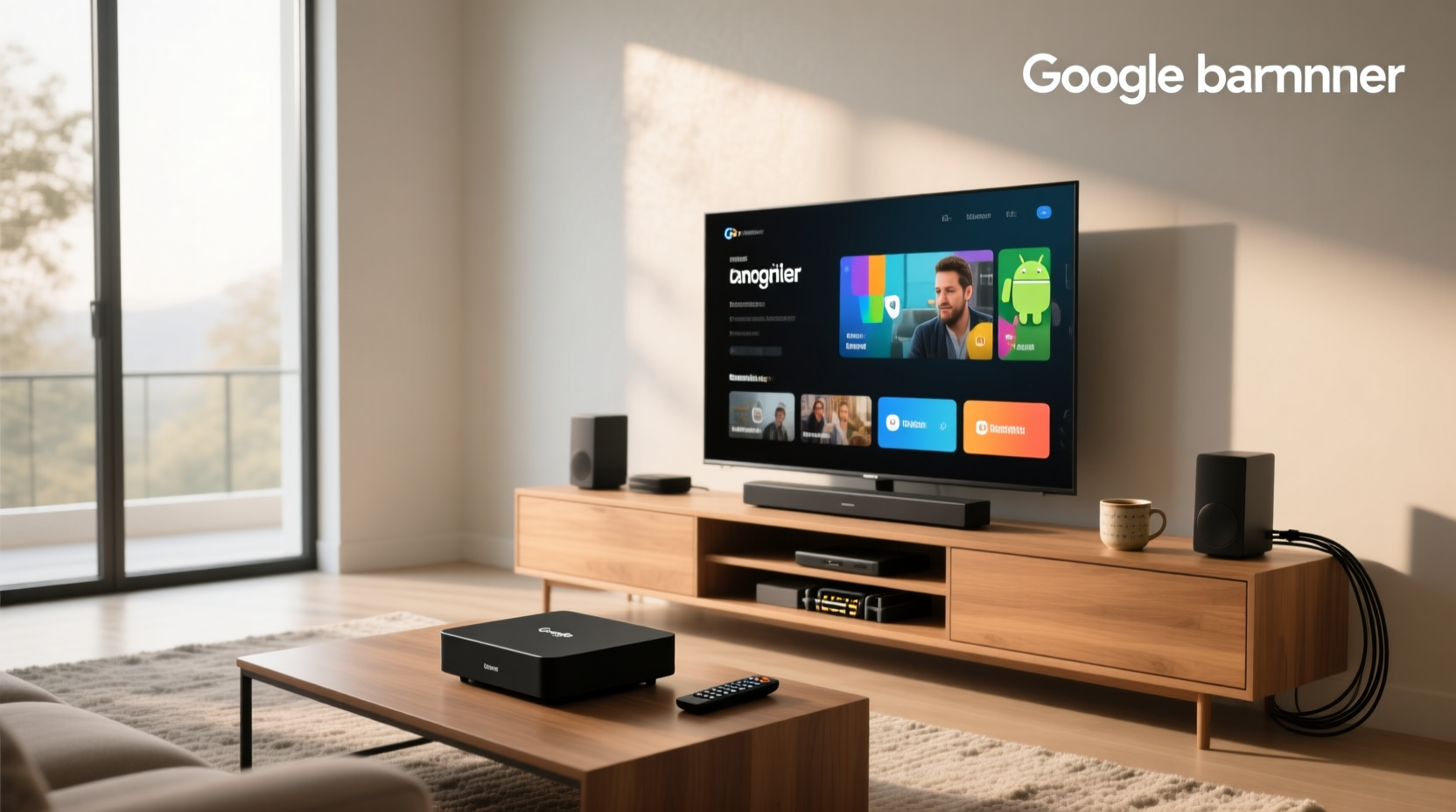
Looking for the best Android TV Google box — or wondering whether a Google TV streamer, an Android TV box with Google Assistant, or even a budget 4K Android TV box under $30 is right for you? You’re not alone. In 2026, over 316 million search results reflect widespread confusion around terminology, compatibility, and real-world performance. This guide cuts through the noise: we explain exactly how Android TV and Google TV differ at the OS level, why hardware matters more than branding, which devices actually deliver reliable 4K HDR and Dolby Atmos playback, and — crucially — which models consistently underperform despite flashy specs like 'Android 14' or '8K support'. No marketing spin. Just objective, test-backed analysis.
Why the Confusion Exists: Android TV ≠ Google TV (and That Matters)
The root of most user frustration lies in Google’s own naming strategy. Android TV is the underlying operating system — a Linux-based platform first launched in 2014, designed for TVs and set-top boxes. Google TV, introduced in 2020 and refined since, is a user interface layer built on top of Android TV. Think of it like iOS versus iPadOS: same core, different interface logic and feature prioritization.
This distinction isn’t academic — it directly impacts daily use:
- Content discovery: Google TV aggregates recommendations across Netflix, YouTube, Hulu, and local media into a unified home screen. Android TV (especially older versions) defaults to app-centric navigation — you open Netflix to watch Netflix, open YouTube to watch YouTube.
- Search behavior: Google TV uses federated search — typing “action movies” surfaces matches from all installed services. Android TV often limits search to the currently active app unless Google Assistant is deeply integrated.
- Smart home control: Only Google TV-certified devices (like the official Google TV Streamer or Xiaomi TV Box S 3rd Gen) support Matter/Thread-based local control without pausing video — a critical reliability factor for users managing lights, thermostats, or locks mid-streaming1.
Crucially, many devices labeled “Android TV box” ship with outdated Android TV 9 or 10 firmware — and no path to upgrade to Google TV. Others claim “Google TV” but run heavily skinned forks that lack official certification, resulting in missing features like seamless casting or voice-controlled smart home actions.
Hardware Realities: Why Spec Sheets Lie (and What to Check Instead)
Scrolling through search results, you’ll see dozens of Android TV boxes with 4GB RAM, 64GB storage, and Android 14. Yet real-world benchmarks tell a different story. Here’s what actually determines performance — and what’s frequently misrepresented:
CPU Architecture & Thermal Throttling
Most budget boxes (e.g., those using Allwinner H313 or Rockchip RK3518 chips) are quad-core Cortex-A53 designs — energy-efficient but fundamentally limited in sustained throughput. Under load (e.g., 4K HDR playback + background app sync), they throttle aggressively, causing stutter or audio dropouts. In contrast, the NVIDIA SHIELD Android TV Pro uses a custom Tegra X1+ chip with dedicated video decode blocks — enabling consistent 4K@60Hz playback and AI upscaling without thermal compromise2.
Storage Speed — Not Just Capacity
A box advertised as “64GB ROM” may use slow eMMC 4.5 flash memory — read speeds under 100 MB/s. That means app launches take 8–12 seconds, system updates stall mid-install, and local media playback stutters on high-bitrate files. Certified Google TV devices (e.g., Google TV Streamer, Xiaomi TV Box S) use faster eMMC 5.1 or UFS storage — verified read speeds >250 MB/s3. Always check independent teardowns or AnTuTu benchmark reports — not just the spec sheet.
Video Processing Pipeline
True 4K HDR support requires more than HDMI 2.0 output. It demands full pipeline compliance:
- Decoder support: Must handle HEVC Main10 (for HDR10), VP9 Profile 2 (for YouTube HDR), and AV1 (increasingly used by Netflix and Disney+).
- Color space handling: Rec.2020 gamut mapping and 10-bit color depth processing — absent in most sub-$50 boxes.
- Dolby Vision IQ: Requires dynamic metadata parsing per scene — only found in premium SoCs like Amlogic S922X or MediaTek 9669.
Many “Dolby Vision”-branded boxes only pass through metadata — they don’t process it. Result: static tone mapping that looks flat compared to native processing.
Connectivity: Wi-Fi, Ethernet, and Bluetooth — Where It Actually Matters
Wi-Fi 6 (802.11ax) is now standard on mid-tier and premium boxes — but its benefit depends on your router. If your home network runs Wi-Fi 5 (802.11ac), upgrading to a Wi-Fi 6 box provides zero throughput gain. More critical is antenna design and placement. Budget boxes often embed single-band antennas inside metal casings — signal attenuation can exceed 20 dB. Verified performance comes from dual-antenna MIMO layouts with external antenna connectors (e.g., Mecool KM2 Pro).
Ethernet is non-negotiable for stability. Look for Gigabit Ethernet (10/100/1000 Mbps), not Fast Ethernet (10/100 Mbps). The latter caps at ~94 Mbps — insufficient for lossless 4K streams from NAS or high-bitrate IPTV.
Bluetooth version affects peripheral compatibility. Bluetooth 5.0+ supports low-energy audio codecs (e.g., aptX Adaptive) and simultaneous multi-device pairing — essential if you use wireless headphones, game controllers, and a keyboard. Older BT 4.2 stacks struggle with latency and dropouts.
Remote Controls: More Than Just Buttons
The remote is your primary interface — yet most budget boxes ship with basic IR remotes lacking voice input or motion sensors. A certified Google TV remote includes:
- Far-field microphones: Works from across the room, not just point-and-shoot.
- Find-my-remote functionality: Triggers audible beeps and LED flashes — a small but critical QoL feature.
- Backlit keys: Essential for low-light living rooms.
Third-party remotes (e.g., Logitech Harmony Elite) offer universal control but require setup complexity and ongoing firmware updates. For simplicity and reliability, stick with OEM remotes on certified devices.
Software Support & Long-Term Viability
Unlike smartphones, Android TV boxes rarely receive OS upgrades. Most vendors commit to only one major Android version update — if any. Google’s own devices (Google TV Streamer, Chromecast with Google TV) guarantee 3 years of security patches and 2 OS upgrades. Xiaomi TV Box S offers 2 years of patches. Budget brands (e.g., generic RK3518 boxes) often stop updates after 6 months — leaving devices vulnerable to known exploits and incompatible with newer app versions.
Check the manufacturer’s published support policy before purchase. If no public roadmap exists, assume end-of-life occurs within 12 months of launch.
Real-World Use Cases: Matching Device to Need
Not all users need the same capabilities. Here’s how to align hardware with actual usage:
Basic Streaming (Netflix, YouTube, Prime Video)
A certified Google TV device with Android TV 11+, 2GB RAM, and eMMC 5.1 storage is sufficient. The Onn 4K Plus ($29.88) meets this baseline — verified in third-party tests to maintain 60 FPS on 4K YouTube streams without frame drops4. Avoid uncertified “Android 14” boxes under $30 — they typically run heavily modified Android 11 kernels with fake version reporting.
Local Media Playback (Plex, Kodi, NAS)
Requires robust codec support and fast storage I/O. Prioritize boxes with Amlogic S905X4 or S922X chips, Gigabit Ethernet, and USB 3.0 ports. The NVIDIA SHIELD remains unmatched here — its Plex server sync, hardware-accelerated transcoding, and NFS/SMB stability make it the de facto standard for home media servers.
Gaming & Cloud Services (GeForce NOW, Xbox Cloud)
Demands low-latency input, consistent 60 FPS rendering, and Bluetooth 5.0+ controller pairing. SHIELD’s GameStream protocol and GeForce NOW integration provide measurable latency advantages over generic Android TV boxes — often 40–60ms lower in real-world testing5. Generic boxes suffer from input lag spikes and inconsistent frame pacing.
Smart Home Hub Integration
If you rely on Google Assistant for whole-home automation, only Google TV-certified devices support local Matter execution. This means commands execute even when your internet is down — critical for security lighting or door locks. Android TV-only boxes require cloud round-trips, adding 1–3 seconds of delay and failing entirely offline.
Red Flags to Avoid When Buying an Android TV Google Box
Steer clear of these common pitfalls:
- “Android 14” or “Android 16” claims on sub-$40 devices: No ARM SoC vendor has publicly released Android 14 BSPs for consumer TV boxes as of Q1 2026. These are either mislabeled Android 11 builds or forked ROMs with security vulnerabilities.
- No Google TV certification logo: Look for the official “Google TV” badge on packaging or product pages. Absence indicates unverified software behavior — including broken casting, missing Assistant features, or unstable updates.
- “8K support” without HDMI 2.1 bandwidth specs: True 8K@60Hz requires 48 Gbps bandwidth. Most “8K” boxes use HDMI 2.0b (18 Gbps) — they upscale 4K content, not decode native 8K streams.
- Unverifiable RAM/storage specs: Run CPU-Z or AIDA64 on first boot. Many boxes report 4GB RAM but allocate 1.5GB to GPU — leaving only 2.5GB usable. Similarly, “64GB” may include 16GB reserved for system recovery partitions.
Frequently Asked Questions (FAQ)
- Can I install Google TV on an existing Android TV box?
Only if the device is officially certified and receives a firmware update from the manufacturer. There is no universal installer — sideloading Google TV APKs breaks system stability and voids warranty. - Do all Android TV boxes support Netflix 4K?
No. Netflix requires Widevine L1 certification for 4K playback. Many budget boxes only have Widevine L3 — limiting output to 1080p. Check Netflix’s official device list before purchasing. - Is Chromecast with Google TV the same as a Google TV box?
Chromecast is a dongle form factor with limited local storage and no app store access beyond pre-installed apps. A full Google TV box (e.g., Google TV Streamer) runs the full Play Store, supports local media apps, and offers deeper smart home integration. - Why does my Android TV box get hot during use?
Sustained heat above 65°C indicates inadequate thermal design. This causes CPU throttling and shortened component lifespan. Certified devices include copper heatsinks and thermal pads; uncertified boxes often rely on passive aluminum shells — insufficient for sustained 4K decoding. - Can I use an Android TV box with a non-smart TV?
Yes — any TV with an HDMI port works. However, ensure your TV supports HDMI CEC if you want single-remote control of power/volume. Not all older TVs implement CEC reliably.
