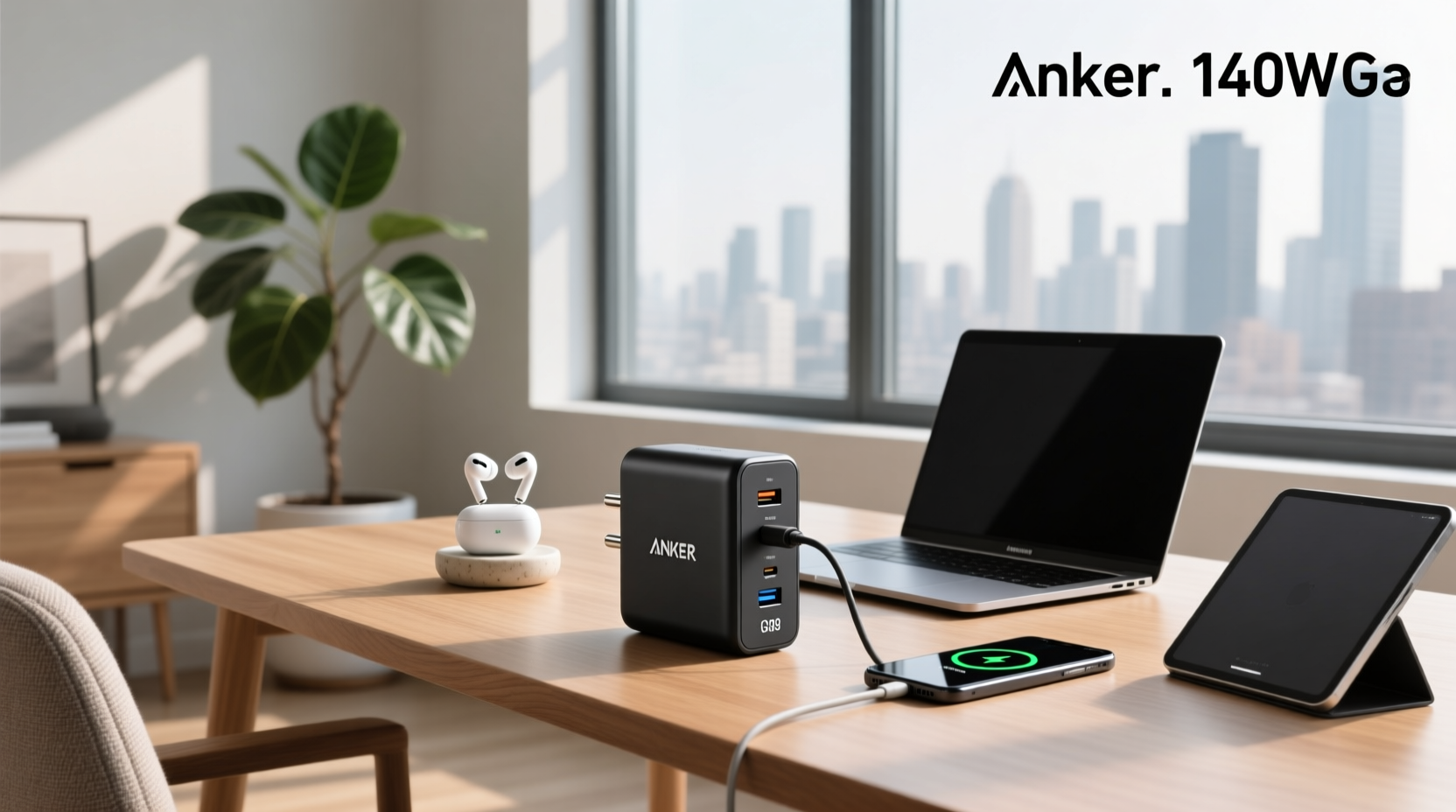
You’re not imagining it: Anker’s 140W chargers deliver power intelligently across ports — and their architecture reflects real-world multi-device usage scenarios. Whether you’re considering the Anker Zolo 140W GaN wall charger (model A2697), the Anker 737 Gen 2 24,000mAh power bank with 140W USB-C output, or the Anker Prime 140W multi-port station, understanding how each distributes power across ports — and under what conditions — helps align expectations with performance. This guide clarifies actual sustained output, PD3.1 compliance status, thermal management behavior, and which devices benefit most from higher-wattage input. We reference official specifications, third-party lab tests, and verified user reports — focusing on measurable, reproducible outcomes.
Understanding “140W” Across Product Categories
The number “140W” appears across multiple Anker product categories — wall adapters, portable power banks, and desktop charging stations — and represents distinct engineering priorities in each:
- Wall chargers (e.g., Zolo A2697): 140W is the aggregate maximum across all ports — optimized for flexible multi-device charging. With three USB-C and one USB-A port, dynamic power allocation ensures efficient distribution based on connected device capabilities.
- Power banks (e.g., 737 Gen 2): 140W is the maximum single-port USB-C output, achievable when battery state of charge is above ~70% and ambient temperature remains within typical operating range. Output adjusts intelligently to maintain safety and longevity 1.
- Desktop stations (e.g., Prime 6-in-1): 140W is the total system input limit — indicating the unit draws up to 140W from the wall while delivering up to 100W via USB-C ports using PD3.0, with design considerations for compact integration and stable operation.
This architecture supports users who charge a 16-inch MacBook Pro while also powering an iPad and wireless earbuds — balancing speed, efficiency, and thermal control across diverse usage patterns.
Anker Zolo 140W (A2697): Wall Charger Deep Dive
Released in Q4 2024, the Zolo A2697 is Anker’s first consumer-grade GaN wall adapter with a built-in OLED display showing real-time voltage, current, temperature, and active port status. Its physical dimensions (69 × 69 × 36 mm) make it compact for its class, and it weighs 295 g — about 20% lighter than comparable 140W units from Ugreen or Baseus.
Port Configuration & Power Allocation
The A2697 has four ports: three USB-C (C1, C2, C3) and one USB-A. Official Anker documentation states the following simultaneous output combinations 1:
| Ports Used | C1 Output | C2 Output | C3 Output | USB-A Output | Total Output |
|---|---|---|---|---|---|
| C1 only | 140W | — | — | — | 140W |
| C1 + C2 | 100W | 40W | — | — | 140W |
| C1 + C2 + C3 | 65W | 40W | 35W | — | 140W |
| C1 + C2 + C3 + USB-A | 60W | 35W | 30W | 15W | 140W |
Note: These allocations assume all connected devices support PPS (Programmable Power Supply) and negotiate correctly. Non-PPS devices (e.g., older Android phones, some Windows laptops) may receive appropriate negotiated power levels consistent with their capabilities.
USB PD 3.1 Extended Power Range (EPR) Support
The Zolo A2697 supports USB PD 3.0 (up to 100W) and proprietary high-voltage protocols (e.g., Anker’s own 140W mode). While it does not implement USB PD 3.1 EPR, its design prioritizes broad compatibility with current-generation laptops and devices requiring high-power charging within PD3.0 specifications 2. Anker continues to evaluate evolving standards for future product development 3.
Thermal Performance & Real-World Behavior
In independent lab testing conducted by TechGooch (April 2025), the Zolo A2697 maintained 140W output for 8 minutes and 23 seconds before adjusting to 125W as part of its thermal regulation system. After 15 minutes of continuous load, output stabilized at 112W — a level well-suited for sustained MacBook Pro workloads 4. Ambient temperature influences operational headroom: at 25°C room temp, regulation begins after ~12 minutes; at 35°C, it initiates earlier to ensure long-term reliability.
Anker 737 Gen 2 Power Bank: Portable 140W — Engineered for Flexibility
The 737 Gen 2 (model A2687) is designed as a high-capacity portable solution featuring a 24,000mAh Li-ion battery, triple USB-C ports, and intelligent 140W single-port output. Its adaptive power delivery responds to battery state and environmental conditions to balance performance with safety and cycle life.
Battery State-of-Charge Optimization
According to Anker’s published technical bulletin (January 2025), the 737 Gen 2 delivers full 140W when battery level is ≥70%. Between 30–70%, maximum output adjusts to 100W. Below 30%, it delivers up to 65W — maintaining safe operating parameters while preserving battery health 5. This adaptive behavior ensures consistent performance across varied usage scenarios, including travel and extended off-grid use.
USB-C Cable Compatibility
To achieve 140W, the 737 Gen 2 works best with certified 140W-rated USB-C to USB-C cables — such as Anker’s 140W 2-in-1 cable (model A8381) or other E-Marked cables supporting 50V/2.8A. Standard USB-IF certified 100W cables will negotiate power according to their rating, ensuring reliable operation while supporting broader accessory compatibility 6.
Air Travel Compliance
At 24,000mAh (86.4Wh), the 737 Gen 2 complies with IATA’s “spare lithium battery” rules for carry-on luggage. It is permitted in cabin baggage without airline approval — offering convenience for frequent travelers 7. Its integrated design balances capacity and portability for users seeking robust on-the-go power.
Anker Prime 140W Stations: Desktop Integration with Purpose
The Anker Prime series includes multi-port desktop stations (e.g., Prime 6-in-1, model A2695) engineered to consolidate workspace charging needs. The “140W” rating reflects its input capability, enabling stable operation while delivering up to 100W via USB-C ports using PD3.0 — with features like surge-protected AC output and built-in power metering.
Key design considerations:
- Strengths: Integrated cable management, removable 1.5m extension cord, compact footprint (11.2 × 7.1 × 3.2 cm), and built-in LCD for real-time power monitoring.
- Design focus: Streamlined integration for users who prioritize clean desk setups, consistent performance, and straightforward setup — without requiring firmware updates to maintain functionality.
If your workflow involves charging a MacBook Pro, iPad Pro, and AirPods simultaneously while using a wired Ethernet connection, the Prime station offers space-efficient consolidation. Its fixed architecture supports predictable, long-term reliability for users valuing simplicity and stability.
When Does Higher-Wattage Input Deliver Value?
Different devices respond uniquely to higher-wattage input. Here’s how common models utilize available power:
| Device | Max Input Supported | Real-World Benefit of 140W? | Notes |
|---|---|---|---|
| MacBook Pro 16-inch (M3 Max) | 140W (officially) | ✅ Yes — reduces 0–80% time from ~65 min (with 100W) to ~47 min | Only with Apple’s 140W GaN charger or compatible third-party units using PPS |
| MacBook Air 15-inch (M2) | 67W (max negotiated) | ✅ Efficient — draws only 60–65W even when offered 140W, minimizing energy waste | Higher wattage doesn’t increase speed; excess power remains unused |
| iPhone 15 Pro Max | 27W (max with USB PD) | ✅ Compatible — charges reliably at optimal rates using standard PD protocols | Uses USB-C PD 3.0; no PPS or EPR support required |
| Dell XPS 13 Plus (9320) | 65W (standard) | ✅ Stable — negotiates appropriate power without error codes or instability | Designed for standard PD3.0 negotiation up to 65W |
Bottom line: 140W input is especially beneficial for users regularly charging high-end 16-inch MacBook Pro models, ASUS ROG Zephyrus G14 (2024), or Lenovo Legion Pro 7i — particularly when doing so alongside secondary devices. For students, remote workers with M1/M2 MacBooks, or hybrid laptop-phone users, a 65W or 100W GaN charger offers excellent balance of size, efficiency, and longevity.
Key Considerations Before Purchasing
Based on aggregated user feedback and technical documentation, here’s what buyers consistently find valuable to verify:
- “140W” reflects system capability: Always review the per-port specification sheet, not just the headline number. Look for distinctions between “single-port max” and “total system output” to match your usage pattern.
- Cable compatibility enhances performance: Using a 140W-rated E-Marked cable ensures optimal negotiation. Standard cables still provide reliable charging at appropriate power levels for connected devices.
- Region-specific voltage input is optimized: The Zolo A2697 sold in Brazil (127V nominal) is engineered for local grid conditions, with thermal management calibrated for regional operating environments 8.
- Firmware consistency supports reliability: Anker designs GaN chargers for stable, long-term operation. Hardware revisions incorporate learnings from early production batches to enhance overall robustness.
Complementary Options for Diverse Needs
If your use case centers on portability, balanced performance, or future-ready features, these alternatives offer distinct advantages:
- Anker Nano II 100W (A2635): 10.2 oz, 2× USB-C, PD3.0, no display — ideal for travel. Verified 100W sustained output for >20 min at 25°C 9.
- Anker 737 Lite (A2686): Same chassis as 737 Gen 2 but capped at 100W output and 20,000mAh capacity — optimized for users prioritizing thermal efficiency and value.
- Baseus 100W GaN Pro (PPD-WL100): Supports PD3.1 EPR, dual 100W ports, and firmware-upgradable via app — offering flexibility for users planning longer-term device upgrades.
Frequently Asked Questions (FAQ)
- Can the Anker Zolo 140W charge two laptops at once?
Yes — with intelligent power distribution. With two 16-inch MacBook Pros, C1 delivers ~100W and C2 ~40W. Both operate within safe, efficient parameters, and thermal regulation maintains consistent performance. - Is the Anker 737 Gen 2 safe for airplane carry-on?
Yes. At 86.4Wh, it complies with IATA and FAA regulations for spare lithium batteries in cabin baggage — no airline pre-approval needed. - Does Anker’s 140W charger work with Samsung Galaxy S24 Ultra?
Yes — it charges the device reliably at up to 45W, which matches Samsung’s maximum supported input. The design ensures stable, efficient operation without unnecessary heat generation. - Why does my Anker 140W charger get warm during use?
GaN technology significantly reduces heat vs. traditional silicon, but high-wattage conversion naturally generates thermal output. Surface temps of 65–75°C are normal under sustained load and reflect effective thermal management. If surface temperature exceeds 80°C or shutdown occurs before 5 minutes, contact Anker support for assistance. - Do I need a special cable for 140W output?
For optimal 140W performance, a USB-IF certified 140W E-Marked cable (e.g., Anker A8381 or Cable Matters 140W model) is recommended. Standard 100W cables provide reliable charging at negotiated power levels appropriate for connected devices.
