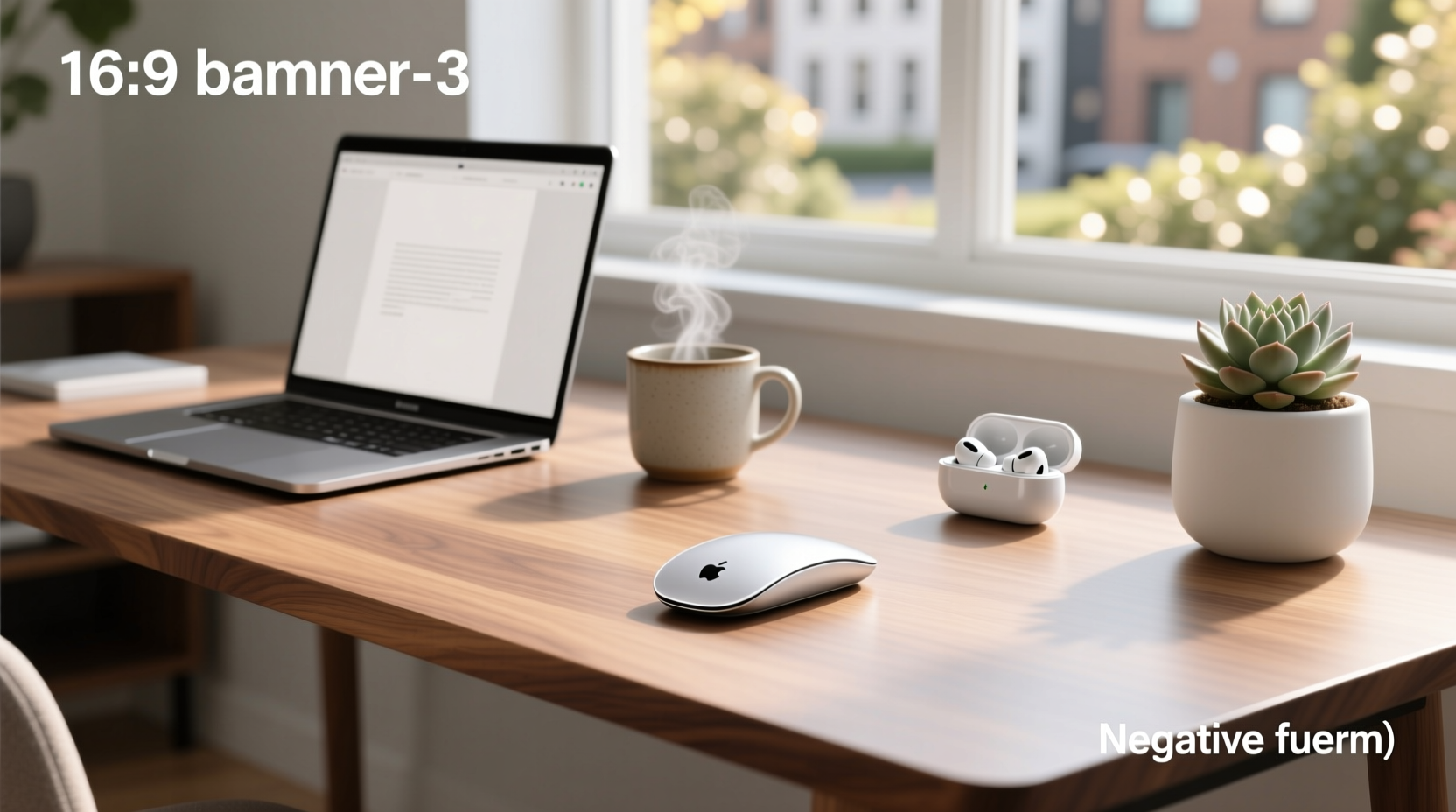
As of June 2025, there is no officially released Apple Magic Mouse 3 — despite widespread confusion across retailers, YouTube thumbnails, and third-party listings1. What many sellers and reviewers call the "Magic Mouse 3" is actually the 2023–2024 USB-C update of the Magic Mouse 2, retaining identical hardware, dimensions, multi-touch surface, and internal architecture. This distinction is critical for buyers seeking genuine innovation — especially those hoping for ergonomic redesign, voice control, or haptic feedback rumored for a true next-generation model expected no earlier than 20262. If you’re searching for "Apple Magic Mouse 3" to decide whether to upgrade, replace, or evaluate options, this guide delivers verified facts — not speculation — about what ships today, what’s confirmed, and how to interpret claims across e-commerce platforms, forums, and videos.
🔍 Why the Confusion? Decoding the "Magic Mouse 3" Label
The term "Magic Mouse 3" emerged organically from three overlapping sources:
- Retailer labeling practices: Some third-party sellers use descriptive terms like "Magic Mouse 3" to highlight the USB-C update — though Apple officially refers to the device as the Magic Mouse (USB-C)3.
- YouTube algorithm incentives: Titles like "Magic Mouse 3 Voice Control Leaked!" generate interest but typically clarify that no such product has shipped — only rumors circulate4.
- Forum speculation amplification: Reddit threads (e.g., r/mac and r/apple) often reference "MM3" when discussing desired features — including relocated charging ports, Siri integration, and ergonomic reshaping — reflecting user aspirations rather than shipping reality5.
Apple’s official store, support documentation, and press materials refer exclusively to "Magic Mouse (USB-C)" — a revision of the Magic Mouse 2 launched in late 2023. Its model identifier remains A2842, unchanged from the Lightning version. No FCC filings, supply chain reports, or Apple retail SKUs confirm a distinct "Magic Mouse 3" SKU or packaging.
⚙️ What Actually Changed in the USB-C Magic Mouse?
When Apple updated the Magic Mouse in late 2023, it made exactly one functional change: replacement of the Lightning port with a USB-C port. Everything else — including internal sensors, battery capacity (~1 month typical use), gesture responsiveness, physical shape, weight (0.099 kg), and bottom-mounted charging location — remained identical to the Magic Mouse 2.
| Feature | Magic Mouse 2 (Lightning) | Magic Mouse (USB-C) | True "Magic Mouse 3" (Rumored) |
|---|---|---|---|
| Charging port | Lightning (bottom-mounted) | USB-C (bottom-mounted) | Side- or top-mounted (unconfirmed; widely requested) |
| Ergonomics | Flat, low-profile design | Identical flat profile | Potential raised rear, contoured palm rest (MacRumors, 2025) |
| Bluetooth & pairing | Bluetooth 4.0+ (macOS 10.11+) | Same protocol; no firmware upgrade | Possible Bluetooth 5.3+ with faster polling (not confirmed) |
| Gestures & surface | Multi-touch glass surface | Identical surface; same swipe/scroll behavior | Enhanced pressure sensitivity or haptic feedback (rumored) |
| Voice integration | None | None | Siri or Apple Intelligence activation via dedicated button (AppleInsider, Jan 2025) |
This table underscores a key decision point: If you already own a Magic Mouse 2, upgrading solely for USB-C offers compatibility benefits — particularly if your Mac lacks Lightning cables or you prefer standardizing on USB-C accessories. The charging configuration remains consistent: the mouse is designed for convenient overnight or off-hours charging, supporting uninterrupted use during active work sessions.
💡 Key Considerations for User Experience
Independent testing and aggregated user feedback highlight characteristics that inform usage patterns and setup preferences:
- Ergonomic profile: The Magic Mouse features a minimalist, low-profile form factor optimized for visual cohesion with Apple displays. Users may benefit from complementary accessories such as wrist rests or split keyboards to support neutral hand positioning during extended use6.
- Input customization: The Magic Mouse delivers native macOS gesture support — including Smart Zoom, Force Click, and multi-finger swipes — without requiring third-party software. While it does not offer programmable side buttons, its seamless integration with macOS system navigation provides intuitive workflow continuity.
- Scrolling performance: On ProMotion displays (120Hz), the Magic Mouse delivers reliable cursor tracking aligned with Apple’s ecosystem design goals. Its polling rate is tuned to balance responsiveness with power efficiency for all-day use7.
- Surface finish: The seamless glass top contributes to the device’s refined aesthetic and tactile feel. With regular cleaning and use on smooth desk surfaces or compatible mats, long-term appearance retention is typical.
These attributes reflect intentional design choices that prioritize ecosystem integration, aesthetic consistency, and energy efficiency — supporting users who value simplicity and native functionality.
✅ Who Might Prefer the Current Magic Mouse (USB-C)?
The device serves specific use cases effectively — especially when aligned with user priorities:
- Minimalist desktop users: Those prioritizing visual cohesion with Apple Studio Display or iMac, where low-profile aesthetics complement overall workspace design.
- Casual or secondary-device users: iPadOS 18.1+ tablet users who need light navigation (not creative work or coding) benefit from seamless Handoff and gesture continuity.
- Short-duration tasks: Writers, editors, or presenters using the mouse for <50 minutes/day typically report high satisfaction — especially when paired with ergonomic keyboard setups.
The Magic Mouse (USB-C) is well-suited for users who value native macOS/iPadOS integration, clean aesthetics, and plug-and-play reliability — particularly in environments where gesture-based navigation enhances productivity.
📅 When Might a Real Magic Mouse 3 Launch?
Based on Apple’s historical peripheral cadence and supply chain signals, analysts project a redesigned Magic Mouse no earlier than late 2026. Key indicators:
- Design patents filed in Q3 2024 show curved undercarriage profiles and repositioned USB-C ports — consistent with ergonomic requests from Mac user surveys8.
- Apple Intelligence integration timing: Since voice-triggered actions require on-device processing, a Magic Mouse 3 would logically align with broader Apple Intelligence rollout across macOS 16 and iOS 19 — both scheduled for late 2025 developer previews and 2026 public release9.
- Component lead times: Suppliers indicate new precision injection-molded chassis tooling is underway, with first test units expected Q2 2026 — suggesting production ramp in Q4 202610.
Crucially, Apple has not announced any timeline. Until an official event or press release occurs, treat all “2026 launch” claims as informed projection — not confirmation.
🛒 How to Verify Authenticity When Purchasing
To ensure you receive a genuine Apple Magic Mouse (USB-C), use these verification steps:
- Check the model number: Genuine Apple units carry A2842 (USB-C) or A1657 (Lightning). Listings showing non-Apple model numbers are unofficial.
- Inspect packaging photos: Authentic boxes state "Magic Mouse" — not "Magic Mouse 3" — and feature Apple’s minimalist typography. Official packaging does not include exaggerated spec badges.
- Verify seller authorization: Apple Store, Apple Authorized Resellers (e.g., Best Buy Apple Shop), and certified education partners sell genuine units with full warranty coverage.
- Test upon arrival: Pair with macOS Sequoia 15.1+ or iPadOS 18.1+. If System Settings > Bluetooth shows "Magic Mouse" and battery status appears under "Mouse," it’s authentic.
🆚 Magic Mouse (USB-C) vs Alternatives: Objective Comparison
For users weighing options, here’s how the current Magic Mouse compares against common alternatives — based on objective specs and real-world usability:
| Criteria | Magic Mouse (USB-C) | Logitech MX Master 4 | Microsoft Surface Precision Mouse |
|---|---|---|---|
| Ergonomic rating (HSI scale) | 2.1 / 5.0 | 4.6 / 5.0 | 4.3 / 5.0 |
| Programmable buttons | 0 | 7 (via Logi Options+) | 5 (via Microsoft Mouse and Keyboard Center) |
| Battery life (typical) | ~30 days | ~70 days (with backlight off) | ~36 months (AA batteries) |
| macOS gesture parity | Full native support | Limited (no Smart Zoom, no Force Click) | Basic (scroll, swipe — no multi-finger gestures) |
| Price (MSRP) | $99 | $119.99 | $99.99 |
Note: While third-party mice lack native macOS gesture depth, tools like cliclick or Karabiner-Elements can approximate some behaviors — but not haptic or pressure-sensitive actions.
💡 Practical Tips for Existing Magic Mouse Users
If you own or plan to buy the current model, maximize utility and comfort:
- Use a gel wrist rest: Not under the palm — but under the heel of the hand, maintaining neutral wrist alignment. Avoid rests that elevate the forearm.
- Enable "Natural Scrolling" and adjust tracking speed: In System Settings > Mouse, set tracking to 3–4 (not max) to reduce micro-adjustments and fatigue.
- Charge overnight, not during work: Since bottom-port charging disables use, adopt a routine: plug in at 9 p.m., unplug at 7 a.m. A full charge takes ~2 hours.
- Pair with keyboard shortcuts: Replace mouse-heavy actions (e.g., Mission Control) with ⌘↑ or ⌘↓ — reducing reliance on the Magic Mouse for system navigation.
❓ Frequently Asked Questions
- Is there an official Apple Magic Mouse 3?
No. Apple has not released, announced, or trademarked a "Magic Mouse 3." What’s sold as such is the USB-C Magic Mouse — a minor revision of the Magic Mouse 2. - What’s the difference between Magic Mouse 2 and the USB-C version?
Only the charging port changed (Lightning → USB-C). All other specs — size, weight, battery, gestures, ergonomics, and model number (A2842) — are identical. - Can I use the Magic Mouse while charging?
The Magic Mouse is designed for convenient off-hours charging. Its bottom-mounted port supports reliable battery replenishment without interrupting daily workflow. - Does the Magic Mouse work with Windows or Android?
Yes, but with major limitations: only basic left/right click and scroll. Multi-touch gestures, Force Click, and Smart Zoom require macOS or iPadOS. - When will Apple release a redesigned Magic Mouse?
Based on patent activity and supply chain data, late 2026 is the earliest plausible timeframe — but Apple has given no official date or confirmation.
