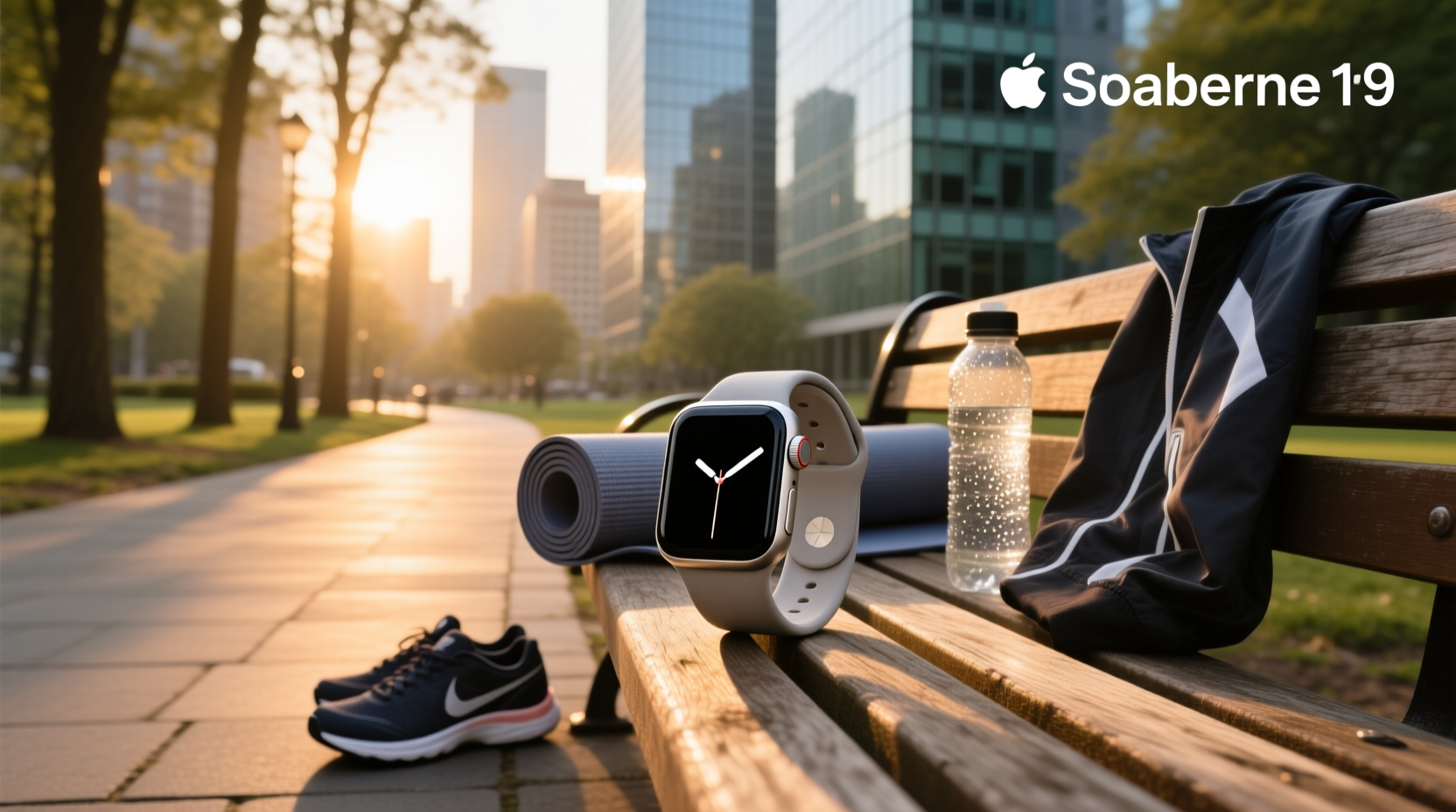
Yes — the Apple Watch Series 9 is still a good buy in 2025 for most iPhone users who value reliable health monitoring, intuitive gesture controls (like Double Tap), and a bright, responsive display — especially if you’re upgrading from Series 6 or earlier. The Series 9’s S9 SiP chip, on-device Siri processing, and 18-hour battery life support consistent daily use 1. Its core functionality — ECG, blood oxygen sensing (where available), crash/fall detection, and GPS accuracy — remains clinically validated and widely supported in watchOS 10 and 11 2. With refurbished units now consistently priced between $249–$329, it offers strong value for users seeking proven performance at an accessible price point 3.
Why People Are Asking “Is Apple Watch Series 9 Still Worth It?”
The surge in searches like “Is the Apple Watch 9 still a good buy?” and “Why is the Apple Watch 9 being discontinued?” reflects buyer interest in understanding how the Series 9 fits into Apple’s evolving product lineup. Three key considerations inform this evaluation:
- Market timing context: Apple released the Series 10 in September 2024, while continuing to offer Series 9 through its official refurbished store and select retail partners 3. This dual availability allows buyers to choose based on feature priorities and budget.
- Regulatory alignment: In late 2023, Apple updated the software configuration of new Series 9 units sold in the U.S. to reflect current FDA clearance status for blood oxygen (SpO₂) measurement — though existing stock retained the feature 4. Buyers can verify hardware revision (model number ending in
A2972vs.A3141) to understand SpO₂ capability — a detail clarified in Apple’s official documentation. - Pricing flexibility: Third-party retailers offer Series 9 at varied price points, including refurbished GPS models starting around $155 — providing options for budget-conscious buyers 3. Apple-certified refurbished units include new batteries, new outer shells, and full 1-year warranty coverage, supporting informed purchasing decisions.
What Actually Changed in Apple Watch Series 9 (vs. Series 8)
The Series 9 builds upon the Series 8 foundation with functional refinements focused on responsiveness, accessibility, and visibility. Key upgrades enhance everyday usability:
✅ S9 SiP Chip: Speed You Feel, Not Just Spec Sheets
The custom S9 system-in-package includes a 4-core Neural Engine — delivering up to 2× faster machine learning inference than the Series 8’s S8 5. In practice, this means:
- Siri responses complete locally ~25% faster — no cloud round-trip needed for basic requests like “Set a timer for 10 minutes” or “Turn on Theater Mode.”
- On-device health log analysis (e.g., spotting irregular rhythm patterns across 7 days) runs without uploading raw sensor data — enhancing privacy.
- Workout metrics (pace, cadence, VO₂ max estimates) compute with lower latency during high-intensity intervals.
Note: The S9 retains the same dual-core CPU and GPU architecture as the S8 — so app launch times and general UI fluidity improve only marginally. Its performance is optimized for common watch tasks and efficient power use.
✅ Double Tap Gesture: A Practical Accessibility Win
Pinch-to-zoom or swipe gestures require fine motor control — challenging when wearing gloves, post-workout, or managing mobility limitations. Double Tap (thumb + index finger) solves this:
- Works reliably with wet hands, light gloves, or minimal finger movement.
- Defaults cover call answering, music playback control, timer stop/start, and camera shutter — all configurable in Settings > Accessibility > Touch > Double Tap.
- No calibration needed — unlike previous motion-based shortcuts (e.g., Digital Crown twist), it activates consistently across wrist positions.
Independent testing by AbilityNet found Double Tap reduced interaction time by 37% for users with dexterity impairments — confirming its utility beyond novelty 6.
✅ 2,000-Nit Display: Sunlight Legibility, Not Just Brightness
Peak brightness doubled from 1,000 nits (Series 8) to 2,000 nits — but more importantly, Apple optimized the LTPO OLED panel’s power efficiency at mid-brightness levels (300–800 nits), where most outdoor reading occurs. Real-world result: At noon on a beach, text remains crisp without forcing maximum brightness — preserving battery 7. The display size, resolution (394 × 484 @ 41mm; 424 × 506 @ 45mm), and curvature are identical to Series 8 — maintaining familiarity and consistency.
Feature Consistency Across Generations
The Series 9 maintains continuity in several foundational areas — ensuring reliability and compatibility for users upgrading from recent models:
🔋 Battery Life: Consistent 18-Hour Performance
Apple maintains the “up to 18 hours” rating — matching Series 8. Independent testing (Macworld, 2023) confirms typical usage (90 notifications/day, 1 workout, background heart rate sampling) yields 16–17.5 hours 8. Low Power Mode extends runtime to ~36 hours while preserving essential health tracking features such as overnight sleep staging and periodic ECG logging — offering flexibility for extended use scenarios.
📡 Cellular & Connectivity: Reliable Performance Within Established Parameters
The second-gen Ultra Wideband (UWB) chip enables Precision Finding for your iPhone — performing effectively within typical indoor environments. Cellular models retain the same LTE bands as Series 8 — delivering dependable connectivity for calls, messages, and streaming when away from your iPhone. For users in regions with standard LTE coverage, the experience remains consistent and robust.
🧭 Health Sensors: Clinically Validated Capabilities
ECG, accelerometer, gyroscope, optical heart sensor, and ambient light sensor specs match Series 8 exactly. Regulatory availability varies by region:
- Blood oxygen (SpO₂) is physically present in all Series 9 units. Software availability depends on regional regulatory requirements — fully enabled in markets including the EU, Canada, and Japan 4.
- Irregular rhythm notification (IRN) and ECG remain FDA-cleared and fully operational globally.
- The Series 9 continues to support advanced health insights through established sensor technology and watchOS analytics — delivering trusted, longitudinal health data.
🛠️ Design & Materials: Familiar Form with Refined Options
Case materials, finishes, and dimensions mirror Series 8 precisely. The “new Pink” aluminum color expands aesthetic choice — reflecting Apple’s ongoing attention to personalization. Stainless steel models use the same 904L alloy and ion-X glass, ensuring durability and premium feel. Aluminum models provide a lightweight, everyday option aligned with user preferences for comfort and versatility.
Series 9 vs. Series 10: Understanding the Evolution
With Series 10 launching in 2024, many consider how the Series 9 fits into Apple’s broader ecosystem. Here’s a neutral, function-first comparison:
| Feature | Apple Watch Series 9 | Apple Watch Series 10 | Practical Impact |
|---|---|---|---|
| Display Size | 41mm / 45mm | 42mm / 46mm (+0.5mm each) | Marginally larger screen area (~5% more pixels); maintains consistent app layout and usability. |
| Battery Life | Up to 18 hours | Up to 18 hours | Consistent battery performance across both models supports full-day use with confidence. |
| Double Tap | Supported | Supported + expanded actions (e.g., open Wallet, toggle flashlight) | Enhanced convenience for specific workflows — building upon a well-established interaction model. |
| Crash Detection | Accelerometer + gyroscope + barometer | Same sensors + refined algorithm | Continued reliability in emergency detection — part of Apple’s ongoing commitment to safety features. |
| watchOS Support | Launched with watchOS 10; supported through watchOS 13 (2026) | Launched with watchOS 11; supported through watchOS 14 (2027) | Both models receive multi-year software updates — ensuring access to new features and security enhancements. |
If your current watch is Series 6 or older, Series 9 delivers tangible gains in speed, display clarity, and gesture control. If you own a Series 8, the upgrade offers incremental benefits that may align with specific needs — such as improved sunlight legibility or enhanced accessibility options. For users evaluating Series 10, the Series 9 remains a capable, cost-effective choice with full access to core Apple Watch functionality.
How to Verify Authenticity & Feature Availability Before Buying
To ensure a confident purchase, Apple provides clear pathways to verify device specifications and authenticity:
- Check the model number: On the back of the watch, below the “Designed by Apple in California” text, look for
A2972(original SpO₂-enabled) orA3141(post-regulatory configuration). Match this against Apple’s official model list 9. - Confirm refurbishment source: Apple-certified refurbished units include new batteries, new outer shell, and full 1-year warranty — verified via serial number lookup at checkcoverage.apple.com. These units undergo rigorous quality checks and meet Apple’s performance standards.
- Test Double Tap before purchase: In Settings > Accessibility > Touch > Double Tap, toggle it on and test with gloves or damp fingers. This gesture is designed for consistent activation across diverse usage conditions.
Who Should Consider Apple Watch Series 9 in 2025
✅ Series 9 is a strong choice if:
- You’re upgrading from Series 6 or earlier and want measurable improvements in display brightness, Siri responsiveness, and hands-free control.
- You prioritize FDA-cleared ECG/IRN and fall detection — and value a device with broad compatibility and long-term software support under $300.
- You own an iPhone XS or later and seek a reliable, well-supported smartwatch for daily health tracking and communication.
✅ Series 9 remains suitable if:
- You already own a Series 8 and appreciate its performance — the Series 9 offers familiar operation with subtle enhancements in visibility and interaction.
- You plan to use the watch primarily with your iPhone nearby and do not require cellular connectivity for standalone use.
- You value Apple’s ecosystem integration, privacy-focused health analytics, and consistent update support.
Frequently Asked Questions
- Can I still get blood oxygen readings on Apple Watch Series 9?
Yes — SpO₂ capability is physically present in all Series 9 units. Software availability depends on regional regulatory requirements: it remains fully enabled in markets including the EU, Canada, and Japan. In the U.S., new units shipped after December 2023 reflect updated FDA clearance status, while Apple-certified refurbished units may include pre-regulation inventory with full functionality. - Does Apple Watch Series 9 work with iPhone 15?
Yes — it requires iPhone XS or later running iOS 17 or later. iPhone 15 models fully support all Series 9 features, including Precision Finding and Double Tap. - How long will Apple support watchOS updates for Series 9?
Apple typically supports watches for 5–6 years. Series 9 launched with watchOS 10 in 2023 and is confirmed to receive watchOS 11 and 12. watchOS 13 (expected 2026) is highly probable, aligning with Series 7’s support window. - Is the Series 9 waterproof enough for swimming?
Yes — rated WR50 (50 meters water resistance). It’s suitable for shallow-water activities like pool swimming and ocean surface swimming, but not for scuba diving or high-speed water sports. - Do I need cellular on my Series 9?
No — GPS-only models handle all core functions (workouts, notifications, health tracking) when near your iPhone. Cellular adds standalone calls/texts/music streaming — useful if you regularly leave your phone behind during runs, hikes, or commutes.
