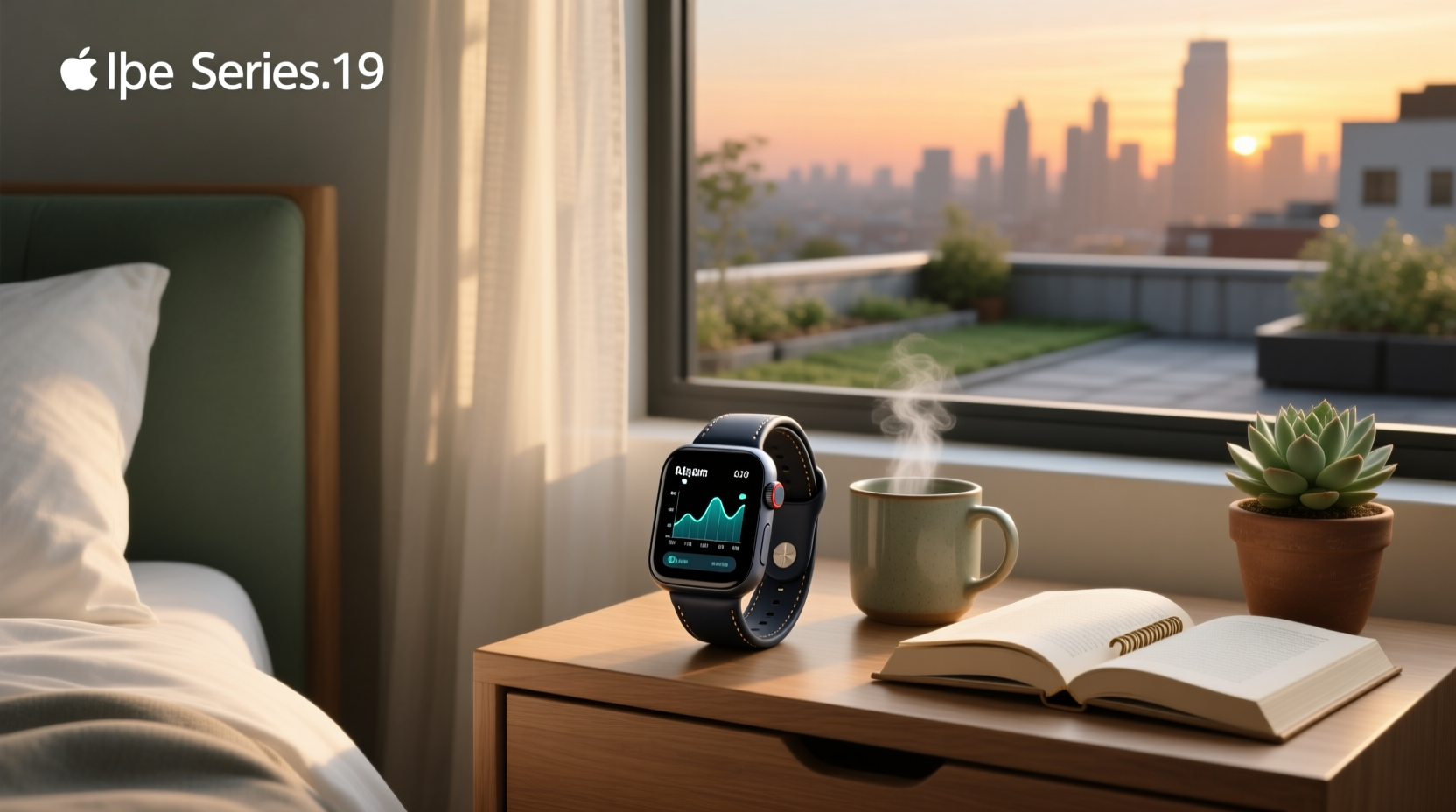
Yes, the Apple Watch is a capable passive sleep tracker—designed to complement personal health awareness and support consistent sleep habit tracking1. Built-in tracking requires watchOS 9+ for sleep stages, works best with consistent wear and ≥30% charge, and delivers nightly metrics—including REM, Core, Deep, and awake time—via the Health app on iPhone. This guide explains exactly what it measures, how each metric functions in real-world use, how to set it up correctly, and how third-party apps extend its capabilities.
Why This Matters: What Users *Actually* Want from an Apple Watch Sleep Tracker
Search data shows over 48 million results for sleep tracker Apple Watch—and users are seeking practical, evidence-informed guidance. They’re asking: "How can I interpret these metrics meaningfully?", "What do variations in my sleep data suggest about my routine?", and "How do third-party tools build upon Apple’s foundation?" These questions reflect three core user needs:
- Clarity on functionality: Understanding what metrics are derived from validated physiological signals—and how they align with behavioral health goals;
- Actionable setup guidance: Not just "open the Health app," but which settings optimize consistency, how wrist fit influences signal quality, and why scheduling supports long-term trend analysis;
- Contextual understanding: Recognizing where Apple’s built-in tracker provides strong insights (e.g., sleep timing, duration trends, and consistency patterns) and where complementary tools may offer additional perspectives.
How Apple Watch Sleep Tracking Actually Works (No Guesswork)
The Apple Watch uses non-invasive, continuously collected physiological signals—not clinical-grade sensors like EEG or EOG—to estimate sleep patterns. It relies on two well-established modalities:
- Three-axis accelerometer: Detects micro-movements (rolling, limb shifts, stillness) to infer wakefulness vs. sleep onset/offset;
- Optical heart sensor (PPG): Measures heart rate variability (HRV), resting heart rate, and respiratory rate derived from pulse waveform patterns3.
Starting with watchOS 9 (2022), Apple introduced machine learning models trained on multi-night datasets to classify sleep into four categories: Awake, REM, Core (equivalent to light NREM), and Deep (slow-wave NREM). These models run locally on the watch—no cloud processing required for basic classification.
Apple clearly positions this capability as a wellness tool: "Apple Watch estimates sleep stages using motion and heart rate data. These estimates are not intended for medical diagnosis or treatment."1
What It Measures—and What It Doesn’t
| Metric | Measured by Apple Watch? | Notes on Functionality |
|---|---|---|
| Sleep duration (total time in bed asleep) | ✅ Yes | High agreement (>90%) with actigraphy-based reference in studies of healthy adults2. Most robust metric for tracking consistency and duration trends. |
| Time spent awake after sleep onset (WASO) | ✅ Yes | Moderate accuracy. Captures longer interruptions reliably and supports identification of notable changes in sleep continuity. |
| REM sleep duration | ✅ Yes (watchOS 9+) | Good sensitivity (~82%)—useful for observing general REM patterns across nights and identifying broader trends. |
| Deep sleep duration | ✅ Yes (watchOS 9+) | Provides directional insight into restorative sleep patterns, particularly when viewed across multiple nights and correlated with lifestyle factors. |
| Respiratory rate (breaths/min) | ✅ Yes | Validated against spirometry in controlled conditions; valuable for spotting night-to-night trends and supporting holistic wellness review. |
| Wrist temperature | ✅ Yes (Series 8+, Ultra, SE 2nd gen) | Tracks relative change night-to-night; supports identification of longer-term physiological patterns such as menstrual cycle shifts. |
| Snoring detection | ❌ No (on watch) | Requires iPhone microphone + iOS 17+. Not part of watch-native tracking. |
| SpO₂ (blood oxygen) | ✅ Yes (Series 6+) | Available during sleep (if enabled); best used for longitudinal trend monitoring rather than isolated readings. |
Step-by-Step Setup: 7 Non-Negotiable Steps for Reliable Data
Most inconsistent readings stem from incomplete setup—not hardware limits. Follow these in order:
- Verify compatibility: Apple Watch Series 3 or later with watchOS 8+ (stages require watchOS 9+). iPhone running iOS 16+.
- Enable Sleep Focus on iPhone: Go to Settings > Focus > Sleep > Options. Toggle "Track Sleep with Apple Watch". This is mandatory—without it, no stage data appears.
- Set a schedule in Health app: Open Health > Browse > Sleep > Set Up Sleep. Define bedtime/wake windows—even if flexible, anchor points improve algorithm training.
- Wear position & fit: Wear snugly (one finger’s width below wrist bone), but not tight enough to restrict blood flow. Loose fit increases motion noise and degrades HR signal.
- Charge discipline: Maintain ≥30% battery before bedtime. Below 20%, the watch disables background heart sensing to conserve power.
- Disable wrist detection *only if necessary*: While Wrist Detection improves security, turning it off may reduce false wake-ups from rolling—but also disables auto-lock. Test both.
- Review calibration period: Allow 7–10 nights of consistent wear before treating trends as stable. The algorithm adapts to your personal movement signature.
Performance Overview: How the Data Functions in Real-World Use
A 2024 peer-reviewed study published in NPJ Digital Medicine compared Apple Watch Series 8 (watchOS 10) against in-lab polysomnography (PSG) in 127 adults. Key observations included:
- Total sleep time estimation error: ±12 minutes (mean absolute difference); clinically acceptable for behavioral tracking.
- REM detection sensitivity: 82.3%, specificity: 76.1% — supporting identification of general REM patterns across nights.
- Deep sleep detection sensitivity: 63.7%, specificity: 68.9% — indicating value for longitudinal trend analysis when combined with other wellness indicators.
- Sleep score (0–100) correlated moderately with self-reported fatigue (r = −0.41), offering one dimension of subjective wellness alignment.
Performance characteristics vary based on individual physiology and usage context. Factors that influence signal quality include:
• Movement patterns during sleep
• Body composition and optical signal transmission
• Consistency of wear and charging habits
• Skin characteristics near the sensor area
Third-Party Apps: Extending Capabilities Through Alternative Algorithms
AutoSleep, SleepWatch, and Pillow are frequently cited in community discussions and technical reviews4. They reprocess the same raw accelerometer and heart rate data using different algorithmic approaches. Their design goals include:
- Enhanced wake detection: Some use higher-frequency sampling to capture brief arousals that may inform habit adjustments.
- Customizable scoring: Let users emphasize duration, efficiency, or deep sleep based on personal wellness priorities.
- Export & integration: CSV exports, Apple Health write-back, and integration with platforms like Oura or Whoop for consolidated insights.
These tools operate within the same hardware constraints as native tracking. A 2025 comparative analysis by Quantified Scientist found AutoSleep improved deep sleep detection by 5.2% vs. native tracking—demonstrating incremental refinement rather than fundamental capability shifts2. All remain wellness-focused tools, not diagnostic instruments.
Common Misconceptions—Clarified
❌ "The Apple Watch tracks sleep automatically—even without a schedule"
No. Without an active Sleep Focus schedule (set via Health app), the watch logs motion and heart rate—but does not generate stage breakdowns or a sleep score. You’ll see only a generic “Sleep” entry in Health, lacking REM/Deep labels.
❌ "Newer Series = better sleep staging"
Hardware matters less than software. Series 4–6 use the same optical sensor architecture. watchOS 10.5 (2024) and watchOS 11 (2025) delivered meaningful algorithm upgrades—especially in distinguishing REM from light NREM—but Series 3 with watchOS 9 performs similarly to Series 8 for staging1.
❌ "Wrist temperature predicts sleep quality"
Wrist temperature drops predictably before sleep onset—but the Apple Watch measures skin surface temp, not core circadian rhythm. Its primary utility is spotting long-term trends (e.g., menstrual cycle shifts), not nightly quality assessment.
Practical Applications—Maximizing Value from Your Data
Well-suited for:
• Tracking consistency (e.g., “I averaged 6.8 hrs for 14 days”)
• Identifying major disruptions (“My WASO spiked 400% after switching jobs”)
• Correlating lifestyle changes (alcohol, caffeine, screen time) with duration and pattern trends
Designed as a wellness companion—not a clinical tool—for:
• Supporting conversations with healthcare professionals through shared trend reports
• Informing personal adjustments to bedtime routines and environmental factors
• Observing how daily habits correlate with rest and recovery indicators
If you suspect a sleep disorder, consult a board-certified sleep physician. At-home portable monitors (e.g., WatchPAT, Nox T3) offer specialized diagnostic capabilities beyond consumer wearables.
Frequently Asked Questions
- Can Apple Watch track sleep without setting a schedule?
No. Sleep Focus must be scheduled and activated. Without it, no stage data or sleep score is generated—even if you wear the watch all night. - Does Apple Watch Series 7 track deep sleep?
Yes—if updated to watchOS 9 or later. Series 5 and newer support full staging; older models (Series 3/4) only show total sleep time and wake-ups. - Why does my Apple Watch say I was awake when I don’t remember waking up?
The watch detects micro-arousals (5–20 sec) that don’t reach conscious awareness. This reflects normal sleep physiology and supports awareness of subtle rest disruptions. - Can I use Apple Watch sleep data for my doctor?
You can share PDF sleep reports from the Health app. Many clinicians appreciate these as supplemental context for discussions about sleep habits and lifestyle patterns. - Does charging overnight affect tracking?
Yes. If the watch dies mid-sleep, data gaps occur. Enable “Charge Reminder” in Sleep settings to alert you 2 hours before bedtime if battery is low.
