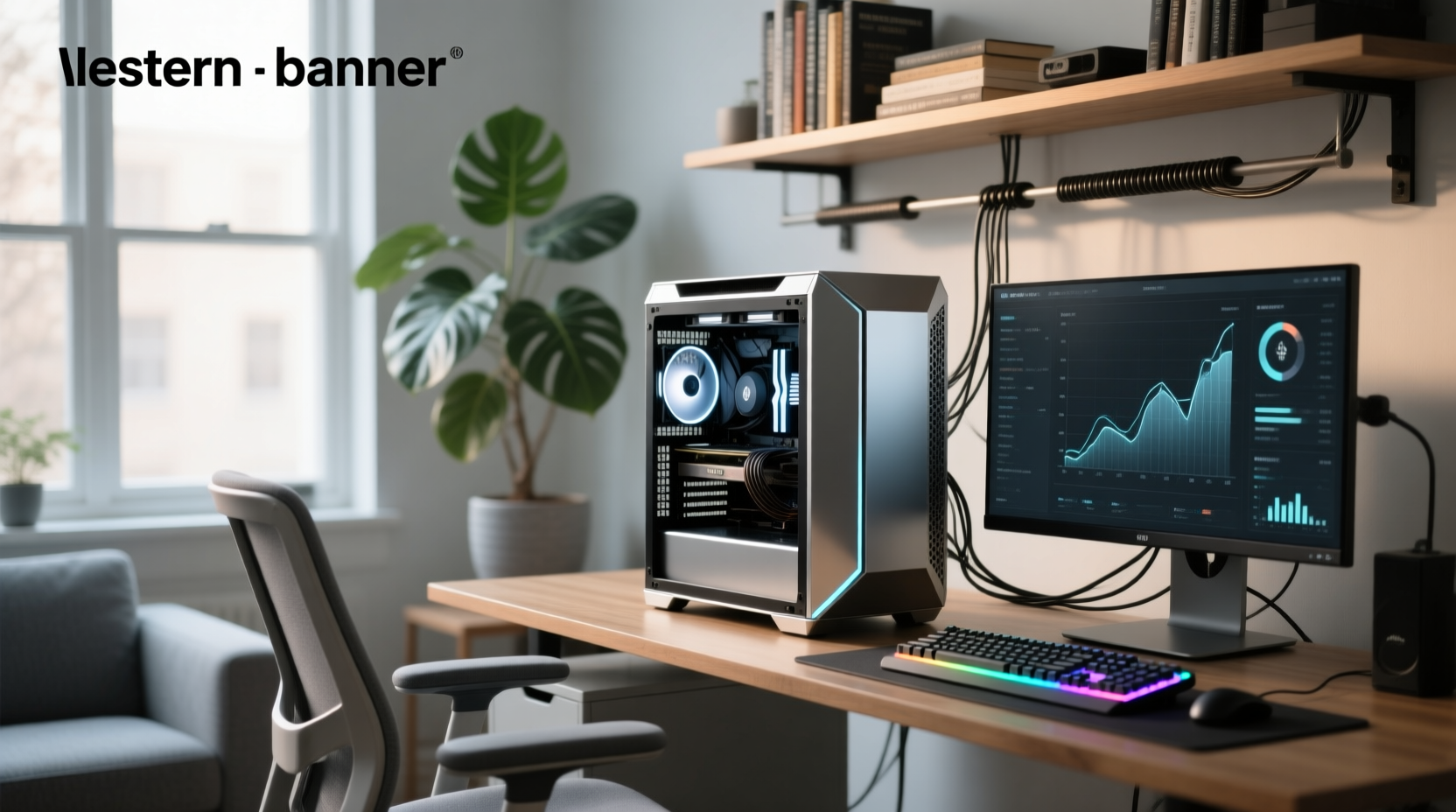
Yes—an ATX motherboard fits comfortably in any ATX full tower case, but that’s only the starting point. What most builders overlook is that full tower cases are designed not just for ATX, but for expansion headroom: dual-radiator water cooling, triple-slot GPUs up to 400 mm long, four or more 3.5″ HDDs, vertical GPU mounting, and modular drive cages—all while maintaining low-noise thermals. If your build includes high-TDP CPUs (e.g., Intel Core i9-14900K or AMD Ryzen 9 7950X), dual 4090-class GPUs, or workstation-grade ECC RAM kits, a true full tower isn’t luxury—it’s functional necessity. This guide cuts through marketing fluff to answer exactly what defines a full tower, how to verify real-world compatibility, and why many ‘full tower’ listings on retail sites misrepresent actual internal volume and support.
What Exactly Defines an ATX Full Tower Case?
The term ATX full tower is often misused. Technically, it refers to a chassis built to accommodate ATX motherboards (305 × 244 mm) within a full tower form factor—a physical size class, not a motherboard standard. A true full tower case must meet three measurable criteria:
- Height ≥ 500 mm (typically 520–620 mm)
- Depth ≥ 550 mm (commonly 580–650 mm)
- Width ≥ 220 mm (often 230–260 mm, enabling dual-chamber layouts)
These dimensions allow space for extended GPU clearance (≥ 420 mm), top-mounted radiators up to 420 mm, and front-mounted radiators up to 360 mm—without compromising fan placement or cable routing depth. Crucially, not all cases labeled “full tower” meet these minimums. Some retail listings classify 500 mm-tall cases as “full tower” even with only 520 mm depth—cutting usable GPU length by 30–40 mm and eliminating 420 mm radiator support 1. Always verify published internal dimensions—not just marketing labels.
ATX Motherboard Compatibility: Yes—but Check the Fine Print
All ATX full tower cases support ATX motherboards—but that doesn’t mean every ATX board will fit without issue. Two subtle but critical constraints often go unmentioned:
1. I/O Shield Cutout Alignment
While ATX defines standardized rear-panel spacing, some budget full towers use stamped steel I/O shields with oversized cutouts or misaligned screw holes. This can cause grounding issues or prevent secure mounting of high-density backplates (e.g., from ASUS ROG or MSI MEG boards). Look for cases specifying “precision-machined I/O shield” or referencing compliance with Intel ATX 3.0 mechanical spec.
2. Standoff Placement Flexibility
Most ATX boards require seven motherboard standoffs. Full towers should provide at least nine mounting points—including two for E-ATX (305 × 330 mm) and optional positions for DTX or mini-DTX. Cases with fixed standoff patterns (e.g., only six pre-threaded holes) may force spacers or risk short circuits on larger boards 2. Verify standoff layout diagrams in the product manual—not just the spec sheet.
When Do You Actually Need a Full Tower? (Not Just Want One)
Full towers are frequently oversold. Here’s a reality-based decision matrix:
| Use Case | Mid-Tower Sufficient? | Full Tower Recommended? | Rationale |
|---|---|---|---|
| Gaming PC (RTX 4070 / RX 7800 XT, i5-13600K) | ✅ Yes | ❌ No | Modern mid-towers (e.g., Lian Li Lancool 216, Fractal Meshify 3) offer 360 mm front radiator + 280 mm top support and 380 mm GPU clearance—enough for 95% of gaming builds. |
| Workstation (Dual Xeon W-3400, 4× DDR5 ECC RDIMMs, Quadro RTX 8000) | ❌ No | ✅ Yes | Requires ≥ 420 mm GPU clearance, dual 360 mm radiators (front + top), and ≥ 120 mm CPU cooler height—only full towers guarantee this without fan interference. |
| Home NAS + VM Host (12× 3.5″ HDDs, 2× NVMe boot drives, 2× 10 GbE NICs) | ❌ No | ✅ Yes | Mid-towers max out at 6–8 hot-swap bays; full towers support 12+ bays with tool-less trays and independent vibration dampening. |
| Custom Loop Build (420 mm front + 360 mm top + 240 mm rear radiators) | ❌ No | ✅ Yes | Three-radiator setups demand ≥ 600 mm depth and reinforced PSU shrouds—only full towers provide structural rigidity for tubing runs and reservoir mounting. |
Bottom line: If your build uses no component longer than 360 mm, no cooler taller than 165 mm, and fewer than eight storage devices, a full tower adds bulk, cost, and dust intake—without thermal or functional benefit.
Cooling Performance: Why Bigger Isn’t Automatically Better
Full towers promise superior airflow—but real-world thermals depend on design intent, not just volume. Two categories dominate:
Airflow-Oriented Full Towers
Examples: Corsair 7000D Airflow, Phanteks Enthoo Pro, Thermaltake View 600 TG.
✓ Prioritize mesh front panels (≥ 75% open area)
✓ Include ≥ 4 pre-installed PWM fans (120/140 mm)
✓ Support ≥ 10 total fan mounts (front/top/rear/bottom)
✗ Often sacrifice acoustic dampening (no sound-absorbing foam)
Silent/Thermal-Balanced Full Towers
Examples: Fractal Design Define 7 XL, Be Quiet! Light Base 900 FX, Phanteks NV7.
✓ Feature removable acoustic foam on side, front, and top panels
✓ Use solid steel or tempered glass fronts (lower CFM but quieter operation)
✓ Maximize static pressure via optimized fan curves—not raw airflow
✗ Typically limit front radiator support to 280 mm (not 360/420 mm)
Testing data from Gamers Nexus shows that a well-designed mid-tower with mesh front can outperform a full tower with solid front panel by 3–5°C under load—even with identical fans and coolant 3. Volume alone doesn’t cool—it’s about directed airflow path efficiency.
Key Dimensions to Verify (Beyond Marketing Claims)
Don’t trust “supports ATX” or “full tower” labels. Cross-check these five measurements against your components:
- Max GPU Length: Measure from PCIe slot to front panel interior—subtract 15 mm for PCIe bracket thickness. Many cases list “420 mm” but deliver only 395 mm after drive cage and PSU shroud intrusion.
- CPU Cooler Height: Confirm clearance with memory installed. Some full towers claim “180 mm” but block top slots when using tall heatsinks (e.g., Noctua NH-D15).
- PSU Clearance: Standard ATX PSUs are 140–160 mm deep. Full towers should allow ≥ 220 mm to accommodate modular cables and 80 PLUS Titanium units with thick AC input sections.
- Radiator Support: Note orientation limits. A case may support “420 mm front radiator” but only with 25 mm thick fans—excluding thicker AIO pumps or custom blocks.
- Drive Bay Layout: Count usable 3.5″ bays *after* installing GPU and radiators. Some cases advertise “8 bays” but 4 become inaccessible once a 360 mm front radiator is mounted.
Always consult independent tear-downs (e.g., KitGuru, TechPowerUp) rather than retailer specs—these measure actual usable space, not theoretical maximums.
Common Misconceptions About ATX Full Tower Cases
Misconception #1: “Full tower = automatic E-ATX support”
False. While most full towers support E-ATX, some budget models (e.g., certain DIYPC or Gamemax variants) only include seven standoff holes—enough for ATX but insufficient for E-ATX’s eighth screw hole near the PCIe slot. Always check standoff count and position diagrams.
Misconception #2: “More fans = better cooling”
Counterproductive without balanced pressure. Installing 10 intake fans with only 2 exhaust creates positive pressure that traps heat inside. Optimal configuration: 3–4 front intakes + 2 top rears + 1 rear exhaust. Full towers with >8 fan mounts often lack intelligent fan hub controllers—leading to inconsistent RPMs and noise spikes.
Misconception #3: “Tempered glass means premium build”
Not necessarily. Some full towers use 3 mm glass (prone to flex and micro-fractures) versus industry-standard 4 mm. Thinner glass also reduces structural rigidity—causing panel wobble that degrades long-term fan alignment and increases vibration noise.
Build-Ready Checklist Before Buying
Before purchasing any ATX full tower case, run this verification:
- ✅ Download the manufacturer’s dimensioned CAD drawing (not just product photos)
- ✅ Overlay your GPU, CPU cooler, and radiator models in Fusion 360 or FreeCAD using real-world STEP files
- ✅ Confirm PSU shroud removal is possible—if you plan vertical GPU mounting or custom tubing routes
- ✅ Check if front-panel USB-C port uses a standard internal header (e.g., USB 3.2 Gen 2x2) or proprietary cable requiring motherboard compatibility
- ✅ Review warranty terms: Most full towers offer 2–3 years, but some brands (e.g., Antec C8 Curve) cover wood panels only against warping—not cracking from humidity changes
If your motherboard manual lists “maximum component height” or “recommended case depth,” treat those as hard limits—not suggestions.
Frequently Asked Questions
- Can an ATX motherboard fit in a full tower case?
Yes—every ATX full tower case supports ATX motherboards by definition. However, verify standoff layout and I/O shield alignment to avoid installation issues. - Do full tower cases run cooler than mid-towers?
Only if designed for airflow. A full tower with solid front panel and poor fan placement can run hotter than a mesh-front mid-tower. Thermal performance depends on design—not size alone. - What’s the difference between full tower and super tower?
Super towers (e.g., Corsair 9000D, Thermaltake AX700) exceed full tower minimums: ≥ 620 mm height, ≥ 650 mm depth, and support for 5.25″ optical bays (largely obsolete) or dual 420 mm radiators simultaneously. - Are full tower cases harder to cable manage?
No—most include ≥ 25 mm behind-tray depth and Velcro straps. But excessive volume can make routing less intuitive; prioritize cases with labeled cutouts and rubber grommets. - Do I need special tools to install components in a full tower?
No. Standard Phillips #2 and magnetic tray screws suffice. However, some models (e.g., Lian Li O11 Dynamic EVO XL) use proprietary thumbscrews requiring included hex key.
