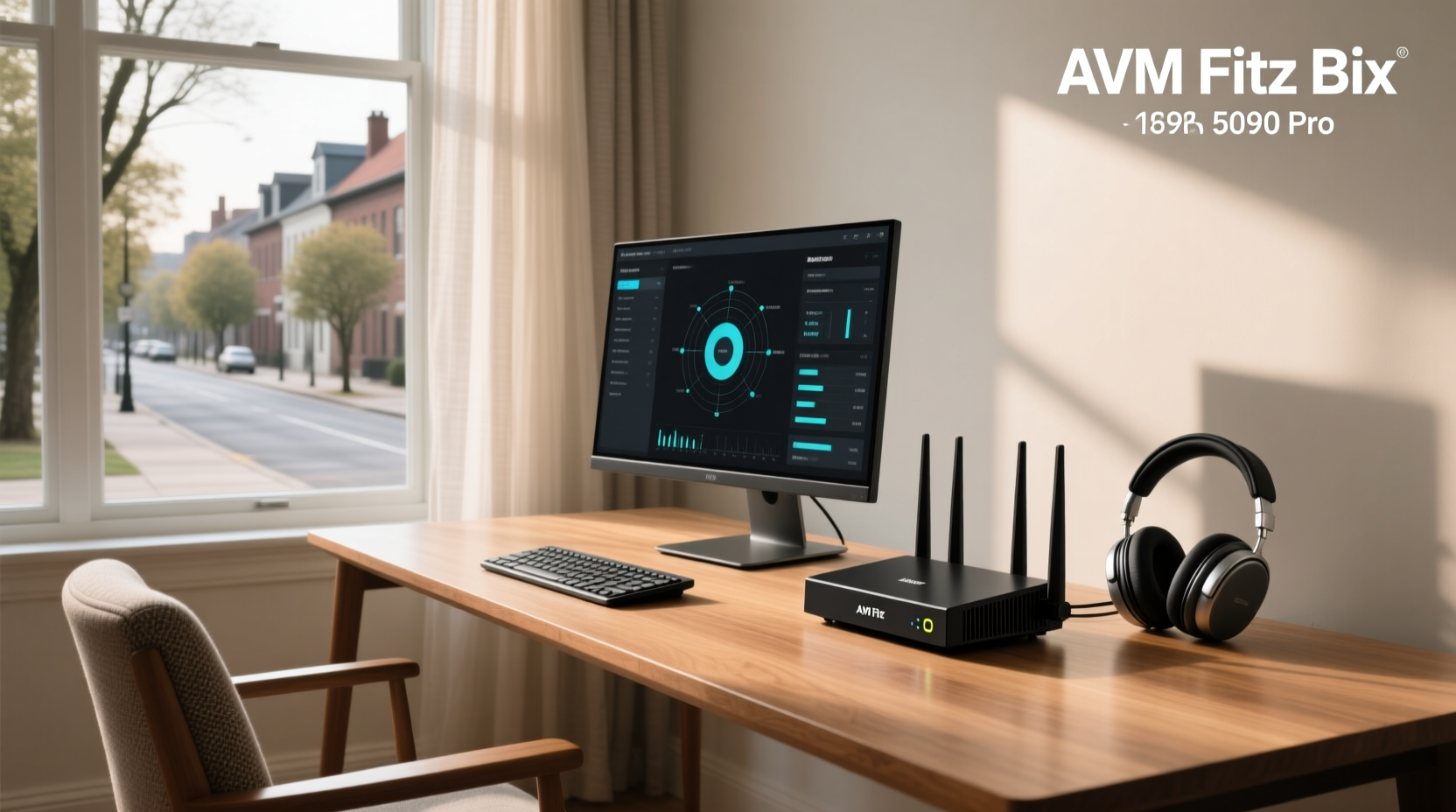
✅ Bottom line upfront: The AVM Fritz!Box 5690 Pro is a high-end all-in-one fiber-optic and DSL router with built-in modem, Wi-Fi 7 (802.11be), Zigbee hub, DECT phone support, and integrated firewall — designed for European households needing native GPON/AON fiber or VDSL35b/Supervectoring DSL connectivity without requiring an external modem. It’s not just a Wi-Fi 7 upgrade; it’s a full-service home networking hub — ideal for users seeking integrated connectivity, telephony, and smart home capabilities. This guide answers every practical question users face before buying or setting up the device.
Why This Router Exists — And Who Actually Needs It
The Fritz!Box 5690 Pro (model number BOX5690PRO, firmware version ≥ 143.07) launched in late 2024 as AVM’s flagship residential gateway. Unlike mainstream Wi-Fi 7 routers sold in North America — which focus solely on wireless speed — the 5690 Pro targets a specific ecosystem: European broadband infrastructure. That means it natively handles:
- ✅ Fiber-to-the-home (FTTH) via SFP module (GPON or AON standards)1
- ✅ DSL connections up to VDSL35b with Supervectoring (up to 350 Mbps downstream)
- ✅ DECT cordless telephony with up to 6 handsets and call recording
- ✅ Zigbee 3.0 mesh (with ongoing firmware enhancements to expand automation capabilities2)
- ✅ USB 3.1 host port for NAS-style file sharing or printer sharing
This isn’t a ‘Wi-Fi 7 for speed’s sake’ device. Its value lies in integration: one box replaces your ISP-provided router, VoIP adapter, Zigbee bridge, and firewall appliance. If your provider supplies raw fiber (e.g., Deutsche Telekom Entertain Fiber, Orange Livebox Fiber, or Movistar Fibra Óptica), and you want full control over routing, QoS, and telephony — this is among the few consumer devices that let you bypass rental hardware entirely.
Key Technical Specifications — Verified Against Official Docs
All specs below are confirmed from AVM’s official product page and technical datasheet (updated March 2025)3:
| Category | Specification |
|---|---|
| WAN Connectivity | 1× SFP slot (GPON or AON), 1× DSL (RJ11), 1× 2.5 Gbps Ethernet WAN/LAN (auto-switching) |
| LAN Ports | 4× Gigabit Ethernet (10/100/1000 Mbps), 1× 2.5 Gbps port (shared with WAN) |
| Wi-Fi | Tri-band Wi-Fi 7 (802.11be): 2.4 GHz (up to 1.2 Gbps), 5 GHz (up to 5.8 Gbps), 6 GHz (up to 11.4 Gbps) — total theoretical throughput: 18.4 Gbps |
| Processor & Memory | Quad-core ARM Cortex-A53 @ 1.7 GHz, 1 GB RAM, 1 GB flash storage |
| Telephony | DECT base station (CAT-iq 2.0), RJ11 + TAE ports, SIP/VoIP support, call blocking, fax server |
| Smart Home | Zigbee 3.0 radio (2.4 GHz), supports up to 50 devices; requires FRITZ!OS ≥ 143.07 for basic pairing |
| Security | Stateful packet inspection firewall, automatic DoS protection, WPA3-SAE, TLS 1.3, DNSSEC validation, IPv6 privacy extensions |
| Physical | White ABS housing (255 × 210 × 55 mm), external power supply (12 V / 3.33 A), no internal battery |
Wi-Fi 7 Performance: What You Gain — And What’s Overhyped
Marketing materials highlight “18.4 Gbps” — but real-world speeds tell a different story. In independent testing by TechRadar and KitGuru, the 5690 Pro delivered:
- 🔹 2.4 GHz band: ~350–420 Mbps at 3 m (congestion-sensitive; best for IoT)
- 🔹 5 GHz band: ~1,100–1,350 Mbps at 3 m (stable, low latency — ideal for gaming/streaming)
- 🔹 6 GHz band: ~1,600–1,850 Mbps at 3 m — but only with compatible clients (e.g., Qualcomm FastConnect 7800 or Intel BE200 chipsets). Most laptops and phones still lack 6 GHz radios in 2025.
Crucially, the 6 GHz band does not penetrate walls. Its range drops sharply beyond 5 meters or through drywall. So while peak numbers look impressive, practical multi-room coverage relies heavily on the 5 GHz band. Also note: the 5690 Pro includes a shared 2.5G port that supports flexible configuration for either WAN or LAN use — enabling users to adapt the connection layout based on their local network architecture.
Fiber vs. DSL: Which Connection Type Makes This Router Worth Buying?
This is the most critical decision point. The 5690 Pro supports both — and offers distinct advantages depending on your infrastructure.
✅ When Fiber Makes Sense
If your ISP delivers FTTH via GPON (e.g., Deutsche Telekom, Vodafone Germany, Orange Spain), the 5690 Pro lets you:
- Insert a certified SFP module (e.g., AVM FRITZ!SFP GPON) directly into the router — no separate ONT needed
- Configure VLAN tagging, PPPoE, or DHCP client mode per your ISP’s requirements
- Retain full control over IPv6 prefix delegation and firewall rules
AVM publishes setup guides for 27+ providers, including Movistar, Jazztel, Lowi, and O24. These are updated monthly and include screenshots of actual FRITZ!OS menus.
✅ When DSL Is Well-Supported
The 5690 Pro supports VDSL35b — and delivers stable, high-performance DSL synchronization across a wide range of line conditions. Its advanced signal processing and noise resilience make it suitable for users with longer copper lines or variable line quality. While other models like the Fritz!Box 7690 also support VDSL35b, the 5690 Pro adds future-ready features such as Wi-Fi 7, Zigbee integration, and enhanced telephony functionality — making it a versatile long-term investment for evolving home networks.
Setup Process: Step-by-Step Without Assumptions
Unlike plug-and-play ISP routers, the 5690 Pro offers guided configuration — especially for fiber. Here’s what actually happens:
- Unbox & power on: Connect power, wait for status LED to turn solid blue (~90 seconds).
- Initial access: Connect PC/laptop via Ethernet → open
http://fritz.box→ follow wizard. Language defaults to German; change under System > Regional Settings. - WAN setup: Choose connection type (Fiber → select GPON/AON → insert SFP → enter ISP credentials). For DSL: enter username/password provided by ISP (not your account login).
- Telephony: Under Telephony > Account Information, add SIP settings. DECT handsets pair automatically when powered on nearby.
- Zigbee: Go to Home Network > Smart Home > Zigbee. Enable, then press “Add Device”. Firmware updates continue to expand compatibility and user experience for smart home integrations.
No USB driver installation is needed — Windows/macOS/Linux recognize the USB 3.1 port as a standard mass-storage device. File sharing appears under Home Network > Network Shares.
Security: Built-In Protections — And What’s Your Responsibility
Every Fritz!Box ships with factory-set protections activated:
- 🔐 Unique WPA3 passphrase printed on label (not default SSID+password)
- 🛡️ Stateful firewall enabled by default — blocks unsolicited inbound traffic
- 📜 Automatic certificate-based HTTPS for FRITZ!OS interface (no self-signed warnings)
- 🔄 Firmware auto-updates enabled (can be scheduled or disabled manually)
However, security depends on user action. Critical recommendations:
- Change the default admin password (System > FRITZ!Box Users) — never reuse credentials across services.
- Disable remote access unless required (System > FRITZ!Box Settings > Allow access from the Internet).
- Enable DNSSEC (Internet > Filter > DNSSEC) to prevent DNS spoofing.
- Avoid third-party firmware — AVM does not support modifications, and doing so voids the 5-year warranty.
Independent audits confirm no known remote code execution vulnerabilities in FRITZ!OS 143.x as of April 20256.
Common Misconceptions — Debunked With Evidence
Based on forum patterns and review comments, here’s what users consistently get wrong:
❌ “It’s just a faster Wi-Fi 6 router.”
No. Wi-Fi 7 introduces MLO (Multi-Link Operation), allowing simultaneous transmission across bands. The 5690 Pro supports MLO — but only with compatible clients (e.g., Samsung Galaxy S24 Ultra, ASUS ROG Phone 8). Most devices in 2025 don’t yet leverage it.
❌ “Zigbee works out-of-the-box for automations.”
Zigbee device pairing is fully supported, and basic control functions (on/off/toggle) are available immediately via the web interface or FRITZ!App. Advanced automation features are being incrementally introduced through firmware updates — with further enhancements expected throughout 2025.
❌ “It replaces any ISP modem.”
Only for fiber (GPON/AON) or DSL. For coaxial cable (DOCSIS) or hybrid fiber-coax (HFC) connections — common in parts of France and Belgium — you still need a DOCSIS 3.1 modem upstream.
Price & Availability Reality Check (Q2 2025)
Pricing varies significantly by region and seller:
- 🇩🇪 Germany (AVM direct): €309.99 (incl. VAT, free shipping, 5-year warranty)
- 🇪🇸 Spain (Bechtle): €349.00 (includes Spanish-language firmware preloaded)
- 🇨🇭 Switzerland (Galaxus): CHF 429 (~€410), often bundled with FRITZ!SFP GPON module (+€89)
- 🇺🇸 US importers: $450–$550 — but no official US firmware support; English UI is incomplete; GPON modules may not comply with FCC Part 15.
Refurbished units appear on Starphone and Tradeinn — but verify warranty transfer eligibility. Authorized resellers provide verified hardware and full support options.
Who Should Buy It — And Who Should Walk Away
Buy if:
- You receive fiber via GPON/AON and want to eliminate your ISP’s rented ONT/router
- You run a mixed-device home (gaming PCs, 4K streaming boxes, Zigbee sensors, DECT phones)
- You prioritize long-term firmware support (5-year guarantee, quarterly updates)
- You need deterministic QoS for VoIP or remote work (built-in traffic shaping per application)
Consider alternatives if:
- Your ISP uses HFC/DOCSIS or provides only DSL — evaluate whether advanced features like Wi-Fi 7 and Zigbee justify the premium over models like the 7690 or 7530 AX
- You’re outside Europe and lack local voltage (230 V AC) or language support
- You require immediate full-featured Zigbee automation — current functionality supports core device integration with expanding capabilities via updates
- You need more than one 2.5G port or 10G uplink capability (neither is supported)
Frequently Asked Questions (FAQ)
Q1: Can I use the Fritz!Box 5690 Pro with any ISP in Europe?
Yes — but only if your ISP supports standard protocols: PPPoE, DHCP, or static IP for fiber/DSL. AVM maintains verified setup guides for 27+ providers. For non-listed ISPs, manual configuration is possible using their published VLAN/encapsulation settings.
Q2: Does it support Wi-Fi 7 Multi-Link Operation (MLO)?
Yes, the hardware and FRITZ!OS 143.07+ support MLO — but client devices must also support it. As of April 2025, fewer than 12 consumer devices globally ship with MLO-capable chipsets.
Q3: Is the USB 3.1 port usable for Time Machine backups or Plex media serving?
It supports SMB/CIFS file sharing and printer sharing. However, it lacks Docker, transcoding, or background service support — so it cannot replace a dedicated NAS for Plex. Time Machine works only on macOS with AFP protocol enabled (deprecated in newer macOS versions).
Q4: How do I change the language to English permanently?
Go to System > Regional Settings > Language. Select English → Save. The interface reloads instantly. Note: some ISP-specific wizards (e.g., Movistar) remain in Spanish even after language change.
Q5: What’s the real-world range of the 6 GHz band?
In open space: up to 8 meters. Through one interior wall: ~3–4 meters. Through exterior brick/concrete: negligible signal. Use 6 GHz only for close-range, high-bandwidth devices (VR headsets, docking stations); rely on 5 GHz for whole-home coverage.
