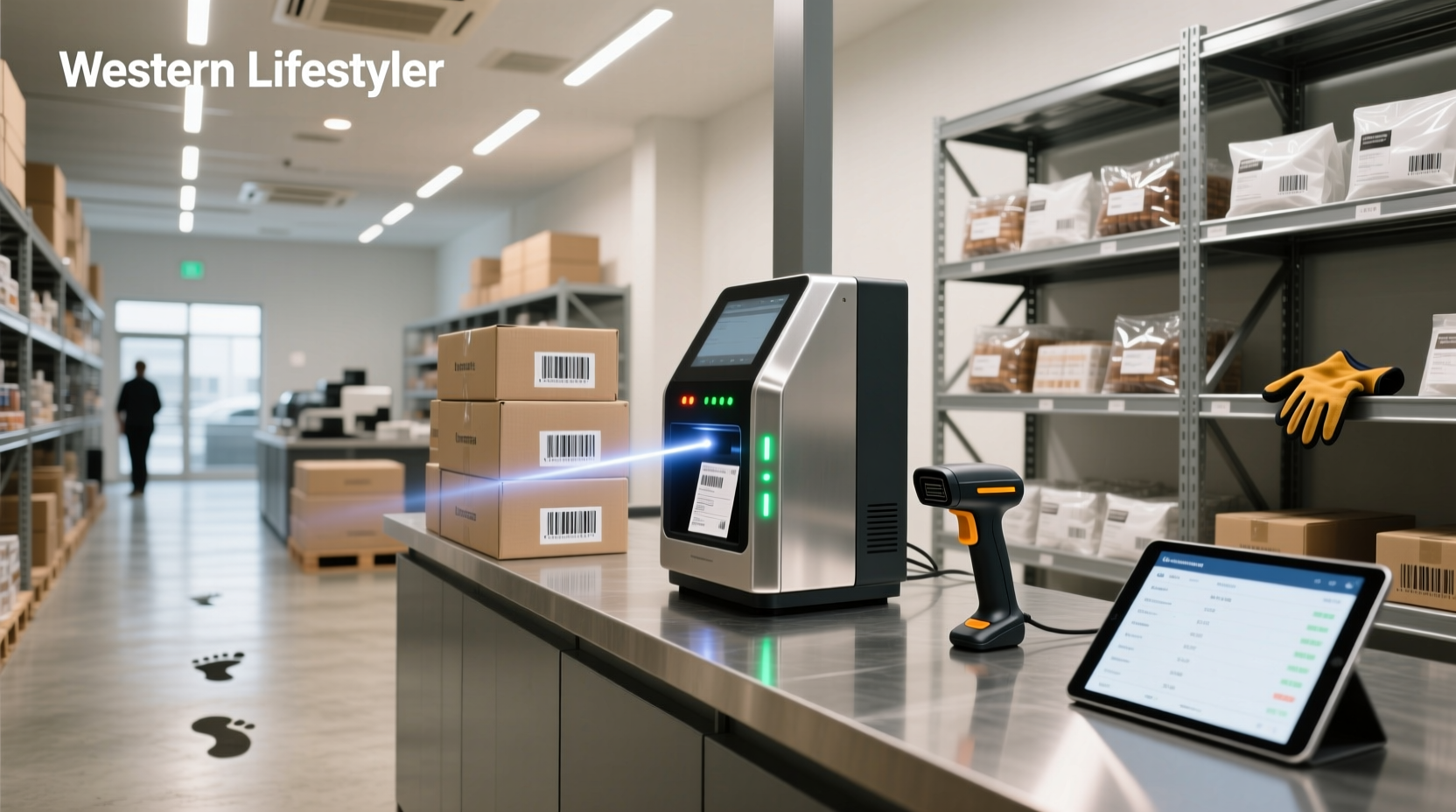
You’re not just buying a scanner — you’re selecting mission-critical data capture equipment. The right bar code reader equipment must reliably decode 1D linear (e.g., UPC-A, Code 128) and/or 2D matrix (e.g., QR, Data Matrix) symbols in your specific physical, operational, and software environment. Key decisions hinge on scanning method (laser vs image-based), form factor (handheld, hands-free, fixed-mount, or rack-mounted), environmental resilience (IP rating, drop tolerance, temperature range), and integration readiness (USB HID, Bluetooth HID, serial, or SDK-supported protocols). Misalignment on any one of these leads to repeated rescans, workflow bottlenecks, or premature hardware failure — especially in logistics, lab, or manufacturing settings 123.
Why Bar Code Reader Equipment Selection Is More Complex Than It Appears
Unlike consumer peripherals, industrial-grade bar code reader equipment operates at the intersection of optics, firmware, mechanical durability, and enterprise system integration. A device that works flawlessly at a retail checkout counter may fail completely in a cold-chain pharmaceutical warehouse — not due to poor quality, but because its optical sensor isn’t calibrated for frost-covered vials, its battery doesn’t function below −20°C, or its firmware lacks support for GS1 DataMatrix symbology used on clinical trial tubes 3. Similarly, a high-speed conveyor line requires sub-50ms decode latency and precise trigger timing — capabilities absent in most general-purpose USB scanners. Understanding this context is essential before evaluating specs.
Core Types of Bar Code Reader Equipment — Matched to Real Use Cases
Not all scanners are interchangeable. Selection starts with identifying your primary deployment mode and workflow constraints.
📱 Handheld Scanners: Mobility With Trade-Offs
Most common in warehousing, field service, and inventory audits. Available in wired (USB, RS-232) and wireless (Bluetooth 5.0+, 2.4 GHz proprietary) variants. Wireless models require attention to battery life (typically 8–16 hours per charge), pairing stability across multiple devices, and cradle management for recharging and firmware updates. Battery level indicators and audible/visual feedback improve operator efficiency 4. However, handheld units introduce human variability: inconsistent trigger pressure, angle deviation, and motion blur reduce first-pass read rates — especially with damaged, curved, or low-contrast codes.
🔍 Presentation (Hands-Free) Scanners: Optimized for High-Throughput Countertops
Used at retail POS, pharmacy dispensing stations, and document intake desks. These sit stationary and rely on wide-angle optics and omnidirectional decoding to read codes presented from multiple angles without manual aiming. Critical specs include depth-of-field (e.g., 2–12 inches), scan speed (≥300 scans/sec), and tolerance for reflective or glossy surfaces. They eliminate operator fatigue but require precise mounting height and lighting control — ambient fluorescent or LED glare can interfere with laser-based models 5.
🏭 Fixed-Mount Scanners: Automation-Ready Integration
Mounted directly onto conveyors, robotic arms, or packaging lines. Must withstand vibration, dust, and continuous operation. Require external triggering (photoelectric sensor, PLC pulse, or timer-based) and often support I/O signaling for pass/fail output. Image-based fixed-mount readers dominate modern deployments due to superior 2D reading, tolerance for print quality variation, and built-in processing (e.g., decoding + data formatting onboard). Laser-based fixed-mount units remain relevant only for high-speed, high-contrast 1D applications where cost is constrained 6. Installation demands precise alignment, lens focus calibration, and environmental shielding (e.g., air purge for dusty zones).
❄️ Rugged & Specialty Scanners: Built for Extreme Conditions
These go beyond standard IP54 ratings. True rugged models meet MIL-STD-810G for shock (e.g., 6 ft drops onto concrete), operate at −25°C to 60°C, and feature sealed buttons and gasketed housings. Deep-freeze variants (e.g., Micronic DT520) incorporate heated windows and condensation-resistant optics to read cryogenic tube labels straight from −80°C freezers 3. Industrial environments also demand resistance to chemicals (e.g., IPA wipe-downs), ESD protection, and non-marking materials for cleanrooms. Don’t assume “rugged” means universally suitable — verify the exact test standards cited by the manufacturer.
📦 Rack & Tube Readers: Niche, Precision-Critical Applications
Used in biobanking, clinical labs, and sample management. These are not general-purpose scanners — they’re engineered for high-density, small-format 1D/2D codes on microtubes, cryovials, or slides. Key features include automated multi-position scanning (e.g., reading all 96 tubes in a rack simultaneously), integrated barcode verification (ISO/IEC 15415 grading), and direct LIS/HIS integration via HL7 or ASTM protocols. Performance depends heavily on consistent tube orientation, label placement, and contrast — meaning pre-scan validation and batch-level error reporting are non-negotiable 3.
1D vs 2D Scanning: Technical Reality, Not Just Marketing
The distinction is fundamental — and often misunderstood. 1D laser scanners emit a single-line beam that sweeps across linear barcodes. They cannot read 2D codes (QR, Data Matrix, PDF417) and struggle with poorly printed, wrinkled, or angled 1D codes. Their advantage lies in long-range capability (up to 40+ feet with high-power models) and low cost. 2D image-based scanners, by contrast, use CMOS sensors (like smartphone cameras) to capture a full frame, then apply software algorithms to locate and decode any supported symbology — regardless of orientation, damage, or surface curvature. They excel at reading 2D codes required for traceability (e.g., UDI in medical devices), mobile coupons, and dynamic QR links. However, they demand more processing power, consume more power, and have shorter native working distances unless equipped with telecentric lenses 2. If your workflow involves both 1D and 2D — or anticipates future 2D adoption — image-based is the only future-proof choice.
Connectivity & Compatibility: Where Integration Failures Happen
A scanner’s interface determines how it talks to your host system — and whether it works at all. USB HID (Human Interface Device) mode is plug-and-play with Windows, macOS, iOS, and Android; it emulates a keyboard, typing decoded data into active fields. This works for simple data entry but offers no control over formatting (e.g., prefix/suffix, carriage return suppression) or error handling. For advanced needs — like sending decoded data to a specific application window, validating checksums, or triggering API calls — you need vendor SDKs, serial (RS-232) interfaces, or network-enabled models with TCP/IP or MQTT support. Bluetooth scanners add complexity: ensure your OS supports SPP (Serial Port Profile) or HID over GATT, and verify pairing limits (e.g., some models support only one bonded host at a time) 7. Always test with your actual target OS version and application stack — not just the manufacturer’s compatibility list.
Environmental Factors: Don’t Overlook the Obvious
Lighting, surface, temperature, and motion define real-world performance — yet are rarely tested during procurement. Fluorescent lighting flicker can desynchronize laser scanners. Glossy or metallic surfaces cause specular reflection, washing out 1D bars. Fast-moving objects require high shutter speed (≥1/10,000 sec) and motion-tolerant decoding algorithms. Humidity and condensation fog lenses unless heaters or hydrophobic coatings are present. Before finalizing, ask: What is the worst-case lighting condition? What’s the typical distance and angle between scanner and code? Does the code move, rotate, or vibrate during scanning? Then validate against published test reports — not just datasheet claims 8.
Software & Firmware: The Hidden Layer That Determines Longevity
Hardware degrades slowly; firmware becomes obsolete quickly. Check if the manufacturer provides regular security patches (e.g., Bluetooth stack vulnerabilities), new symbology support (e.g., Han Xin Code), and configuration tools compatible with your IT management platform (e.g., Zebra StageNow, Cognex QuickBuild). Avoid scanners with closed, proprietary configuration utilities that require Windows-only desktop apps — these hinder remote management and scalability. Open standards like ESC/POS or HID-Compliant protocols simplify integration and reduce long-term maintenance overhead 9. Also confirm upgrade path clarity: can firmware be updated over-the-air (OTA), or does each unit require physical connection?
Common Pitfalls to Avoid When Selecting Bar Code Reader Equipment
- Assuming all ‘wireless’ scanners behave the same: Bluetooth Class 1 (100m range) differs significantly from Class 2 (10m); 2.4 GHz proprietary dongles avoid Bluetooth coexistence issues but lock you into one vendor’s ecosystem.
- Ignoring symbology support beyond UPC/EAN: If you scan GS1-128 (logistics), Aztec (transportation), or Composite Codes (healthcare), verify explicit support — not just “2D capable.”
- Overlooking decode feedback: Audible beeps, LED colors, or haptic pulses tell operators instantly whether a scan succeeded. Missing this increases training time and errors.
- Buying based on resolution alone: A 12 MP sensor doesn’t guarantee better 2D reading than a 3 MP sensor optimized for low-light barcode contrast — check ISO/IEC 15415 verification reports instead.
- Skipping field validation: Lab tests ≠ real-world conditions. Rent or borrow units and test with your actual barcodes, under your actual lighting and motion profiles, for ≥48 hours.
How to Verify Claims and Compare Objectively
Manufacturer datasheets often omit critical context. Cross-reference key metrics using independent benchmarks when available. For example:
- First-pass read rate: Should be measured per ISO/IEC 15416 (1D) or 15415 (2D) standards — not “up to 99%” in ideal conditions.
- Drop specification: Look for “repeated drops onto concrete at defined orientations” — not just “designed to survive drops.”
- IP rating: IP65 means dust-tight and water-jet resistant; IP67 adds temporary immersion. Confirm test methodology (IEC 60529) and duration.
Frequently Asked Questions (FAQ)
- Can a 1D barcode scanner read QR codes?
No. 1D laser scanners physically cannot interpret 2D matrix patterns. Only image-based (camera) scanners support QR, Data Matrix, PDF417, and other 2D symbologies. - Do I need a special scanner for cold storage environments?
Yes — standard scanners suffer from battery failure, LCD freezing, and lens condensation below 0°C. Use units explicitly rated for low-temperature operation (e.g., −25°C) with heated optics and extended-life lithium-thionyl chloride batteries. - What’s the difference between USB HID and USB CDC/ACM modes?
USB HID acts like a keyboard — simple but inflexible. USB CDC/ACM appears as a virtual COM port, enabling bidirectional communication, custom commands, and application-level control — essential for automated systems. - How important is motion tolerance in barcode scanning?
Critical for conveyor, vehicle-mounted, or handheld scanning on moving assets. Measured in inches-per-second (IPS), high motion tolerance (>100 IPS) requires fast exposure times and robust image stabilization algorithms — not just marketing terms. - Can I integrate a barcode scanner with my existing ERP or WMS without custom coding?
Often yes — if the scanner supports keyboard emulation (HID) and your software accepts typed input. For deeper integration (e.g., triggering workflows, validating stock levels), SDKs or middleware (like Socket Mobile’s Companion SDK) are required.
