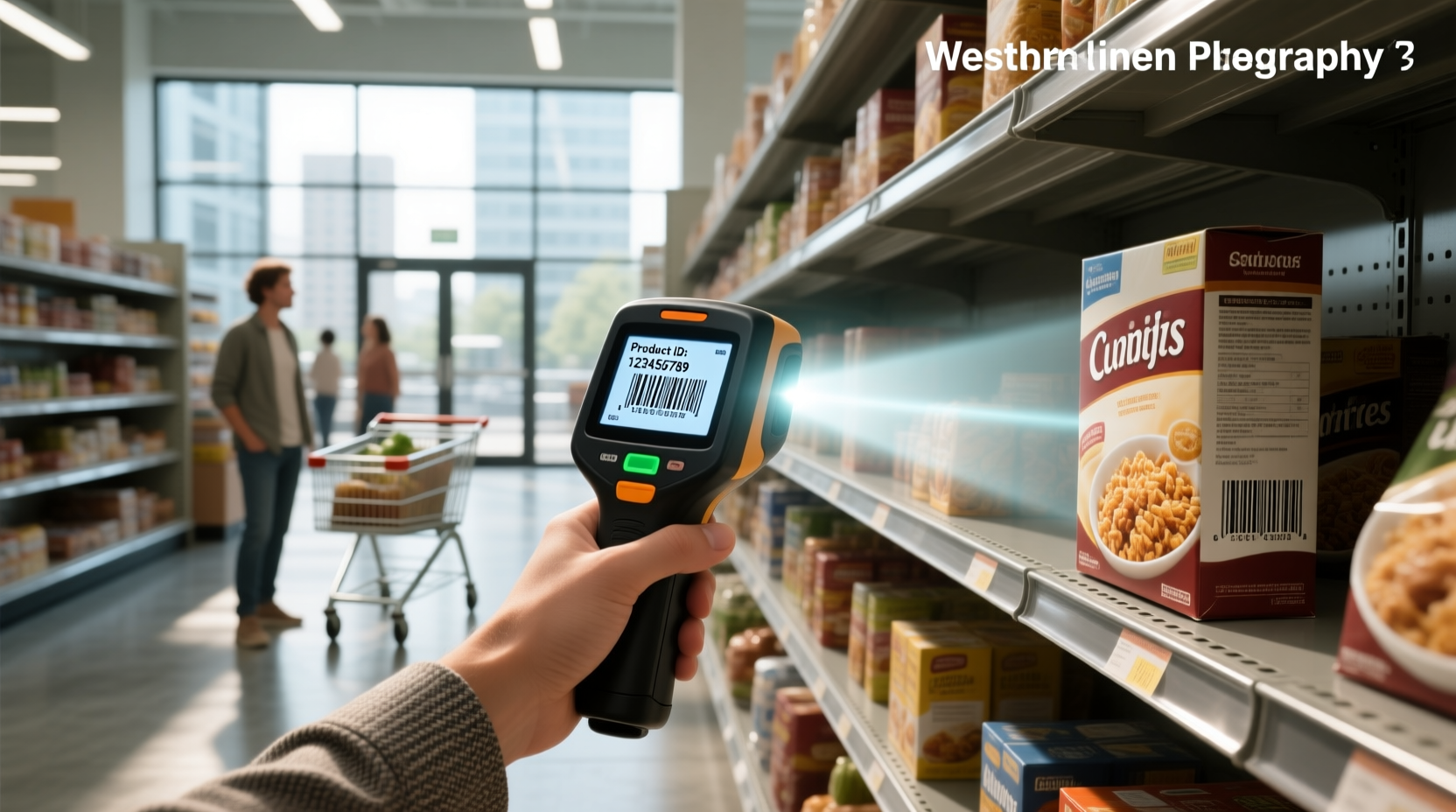
✅ A barcode reader is an optical input device that captures printed barcodes — whether linear (1D) like UPCs or matrix-based (2D) like QR codes — and converts them into digital text or numbers instantly. It works by illuminating the code, measuring reflected light patterns (or capturing an image), decoding the signal using built-in logic, and transmitting clean data — often as keyboard input — to POS systems, inventory software, or ERP platforms1. Understanding this process helps you choose the right scanner for retail checkout, warehouse picking, healthcare labeling, or field service workflows.
Why This Explanation Matters — And Who Needs It
If you're setting up a small retail store, managing inventory in a distribution center, deploying asset tracking in a hospital, or evaluating hardware for a new point-of-sale system, knowing how a barcode reader functions — not just what it does — directly impacts accuracy, speed, durability, and total cost of ownership. Many users mistakenly assume all scanners are interchangeable. In reality, laser vs. CCD vs. imager technologies differ significantly in range, motion tolerance, 2D support, ambient light resilience, and decode reliability on damaged or poorly printed codes. This guide cuts through marketing claims and delivers actionable, vendor-neutral insights grounded in optical physics and real-world deployment constraints.
Core Function: More Than Just ‘Beep and Read’
A barcode reader isn’t a passive camera. It’s a tightly integrated electro-optical system with three essential functional layers:
- Illumination: Emits controlled light — red LED, visible laser, or white LED array — onto the barcode surface.
- Capture & Sensing: Detects reflected light intensity variations (for 1D) or captures a full grayscale or color image (for 2D). Sensors include photodiodes (laser), linear CCD arrays (CCD), or CMOS image sensors (imagers).
- Decoding & Data Transmission: Onboard firmware analyzes the analog signal or pixel data, validates checksums (e.g., UPC-A’s modulo-10 check digit), reconstructs the encoded string, and formats output — typically as HID keyboard emulation (so it types like a keyboard), serial (RS-232), USB CDC, or Bluetooth SPP2.
This entire sequence — from illumination to data transmission — occurs in under 100 milliseconds for most modern devices. No external software is required for basic operation; decoding happens inside the scanner itself.
The Four Main Types — And Their Real-World Trade-Offs
Not all barcode readers work the same way. Choosing incorrectly leads to missed scans, operator fatigue, or premature failure. Here’s how the major categories compare across objective criteria:
| Type | How It Works | Best For | Limits | Typical Range | 2D Support? |
|---|---|---|---|---|---|
| Laser Scanner | Projects a moving red laser line; measures reflection timing and intensity across bars/spaces using a photodiode. | High-volume retail checkout; fixed-mount conveyor applications; environments with consistent lighting. | Fails on damaged, faded, or curved barcodes; cannot read 2D codes (QR, Data Matrix); sensitive to glare and ambient infrared interference. | Up to 24 inches (60 cm) for standard models; extended-range variants reach 40+ ft. | No |
| CCD Scanner (LED) | Uses an array of hundreds of tiny light-sensitive diodes to capture the entire barcode width at once — like a low-res linear camera. | Entry-level retail counters; library checkouts; educational labs; budget-conscious deployments where mobility isn’t critical. | Requires close contact (≤1 inch / 2.5 cm); poor performance on wrinkled labels or uneven surfaces; limited depth of field. | 0.5–2 inches (1–5 cm) | No |
| 2D Imager (Area Imaging) | Employs a CMOS sensor and lens to take a snapshot; uses embedded image processing algorithms to locate and decode any orientation of 1D or 2D symbols. | Hospitals (patient wristbands, medication vials); warehouses (mixed 1D/2D logistics labels); mobile workforce (field techs scanning QR-coded equipment); omnichannel retail (mobile coupons, loyalty apps). | Higher initial cost; consumes more power (affects battery life in cordless models); may require firmware updates for new symbologies. | 0–12 inches typical; some industrial models support 3+ meters with focus adjustment. | Yes — native support for QR, Data Matrix, Aztec, PDF417, etc. |
| Pen/Wand Scanner | Physical contact device; user drags tip across barcode; internal photodiode reads light/dark transitions sequentially. | Low-cost training tools; legacy industrial systems; scenarios where ruggedness and zero moving parts are mandatory. | Slow; requires steady hand movement; high operator fatigue; incompatible with laminated or recessed barcodes; obsolete for most modern applications. | Contact only | No |
Key Technical Concepts — Decoded Clearly
Three terms appear repeatedly in specs but are often misunderstood:
• Symbology Support
This refers to the barcode formats a scanner can recognize — not just ‘barcodes’ generically. Common 1D standards include UPC-A/E, EAN-13/8, Code 128, Code 39, and ITF-14. 2D standards include QR Code, Data Matrix, Aztec, and PDF417. A scanner claiming “2D capability” must explicitly list supported symbologies — some imagers omit PDF417 (used in U.S. driver’s licenses) or GS1 DataMatrix (common in pharma). Always verify against your actual label requirements3.
• Depth of Field & Working Range
Don’t confuse maximum range with usable range. Depth of field is the distance between the nearest and farthest points where the scanner can reliably read a given barcode size. A spec saying “up to 20 inches” means optimal performance only at one precise distance — not uniformly across that span. Test with your smallest and largest expected barcodes under real lighting conditions.
• Motion Tolerance & Scan Rate
Scan rate (measured in Hz) indicates how many times per second the scanner attempts to decode. High motion tolerance means it can successfully read codes even when the scanner or item is moving — critical for conveyor lines or fast-paced retail. Laser scanners typically offer 100–300 Hz; imagers range from 30–100 Hz but compensate with area capture (no aiming needed).
Where Barcode Readers Are Actually Used — Beyond Supermarkets
While checkout lanes are the most visible application, barcode readers enable precision and traceability across sectors:
- Healthcare: Scanning patient ID bands before medication administration prevents errors; reading lab specimen tubes ensures correct test routing; tracking medical device sterilization cycles meets FDA UDI requirements4.
- Manufacturing & Logistics: Verifying component lot numbers on assembly lines; confirming pallet contents during shipping; validating return merchandise authorization (RMA) codes.
- Field Service: Technicians scan QR codes on equipment to pull maintenance history, access schematics, and log work completed — eliminating paper forms.
- Libraries & Archives: Tracking book circulation, managing archival box inventories, and digitizing catalog records via batch scanning.
- Event Management: Scanning wristband barcodes at venue entrances; verifying VIP access levels; syncing attendee data with CRM platforms.
In each case, the scanner’s role is to eliminate manual data entry — reducing error rates from ~1% (keyboard) to <0.001% (scanned), while cutting transaction time by 50–80%.
Common Misconceptions — Debunked
Misconception #1: “All USB scanners work as plug-and-play keyboards.”
Reality: While most do use HID keyboard emulation (typing scanned data as if entered manually), some require serial-to-USB drivers or custom middleware for advanced features like prefix/suffix insertion, symbology filtering, or batch mode. Check OS compatibility — especially for Linux or ChromeOS deployments.
Misconception #2: “Higher resolution always means better scanning.”
Reality: Resolution (e.g., 1 MP, 3 MP) matters less than sensor sensitivity, lens quality, and decode engine optimization. A well-tuned 0.5 MP imager often outperforms a noisy 5 MP sensor on low-contrast barcodes. Prioritize decode success rate over megapixels.
Misconception #3: “Wireless = slower or less reliable.”
Reality: Modern Bluetooth 5.0+ and proprietary 2.4 GHz RF scanners offer sub-20ms latency and 300+ ft range with enterprise-grade encryption. Battery life now exceeds 12–16 hours per charge on most models — sufficient for full shifts without docking.
Selecting the Right Scanner: A Decision Framework
Ask these five questions before purchasing:
- What barcode types and sizes will you scan? (e.g., tiny 2mm Code 128 on electronics PCBs vs. large EAN-13 on cartons)
- What is the typical distance and angle? (Fixed mount overhead? Handheld at waist height? Scanning from a forklift seat?)
- What environmental conditions exist? (Dust, moisture, temperature swings, direct sunlight, chemical exposure)
- What host system connects to it? (Windows POS terminal? Android tablet? Web app via browser API? Legacy RS-232 interface?)
- What durability level is required? (IP rating for dust/water ingress; drop specification — e.g., 6 ft concrete drops)
If your answer involves small, dense, or damaged codes — choose a high-performance 2D imager. If you’re scanning large, high-contrast UPCs at fixed distances in climate-controlled stores — a laser scanner remains cost-effective and robust.
Maintenance & Troubleshooting Basics
Scanners fail most often due to preventable causes:
- Lens contamination: Smudges, dust, or adhesive residue scatter light. Clean weekly with lint-free cloth + isopropyl alcohol — never abrasive cleaners.
- Outdated firmware: New barcode formats (e.g., GS1 Digital Link) or symbology updates require firmware patches. Check manufacturer support pages quarterly.
- Incorrect interface configuration: A scanner set to “IBM 4610 mode” won’t communicate with a generic Windows PC. Reset to factory defaults if communication fails.
- Power delivery issues: USB hubs with insufficient current cause intermittent disconnects. Connect directly to host or use powered hubs.
No calibration is needed for modern devices — optics and decoding are factory-set and stable over time.
Frequently Asked Questions (FAQ)
- Can a barcode reader work without being connected to a computer?
Yes — many portable models store thousands of scans internally and sync later via USB or wireless. Others pair with smartphones/tablets using Bluetooth and dedicated apps for offline data capture. - Do I need special software to use a barcode reader?
No — for basic data entry (e.g., entering SKUs into Excel or a web form), keyboard emulation requires zero software. Advanced functions like database lookup, automatic field mapping, or cloud sync need optional middleware. - Why won’t my scanner read a QR code?
Your device likely uses laser or CCD technology, which only supports 1D barcodes. You need a 2D area imager. Verify the product specifications for “2D,” “imager,” or listed QR Code support. - What’s the difference between a barcode reader and a barcode verifier?
A reader decodes data; a verifier grades print quality (ISO/IEC 15415 or 15416 compliance) to ensure scannability across all scanner types — used in packaging production, not daily operations. - Can I scan barcodes from a phone screen?
Yes — but only with 2D imagers. Laser and CCD scanners struggle with screen glare, refresh rates, and anti-glare coatings. Even then, brightness, screen cleanliness, and viewing angle affect success rate.
References
1 Wasp Barcode Technologies — “How Does a Barcode Scanner Work?” (2015)
2 GlobalVision — “What Is a Barcode Reader?” (2024)
3 Denso Wave — “What Is a Barcode?” Technical Fundamentals (2024)
4 U.S. Food and Drug Administration — “Unique Device Identification (UDI) System” (2023)
