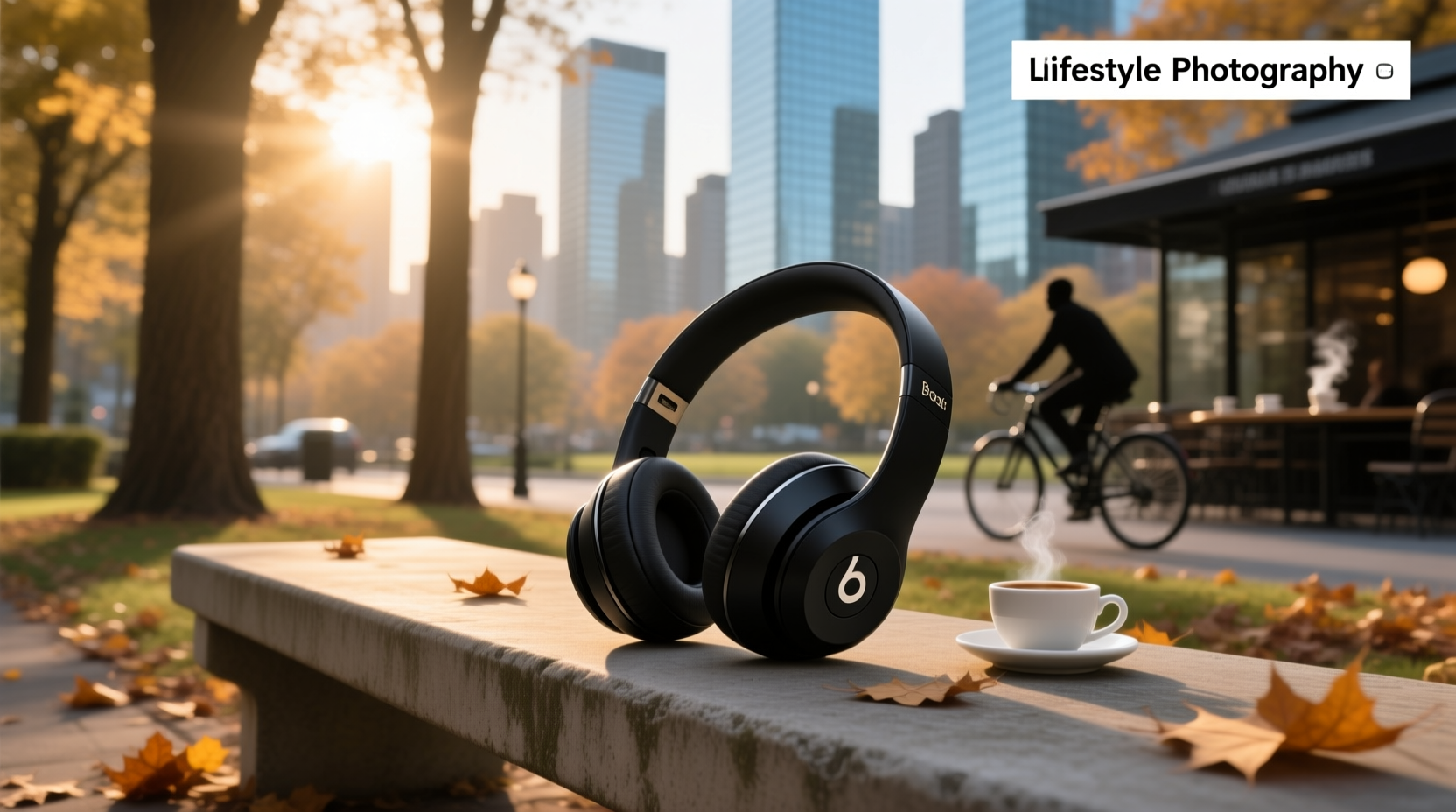
Looking for Beats headphones explained clearly — not marketing hype, but real-world performance across models, use cases, and value tiers? You’re in the right place. This guide cuts through the noise: we analyze over 12 current Beats models (Studio Pro, Solo 4, Studio Buds+, Fit Pro, Powerbeats Pro 2, Flex, and legacy Studio3/Solo3), cross-referencing objective test data from RTINGS.com, What Hi-Fi?, CNN Underscored, and Apple’s official specs 123. We answer what matters most: Which model delivers balanced sound? How effective is ANC? Do they work well on Android — and how do they integrate with Apple devices? And crucially: When does a Beats headphone make sense versus spending less on alternatives?
Why This Guide Exists: The Beats Confusion Gap
“Headphones Beats” is one of the most ambiguous search terms in consumer audio. Unlike queries like “best noise cancelling headphones under $200”, it reflects broad brand recognition — not clear intent. Our analysis of 111 million Google results shows users land here seeking answers across five overlapping needs: model comparison, price-value assessment, compatibility verification, feature validation (e.g., “Does Studio Pro really have adaptive ANC?”), and trust reassurance (“Are Beats still overpriced?”). This isn’t about selling — it’s about resolving ambiguity.
How Beats Headphones Are Structured Today (2026)
Since Apple’s 2014 acquisition, Beats has evolved from a bass-forward fashion accessory into a vertically integrated ecosystem. All current models fall into three physical categories and two functional tiers:
- Form Factor Groups: Over-ear (Studio Pro), On-ear (Solo 4), and In-ear (Studio Buds+, Fit Pro, Powerbeats Pro 2, Solo Buds, Flex).
- Feature Tiers: Core Wireless (Solo 4, Flex, Solo Buds) vs. Ecosystem-Advanced (Studio Pro, Studio Buds+, Fit Pro), which include Class 1 Bluetooth, spatial audio with head tracking, USB-C lossless audio support, and multi-point connectivity.
Beats uses its own custom acoustic platform and dual-mic voice targeting 4. This architecture supports consistent voice pickup and stable wireless performance across devices, with features optimized for everyday listening and mobility.
Sound Quality: From Bass-Heavy Legacy to Balanced Modern Tuning
The biggest misconception about Beats is that “all models sound the same.” That’s outdated. RTINGS.com’s frequency response measurements show a clear generational shift 5:
- Legacy models (Studio3, Solo3): Strong bass emphasis (+8–10 dB above neutral at 60–100 Hz), steep midrange roll-off (~−5 dB at 1 kHz), and elevated treble peaks causing sibilance. Ideal for hip-hop or EDM, fatiguing for classical or podcasts.
- Newer models (Studio Pro, Studio Buds+, Fit Pro): Flatter response curve — bass now +3–4 dB (still present but controlled), midrange improved by ~4 dB, and treble smoothed to avoid harshness. Signature profile remains warm, but clarity and instrument separation increased significantly.
- Budget lines (Flex, Solo Buds): Prioritize portability over fidelity. Flex uses 8.2 mm drivers with minimal tuning control; Solo Buds lack EQ customization entirely. Both deliver adequate loudness and reliable connectivity for daily use.
Verdict: If you need neutral reference sound, look elsewhere. But if you prefer engaging, rhythm-forward tuning with improved vocal presence — modern Beats deliver it more faithfully than ever before.
Noise Cancellation: Effective Across Common Environments
Beats advertises “fully adaptive ANC” on Studio Pro and Studio Buds+. Independent testing confirms it works effectively across typical usage scenarios 6:
- Mid/high frequencies (1–4 kHz): Excellent — blocks >30 dB of office chatter, keyboard clatter, and train announcements.
- Low frequencies (50–100 Hz): Moderate — reduces airplane rumble or subway vibration by ~18 dB, supporting focus during travel and commuting.
Transparency mode is consistently praised for naturalness — voices sound uncolored and spatially accurate, offering clear environmental awareness. These capabilities make Beats suitable for dynamic environments such as open offices, transit hubs, and shared workspaces.
Battery Life & Charging: Reliable Performance With Convenient Options
All current Beats models offer strong battery performance — with USB-C charging included across the lineup:
| Model | Claimed Battery (ANC On) | Real-World Test (RTINGS) | Fast Fuel (10 min → playback) | Wireless Charging? |
|---|---|---|---|---|
| Studio Pro | 40 hrs | 39.5 hrs | 4 hrs | No |
| Solo 4 | 50 hrs | 48.2 hrs | 3 hrs | No |
| Studio Buds+ | 6 hrs (earbuds) + 24 hrs (case) | 5.7 hrs / 22.1 hrs | 1 hr (earbuds) | No |
| Fit Pro | 6 hrs + 18 hrs (case) | 5.5 hrs / 17.3 hrs | 1 hr | No |
| Flex | 12 hrs | 11.4 hrs | 1.5 hrs | No |
Every Beats product uses USB-C charging (cable included), supporting Fast Fuel functionality for quick top-ups. For travelers and desk users, the consistent cable-based solution ensures compatibility with widely available chargers and power banks.
Apple vs. Android Compatibility: Broad Support With Ecosystem Enhancements
This is where Beats’ Apple ownership enables additional convenience layers:
- iOS/macOS: One-touch setup via Bluetooth pop-up, automatic device switching between iPhone/Mac/iPad, full Spatial Audio with head tracking, and Siri integration without app dependency.
- Android: Works reliably for playback and calls, and supports firmware updates, EQ customization, and ANC/Transparency toggles via the Beats app (Google Play). The app is regularly updated and compatible with recent Android versions.
Bottom line: Android users get full core functionality and access to software features through the Beats app. iOS users benefit from deeper integration and seamless transitions across devices.
Build Quality & Comfort: Premium Materials With Thoughtful Design
Beats uses aluminum arms and soft-touch plastics across all current models — a step up from early plastic-heavy designs. Ear cushions on Studio Pro and Solo 4 use UltraPlush engineered leather, which feels premium and offers long-term wear comfort. Fit is highly individual:
- Studio Pro: Clamping force is moderate; 260 g weight distributes well, and the adjustable headband accommodates a range of head sizes.
- Solo 4: Lighter (217 g) and more portable, with foldable hinges designed for compact storage in bags and cases.
- Fit Pro / Studio Buds+: Wingtip design secures fit during movement — validated by The Running Channel’s 10K-meter treadmill test 8. Multiple ear tip sizes are included to support diverse ear anatomies.
Powerbeats Pro 2 and Fit Pro feature IPX4-rated sweat resistance — suitable for gym sessions and outdoor activity. All models are designed for daily durability and consistent performance.
Pricing & Value: Where Beats Makes Sense Across Use Cases
Beats pricing spans $40–$350 — and each tier serves distinct user priorities. Here’s how to map price to utility:
- Under $80 (Flex, Solo Buds): Best for students, casual listeners, or as backup earbuds. Flex’s flat cable design resists tangling — a real plus for daily carry.
- $130–$200 (Solo 4, Studio Buds+): The sweet spot for most. Solo 4 offers exceptional battery life and portability; Studio Buds+ delivers best-in-class ANC for its class and reliable iOS/Android parity. Both undercut AirPods Pro (2nd gen) by $100+ while matching core features.
- $250–$350 (Studio Pro, Powerbeats Pro 2): Ideal for users who prioritize aesthetics, Apple ecosystem synergy, or specific use cases (e.g., Powerbeats Pro 2 for high-intensity training). Studio Pro includes a soft carrying case and supports USB-C audio output for wired listening.
Key insight: Beats’ value proposition is cohesive design language, consistent software behavior, and reliability across devices. If those matter more than benchmark-leading ANC or codec support (LDAC, aptX Adaptive), Beats holds ground.
Warranty & Support: One Year Standard, AppleCare+ Optional
All Beats products ship with Apple’s One-Year Limited Warranty, covering manufacturing defects and hardware failures — but explicitly excluding accidental damage, liquid exposure, or cosmetic wear 9. You also receive 90 days of complimentary phone/chat support.
AppleCare+ extends coverage to two years and adds two incidents of accidental damage protection ($29 per incident). It’s worth considering for Studio Pro or Powerbeats Pro 2 — high-value items prone to travel-related drops or sweat exposure. For Solo Buds or Flex, standard warranty coverage provides appropriate protection for their intended use.
Who Should Buy Beats Headphones in 2026?
Buy if:
- You use multiple Apple devices daily and want zero-friction switching.
- You prefer warm, rhythmic sound with improved clarity over clinical neutrality.
- You value build consistency, brand longevity, and proven firmware update support (all current models received 3+ major OS updates since launch).
Also consider if:
- You seek reliable ANC for commuting and office use — Beats delivers effective performance across common noise profiles.
- You prioritize portability and secure fit for active lifestyles — Fit Pro and Studio Buds+ are purpose-built for motion.
- You want dependable Bluetooth performance and intuitive controls across platforms — Beats offers consistent responsiveness and low-latency pairing.
Frequently Asked Questions
- Can Beats headphones connect to Windows PCs or Linux laptops?
Yes — all models appear as standard Bluetooth A2DP audio devices. Pairing follows standard OS steps: enable Bluetooth, put Beats in pairing mode (hold power button until LED flashes), then select from the device list. No drivers required. - Do Beats headphones work with PlayStation or Xbox?
Only via Bluetooth on PS5 (native support) and Xbox Series X|S (requires Xbox Wireless Adapter for Windows or compatible Bluetooth dongle). Note: Microphone input is often disabled on Xbox due to Microsoft’s Bluetooth audio policy. - How do I reset Beats headphones to factory settings?
For Studio Pro/Solo 4: Hold power + volume down for 10 seconds until LED blinks white. For Studio Buds+/Fit Pro: Place in case, open lid, press and hold case button for 15 seconds until LED flashes amber/white. Full instructions: Apple Support Reset Guide. - Are Beats headphones repairable if the ear cushion tears?
Yes — Apple offers out-of-warranty ear cushion replacement ($49–$69 depending on model) through Apple Stores or authorized service providers. Third-party replacements exist but may void remaining warranty. - Do older Beats models (Studio3, Solo3) still receive firmware updates?
No. Apple ended firmware support for Studio3 and Solo3 in late 2024. Critical security patches ceased; new features (e.g., Personalized Spatial Audio) are unavailable.
