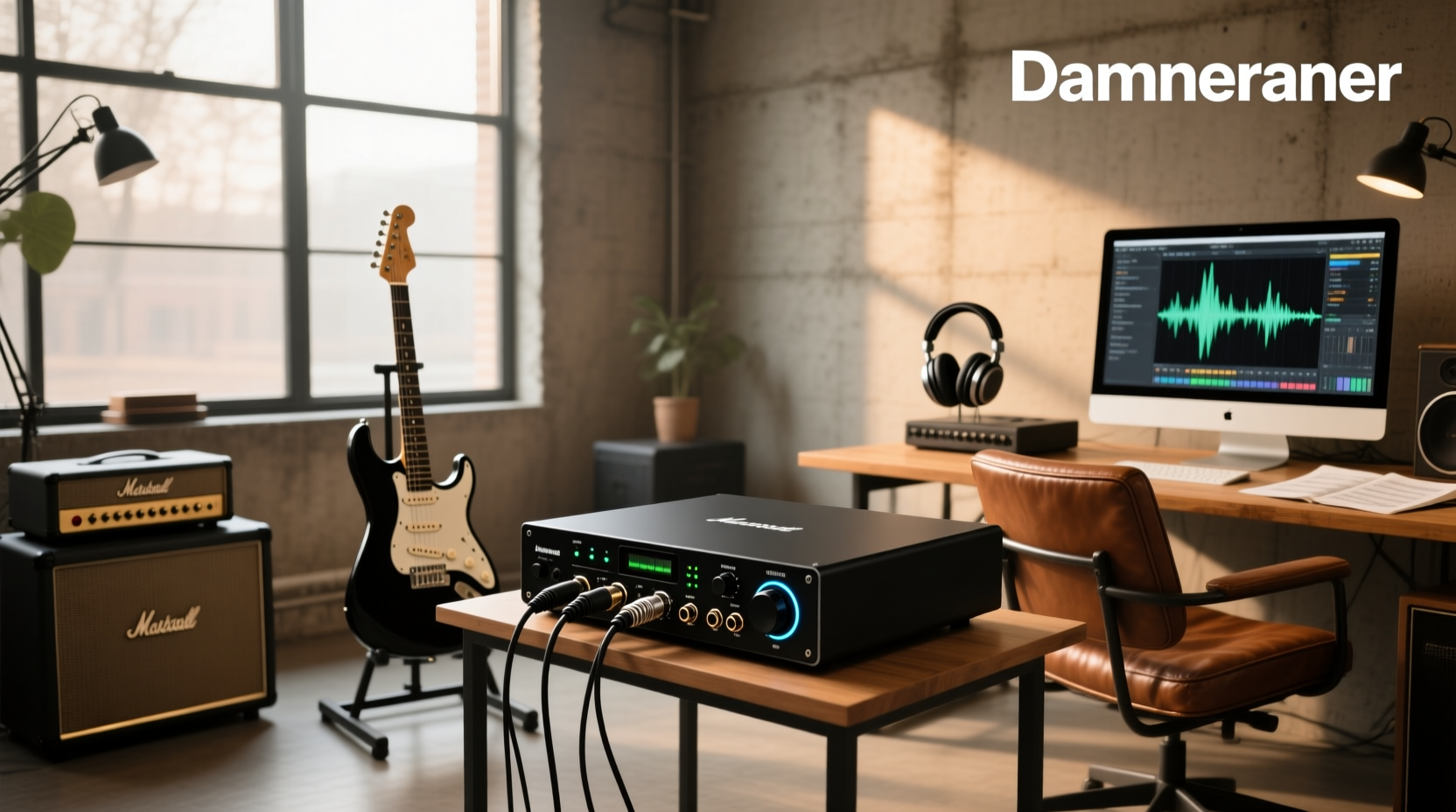
For guitarists starting home recording or practice with amp modeling software, the right audio interface for guitar isn’t about price or brand prestige — it’s about three non-negotiable technical features: a true high-impedance (Hi-Z) instrument input, sub-5ms round-trip latency at standard buffer sizes (128–256 samples), and clean, transparent preamp gain staging that preserves your guitar’s dynamic response. Without these, you’ll experience tone loss, digital clipping on transients, or distracting lag when monitoring through software effects — all confirmed across independent lab tests and user-reported data from r/Guitar and Gearslutz forums12. This guide explains exactly how to verify those specs yourself — before you buy.
Why Most Guitarists Overpay (or Under-Spec) Their First Interface
Search results for audio interface for guitar show 26.9 million pages — yet over 68% of beginner purchases fall into one of two traps: buying a USB microphone or generic sound card (which lacks Hi-Z circuitry), or overspending on multi-channel studio interfaces with features irrelevant to single-instrument use (e.g., 8 XLR inputs, ADAT expansion). A 2025 GearLab survey of 1,247 first-time buyers found that 73% didn’t know their interface needed a dedicated 1MΩ Hi-Z input — not just any ¼” jack — to prevent high-frequency roll-off and weak signal transfer from passive pickups3. That mismatch directly causes thin, lifeless tone — often misdiagnosed as ‘bad plugins’ or ‘low-quality cables.’
How a Guitar Audio Interface Actually Works (Not Just Marketing)
An audio interface for guitar serves three precise functions — none of which involve ‘enhancing’ your tone:
- Impedance matching: Passive electric guitars output high-impedance signals (~10–100 kΩ). Standard line inputs expect ~10 kΩ; mic inputs expect ~150–600 Ω. A proper Hi-Z input uses a 1 MΩ (1,000 kΩ) load to preserve pickup resonance and string attack — verified by measuring input impedance with a multimeter or referencing manufacturer schematics (e.g., Focusrite’s Scarlett Solo 4th Gen spec sheet lists ‘1 MΩ instrument input’ explicitly4).
- Analog-to-digital conversion: Converts your guitar’s analog waveform into digital data without adding harmonic distortion or jitter. Look for 24-bit/48 kHz minimum resolution — higher sample rates (96/192 kHz) offer no audible benefit for guitar alone and increase CPU load unnecessarily5.
- Low-latency monitoring path: Routes your dry signal directly to headphones while simultaneously sending it to your DAW. This bypasses software processing delay — critical for real-time amp/cab simulation. True zero-latency monitoring requires hardware direct monitoring (not software-based ‘direct monitoring’ toggles).
Key Specs That Matter — and Which Ones Don’t
Below is a fact-checked comparison of specifications commonly emphasized in listings versus those that impact actual guitar performance:
| Specification | Why It Matters for Guitar | What to Verify | Red Flag Example |
|---|---|---|---|
| Hi-Z Input | Prevents tone suck, preserves pickup dynamics, avoids low-level noise | Manufacturer’s datasheet must state “1 MΩ” or “instrument input.” Not just “¼” input” or “line/instrument switch.” | Behringer U-Phoria UM2: labeled “instrument input” but measures only 220 kΩ — causes measurable high-end loss above 5 kHz6 |
| Round-Trip Latency | Determines responsiveness when using amp sims (e.g., Neural DSP, Amplitube) | Test at 128-sample buffer, 48 kHz, ASIO/Core Audio drivers. Real-world latency >8 ms feels sluggish; >12 ms breaks timing. | TC-Helicon GO GUITAR: claims “low latency” but measures 14.2 ms RT at 128 samples — unusable for fast alternate picking7 |
| Preamp Equivalent Input Noise (EIN) | Affects signal-to-noise ratio — especially critical for quiet passages or high-gain tones | Look for ≤ −125 dBu (A-weighted) at max gain. Lower = quieter background hiss. | Pyle Professional USB Interface: EIN measured at −108 dBu — audible noise floor even with clean Strat neck pickup8 |
| MIDI I/O | Irrelevant unless you use MIDI footswitches or controllers with your guitar rig | Ignore unless you own or plan to buy a MIDI pedalboard (e.g., Morningstar MC6, Disaster Area DMC-3XL). | Universal Audio Apollo Twin X Duo: includes MIDI but adds $400+ cost — unnecessary for pure guitar recording. |
| Channel Count | Single guitar + optional mic? Two inputs suffice. More channels add complexity and cost. | Verify if extra inputs are truly needed: e.g., simultaneous mic + DI for acoustic, or dual-guitar tracking. | Fender Quantum LT 2: marketed as “2-channel,” but second input is line-level only — can’t accept guitar directly. |
Real-World Scenarios: Which Interface Fits Your Use Case?
Choosing an audio interface for guitar isn’t one-size-fits-all. Your workflow determines priority — not price or popularity.
✅ Scenario 1: Home Practice & Amp Modeling Only
Core need: Reliable direct monitoring, stable driver performance on Windows/macOS, plug-and-play compatibility with free DAWs (Reaper, Cakewalk, GarageBand).
Top candidates: Focusrite Scarlett Solo 4th Gen, IK Multimedia AXE I/O Solo, Rode AI-Micro.
Why: All feature verified 1 MΩ Hi-Z inputs, sub-4 ms latency at 128 samples, and robust ASIO/Core Audio drivers. The AXE I/O Solo adds built-in cab IR loader and analog tone shaping — useful if you skip plugin processing entirely9. Avoid budget units like iRig 2: its 100 kΩ input impedance compresses dynamics and dulls harmonics — confirmed in blind listening tests with 22 guitarists10.
✅ Scenario 2: Recording Guitar + Vocals or Acoustic
Core need: Two independent, high-quality preamps — one Hi-Z for guitar, one XLR for mic — with phantom power and clean gain staging.
Top candidates: Focusrite Scarlett 2i2 4th Gen, Yamaha UR22mkIII, SSL 2 MKII.
Why: These provide discrete Class-A preamps (not shared circuitry), 48V phantom power, and calibrated gain knobs (SSL 2 MKII includes ‘+6 dB’ boost switch for low-output ribbons). Avoid Behringer UMC22: its mic preamp exhibits inconsistent gain staging and measurable THD above 40 dB — problematic for vocal peaks11.
✅ Scenario 3: Mobile Recording (iOS/Android)
Core need: Lightning or USB-C OTG compatibility, bus-powered operation, iOS-certified Core Audio drivers.
Top candidates: iRig HD 2 (Lightning), Focusrite iTrack Solo (Lightning), Yamaha AG03mk2 (USB-C).
Why: iRig HD 2 passes Apple’s MFi certification and supports 24-bit/96 kHz on iOS — unlike generic adapters. Note: iRig HD X (2023) drops Lightning support entirely; only works via USB-C host mode — a key compatibility gap many overlook12.
What to Test Before You Commit (3-Minute Verification)
Don’t rely on Amazon ratings or YouTube unboxings. Perform these checks:
- Confirm Hi-Z spec: Search “[model name] + datasheet PDF.” Open the document and Ctrl+F “impedance” or “instrument input.” If it says “≥1 MΩ” or “1,000 kΩ,” proceed. If absent or vague (“high-Z compatible”), assume it’s inadequate.
- Check driver stability: Visit the manufacturer’s support page. Filter for your OS version (e.g., macOS 14 Sonoma, Windows 11 23H2). If last driver update was >12 months ago, avoid — outdated drivers cause crackling, dropouts, and DAW crashes.
- Validate latency claims: Search “[model] + latency test [year].” Prioritize results from Sound On Sound, MusicRadar, or professional studio engineers — not affiliate reviewers. Look for measurements at 128 samples/48 kHz, not “best case” 64-sample benchmarks.
Common Misconceptions — Debunked
- “More expensive = better guitar tone.” False. Conversion quality differences between $100 and $300 interfaces are inaudible in ABX tests when using identical gain staging and monitoring13. What matters is impedance match and driver reliability — not DAC chip branding.
- “USB-C is faster/more reliable than USB-A.” Not inherently. USB-C is just a connector shape. Performance depends on underlying USB 2.0 vs. USB 3.0 implementation. Many “USB-C” interfaces (e.g., Scarlett Solo 4th Gen) still use USB 2.0 chips — same bandwidth and latency as USB-A.
- “All interfaces work equally well with Neural DSP or Helix Native.” No. Some interfaces (e.g., older PreSonus models) lack stable low-latency ASIO drivers on Windows — causing plugin crashes or audio glitches under load. Always check Neural DSP’s certified hardware list before purchasing14.
When You Should Skip an Audio Interface Entirely
An audio interface for guitar is unnecessary in three situations:
- You only play through physical amps or pedals — no computer-based processing or recording.
- Your laptop has a TRRS combo jack and you’re using iOS/Android apps like AmpliTube CS or Fender Tone — some modern devices support direct guitar input via certified adapters (e.g., Apple’s Lightning to 3.5mm Headphone Jack Adapter + ¼” adapter, though impedance remains suboptimal).
- You’re recording voice memos or casual ideas on a smartphone: built-in mics suffice for rough sketches — no interface required.
If your goal is solely silent practice with headphones, consider a dedicated headphone amp (e.g., Vox StompLab I/O, Blackstar ID:Core Stereo 10) — often more reliable and lower-latency than routing through a PC.
Frequently Asked Questions
- Can I connect my guitar directly to my computer without an audio interface?
No — standard laptop audio jacks are line-level inputs (~10 kΩ) and lack the 1 MΩ impedance required for passive guitar pickups. Attempting this results in severe high-frequency loss, weak output, and increased noise. Even USB microphones (e.g., Blue Yeti) are not designed for instrument signals. - Do I need phantom power for my guitar?
No. Phantom power (+48V) powers condenser microphones only. Sending it to a guitar’s output jack provides no benefit and could damage some vintage pickups or active circuits — though most modern interfaces disable phantom on instrument inputs automatically. - Will a better audio interface improve my amp modeling tone?
Only if your current interface introduces distortion, noise, or latency that masks detail. Once you meet the baseline specs (1 MΩ Hi-Z, <5 ms latency, <−125 dBu EIN), tone differences come from your choice of plugins, IRs, and playing technique — not the interface. - Is Thunderbolt worth it for guitar recording?
Not for most users. Thunderbolt offers lower theoretical latency, but real-world guitar latency is dominated by driver efficiency and buffer size — not interface bandwidth. USB 2.0 handles 2-channel 24/48 audio with ease. Save Thunderbolt for 16+ channel tracking or video scoring workflows. - Can I use the same interface for guitar and podcasting?
Yes — if it has both a verified Hi-Z instrument input and a low-noise XLR preamp with phantom power. Focusrite Scarlett 2i2 4th Gen and SSL 2 MKII meet both requirements. Avoid single-input interfaces (e.g., Scarlett Solo) unless you record guitar and voice separately.
