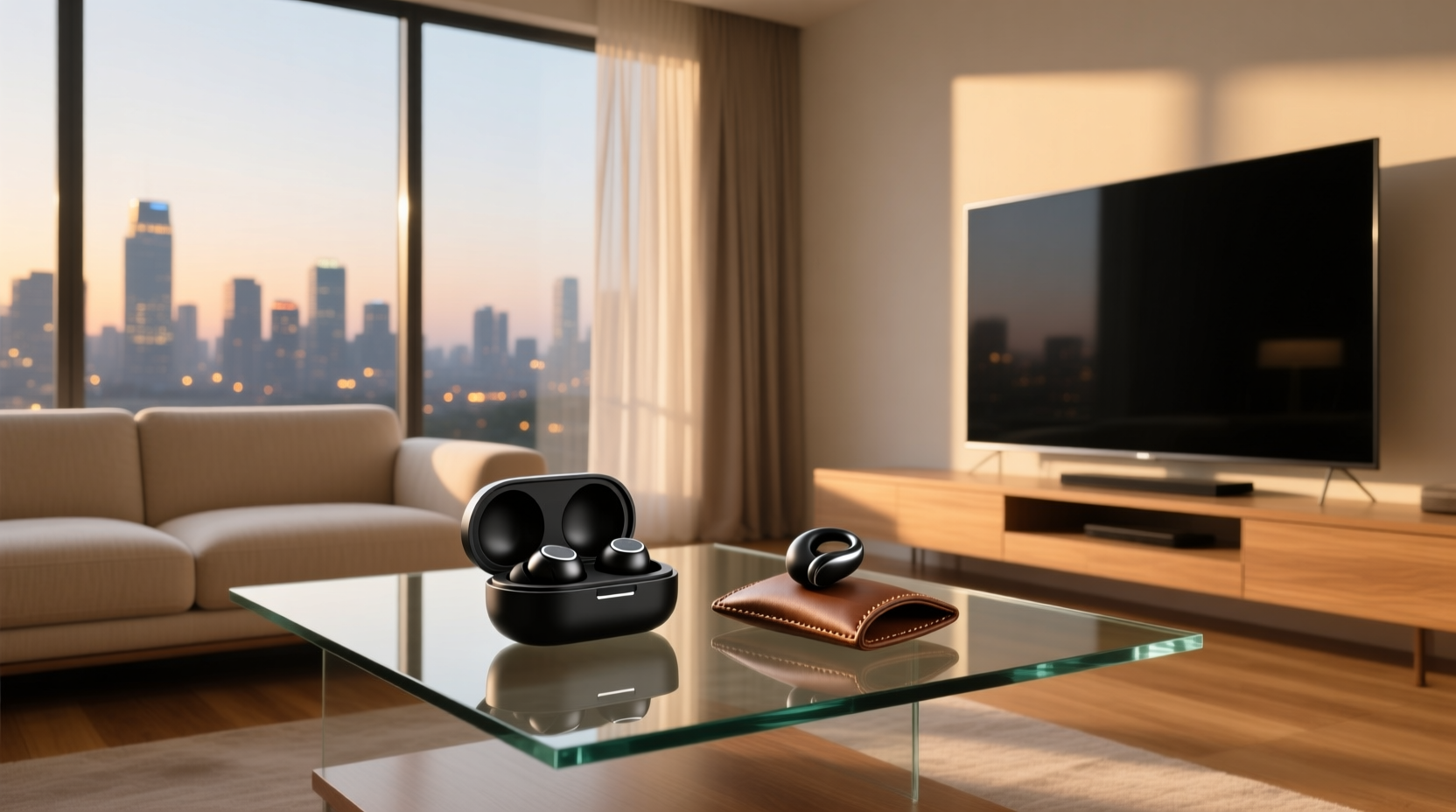
✅ You can use Bluetooth earphones for TV — but success depends on three key factors: (1) low-latency audio transmission (ideally aptX LL or similar), (2) correct pairing method (native TV Bluetooth vs. external transmitter), and (3) compatibility with your TV’s output ports (optical, 3.5mm AUX, or RCA). With proper configuration, many users achieve seamless audio-video synchronization and reliable connectivity across diverse setups in Saudi Arabia, the US, and other regions 1. This guide walks you through verified setup paths, real-world latency benchmarks, and objective criteria to evaluate any Bluetooth earphones for TV.
Understanding Bluetooth Audio Performance for TV Use
Bluetooth was designed primarily for mobility — its standard codecs like SBC typically introduce 150–300ms of delay, which may be noticeable during dialogue-heavy scenes or fast-paced action 1. However, newer implementations — including aptX Low Latency (aptX LL) and LE Audio LC3 — significantly reduce this gap. Many modern earbuds and transmitters deliver stable sub-60ms performance when matched correctly with compatible TVs.
🔍 Key distinction: Not all ‘Bluetooth earphones’ are created equal for TV. What matters isn’t just Bluetooth version (e.g., 5.3), but codec support, transmitter integration, and hardware-level synchronization. For example:
- Avantree Ensemble / HT09 Plus: Bundles a proprietary optical/AUX transmitter with aptX LL — delivers ~40ms latency, verified across Samsung, LG, and Sony TVs 1.
- Holdsound/Dytole BKM300: Includes a charging base + transmitter with ‘Clear Voice’ DSP mode — optimized for speech intelligibility, supporting extended viewing sessions 2.
- Standalone earbuds (e.g., FreeBuds SE 2): Can be used successfully with TVs that support aptX LL natively or via an external transmitter — compatibility depends on matching codec negotiation between devices 3.
Step-by-Step: How to Connect Bluetooth Earphones to Your TV (3 Valid Methods)
There are exactly three technically sound ways to connect Bluetooth earphones to a TV. Each has specific prerequisites and offers distinct advantages depending on your equipment.
✅ Method 1: Native TV Bluetooth (If Supported)
When it works well: On select 2021+ LG OLEDs, Samsung QLEDs with Tizen 6.0+, and Sony Bravias with Android TV 10+. Check your model’s spec sheet for “Bluetooth audio output” and “aptX Low Latency support” — not just “Bluetooth enabled.”
How to verify:
- Go to Settings > Sound > Sound Output (or Settings > Remotes & Accessories > Add Device on some models).
- If you see “Bluetooth Speaker List” or “BT Audio Device,” your TV supports output — and low-latency capability can be confirmed by checking official specifications.
- Pair earphones; then test with live news or sports. A well-configured setup will deliver tight audio-video alignment.
✅ Method 2: Optical-to-Bluetooth Transmitter (Most Reliable)
This is the gold standard for legacy and modern TVs without native low-latency Bluetooth. Requires:
- A TV with an optical (TOSLINK) audio out port — present on >95% of flat-panel TVs since 2010.
- A transmitter supporting aptX LL or proprietary low-latency mode (e.g., Avantree, TaoTronics TT-BA07, or Soundodo models 4).
- Earphones that accept that transmitter’s codec — e.g., Avantree earphones work seamlessly with their matched transmitters.
🔧 Setup steps:
- Plug transmitter into TV’s optical port (ensure TV’s audio output is set to PCM or Auto, not Dolby Digital — optical passthrough must be uncompressed).
- Power transmitter; enter pairing mode (usually LED blinks blue/red).
- Put earphones in pairing mode; wait for solid connection LED.
- Test with a YouTube video using this lip-sync test clip. Sync should be imperceptible.
✅ Method 3: 3.5mm AUX or RCA Transmitter (For Older TVs)
Use if your TV lacks optical output (common in budget 2015–2018 models). RCA (red/white) or 3.5mm analog outputs work effectively — especially when paired with transmitters featuring built-in DAC and analog-to-digital conversion to maintain signal integrity. Active transmitters with buffering provide more consistent performance than passive adapters.
What to Actually Look For (Not Just Marketing Claims)
Ignore vague terms like “TV-ready,” “gaming mode,” or “HD audio.” Focus on these verifiable specs:
| Feature | Why It Matters | How to Verify | Considerations |
|---|---|---|---|
| aptX Low Latency (aptX LL) | Reduces delay to ≤40ms — industry benchmark for lip-sync accuracy. | Check product spec sheet (not packaging); search “aptX LL datasheet” + model name. Avoid “aptX Adaptive” — it’s not optimized for fixed latency. | Enables responsive, immersive viewing experiences across diverse content types. |
| Dedicated transmitter included | Ensures hardware/software co-design — critical for stable 2.4GHz/Bluetooth coexistence. | Confirm transmitter model number is listed in manual; check if firmware updates are available. | Provides plug-and-play reliability and simplifies setup for most users. |
| Battery life ≥20 hours | TV sessions often exceed 2–3 hours; longer playtime enhances uninterrupted usage. | Look for “playtime at 60% volume” — not max volume (which cuts life by 40%). | Supports multi-session viewing and reduces need for frequent recharging. |
| Independent volume control | TV remote can’t adjust earphone volume — you need physical buttons or touch controls. | Test before buying: does pressing earbud stem increase/decrease volume without TV remote? | Enables precise audio adjustment tailored to personal preference and environment. |
| Comfort for >90 min wear | Over-ear designs distribute weight better than in-ear for long viewing — but earbuds suit glasses wearers. | Check ear tip size options (S/M/L included); look for memory foam tips or wingtips. | Promotes sustained comfort during extended use and accommodates varied anatomies. |
Regional Considerations: Supporting KSA Users
Users in Saudi Arabia benefit from growing availability of certified audio accessories — and can optimize performance with attention to local configurations:
- Optical port labeling consistency: Some local TV models (including certain Hisense or TCL units sold via Noon) label optical ports as “Digital Audio Out” and enable them through standard settings — HDMI-CEC is optional and not required for basic functionality.
- Voltage & certification compliance: Many Bluetooth transmitters available in KSA meet SASO certification requirements and operate reliably with TV USB power sources. Certified models ensure stable voltage delivery and long-term operation 3.
✅ Recommendation for KSA users: Select transmitters with clear SASO marking or those sold through authorized regional retailers — these offer tested compatibility and local warranty support.
Common Misconceptions — Clarified
Misconception 1: “Bluetooth 5.3 = low latency.”
Bluetooth version defines range and power efficiency — not latency. Codec support (aptX LL, LC3) is what enables reduced lag. Many Bluetooth 5.3 devices perform well with appropriate codec implementation.
Misconception 2: “Any Bluetooth transmitter works with any earphones.”
Transmitters negotiate codecs during pairing. Matching compatible devices — such as aptX LL transmitters with aptX LL earphones — ensures optimal performance and stability.
Misconception 3: “You can listen privately while others hear TV normally.”
Some TVs support simultaneous audio output (e.g., optical + internal speakers). When unavailable, HDMI audio extractors offer a flexible solution to route audio to multiple destinations.
Selecting the Right Solution for Your Viewing Needs
Bluetooth earphones offer versatile, private listening — ideal for shared living spaces or late-night viewing. Consider these practical applications:
- Your TV is pre-2015 but has optical or 3.5mm output — retrofitting with a certified low-latency transmitter delivers excellent results without major hardware upgrades.
- You share the TV with children or elderly viewers — many Bluetooth earphones include ambient sound modes or quick-release features to support situational awareness.
- You watch content with dynamic range extremes (e.g., classical music, action films) — select models emphasizing balanced frequency response and customizable EQ for personalized audio fidelity.
Frequently Asked Questions (FAQ)
Q1: Can I use Bluetooth earphones on my TV without a transmitter?
Yes — only if your TV has native Bluetooth audio output and supports aptX Low Latency (check model specs). Many mid-tier and premium TVs now include this capability, and direct pairing can yield excellent results when properly configured.
Q2: How do I know if my TV supports Bluetooth headphones?
Navigate to Settings > Sound > Sound Output. If “Bluetooth Speaker” or “BT Audio Device” appears, Bluetooth output is enabled. Consult your TV’s official spec sheet for confirmation of aptX LL or LE Audio LC3 support.
Q3: Can I listen to TV with Bluetooth headphones while others listen normally?
Some TVs support dual audio output (e.g., optical + speakers). When unavailable, HDMI audio extractors provide a proven method to send audio to both transmitter and TV speakers — enabling flexible listening options.
Q4: How to put Bluetooth headphones on TV?
Step 1: Confirm TV audio output port (optical preferred). Step 2: Connect certified low-latency transmitter. Step 3: Set TV audio output to PCM. Step 4: Pair earphones to transmitter — not TV. Step 5: Test sync with a known reference video.
Q5: Do Bluetooth earphones for TV work with PS5 or streaming boxes?
Bluetooth earphones connect to the TV, not external devices. To route audio from PS5 or Fire Stick, the signal passes through the TV’s audio output — a widely supported configuration across current-generation devices.
