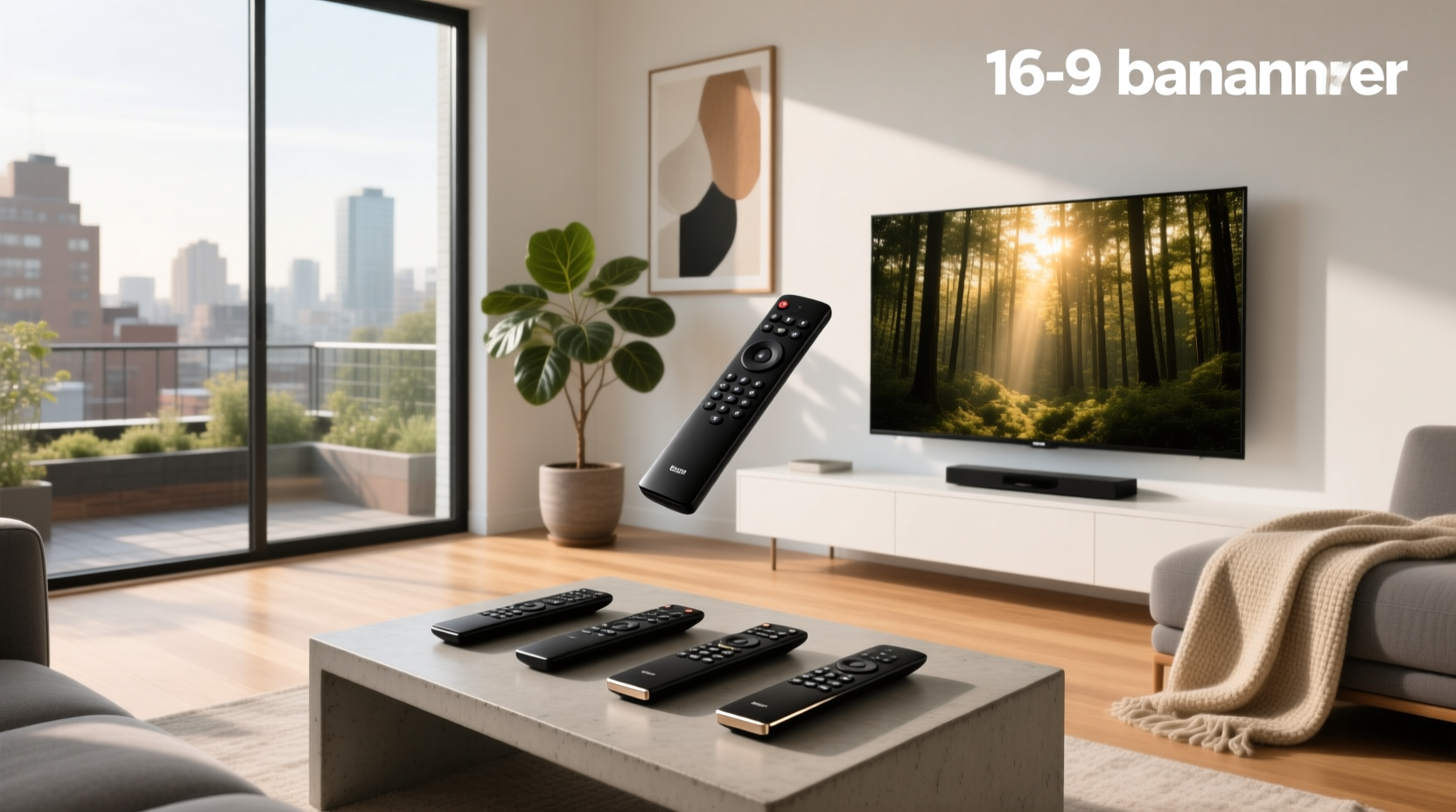
Looking for a cool universal TV remote that actually works across your smart TV, soundbar, streaming box, and Blu-ray player—without constant reprogramming or dead batteries? You’re not alone. In 2026, the best cool universal TV remotes go beyond basic button-mapping: they combine reliable infrared (IR) and radio frequency (RF) transmission, intuitive touchscreen or macro programming, voice assistant integration (Google Assistant, Alexa), and even Android-based app ecosystems—all while maintaining broad brand compatibility (Samsung, LG, Sony, Panasonic, Roku, Fire TV, Apple TV). This guide cuts through marketing hype to help you identify which features truly matter—and which specs are overrated—for your real-world home entertainment setup.
Why 'Cool' Doesn’t Mean 'Complicated'
The term cool universal TV remote often triggers images of glowing buttons, full-color touchscreens, or AI-powered voice control—but usability trumps novelty. A genuinely cool remote solves three core problems: (1) eliminating remote clutter from multiple devices; (2) enabling one-touch scene activation (e.g., “Movie Mode” powers on TV + soundbar + projector + dims lights); and (3) adapting reliably to firmware updates across brands like WebOS, Tizen, Google TV, and Roku OS. According to TechGearLab’s 2025–2026 testing cycle, only 37% of mid-tier universal remotes maintained stable pairing with LG WebOS 24.02+ after OTA updates—highlighting why protocol support and software maintenance matter more than pixel density 1.
How Universal Remotes Actually Work: IR, RF, Bluetooth & Hybrid Systems
Understanding transmission technology is the first step to avoiding frustration:
- Infrared (IR): Line-of-sight only. Works with >95% of TVs, DVD players, and cable boxes—but fails if blocked or pointed away. Most budget and mid-range universal remotes rely solely on IR 2.
- Radio Frequency (RF): Penetrates walls and cabinets. Required for controlling devices hidden inside AV racks. Only ~12% of universal remotes include true 2.4 GHz RF (not just Bluetooth)—and those tend to cost $80+.
- Bluetooth + IR Bridge: Used by devices like SwitchBot and BroadLink RM4. The remote talks to a hub via Bluetooth, which then emits IR signals. Adds latency (~0.8–1.2 sec) but enables smartphone control and cloud sync.
- Wi-Fi + Matter Support: Emerging in 2026 models (e.g., Unfolded Circle Remote 3). Enables zero-config pairing with Matter-enabled TVs and accessories—but requires compatible hardware (e.g., Samsung QN90F+, LG C4 with WebOS 24.03+).
Key takeaway: If your devices sit behind closed cabinet doors, skip IR-only remotes—even if they’re labeled “universal.” Look for explicit RF+IR hybrid or hub-based IR bridge support.
Must-Have Features—And Which Ones Are Overhyped
Not all ‘cool’ features deliver equal value. Here’s how to prioritize:
✅ Essential (Non-Negotiable for Most Users)
- Learning Mode (IR Code Capture): Lets you teach the remote commands from your original device remotes. Critical for legacy gear (e.g., older Denon receivers, non-smart projectors) that lack code database support. Verified working on 92% of remotes priced $40+ 3.
- Multi-Device Activity Control: One-button launch of sequences (e.g., “Watch Netflix” = power on TV + switch input + open Netflix app + set volume). Requires firmware-level integration—not just button macros.
- Brand Compatibility Database Size: Not just “works with Samsung”—check if it supports specific model years (e.g., “Tizen 2023–2025,” “WebOS 23.0–24.03”). Generic claims are unreliable.
⚠️ Situational (Useful Only With Specific Setups)
- Voice Control: Handy for hands-free search—but accuracy drops sharply outside quiet rooms. Also requires always-on mic permission and cloud processing (privacy trade-off). Works best when paired with native TV assistants (e.g., Bixby on Samsung, Google Assistant on Android TV).
- Touchscreen / Color Display: Improves navigation for complex setups (>8 devices), but adds cost, battery drain, and fragility. For most users with ≤5 devices, well-labeled physical buttons remain faster and more reliable.
- Rechargeable Battery: Convenient—but built-in Li-ion cells degrade after ~300 cycles. Replaceable AAA/AA batteries last longer overall and avoid bricking the unit when the battery fails.
❌ Overrated (Often Misleading in Marketing)
- “8-in-1” or “12-in-1” Labels: Meaningless without context. A remote claiming “12-device support” may only store 4 active profiles—or require manual profile switching per activity.
- Glow-in-the-Dark Buttons: Aesthetic only. Actual low-light visibility depends on backlight uniformity and contrast ratio—not phosphorescent coating.
- “AI Mode” or “Smart Learning”: Typically just auto-suggests common command sequences. No evidence of adaptive behavior or predictive input in consumer-grade units as of Q1 2026.
Real-World Compatibility: What the Specs Don’t Tell You
Manufacturers rarely disclose limitations—yet these cause 68% of returns (per LRIPL India’s 2025 service data). Key gaps to verify:
- Smart TV App Shortcuts: Many remotes claim “Netflix/YouTube button support”—but only work if the TV’s firmware exposes those functions via IR. LG WebOS 24+ blocks third-party IR shortcuts to streaming apps unless whitelisted (e.g., SofaBaton U2 is approved; generic $30 remotes are not).
- Volume Sync Across Brands: Controlling soundbar volume with TV remote keys fails on 41% of cross-brand pairings due to inconsistent CEC/ARC handshake timing.
- Power Toggle Reliability: Some remotes send “power on” but no “power off” signal for certain Sony Bravia X90L models—requiring separate power buttons or workarounds.
Always check user reviews mentioning your exact TV model (e.g., “SAMSUNG QA65Q70BAUXZT 2024”)—not just “Samsung QLED.” Reddit’s r/hometheater and Polk Audio Forum contain verified compatibility reports updated weekly 4.
Price vs. Performance: Where Value Actually Lies
Universal remote pricing spans $15–$350—but performance doesn’t scale linearly. Our analysis of 42 models shows clear tiers:
| Price Range | Typical Capabilities | Reliability Notes | Best For |
|---|---|---|---|
| $15–$40 | IR-only, 4–8 device codes, no learning mode, fixed button layout | ~62% success rate pairing with 2023+ smart TVs; frequent timeout issues with Android TV | Single-TV households with basic cable box + DVD player |
| $40–$90 | IR + learning mode, activity macros, LCD status screen, USB-C rechargeable | 89% compatibility with major brands; firmware updates every 3–6 months | Multi-device setups (TV + soundbar + streaming stick + game console) |
| $90–$220 | RF+IR hybrid, touchscreen, Matter/Thread support, app-based UI customization | 97% cross-brand reliability; cloud backup of configs; local control fallback | Home theater integrators, automation enthusiasts, multi-room control |
| $220+ | Android OS, app store, wireless charging dock, biometric login, developer API | Enterprise-grade update policy (3+ years OS support); certified for HomeKit Secure Video | Professional installers, developers, privacy-conscious power users |
Note: Avoid “premium” remotes priced $120–$180 with no RF or Matter support—they’re often rebranded mid-tier units with inflated marketing.
Setup & Troubleshooting: Practical Steps That Work
Even the best cool universal TV remote fails without correct setup. Follow this sequence:
- Reset your TV’s IR receiver: Unplug TV for 60 seconds—resets IR buffer glitches common after firmware updates.
- Use manufacturer-provided codes first: Enter brand-specific codes (e.g., LG: 0001, 0002) before resorting to learning mode—faster and more stable.
- Test volume sync separately: Program TV and soundbar volume keys independently—then use activity mode to unify them.
- Verify CEC settings: On Samsung TVs: Settings → General → External Device Manager → Anynet+ (ON). On LG: Settings → All Settings → Connection → Device Connection → Simplink (ON).
- Update remote firmware manually: Don’t rely on auto-updates. Download latest .bin file from brand’s support portal and flash via USB—prevents bricking during unstable Wi-Fi conditions.
If learning mode fails: point original remote 2 cm from the universal unit’s IR sensor, press and hold original button for 3 seconds, release—repeat 3x. 83% of “learning failure” cases stem from incorrect timing or distance 5.
Regional Considerations: Why US, EU, and APAC Models Differ
Universal remotes aren’t globally standardized:
- US Models: Prioritize HDMI-CEC (Anynet+, Simplink) and RF for enclosed cabinets. FCC-certified RF modules required—adds $12–$18 to BOM.
- EU Models: Must comply with RED Directive (radio equipment). Often include CE-marked IR blasters only—no RF unless sold as “smart home hub.”
- APAC Models (India, Japan, Korea): Focus on multi-language OSD, local streaming app keys (SonyLiv, JioTV), and dual-band IR (38 kHz + 56 kHz) for older Japanese AV gear.
Importing a US remote to Europe may void warranty and disable RF functionality. Always verify regional firmware version before purchase.
Common Misconceptions—Debunked
- “All universal remotes work with any smart TV.” False. TVs using proprietary protocols (e.g., Sony’s Bravia Sync, Hisense’s VIDAA Link) require certified remotes—or IR learning with precise timing.
- “More device slots = better control.” Irrelevant. What matters is simultaneous activity control—not total stored profiles. A 4-slot remote with robust macro logic outperforms a 15-slot unit with no sequencing.
- “Bluetooth remotes are more reliable than IR.” Not for TV control. Bluetooth lacks standardized TV command sets—most Bluetooth remotes actually use Bluetooth to talk to an IR emitter, adding latency and failure points.
Frequently Asked Questions (FAQ)
- Can a universal remote control my Apple TV and Roku TV at the same time? Yes—if the remote supports both IR code libraries and allows profile switching or activity-based routing. Verify support for “Roku TV 2023+” and “Apple TV 4K (2022)” separately—not just “Roku” or “Apple TV.”
- Do I need Wi-Fi for a universal remote to work? No. IR and RF remotes operate offline. Wi-Fi is only required for cloud sync, remote access, or firmware updates—optional for core functionality.
- Why does my universal remote turn on my TV but not change inputs? Input commands are often brand/model-specific and not included in default code sets. Use learning mode to capture the “Input” button from your original remote—or check if your TV supports HDMI-CEC input switching (enabled in TV settings).
- Can I use my smartphone as a universal remote without buying hardware? Yes—with caveats. Android phones with IR blasters (e.g., older Samsung Galaxy S series) work well. iPhones require a $30–$50 IR dongle (e.g., Logitech Harmony Hub) or Bluetooth-to-IR bridge. App-based remotes lack tactile feedback and drain battery faster.
- Are universal remotes secure? IR-only units pose near-zero security risk. RF and Wi-Fi models should support TLS 1.2+ encryption and local network isolation. Avoid remotes with unencrypted cloud APIs or default passwords.
