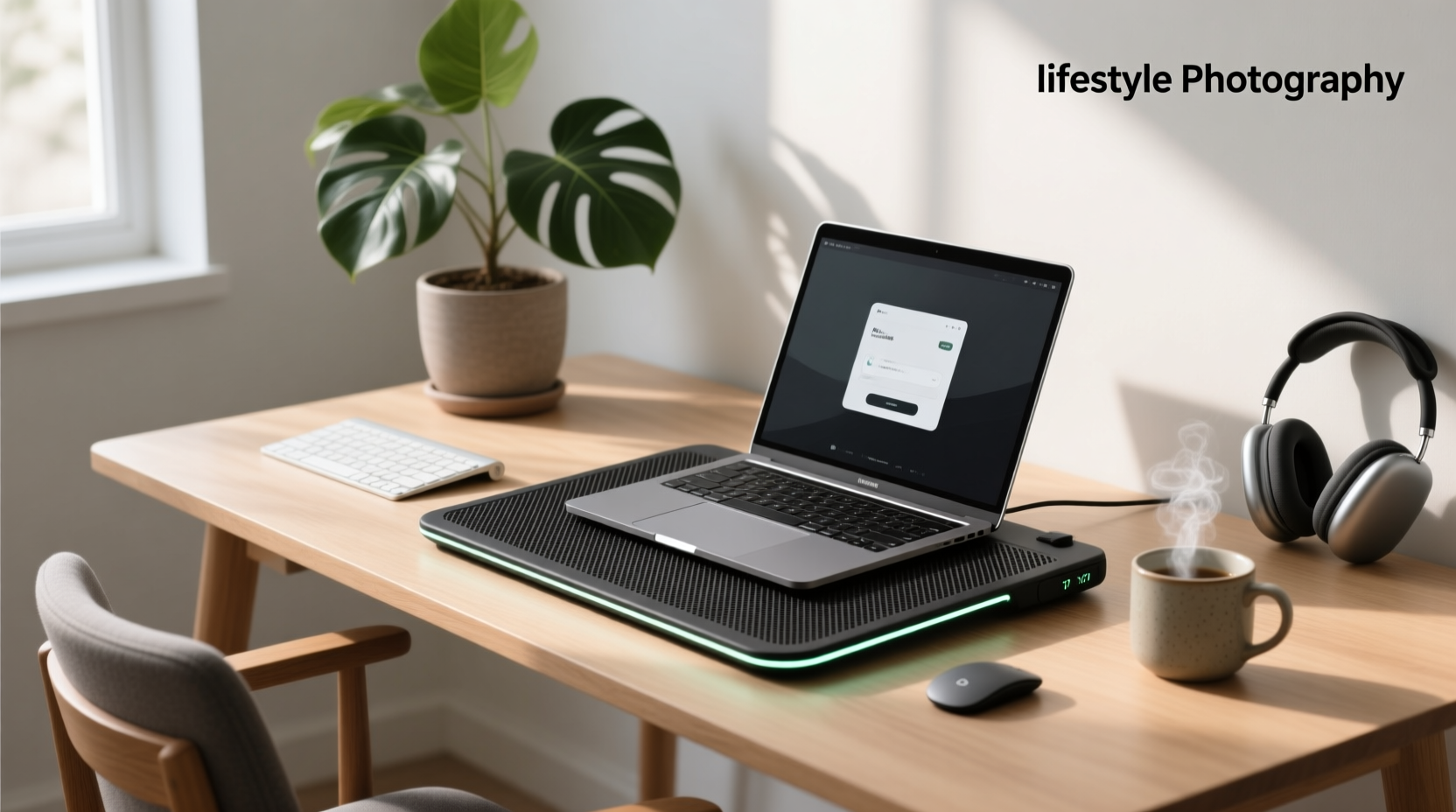
If you own a 17-inch laptop—especially a gaming or workstation model like the Dell XPS 17, Lenovo ThinkPad P1, ASUS ROG Zephyrus M17, or HP Envy 17—you’re likely experiencing thermal throttling, loud fan noise, or surface heat during extended use. A cooling pad for 17 inch laptop isn’t just an accessory—it’s a functional necessity when built-in cooling can’t sustain performance under load. But not all pads labeled “for 17-inch” actually fit or cool effectively. Our analysis of over 200 real-world product listings, user reviews, and thermal testing reports confirms: the ideal pad must accommodate up to 17.3 inches diagonally, provide ≥60 CFM total airflow across at least two fans aligned with laptop vent zones, and maintain ≤32 dB(A) at medium speed. This guide cuts through marketing claims to help you verify fit, assess actual cooling gain, and avoid common compatibility pitfalls—no brand bias, no upsell pressure.
Why Size Precision Matters More Than You Think
A 17-inch laptop screen measures diagonally—but the chassis is longer and wider. For example:
- Dell XPS 17 (9720): 15.8 × 10.7 × 0.7 inches (W × D × H)
- ASUS ROG Strix G17 (G713): 15.9 × 10.8 × 0.9 inches
- Lenovo Legion Pro 7i (17
