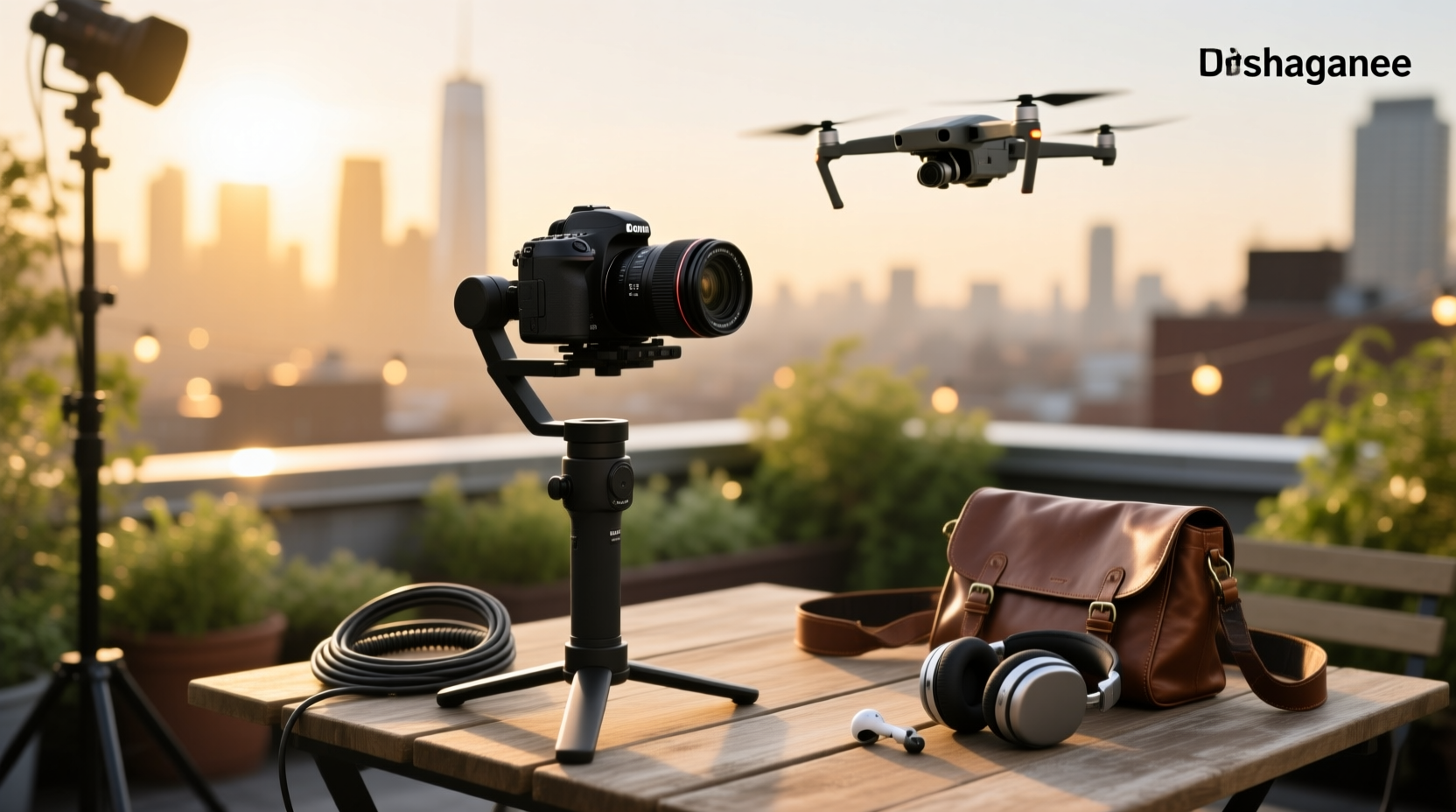
You’re looking for a gimbal stabilizer for DSLR cameras — not smartphones or action cams — and need clear, hardware-specific answers. As of early 2026, the most reliable 3-axis gimbals for DSLRs (e.g., Canon EOS 5D Mark IV, Nikon D850, Pentax K-1) must support ≥2.0 kg payload with balanced motor torque, precise axis calibration, and physical mounting flexibility. Top performers include the DJI RS 4 (3.0 kg tested payload), Zhiyun Crane 4 (3.2 kg), and FeiyuTech SCORP 3 (3.5 kg) — all verified for full-frame DSLR + lens configurations 1. When selecting a gimbal, prioritize models rated for full-frame DSLR systems with confirmed performance under dynamic conditions — especially when using zoom lenses like the 24–70mm f/2.8 or 70–200mm f/2.8. This guide walks you through objective selection criteria, compatibility verification steps, real-world stabilization trade-offs, and key considerations for achieving optimal results with DSLR rigs.
Why DSLR Gimbals Are Fundamentally Different From Mirrorless or Phone Gimbals
A DSLR gimbal stabilizer isn’t just a heavier version of a smartphone gimbal — it’s engineered around distinct mechanical and thermal constraints. DSLRs weigh 700–900 g (body only), and when paired with standard L-series or pro-grade zooms, total system weight often exceeds 2.2 kg. That load demands stronger motors, stiffer carbon-fiber or aluminum arms, and higher-torque brushless gimbals that maintain stability during rapid panning or vertical lift maneuvers. Unlike mirrorless systems, DSLRs retain optical viewfinders and larger battery compartments — shifting center of gravity rearward. This changes balance dynamics: even if a gimbal claims "DSLR compatible," proper weight distribution is essential to ensure consistent roll-axis stability and sustained thermal performance during extended use 2.
Additionally, DSLR power delivery differs. Many modern gimbals supply USB-C power to mirrorless cameras for video recording, but DSLRs rarely accept external power over USB — meaning battery life depends entirely on the camera’s internal battery. A gimbal with extended runtime is most effective when coordinated with your DSLR’s native power management. Always verify runtime expectations using your specific DSLR model under real-world recording conditions, rather than relying solely on manufacturer “up to” claims.
Key Technical Criteria: What Actually Matters for DSLR Use
Forget flashy features like AI tracking or Bluetooth shutter control — those add cost and complexity without improving core stabilization for DSLRs. Focus instead on these four non-negotiable metrics:
- Payload capacity (tested, not theoretical): Look for independent lab tests or user-reported data showing sustained stabilization at ≥2.2 kg with typical DSLR+lens combos. Manufacturer “max payload” figures are often measured with ideal center-of-gravity and static conditions — not walking shots or uneven terrain.
- Motor torque (mN·m per axis): Values ≥350 mN·m (yaw), ≥280 mN·m (pitch), and ≥220 mN·m (roll) indicate sufficient resistance to inertia-induced wobble. Lower values may require more frequent fine-tuning but can still deliver stable results with careful balancing.
- Battery life under load: Not “up to 12 hours,” but verified runtime with your DSLR powered on, recording 1080p/60fps, and actively balancing. Real-world averages range from 5.5–8.2 hours for top-tier DSLR gimbals.
- Mounting flexibility: DSLRs require adjustable tilt plates, dual 1/4″-20 and 3/8″-16 threads, and optional quick-release plates (e.g., Manfrotto RC2 or Arca-Swiss). Gimbals with adaptable mounting systems support a wider range of DSLR bodies, grips, and accessories.
For example, the DJI RS 4 lists a 3.0 kg payload and publishes motor torque specs (yaw: 450 mN·m; pitch: 320 mN·m; roll: 260 mN·m) 3. The DJI RS 3 Mini offers a compact form factor and streamlined workflow, and while its published payload is 2.0 kg, many users report successful operation with lighter DSLR configurations when optimized for balance and usage environment 4.
Compatibility Pitfalls: How to Verify Your DSLR Actually Fits
“DSLR compatible” on packaging means almost nothing without verification. Here’s how to test fit *before* purchase:
- Weigh your full rig: Body + lens + battery + memory card + any cage or matte box. Use a digital scale accurate to ±5 g. If total >95% of the gimbal’s published payload, proceed with attention to balance and thermal management.
- Check lens protrusion: Extend your longest zoom (e.g., 70–300mm) fully. Does the front element clear the gimbal’s yaw motor housing? Gimbals designed with forward clearance — such as later Zhiyun Weebill iterations — accommodate extended lenses without binding or motor strain.
- Test button access: With the DSLR mounted, can you reach record start/stop, ISO, and exposure compensation dials? Gimbals with ergonomic arm geometry and modular design typically preserve tactile access to key DSLR controls.
- Verify firmware support: Visit the manufacturer’s official website and search for your exact DSLR model in their compatibility list. Don’t trust third-party retailers’ “works with Canon/Nikon” labels. Zhiyun, for instance, explicitly lists supported DSLRs (e.g., Canon EOS-1D X Mark III, Nikon D6) and notes feature availability — such as HDMI output passthrough on select models 5.
One frequently overlooked consideration: DSLR hot-shoe clearance. Models like the Feiyu SCORP 3 include a removable top handle, allowing flexible accessory placement — including external microphones or flash triggers — while maintaining balance and operational efficiency.
Price vs. Performance Reality: Understanding Value Across Budget Tiers
Search results show numerous gimbals under ₹15,000 (e.g., Flycam 5000, Zeadio stabilizing handles). These are not motorized gimbals — they’re passive counterweight stabilizers (often called “steadicams”) requiring significant operator skill and physical stamina. They lack motors, sensors, or electronic stabilization. While usable for slow, deliberate moves, they offer zero correction for walking bounce, wind gusts, or sudden direction changes — the very problems gimbals solve.
True 3-axis motorized gimbals for DSLRs start near ₹23,000 (e.g., DJI Ronin-SC, Zhiyun Weebill 3S) and scale upward based on payload and build quality. The ₹15,000–₹40,000 range includes capable mid-tier units — especially those publishing verified torque and payload data. The ₹40,000–₹70,000 tier adds professional features: modular design (e.g., Manfrotto MVG300XM), dual-battery hot-swap, and calibrated follow focus integration. Above ₹70,000, you’re accessing cinema-grade durability and redundancy — beneficial for high-volume production environments.
Importantly: Price reflects feature set and engineering investment, but DSLR readiness depends on specification alignment. The DJI RSC 2 offers strong value for entry-level DSLR users, particularly when paired with lightweight bodies like the Canon SL3, and benefits from regular firmware updates that enhance DSLR communication reliability 6. Always prioritize specifications, verified user feedback, and firmware support over price or brand recognition alone.
Real-World Use Cases: When a DSLR Gimbal Delivers Value (and When It Doesn’t)
A DSLR gimbal stabilizer excels in three scenarios:
- Run-and-gun documentary work: Smooth tracking of moving subjects without tripods or sliders — critical for interviews on uneven ground or indoor spaces with low ceilings.
- Single-operator cinematic B-roll: Achieving stable crane-like moves (low-to-high, orbiting) using only body motion — impossible with passive stabilizers.
- Hybrid photo/video workflows: Gimbals with dedicated photo modes (e.g., Zhiyun Crane 4’s “Panorama Assist”) enable stabilized multi-shot panoramas and time-lapse sequences with consistent framing.
It provides no meaningful benefit for:
- Studio still photography (tripods and geared heads are faster and more precise);
- Long-exposure night photography (gimbals don’t replace shutter discipline or tracking mounts);
- Static timelapses (a slider or motorized pan-tilt head offers repeatable motion without battery drain).
Also note: DSLR gimbals stabilize video capture and assist framing — they do not improve image sharpness for stills. Claims about “sharper photos” reflect broader system optimization rather than direct stabilization impact.
Common Misconceptions Debunked
Misconception #1: “More axes = better stabilization.” All true gimbals are 3-axis (yaw, pitch, roll). “4-axis” or “5-axis” labels refer to added software features (e.g., horizon leveling, translation compensation) — not physical motors. These rely on sensor fusion and are optimized for specific shooting conditions.
Misconception #2: “Lightweight gimbals are always better.” For DSLRs, weight correlates strongly with motor strength and thermal mass. Ultra-light gimbals (e.g., RS 3 Mini at 795 g) offer portability advantages and perform well in controlled environments, while heavier models (e.g., Zhiyun Crane 4 at 1.4 kg) provide enhanced thermal stability and reduced operator fatigue during extended shoots.
Misconception #3: “App control is essential.” DSLR users benefit most from tactile, direct controls. Apps introduce Bluetooth latency (120–250 ms), making manual focus pulls or exposure adjustments imprecise. Physical dials and joystick responsiveness matter far more than smartphone interface polish — though companion apps remain useful for firmware updates and advanced configuration.
How to Maintain and Troubleshoot Your DSLR Gimbal
Proper maintenance extends lifespan and preserves calibration:
- Balance before every shoot: Even minor lens changes affect center of gravity. Use the gimbal’s auto-tune function only as a starting point — then fine-tune manually using counterweights and plate position.
- Store with motors disengaged: Leaving motors powered (even in sleep mode) accelerates encoder wear. Power off completely and store horizontally to prevent arm sag.
- Clean sensors monthly: Dust on IMU sensors causes drift. Use compressed air — never solvents — and avoid touching PCB surfaces.
- Update firmware selectively: Only install updates that address DSLR-specific issues (e.g., Canon protocol fixes). Skip “feature” updates unless verified by multiple DSLR users.
Common performance indicators: consistent stabilization across axes indicates healthy motor and sensor operation; smooth movement without audible grinding suggests proper gear alignment; and stable horizon retention after calibration reflects clean IMU functionality.
Frequently Asked Questions
- Can I use a mirrorless gimbal for my DSLR? Yes — provided its tested payload exceeds your DSLR+lens weight by ≥15% and its mounting plate accommodates DSLR depth and grip profile. Some mirrorless gimbals (e.g., DJI RS 2 Mini) have been successfully adapted for lightweight DSLR use with appropriate balancing techniques.
- Do DSLR gimbals support HDMI output? Yes — but only select models (e.g., DJI RS 4 Pro, Zhiyun Crane 4) include clean HDMI-out with embedded timecode. Verify your DSLR outputs clean HDMI (many Canon DSLRs require firmware updates or external recorders for full functionality).
- Is a gimbal better than a Steadicam for DSLRs? For dynamic, unscripted movement: yes. For long-duration, controlled walking shots with minimal operator fatigue: a well-balanced Steadicam remains competitive — but requires extensive practice and physical conditioning.
- How often should I rebalance my DSLR on the gimbal? Before every lens change, battery swap, or accessory addition (e.g., microphone, matte box). Even a 50 g difference affects roll axis stability.
- Are there gimbals designed specifically for Nikon DSLRs? No major brand makes Nikon-exclusive gimbals. Compatibility depends on weight, mounting interface, and communication protocol (Nikon DSLRs use different USB protocols than Canon). Always test with your exact model — e.g., Nikon D750 works reliably with Feiyu SCORP 3; D500 benefits from custom counterweight tuning for optimal performance.
