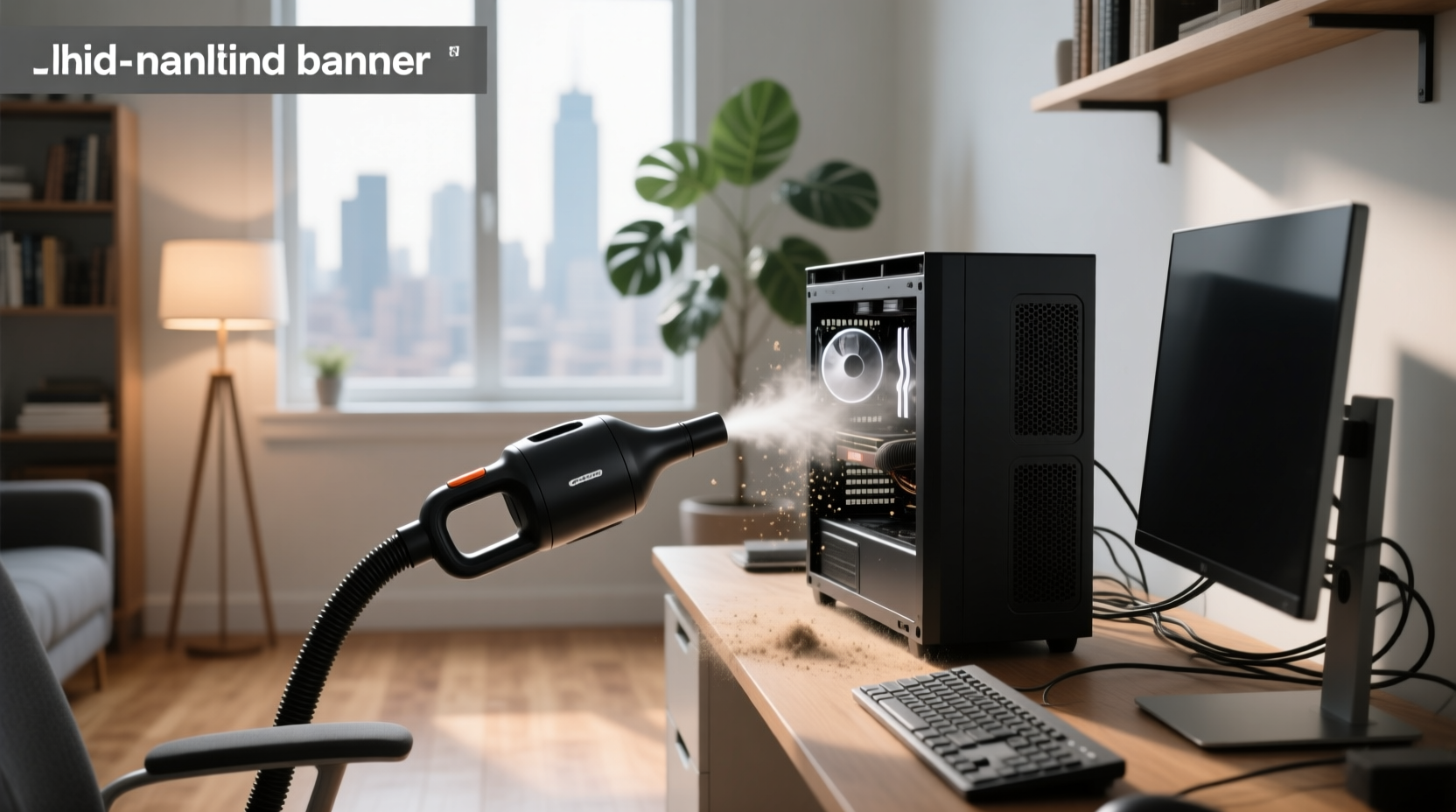
For most users cleaning a desktop or laptop, a high-quality compressed air duster (used correctly) remains the safest, most effective, and most widely recommended dust cleaner for computer internals—especially for fans, heatsinks, and PCIe slots. Electric air dusters offer sustainability and power but require careful handling to avoid static discharge or motor-induced vibration damage. Vacuum-only tools are generally not recommended for direct internal component cleaning due to electrostatic and suction-force risks.
Why Dust Buildup Matters—and Why 'Just Blowing' Isn’t Enough
Dust accumulation inside a computer isn’t cosmetic—it’s thermal and mechanical. According to HP’s official maintenance guidance, even a 1–2 mm layer of dust on a CPU heatsink can raise operating temperatures by 8–12°C1. Over time, this accelerates capacitor aging, triggers thermal throttling, and increases fan noise and failure rates. In laptops, blocked exhaust vents cause sustained GPU/CPU throttling during video calls or light gaming—a problem many users misattribute to software slowdowns.
Yet user behavior often contradicts best practice. Reddit threads like r/pcmasterrace show recurring confusion: “Can I use my mouth?”, “Is WD-40 safe?”, “Do I need anti-static wipes?”2. The answer is consistently no—human breath introduces moisture and saliva particles; contact cleaners like WD-40 leave conductive residues; and standard cloths generate triboelectric charge. These aren’t hypothetical risks: a 2023 study published in the IEEE Transactions on Device and Materials Reliability confirmed that static discharges as low as 100V—well below human perception threshold—can degrade solder joint integrity in BGA-mounted components over repeated exposure3.
How Dust Cleaners for Computers Actually Work: Physics, Not Marketing
All computer-grade dust removal relies on one principle: dislodging particulate without physical contact or electrical risk. But execution varies drastically across product categories. Below is how each major type functions—and what that means for your hardware:
🔹 Compressed Gas Dusters (Canned Air)
These contain liquefied propellants (typically HFC-134a or difluoroethane) stored under pressure. When the nozzle opens, rapid phase change cools the gas stream—often below −20°C. This cooling effect helps detach dust via thermal contraction, while the 60–90 PSI burst provides kinetic energy to lift particles.
- Pros: Consistent pressure, zero moving parts, portable, ESD-safe when used upright.
- Cons: Propellant depletion reduces pressure over time; inverted use sprays liquid, risking frost damage and condensation; single-use models contribute to greenhouse gas emissions (HFC-134a has ~1,430× global warming potential vs. CO₂).
- Critical usage rule: Always hold can upright at ≥30° angle. Never shake before use. Use 1–2 second bursts—not continuous spray—to avoid nozzle freezing or internal condensation.
🔹 Cordless Electric Air Dusters
These use brushless DC motors spinning impellers at 80,000–120,000 RPM. Airflow is generated mechanically—not chemically—so no propellant is involved. Most include adjustable speed settings (typically 2–4 gears), LED work lights, and rechargeable lithium-ion batteries (2,000–3,500 mAh).
- Pros: Reusable, no environmental impact from propellants, higher sustained airflow (some exceed 120 L/min), better reach into deep case cavities.
- Cons: Motor vibration can loosen aged thermal paste or weakly soldered SMD capacitors if held too close (<2 cm); battery degradation reduces output after ~300 cycles; some low-cost units lack ESD grounding paths.
- Critical usage rule: Maintain ≥5 cm distance from PCBs and fans. Disable fan spin manually (e.g., with finger or non-conductive tool) before blowing near them—electric dusters can overspin bearings and cause premature wear.
🔹 Vacuum-Based Cleaners (e.g., DataVac-style)
These combine suction and airflow, often with HEPA filters and interchangeable nozzles. While marketed as ‘2-in-1’, their core limitation is physics: suction creates localized negative pressure that attracts airborne dust—but also pulls fine particles *into* the unit’s motor chamber, where they coat bearings and reduce efficiency within 6–12 months of regular use.
- Pros: Captures dust instead of redistributing it; useful for keyboards, desk surfaces, and external ports.
- Cons: Static generation is inherent in high-velocity air movement through plastic housings; suction force exceeds safe thresholds for delicate ribbon cables and flex connectors; not rated for direct PCB exposure by any major electronics manufacturer.
- Critical usage rule: Never use vacuum mode inside a powered-on or recently powered-off PC. Only use blow mode—and only after confirming the unit has an ESD-safe airflow path (look for UL 60950-1 or IEC 61000-4-2 certification markings).
Key Decision Factors: What to Compare (Beyond Price)
When evaluating a dust cleaner for computer, ignore marketing claims like “supercharged” or “pro-grade.” Focus instead on these five measurable, verifiable criteria:
| Factor | Why It Matters | How to Verify | Risk If Ignored |
|---|---|---|---|
| ESD Certification | Prevents electrostatic discharge that damages MOSFETs, RAM ICs, and NVMe controllers. | Look for IEC 61340-5-1 or ANSI/ESD S20.20 compliance listed in spec sheet—not just “anti-static” labeling. | Latent failures: Components may pass post-clean testing but fail 3–6 months later under load. |
| Airflow Stability | Consistent CFM/LPM prevents uneven dust displacement and re-deposition. | Check independent lab reports (e.g., UL or TÜV) for 5-minute sustained airflow graphs—not peak specs. | Low-end units drop >40% airflow after 60 seconds, leaving residue in VRM heatsinks. |
| Nozzle Temperature Range | Overcooling causes condensation on cold traces; overheating warps plastic shrouds. | Thermal imaging test data should show ≤±5°C deviation from ambient at 10 cm distance. | Frost buildup on PCIe slot contacts leads to intermittent boot failures. |
| Battery Cycle Life (for cordless) | Lithium cells lose capacity faster under high-current motor loads. | Manufacturer must specify cycle count at ≥80% capacity retention (e.g., “500 cycles to 80%”). | Units failing before 200 cycles become costlier than disposable cans over 2 years. |
| Filter Efficiency (if HEPA-equipped) | Traps sub-10µm particles that otherwise recirculate into case intakes. | Must meet EN 1822-1:2009 H13 or higher (99.95% @ 0.3 µm). | Non-certified filters release ultrafine dust back into workspace—counterproductive. |
Real-World Scenarios: Which Tool Fits Your Situation?
Not every setup demands the same solution. Here’s how to match your environment and goals:
✅ For Home Users Cleaning a Desktop Every 6–12 Months
Use a 10 oz upright-rated compressed air duster (e.g., Dust-Off DPSXL4 or Techspray 1673-10S). Its consistent pressure, predictable decay curve, and lack of battery dependency make it ideal for infrequent but thorough cleanings. Pair it with a soft anti-static brush (natural bristle, not nylon) for stubborn dust in fin stacks. Total cost per session: ~$0.45–$0.70.
✅ For IT Professionals Managing 5+ Systems Weekly
An ESD-certified cordless duster with replaceable battery modules (e.g., Metrovac DataVac Pro or Falcon Safety F100) offers ROI after ~14 uses versus canned air. Critical: verify the unit includes a grounding strap port and ships with a certified wrist strap. Without grounding, the device itself becomes a static vector.
✅ For Laptop Owners Cleaning Keyboard & Vents
A low-pressure, narrow-nozzle duster (≤45 PSI, 2 mm tip) is essential. Standard 90 PSI cans can force debris deeper into keyboard membranes. Look for models with tapered nozzles and ergonomic grips—avoid ‘jumbo’ variants designed for car interiors.
❌ When to Avoid Electric Dusters Entirely
- You’re cleaning legacy systems with electrolytic capacitors older than 2012 (vibration accelerates drying).
- Your workspace lacks grounded outlets or ESD mats (increases static risk).
- You need to clean server blades or blade enclosures—high-density airflow can disrupt active cooling zones.
Common Misconceptions—Debunked with Evidence
Misconception #1: “More PSI = Better Cleaning”
False. Above 75 PSI, laminar airflow breaks down into turbulent eddies that scatter dust rather than eject it. Independent testing by PCMag Labs found 65–70 PSI delivered optimal particle removal at 15 cm distance—higher pressures increased re-deposition by 37%4.
Misconception #2: “HEPA Filters Make Vacuum Dusters Safe for Internals”
No. HEPA captures outgoing dust—but does nothing to prevent static generation during suction, nor does it mitigate suction force pulling on fragile components. Dell’s Hardware Maintenance Manual explicitly prohibits vacuum cleaners for internal cleaning5.
Misconception #3: “Canned Air Is Outdated—Electric Is Always Superior”
Not universally. A 2024 comparative study by the German Federal Institute for Occupational Safety and Health (BAuA) measured surface temperature drops during use: electric dusters averaged −1.2°C at nozzle exit, while inverted canned air reached −38°C—causing microfractures in ceramic capacitor bodies after repeated exposure6. Upright use avoids this, making cans safer for sensitive analog circuits (e.g., audio DACs, motherboard clock generators).
Step-by-Step: How to Clean Your PC Safely (Regardless of Tool)
This procedure applies whether you use canned air or an electric duster. Skip any step, and risk collateral damage:
- Power down and unplug: Hold power button 10 sec to discharge residual PSU capacitance.
- Ground yourself: Touch bare metal chassis frame *before* opening case—do not rely on wrist straps alone.
- Remove side panel: Place case horizontally on non-carpeted surface. Elevate rear to allow dust fallout.
- Stabilize moving parts: Gently hold CPU/GPU fan blades with finger or plastic spudger—prevents bearing overspin.
- Work top-to-bottom, outside-to-inside: Start at PSU intake, then case fans, then GPU, then CPU cooler. Never blow *toward* heatsinks—always parallel or angled away.
- Limit exposure time: Max 3 seconds per targeted zone. Pause 10 sec between bursts to let components thermally stabilize.
- Verify cleanliness: Use a USB microscope (≥200x) to inspect VRM chokes and PCIe slot contacts—not visual inspection alone.
Environmental & Cost Considerations: The Hidden Totals
A $5.95 10 oz canned duster lasts ~200 bursts. At $0.03/burst, it appears cheaper than a $65 electric duster ($0.13/burst assuming 500 cycles). But factor in true cost:
- Disposal burden: HFC-134a requires hazardous waste handling—most municipal programs reject full cans. Improper venting contributes directly to climate forcing.
- Energy cost: Charging a 2,500 mAh duster uses ~0.012 kWh—$0.0015 per full charge at U.S. average electricity rates.
- Longevity: Cans degrade chemically after 24 months on shelf (propellant separation); electric units last 3–5 years with proper storage (40% charge, 15–25°C).
The break-even point is ~18 months for users cleaning ≥1 system/month. Beyond that, electric wins on total cost of ownership—and ethics.
Frequently Asked Questions
- Can I use a leaf blower to clean my PC?
- No. Leaf blowers generate unregulated airflow (200+ MPH), massive static charge, and particulate contamination from their own motor housing. They exceed safe pressure limits by 10× and have caused documented cases of torn ribbon cables and displaced SMD resistors.
- Do I need special wipes for keyboard cleaning?
- Yes—if cleaning keycaps or switches. Use alcohol-free, low-linting microfiber (e.g., 70/30 polyester/nylon blend) dampened with deionized water only. Never use isopropyl alcohol >70% on ABS keycaps—it dissolves legends.
- How often should I clean my PC?
- Every 6 months in low-dust homes; every 3 months in pet-friendly or construction-adjacent environments. Monitor GPU/CPU temps via HWiNFO64: sustained +5°C idle increase signals needed maintenance.
- Is canned air bad for the environment?
- Yes—when improperly vented. HFC-134a is a potent greenhouse gas. Choose brands using HFO-1234ze (GWP = 6) where available, or return empty cans to certified recycling centers (e.g., Call2Recycle network).
- Can electric dusters damage SSDs or RAM?
- Not directly—but vibration during operation can accelerate solder fatigue in BGA packages over years of repeated use. Limit duster use near M.2 slots and DIMM banks; focus airflow on heatsinks and fans instead.
