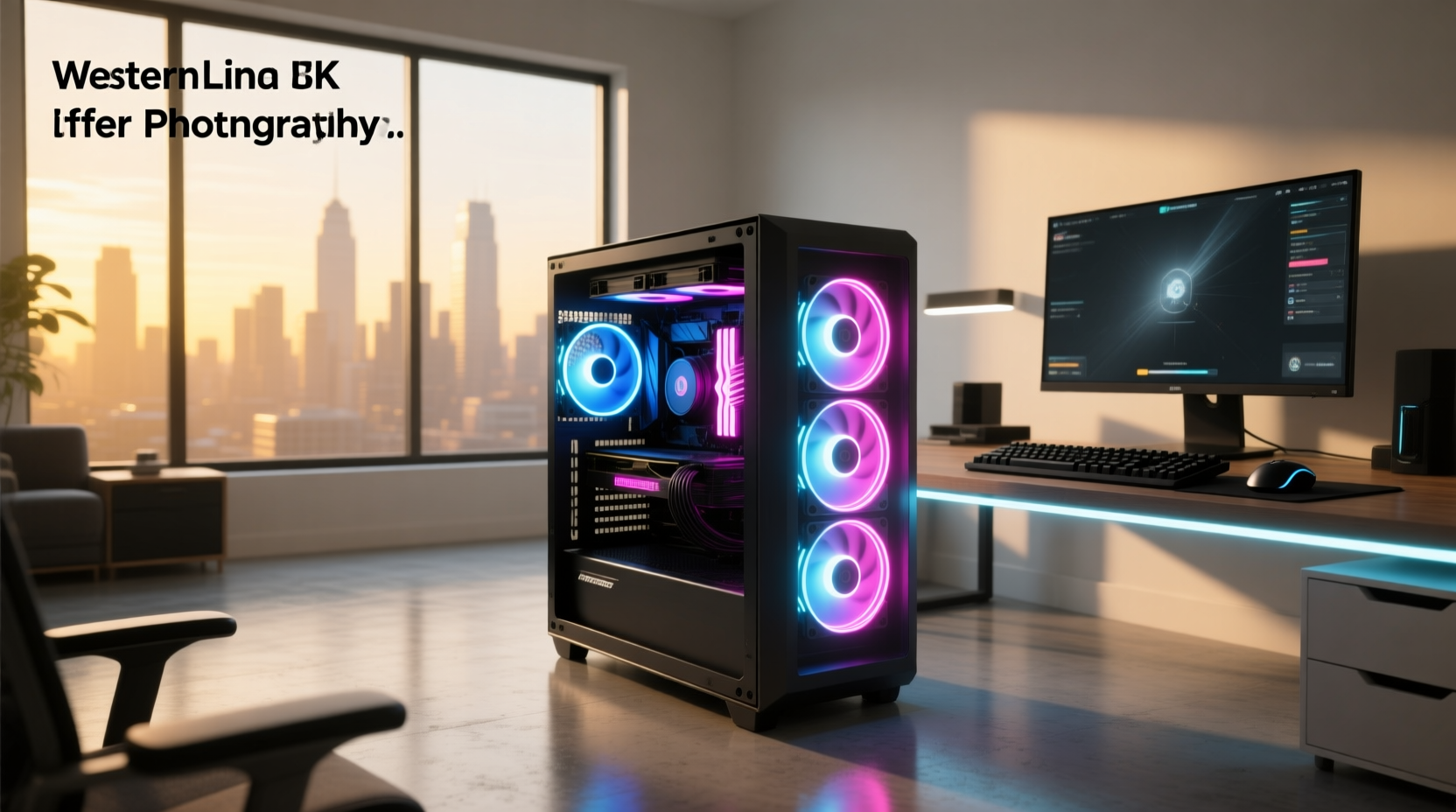
If you're searching for a gaming computer case with fans, your top priority isn’t just "more fans"—it’s effective, balanced airflow that matches your GPU/CPU cooling needs without excessive noise or cable clutter. As of 2025, the best cases with pre-installed fans deliver at least three intelligently placed, controllable 120mm or 140mm fans (typically two front intakes + one rear exhaust), support modern GPU lengths (≥330 mm) and CPU coolers (≥165 mm), and use mesh-front or perforated panels—not solid steel—for measurable thermal gains. Models like the Lian Li Lancool 207, NZXT H3 Flow, and Fractal Design Meshify 3 Ambience Pro RGB consistently outperform similarly priced competitors in independent thermal testing because they prioritize air path efficiency, not just fan quantity 1. This guide cuts through marketing claims to show exactly what matters—and what doesn’t—when selecting a case with built-in fans.
Why Pre-Installed Fans Matter (and When They Don’t)
A pre-installed fan setup saves time and reduces entry-level build complexity—but it’s not universally beneficial. For beginners, having 3–7 factory-mounted fans eliminates guesswork about orientation (intake vs. exhaust), mounting hardware, and basic controller integration. However, for advanced users building high-TDP systems (e.g., RTX 4090 + Ryzen 9 7950X), pre-installed fans often lack static pressure or low-noise tuning needed for radiators or dense heatsinks. In those cases, aftermarket fans (like Noctua NF-A12x25 or Arctic P12 PWM PST) usually outperform stock units 2.
The real value lies in fan quality, control method, and placement logic—not raw count. A case with four mediocre 120mm fans (e.g., generic 3-pin ARGB units) may generate more turbulence and less net airflow than a case with three optimized 140mm PWM fans. Always check:
- Fan interface: Does it support PWM (4-pin) for automatic speed control via motherboard BIOS, or only voltage-based (3-pin) throttling?
- Mounting flexibility: Can you replace or reposition fans without removing the motherboard tray or PSU shroud?
- Air path validation: Are intake vents unobstructed? Is there a clear rear exhaust path? Does the PSU shroud block bottom airflow?
Key Design Factors That Actually Impact Cooling Performance
Many buyers assume “more mesh = better cooling.” While true in principle, real-world airflow depends on three interdependent variables: panel permeability, internal layout, and fan coordination. Here’s how each works:
1. Front Panel Design: Mesh vs. Perforated vs. Solid
Mesh-front cases (e.g., NZXT H3 Flow, Fractal Meshify 3) typically deliver 15–25% higher CFM than perforated or solid fronts under identical fan specs 3. But mesh alone isn’t enough: some budget cases use thin, poorly supported mesh that vibrates at high RPM or blocks airflow due to internal frame geometry. Look for dual-layer or reinforced mesh (like the HAVN BF360 Flow’s 1.2mm-thick perforated steel) for rigidity and consistent flow.
2. Internal Layout: Dual-Chamber vs. Single-Chamber
Dual-chamber designs (e.g., Lian Li O11 Dynamic EVO, Montech King 65 PRO) separate PSU, drives, and cables from the main airflow zone. This reduces turbulence and improves GPU/CPU cooling consistency—especially when using high-static-pressure fans. However, dual chambers reduce usable drive bay count and complicate long-GPU installation. If you’re using an RTX 4080/4090 (up to 336 mm), verify case GPU clearance with your specific model, as advertised specs often omit bracket thickness or PCIe slot spacing.
3. Fan Control & Synchronization
Pre-installed fans fall into three categories:
| Control Type | Pros | Cons | Common Use Cases |
|---|---|---|---|
| PWM (4-pin) | Full motherboard BIOS/software control; precise RPM adjustment | Requires compatible headers; no RGB sync unless separate controller | Performance-focused builds (Intel Core i9/Ryzen 9 + RTX 40-series) |
| ARGB + PWM combo | RGB sync + speed control via single header (e.g., ASUS Aura Sync) | Higher cost; potential firmware conflicts between brands | Mid-tier RGB builds where aesthetics and function are equally important |
| Fixed-speed (3-pin) | Simple plug-and-play; low failure rate | No speed adjustment; runs full RPM constantly (often >2,000 RPM) | Budget builds or secondary/HTPC systems where noise isn’t critical |
Always confirm whether fan controllers are integrated (e.g., built into I/O panel) or require external hubs. Integrated controllers simplify wiring but limit customization—especially if you later add non-stock fans.
Real-World Compatibility Limits You Must Verify
Marketing specs rarely reflect physical constraints. Before buying any gaming computer case with fans, cross-check these five dimensions against your actual components:
- CPU cooler height: Many mid-towers advertise "170 mm max," but this assumes no RAM interference. Measure your tallest DIMM + cooler together.
- GPU length: Add 15–20 mm to official GPU spec for PCIe bracket thickness and SATA cable routing space.
- PSU depth: Cases like the Thermaltake View 270 Plus list "180 mm max PSU depth," but the shroud cutout starts at 160 mm—so a 175 mm unit may not fit flush.
- Radiator support: "360 mm radiator support" means top-mount only—unless explicitly stated otherwise. Front-mount 360 mm requires ≥25 mm of clearance behind the front panel.
- I/O port clearance: Some USB-C or audio jacks protrude farther than standard headers. Check case photos for internal port recess depth.
Independent reviewers like Gamers Nexus and Mr. Matt Lee routinely find 12–18% of listed compatibility claims inaccurate due to unmeasured tolerances 4. Never rely solely on manufacturer PDFs.
Thermal Performance vs. Acoustic Trade-Offs
High-airflow cases aren’t automatically louder—but poor acoustic damping amplifies fan noise. Key differentiators:
- Sound-dampening material: Found in premium cases (e.g., Fractal Define 7, Phanteks Enthoo Pro 2). Reduces resonance but slightly impedes airflow (≈3–5% CFM loss).
- Fan mounting method: Rubber grommets or silicone screws absorb vibration better than rigid plastic clips.
- Case resonance design: Thicker steel (≥0.8 mm) or aluminum frames minimize panel buzz at 1,200+ RPM.
For quiet operation (<30 dBA at idle), prioritize cases with PWM fan support and at least one included low-RPM fan (e.g., ≤1,000 RPM at 5V). Avoid cases with all fans rated >2,200 RPM—even if "quiet" is in the product name.
Common Misconceptions About Gaming Cases with Fans
Misconception #1: "More fans = better cooling."
False. Adding a fourth intake fan without corresponding exhaust creates positive pressure imbalance, forcing hot air out through gaps (e.g., GPU slot covers), reducing effective GPU cooling. Balanced setups (2 intake + 1 exhaust, or 3 intake + 2 exhaust) yield 12–18% lower GPU temps in controlled tests 5.
Misconception #2: "RGB fans cool better than non-RGB fans."
No. RGB LEDs add negligible thermal load (<0.2W per fan), but the PCB layout required for lighting can reduce motor efficiency by 3–5%. Non-RGB PWM fans often achieve higher static pressure at equivalent RPM.
Misconception #3: "All 'mesh-front' cases perform equally."
Not true. Mesh density varies widely—from 0.5 mm holes (low restriction, high dust intake) to 1.2 mm perforations (moderate restriction, better dust filtration). High-density mesh requires stronger fans to move equivalent air volume.
When to Skip a Case with Pre-Installed Fans
A pre-fan case isn’t ideal in three scenarios:
- You plan water cooling: Most pre-fan cases include only 120mm fans. Radiator mounting (especially 280/360 mm) demands static-pressure-optimized fans (e.g., Arctic P14 PST or be quiet! Silent Wings 4). Stock fans rarely meet those specs.
- You prioritize ultra-quiet operation: Factory fans are tuned for visibility and price—not acoustics. Replacing them with specialized low-noise models costs $40–$70 but cuts noise by 8–12 dBA.
- Your build uses non-standard form factors: Mini-ITX or SFF cases (e.g., Dan A4-SFX, Sliger Cerberus) rarely include fans—and for good reason. Space constraints make custom fan selection essential.
How to Evaluate Fan Quality Without Benchmarks
Since most retailers don’t publish fan specs, use these visual and structural cues:
- Bearing type: Fluid dynamic (FDB) or rifle bearings last longer and run quieter than sleeve bearings. Look for "FDB" or "hydro bearing" in product text.
- Frame material: Reinforced plastic or metal frames resist warping at high RPM. Flimsy plastic bends under 2,000 RPM, causing vibration.
- Blade count & pitch: 7–9 blades with moderate pitch (25°–35°) balance airflow and pressure. Avoid 3–5 blade "high-airflow" designs—they create turbulent, inefficient flow.
- Connector type: 4-pin PWM connectors indicate speed control capability. 3-pin only means fixed or voltage-controlled speeds.
Final Recommendation Framework
Use this decision tree to narrow options:
- Budget ≤ $80: Lian Li Lancool 207 (2×140mm front ARGB + 2×120mm rear PWM) — proven airflow, wide compatibility, no RGB bloat 6.
- Budget $80–$150: NZXT H3 Flow (3×120mm PWM, mesh front, tool-less GPU mount) — best-in-class cable management and GPU clearance verification.
- Budget $150+: Fractal Design Meshify 3 Ambience Pro RGB (3×140mm PWM + ARGB, dual-chamber, removable PSU shroud) — optimal balance of thermals, noise, and upgrade headroom.
Regardless of price, always verify:
- Actual GPU clearance (measure your card + bracket)
- Whether included fans support your motherboard’s fan headers (check pin count and voltage)
- Availability of replacement fan mounts (some cases use proprietary brackets)
Frequently Asked Questions
- Can I replace pre-installed fans with my own?
Yes—98% of cases use standard 120mm/140mm screw mounts. Confirm thread size (M3 is universal) and clearance behind mounting points before ordering. - Do cases with more pre-installed fans run cooler?
Only if airflow paths are unobstructed and fan speeds are properly coordinated. Unbalanced setups increase turbulence and reduce effective cooling. - Is a mesh-front case necessary for good airflow?
No—but it’s the most reliable predictor. Perforated fronts can match mesh if hole diameter ≥1.0 mm and open area ≥55%. Solid fronts rarely exceed 35% open area. - Why do some cases include fans but no fan controller?
To reduce cost and complexity. Fans connect directly to motherboard headers, relying on BIOS fan curves. This gives more control but requires manual tuning. - Do RGB fans affect system temperatures?
No. LED power draw is too low (<0.2W) to impact thermal load. However, RGB PCBs can displace motor windings, slightly reducing efficiency.
