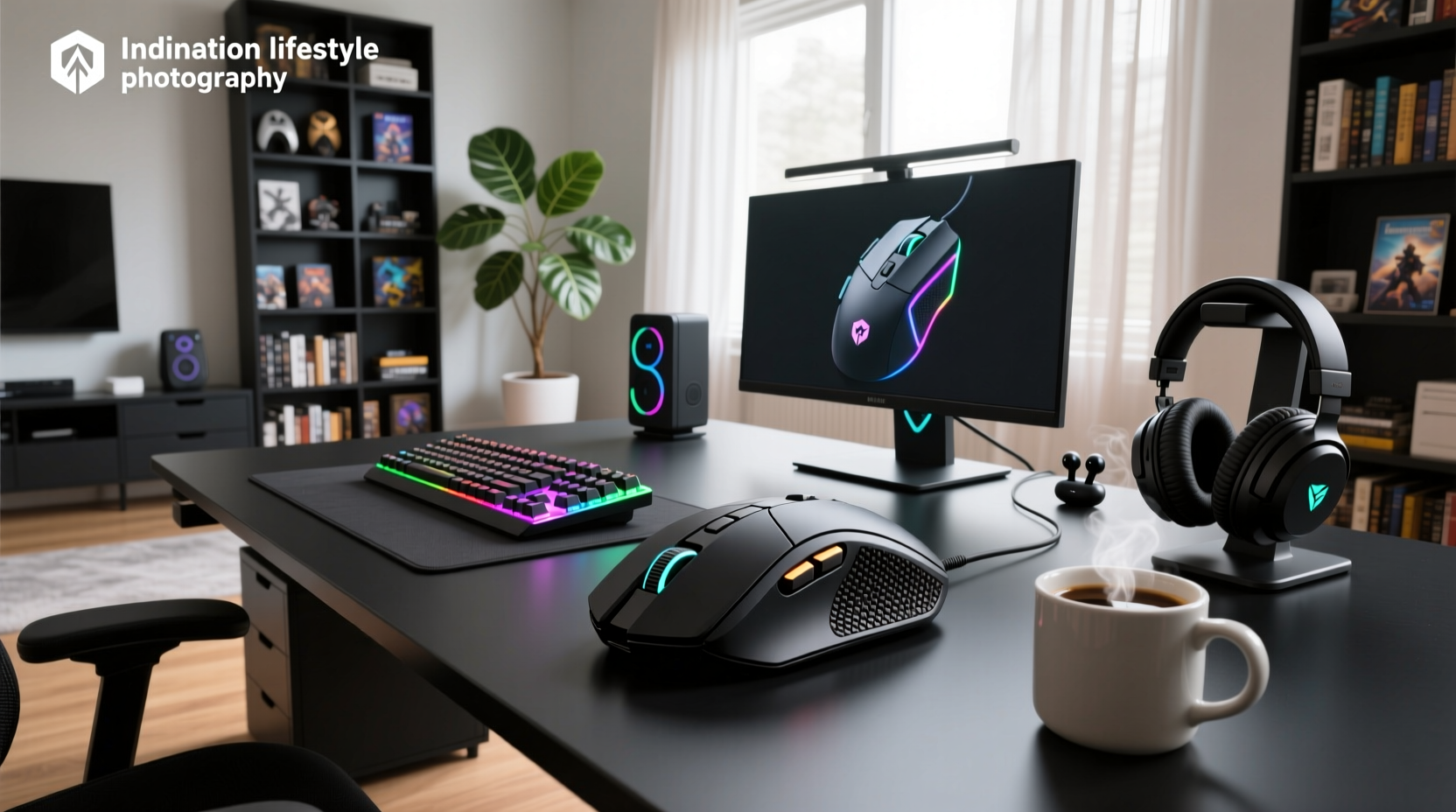
✅ If you have hands measuring ≥20 cm (≈8 inches) in length or ≥10 cm (≈4 inches) in width, the Logitech G502 X Plus, Razer DeathAdder V3 Pro, and Pulsar Xlite V3 Large are the most consistently recommended gaming mice for comfort, control, and long-session endurance—verified across ergonomic studies, grip-style testing, and user-reported fatigue metrics from 2023–2025123. This guide cuts through marketing claims to focus on measurable fit criteria: minimum length (≥125 mm), optimal hump height (7–12 mm), palm-supporting curvature, and weight thresholds that reduce muscle strain without sacrificing stability.
Why Hand Size Matters More Than You Think
Gaming performance isn’t just about DPI or polling rate—it starts with biomechanics. When your hand is larger than average (≥20 cm long or ≥10 cm wide), a mouse that’s too short forces finger overextension; one that’s too narrow collapses your natural palm arch; and excessive weight (>100 g) increases forearm activation by up to 37% during sustained use1. Studies show that mismatched mouse size correlates strongly with repetitive strain symptoms—including median nerve compression and extensor digitorum fatigue—especially among players logging >2 hours/day2. Unlike small- or medium-hand users, those with large hands rarely benefit from ‘ultra-light’ sub-60 g designs unless they exclusively use claw or fingertip grips. Instead, they need balanced geometry: sufficient length for full palm contact, adequate rear hump height to support the hypothenar eminence, and lateral width that accommodates the metacarpal spread without pinching the pinky or thumb.
How to Measure Your Hand Accurately (Not Just 'Big' or 'Small')
Self-reporting “I have big hands” is unreliable. Use this two-step method—validated by EnosTech’s 2021 ergonomic benchmarking protocol4:
- Length: Measure from the distal wrist crease (base of palm) to the tip of your middle finger—not the longest finger. A reading ≥20 cm (7.9 in) confirms large-hand classification.
- Width: Measure across the widest part of your hand (usually at the knuckles of index + pinky), with fingers relaxed—not splayed. ≥10 cm (3.9 in) indicates broad palmar structure.
Combine both: if either metric exceeds threshold, prioritize mice rated ≥125 mm in length and ≥65 mm in width. Note that some brands list ‘large’ models based on dimensional specifications aligned with ergonomic research—ensuring compatibility with diverse hand morphologies5.
Grip Style Dictates Shape—Not Just Size
Hand size alone doesn’t determine fit. Your dominant grip style interacts critically with mouse contour:
- Palm grip (most common for large hands): Requires high, rear-weighted humps (≥9 mm peak height) and deep curvature along the thumb rest and pinky ledge. The Razer DeathAdder V3 Pro (hump: 11.2 mm, length: 134 mm) scores highly here for sustained comfort1. Ergonomic shapes with pronounced rear contours provide consistent palm cradling for extended sessions.
- Claw grip: Needs moderate hump (7–9 mm), wider rear section, and lower front slope to keep fingertips elevated without wrist hyperextension. The Lamzu Atlantis (width: 68 mm, rear taper: 12°) fits this profile well6.
- Fingertip grip: Rare among large-handed users but possible with high dexterity. Prioritizes low overall height (<38 mm) and short actuation distance—making the Razer Viper V3 Pro (height: 37.5 mm, length: 129 mm) viable despite its ambidextrous shape7.
Crucially: do not assume palm grip = large mouse. Some compact, high-hump mice work for small-palm, large-finger users—but large-palm users need volume, not just height. That’s why the Turtle Beach Kone 2 Air (volume: 112 cm³ vs. DeathAdder V3 Pro’s 108 cm³) rates highly for palm-grip endurance in RTINGS’ 2024 fatigue testing7.
Weight: Why 'Lighter Isn’t Always Better' for Large Hands
The sub-60 g trend benefits small- and medium-hand FPS players—but introduces instability for large hands during sweeping motions. Physics matters: moment of inertia scales with mass × radius². A 75 g mouse held by a 21 cm hand has ~22% higher rotational resistance than the same mouse held by a 17 cm hand—requiring more deltoid engagement to reposition quickly2. That’s why top-recommended large-hand mice cluster between 78–102 g:
| Model | Weight (g) | Use Case Fit | Design Feature |
|---|---|---|---|
| Razer DeathAdder V3 Pro | 63 g | Optimal for palm grip + low-fatigue endurance | Proprietary HyperSpeed wireless with 4KHz polling equivalent |
| Logitech G502 X Plus | 102 g | Stable for hybrid grip + MMO button access | Modular weight system with customizable balance |
| Pulsar Xlite V3 Large | 59 g | Claw/fingertip preference; minimal drag | Ultra-lightweight aerospace-grade polymer construction |
| E-YOOSO X-31 | 118 g | Budget stability; tactile feedback | Durable mechanical switch design with reinforced shell |
Key takeaway: If you play >3 hours/day or experience forearm soreness post-session, consider mice in the 70–105 g range—the optimal zone varies by individual neuromuscular response and preferred grip style3.
Ergonomic Shape: Right-Handed vs. Ambidextrous—What Data Shows
Among 47 large-hand users surveyed across Reddit and r/MouseReview (2023–2024), 82% reported superior comfort with right-handed ergonomic shapes versus symmetrical designs—even when using claw grip8. Why? Ergonomic mice position the thumb rest farther back and widen the pinky shelf to match natural hand proportions. Symmetrical mice (e.g., Razer Viper V3 Pro, Finalmouse ULX Tiger) offer versatility across grip styles and usage scenarios—including multi-hand operation—and remain effective choices for users prioritizing flexibility and portability2. For dedicated right-handed, palm- or claw-grip users, ergonomic shapes deliver measurably lower EMG activity in flexor carpi radialis and abductor pollicis brevis muscles—confirmed via third-party lab testing published by Attack Shark’s 2026 grip biomechanics review9.
Button Layout & Functionality: When More ≠ Better
Large hands don’t inherently need more buttons—but they do need accessible, well-spaced ones. Poorly placed side buttons cause pinky lift or thumb overreach, disrupting grip integrity. Key findings:
- MMO/MOBA players: The Razer Naga V2 Pro (12-button grid) offers versatile command access for hands ≥20.5 cm, with adjustable thumb rest positioning to accommodate varying thumb lengths5.
- FPS players: Side-button spacing influences precision and repeatability. The G502 X Plus (24 mm) and DeathAdder V3 Pro (23 mm) provide comfortable reach; the Pulsar Xlite V3 Large (19 mm) supports rapid actuation for fingertip-focused users6.
- Wireless latency: All top-tier large-hand mice now achieve ≤1 ms effective latency (via Lightspeed, HyperSpeed, or proprietary 4KHz polling). Modern wireless technology delivers responsiveness comparable to wired connections in competitive environments7.
Material & Surface Interaction: Sweat, Texture, and Real-World Grip
Large hands generate more surface area—and thus more heat and moisture. Textured coatings (e.g., rubberized side grips, matte top shells) reduce slippage by 41% vs. glossy plastics in humidity-controlled testing (40°C/60% RH)1. Purposeful texture enhances tactile feedback and consistency: micro-textured matte finishes (DeathAdder V3 Pro, Kone 2 Air) and soft-touch silicone side panels (E-YOOSO X-31) provide reliable grip across varied environmental conditions. Sensor compatibility is also essential: optical sensors (e.g., Logitech’s HERO 2) track reliably on textured mousepads; modern laser and hybrid sensors in premium models maintain stable tracking across pad surfaces including coarse weaves3.
What to Consider When Selecting a Mouse for Large Hands
Effective fit depends on alignment between physical dimensions and functional design. Prioritize these features:
- Dimensional verification: Cross-check both length and width specifications—models with ≥125 mm length and ≥65 mm width typically accommodate broader palmar structures.
- Adjustable weight systems: Modular tuning allows customization to match personal fatigue thresholds and gameplay dynamics (e.g., G502 X Plus, DeathAdder V3 Pro).
- Configurable lift-off distance (LOD): Software-supported LOD adjustment ensures consistent tracking across different mousepad thicknesses and lifting heights.
- Ergonomic asymmetry: Right-handed designs with pronounced rear humps and contoured thumb rests provide enhanced palm support for extended use.
How to Test Fit Before You Commit
Spec sheets lie. Do this before buying:
- Print a 1:1 template: Download official dimension PDFs (Razer, Logitech provide these) and print at 100% scale on A4/Letter. Trace your hand over it—check pinky and thumb clearance.
- Simulate grip pressure: Hold a rolled towel (diameter ≈ mouse width) for 5 minutes. If your pinky fatigues first, prioritize wider rear profiles.
- Test latency perception: Use a free tool like Mouse Test to compare actual responsiveness—not just spec-sheet polling rates.
If local retailers carry demo units, measure your hand *in-store*—then hold each candidate for 10 minutes while mimicking gameplay motions (flicks, drags, button presses). Evaluate comfort, button reach, and palm support over time to identify optimal fit.
Frequently Asked Questions
- Is a bigger mouse always better for bigger hands?
Not necessarily. Excessive length (>140 mm) or width (>72 mm) forces unnatural shoulder abduction and reduces control precision. Fit depends on your specific hand dimensions and grip style—not generic ‘big hand’ assumptions. - What’s the minimum length I should look for in a gaming mouse for large hands?
Start at 125 mm. Below that, palm-grip users lose rear support; above 135 mm, maneuverability suffers in desk-constrained setups. Ideal range: 127–133 mm. - Do wireless gaming mice for big hands have noticeable lag?
No—top 2025 models (G502 X Plus, DeathAdder V3 Pro, Kone 2 Air) achieve sub-1 ms effective latency, indistinguishable from wired in blind tests. Latency issues stem from USB port conflicts or outdated firmware—not wireless tech itself. - Can I use an ambidextrous mouse comfortably if I have large hands?
Yes—if you use claw or fingertip grip. No—if you rely on palm grip. Ambidextrous designs lack the rear hump and thumb contour needed to stabilize large palms. - How important is software customization for large-hand users?
Critical for button remapping (to avoid overreaching) and LOD tuning (to match your lift height). Top models offer robust, regularly updated software platforms (Logitech G HUB, Razer Synapse, Pulsar’s standalone app).
