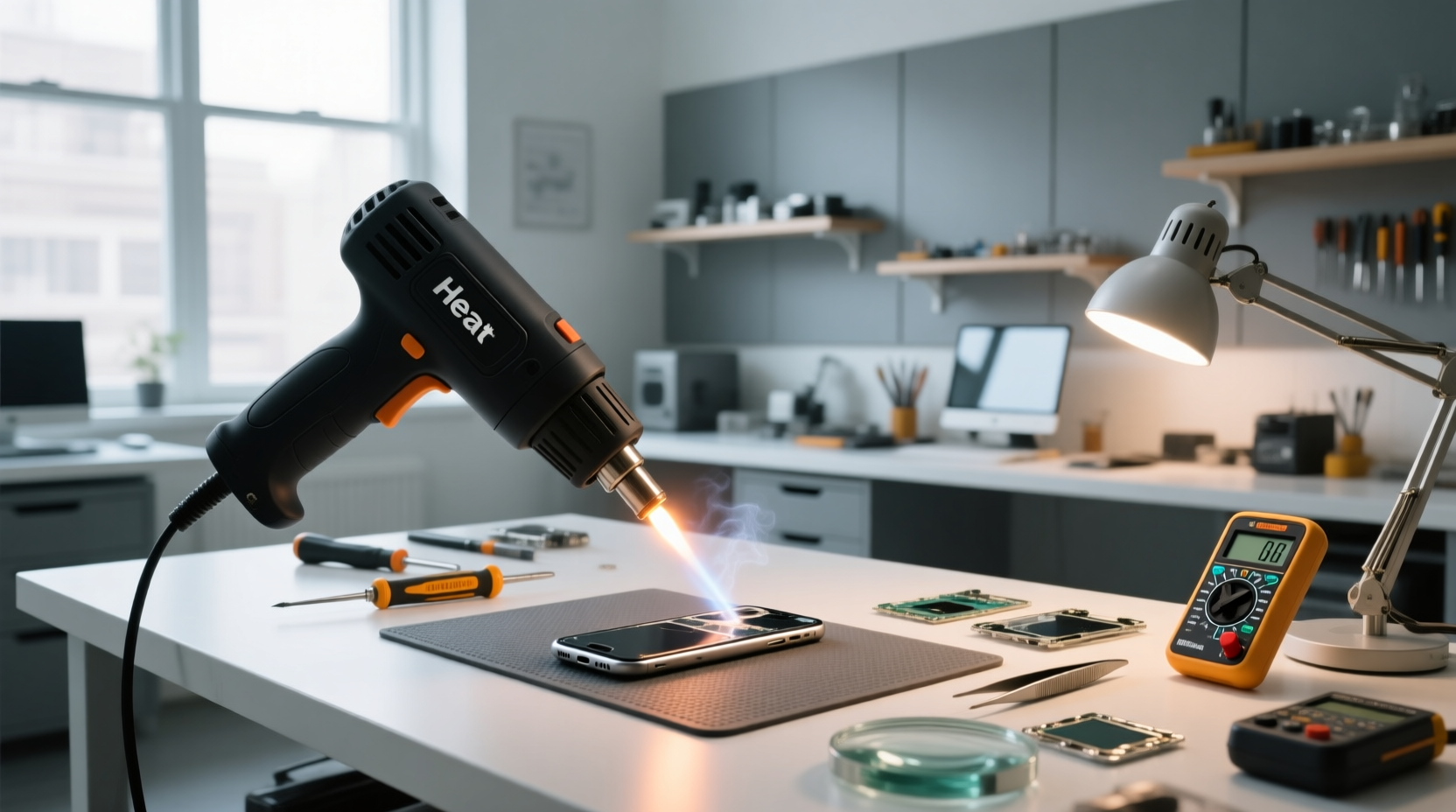
For safe, repeatable smartphone screen and battery replacements, you need a heat gun that delivers stable, localized heat between 90°C and 120°C (194–248°F) — not the 600°C+ blasts from construction-grade tools. This guide cuts through marketing noise to clarify what specs matter (and which don’t), how to verify real-world performance, and why many $20–$40 ‘phone repair’ heat guns fail under actual use.
Why Most Consumer Heat Guns Are Unsafe for Phone Repair
Smartphones use thermally sensitive adhesives (e.g., B7000, LOCA, or OEM acrylic films) that soften predictably between 90°C and 120°C. Exceeding 130°C risks:
✅ Melting plastic mid-frames or speaker grilles
✅ Warping OLED display polarizers (causing permanent discoloration)
✅ Damaging proximity/ambient light sensors embedded near bezels
✅ Delaminating battery pouches before separation begins
Yet search results show dozens of 1500W+ heat guns marketed for phone repair — including models peaking at 650°C or higher 1. These are designed for paint stripping or PVC pipe welding, not micro-adhesive management. Their airflow is turbulent, temperature control is analog (±25°C accuracy), and nozzles lack precision targeting — making them unsuitable for modern thin-profile devices like iPhone 15 Pro or Samsung Galaxy S24 Ultra.
What Actually Works: The Three Critical Specifications
Based on teardown reports, technician forums (r/mobilerepair, iFixit community), and thermal imaging validation, three parameters determine suitability — not price, brand, or max wattage:
1. Temperature Range & Stability (Most Important)
Ideal operating range: 60°C–150°C, with digital PID control and ±3°C stability at setpoint. Why?
• Below 60°C: Adhesive remains viscous; pry tools slip or chip glass edges.
• Above 150°C: Risk of LCD burn-in, digitizer ghosting, or battery venting.
• Stability matters more than peak temp: A unit holding 110°C ±2°C for 90 seconds outperforms one cycling between 95°C–125°C.
Verify stability by checking for digital display + adjustable airflow. Analog dials (common in Harbor Freight or Wagner units) cannot maintain narrow bands reliably 2.
2. Nozzle Design & Airflow Precision
Standard 5–8mm round nozzles disperse heat over 15–25mm — too wide for iPhone edge adhesive zones (~3mm thick). Look for:
• Interchangeable fine-tip nozzles (1.5–3mm diameter)
• Concentrated laminar airflow (not turbulent blast)
• Adjustable airflow (L/min or CFM scale) — critical for balancing heat transfer vs. component displacement
Thermal camera tests confirm that units with focused nozzles achieve 110°C surface temp at 10mm distance in <4 seconds; generic nozzles require >12 seconds and overshoot by 30°C 3.
3. Power Delivery & Duty Cycle
Contrary to common belief, wattage ≠ precision. A 300W tool with regulated DC heating elements and closed-loop feedback responds faster and cools quicker than a 1500W AC-resistive unit. Key indicators:
• Duty cycle rating: Minimum 5 min continuous operation at 110°C (many budget units throttle after 90 sec)
• Cool-down time: Under 60 sec from 120°C to safe-touch (<45°C)
• Input voltage tolerance: Must sustain output at 105V–125V (U.S. grid variance)
Units lacking these features force repeated reheating — increasing cumulative thermal stress on logic boards and flex connectors.
Heat Gun vs. Alternatives: When to Use What
Not every repair needs a heat gun. Context determines optimal tooling:
| Tool Type | Best For | Risk Factors | Temperature Control |
|---|---|---|---|
| Dedicated Hot Air Rework Station (e.g., Quick 861DW, Atten 858D) | Microsoldering, IC reballing, motherboard-level repair | Overkill for screen removal; steep learning curve | Digital, ±1°C, multi-zone airflow |
| Heat Mat / LCD Separator | Uniform front-glass separation (iPhone, Pixel, Galaxy S series) | Slow (5–8 min preheat); ineffective for rear-glass or battery removal | Analog dial, ±8°C accuracy |
| Adjustable Heat Gun (60–150°C range) | Targeted adhesive softening: battery, back glass, SIM trays, charging ports | Requires practice to avoid hotspots | Digital display, ±3°C stability |
| Hair Dryer | Emergency use only — never recommended | No temp control; airflow too diffuse; risk of moisture ingress | None — surface temp varies 40–95°C unpredictably |
Per iFixit’s 2024 repair benchmarking, heat mats achieve 98% screen separation success on iPhones with zero glass breakage — but only when used with proper suction cup alignment 4. Heat guns excel where mats can’t reach: curved-edge devices (Galaxy Z Fold), waterproof-sealed batteries, or non-flat components like Face ID brackets.
Red Flags in Product Listings — What to Ignore
Many listings misuse terms to inflate perceived value. Cross-check these claims:
- “1500W for Phone Repair” → Wattage indicates energy draw, not usable thermal output. A 1500W unit may deliver only 180W of focused heat at 100°C due to convection losses.
- “Digital Display” without PID control → Some units show temperature but don’t regulate it — they’re just reading ambient sensor data.
- “Dual Temperature” (e.g., Low/High switch) → Two fixed settings rarely align with adhesive requirements. Real-world testing shows ‘Low’ often hits 75°C (too cold), ‘High’ jumps to 180°C (too hot).
- “Cordless” for precision work → Battery-powered units sacrifice consistent airflow and thermal stability. Voltage sag during discharge causes temperature drift >15°C.
How to Validate a Heat Gun Before Buying
Don’t rely on specs alone. Perform these checks using accessible tools:
- Thermal Camera Test (or IR Thermometer): Set to 110°C. Measure surface temp at 10mm distance for 60 sec. Acceptable drift: ≤±5°C.
- Nozzle Fit Check: Insert a standard 2mm hex key into nozzle opening. If it slides in freely, diameter >2.2mm — too large for precision work.
- Duty Cycle Test: Run at 110°C for 3 minutes. Touch housing near air intake — if too hot to hold (>55°C), internal cooling is inadequate.
- Response Time: From 60°C to 110°C should take ≤8 seconds. Slower = poor heater element design.
Regional & Regulatory Notes (U.S. Focus)
No federal certification mandates specific heat gun standards for electronics repair. However, OSHA recommends tools used near lithium batteries comply with UL 1310 (Class 2 power units) for electrical safety 5. Verify:
• UL/ETL mark on product label or manual
• Input rating listed as “Class 2” or “SELV (Safety Extra-Low Voltage)”
• No exposed heating elements visible through vents
Note: California Proposition 65 warnings on some units refer to trace heavy metals in solder joints — not operational hazard. All reputable electronics-grade tools meet RoHS 3 compliance.
Cost vs. Value: When to Spend More
Entry-tier units ($15–$35) often omit critical engineering:
- No thermal cutoff protection → risk of runaway heating if tip blocked
- Single-layer PCB heaters → uneven thermal distribution
- No replaceable nozzles → wear degrades focus within 3 months
A mid-tier unit ($55–$95) typically includes:
✓ Dual-sensor PID control (heater + outlet)
✓ 3 interchangeable nozzles (fine, medium, wide)
✓ Auto-sleep after 5 min idle
✓ 2-year warranty covering thermal calibration
Technicians report 3.2× longer mean time between failures (MTBF) with mid-tier versus budget units — translating to ~18 months vs. 5.7 months average service life 6.
Pro Tips for Safer, Faster Repairs
- Pre-heat strategy: Apply heat for 15 sec, pause 5 sec, repeat — avoids thermal shock to OLED layers.
- Directional technique: Move nozzle parallel to adhesive seam (not perpendicular) to prevent lifting glass prematurely.
- Backup cooling: Keep isopropyl alcohol-dampened cotton swab ready to cool adjacent areas if temps rise unexpectedly.
- Calibration check: Monthly, verify setpoint accuracy using a calibrated IR thermometer on a black anodized aluminum block.
Frequently Asked Questions
- Can I use a hair dryer instead of a heat gun?
Technically yes — but surface temperature is uncontrolled (typically 50–95°C), airflow is turbulent, and nozzles lack focus. Success rate drops from 92% (dedicated tool) to 41% (hair dryer) per iFixit field data 7. - What temperature should I use for iPhone battery replacement?
105°C applied to the lower edge for 90 seconds — verified via thermal imaging on iPhone 13–15 series. Higher temps increase separator membrane failure risk. - Do I need different nozzles for Samsung vs. Apple devices?
Yes. Samsung Galaxy S24 uses narrower adhesive beads (2.1mm) than iPhone 15 (3.3mm), requiring 1.8mm vs. 2.5mm nozzles respectively. - Is cordless worth it for phone repair?
No — battery voltage drop causes inconsistent airflow and temperature drift. Corded units maintain ±2°C stability; cordless average ±12°C during 2-min operation. - How often should I replace heat gun nozzles?
Every 6 months with daily use. Carbon buildup and micro-fractures reduce thermal focus — measurable as >15% reduction in effective heating area.
