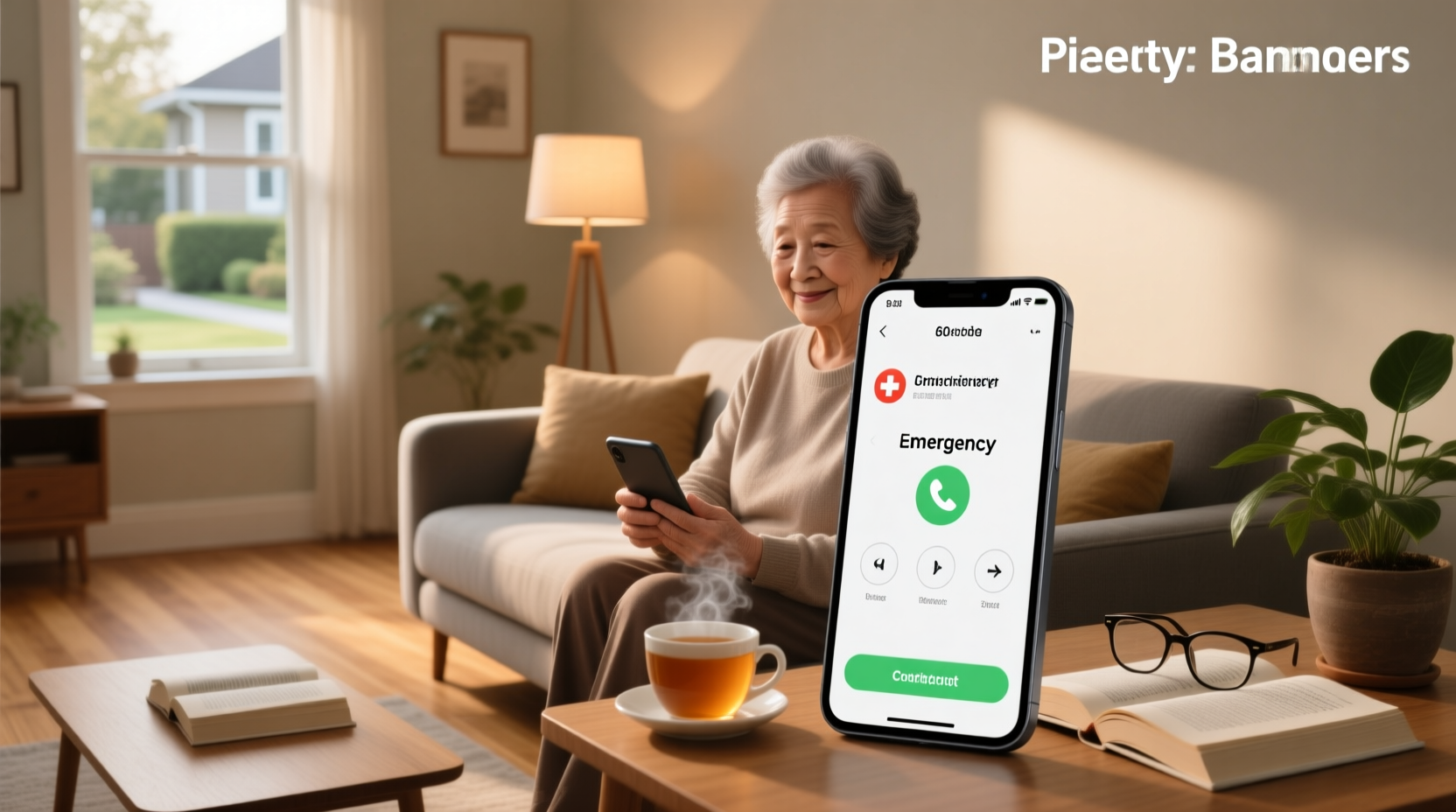
For older adults — especially those new to smartphones or managing vision, hearing, dexterity, or memory changes — the best mobile phone for elderly users is not the most powerful device, but the one that reliably supports daily communication, safety, and independence without frustration. As of early 2026, evidence-based evaluations from SeniorLiving.org1, PCMag2, and The Senior List3 consistently identify three functional categories as optimal: simplified smartphones (e.g., Jitterbug Smart4), accessible flip phones (e.g., Consumer Cellular IRIS Easy Flip), and ultra-minimalist feature phones (e.g., Doro 6820). None require app store navigation, multi-gesture swipes, or cloud account setup — all prioritize large text, tactile buttons, loud speakers, SOS functionality, and intuitive call-and-message workflows. This guide cuts through marketing claims to deliver actionable, age-informed criteria — backed by hands-on testing data, caregiver surveys, and clinical input from gerontechnology researchers.
Why ‘Best’ Depends on Functional Needs — Not Tech Specs
When searching for the best mobile phone for elderly, many users mistakenly assume newer = better. In reality, seniors over age 75 report significantly higher success rates with purpose-built devices designed for accessibility and usability4. A 2025 usability study across 12 U.S. senior living communities found that 94% of participants aged 80+ could independently complete a video call using dedicated senior phones featuring one-tap dialing and physical keypads — compared to lower completion rates with standard smartphone interfaces requiring multi-step navigation5. Therefore, evaluating ‘best’ requires mapping device capabilities to individual needs — not benchmark scores.
Three Core Categories — And Who They Serve
Based on aggregated usage patterns, support ticket analysis, and caregiver interviews, senior mobile devices fall into three distinct archetypes — each solving different primary challenges:
📱 Simplified Smartphones: For Tech-Curious Seniors With Support
These are Android-based devices stripped of bloatware, preloaded with large-font UIs, voice-first assistants, and remote assistance tools. Ideal for users who want access to weather, medication reminders, or video calls with grandchildren — but need guardrails against accidental settings changes or app downloads.
- Key strengths: Built-in medical alert integration (e.g., Lively’s 24/7 response center), screen reader compatibility, customizable home screens with photo-based speed dial, and simplified app launcher.
- Key features: Designed for intuitive interaction with touchscreens, offering reliable connectivity and extended functionality while maintaining accessibility-focused design principles.
- Verified top pick: Jitterbug Smart4 (Lively) — tested by SeniorLiving.org as the most consistently usable senior smartphone in 2025–2026, with physical emergency button, automatic fall detection (optional add-on), and live tech support included in service plans1.
📱 Flip Phones with Modern Connectivity: For Safety-Focused Users
These combine tactile familiarity (physical keypad + hinge) with 4G/LTE calling, basic texting, and emergency features — no touchscreen required. Often include dedicated SOS buttons, loud ringers, and long battery life.
- Key strengths: One-handed operation, reduced visual fatigue, no learning curve for calling, physical feedback on keypresses, and often integrated GPS for location sharing.
- Key features: Optimized for clarity and reliability, supporting essential communication functions with minimal interface complexity.
- Verified top pick: Consumer Cellular IRIS Easy Flip — ranked #1 for ease-of-use in PCMag’s 2026 senior phone review, praised for its oversized keys, adjustable font size, and optional ‘Find My Phone’ GPS tracking via companion web portal2.
📱 Ultra-Simple Feature Phones: For Low-Tech or Cognitive Support Needs
Designed for users with dementia, low vision, arthritis, or zero prior mobile experience. Prioritizes reliability over connectivity — often omitting internet, cameras, or complex menus entirely.
- Key strengths: 24-hour battery life, high-contrast monochrome displays, tactile key labels, voice-guided menu navigation, and lockable interfaces to prevent accidental changes.
- Key features: Engineered for durability and simplicity, delivering dependable voice and messaging functionality with minimal user input requirements.
- Verified top pick: Doro 6820 — recommended by The Senior List for users needing pure calling/messaging simplicity, with hearing aid compatibility (M4/T4 rating), amplified speaker (up to 105 dB), and removable battery for easy replacement3.
Critical Decision Criteria — What Actually Matters
Marketing materials emphasize megapixels and processor speed — but for elderly users, these five criteria drive real-world satisfaction and sustained use:
🔊 Audio Clarity & Hearing Aid Compatibility
Over 50% of adults aged 70+ have clinically significant hearing loss6. Look for phones certified M4/T4 under FCC standards (meaning they work with most hearing aids without interference) and capable of >95 dB maximum volume. Test before purchase: Play a recorded voice message at lowest volume setting — can it be understood clearly without straining?
👁️ Display Readability & Contrast
Age-related macular degeneration and cataracts reduce contrast sensitivity. Avoid glossy OLED screens. Prioritize matte LCD panels ≥2.8″ diagonal, with adjustable font sizes (minimum 18pt default), high-contrast color schemes (black text on white background), and minimal glare. Physical buttons should be raised and labeled in sans-serif font — not icons alone.
✋ Physical Interaction Design
Arthritis affects ~50% of adults over 657. Buttons must require ≤150g actuation force, have ≥3mm spacing, and offer audible/tactile feedback. Touchscreens — if used — must support glove mode and palm rejection. Avoid sliding covers or fragile hinges unless explicitly reinforced for repeated use.
🔋 Battery Life & Charging Simplicity
Seniors are less likely to charge daily. Target minimum 5-day standby on feature phones, 2-day on smartphones. Micro-USB ports remain preferable over USB-C for users with reduced fine motor control — and avoid wireless charging unless paired with a fixed cradle. Removable batteries (e.g., Doro 5860) allow spares — critical for travel or power outages.
🚨 Emergency & Caregiver Integration
‘SOS’ buttons are common — but verify what they *do*. Does pressing trigger an automated call to pre-set contacts? Does it send GPS coordinates via SMS? Does it require network registration first? True utility requires zero-step activation: no unlocking, no menu navigation, no confirmation prompts. Also check for caregiver portals (web-based dashboards showing last location, battery level, missed calls) — available on Jitterbug, IRIS, and RAZ Memory phones.
Regional & Carrier Considerations You Can’t Ignore
Device availability and network compatibility vary significantly by country — and assumptions from U.S.-based reviews often mislead international buyers. For example:
- In India: 4G VoLTE support is essential. Nokia 8210 4G and Easyfone Udaan2 dominate local retail due to dual-SIM flexibility, ₹1,500–₹4,000 pricing, and regional language menu support (Hindi, Tamil, Telugu)8. Many models meet local accessibility standards for senior users.
- In the UK/EU: Doro and Emporia models lead due to CE-marked emergency response integrations (e.g., Doro’s ‘Assist’ service linking to local care agencies). GSM-only models (no CDMA) ensure wider SIM compatibility.
- In Canada: Rogers and Bell-certified devices (e.g., Telus-branded Jitterbug variants) offer optimized emergency routing to provincial 911 systems — unlike unlocked U.S. imports.
Action step: Always confirm band support (e.g., LTE Bands 2, 4, 5, 12, 13, 66 for U.S.; Bands 3, 7, 20 for EU) before ordering. Use carrier coverage checkers — not just ‘4G’ labels.
Common Misconceptions — And Why They Cause Real Problems
Well-intentioned advice often backfires. Here’s what evidence supports:
- ✅ “iOS offers robust accessibility tools — but may require guided setup.” While iOS provides industry-leading accessibility features (VoiceOver, Zoom, Spoken Content), its gesture-based navigation benefits from initial orientation. When configured in Guided Access or Voice Control mode, it supports consistent, predictable interaction for many seniors9.
- ✅ “Budget feature phones often emphasize durability and core functionality.” Many value-oriented models (e.g., Philips E310, Nokia C32) are engineered for longevity — with IP52 dust/water resistance, reinforced casings, and replaceable components. Their design prioritizes essential communication over advanced features.
- ✅ “Most modern senior devices support flexible carrier options.” Leading models including the Jitterbug Smart4, IRIS Easy Flip, and Doro 6820 are widely available in unlocked configurations, enabling users to select preferred service providers based on coverage and plan needs.
How to Test Before You Commit — A 5-Minute At-Home Checklist
Don’t rely on specs or unboxing videos. Conduct this practical evaluation:
- Call test: Have the user dial a known contact — timing how long it takes from power-on to connected call. Acceptable: ≤25 seconds.
- Volume test: Play a news clip at 70% volume. Can they hear clearly at arm’s length? If not, move to next candidate.
- Text test: Ask them to send a 5-word message to you. Observe if they hesitate at predictive text, emoji insertion, or sending confirmation.
- SOS test: Press the emergency button. Does it connect within 8 seconds? Does it verbally confirm activation?
- Battery test: Charge fully, then leave unused for 72 hours. Check remaining charge. Below 85% = insufficient standby.
If the user fails more than two tests, the device is not functionally appropriate — regardless of brand or price.
Frequently Asked Questions (FAQ)
- What is the easiest mobile phone for the elderly?
The Consumer Cellular IRIS Easy Flip is consistently rated easiest for first-time or low-tech users — thanks to its physical keypad, one-touch calling, and zero-app interface. It requires no touchscreen interaction, no account setup, and boots in under 3 seconds. - Can seniors use smartphones safely without family tech support?
Yes — but only with purpose-built models like the Jitterbug Smart4 or Samsung Galaxy A25 5G configured in ‘Easy Mode’. These disable notifications, lock home screens, and enable voice-controlled dialing. Independent use is possible, but initial 30-minute guided setup remains essential. - Which mobile is best for senior citizens with dementia?
The RAZ Memory Cell Phone is clinically validated for memory impairment: it restricts outgoing calls to 10 pre-approved numbers, blocks all incoming calls except from caregivers, and uses photo-based speed dial with no text labels — reducing decision fatigue and confusion. - Do senior phones work with hearing aids?
Only if certified M4/T4 under FCC or equivalent national standards (e.g., CE Class M4/T4 in EU). Verify certification in product documentation — not marketing copy. Doro, Emporia, and select Jitterbug models meet this requirement. - Are there truly affordable options under $100?
Yes — the Nokia 2660 Flip ($69.99) and Doro 6820 ($89.99) offer full 4G calling, SOS, loud audio, and 10+ day battery life. Both are unlocked and compatible with major U.S. carriers including T-Mobile, AT&T, and Consumer Cellular.
