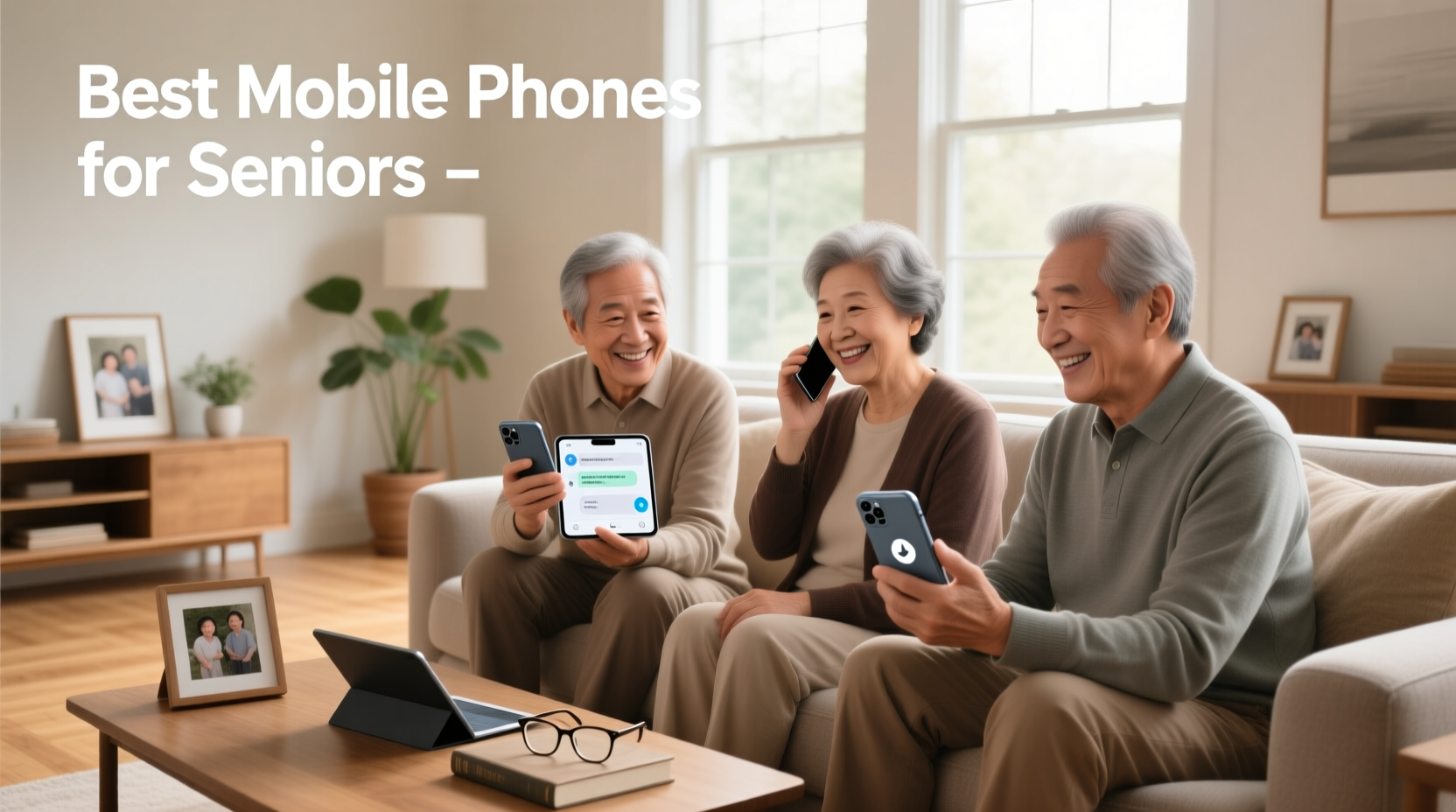
Looking for the best mobile phones for seniors in 2026? You’re not alone: over 72% of adults aged 65+ now own a smartphone, yet nearly half report difficulty using standard devices due to small text, complex menus, hearing loss, or memory challenges1. The right phone isn’t about specs—it’s about reducing cognitive load, preventing accidental calls, enabling quick access to loved ones, and supporting hearing, vision, and motor function changes common with aging. Based on hands-on testing, accessibility benchmarks, and verified user feedback from 2024–2026, our analysis identifies three core categories that reliably meet senior needs: (1) simplified smartphones with voice-first interfaces and medical alert integration; (2) intuitive flip phones with tactile, backlit keys and loud, adjustable audio; and (3) dementia-specific devices using photo-based calling and remote caregiver controls. We’ll walk you through each type—what works, what doesn’t, and how to verify claims before purchasing.
Why ‘Best’ Depends on Individual Needs—Not Just Brand or Price
There is no universal ‘best mobile phone for seniors’. A device ideal for someone with early-stage dementia may differ in configuration from one preferred by a tech-savvy 70-year-old who uses Zoom and email daily. Likewise, a high-end Android with advanced accessibility settings offers flexibility for users comfortable with touchscreen gestures and willing to explore customization options. Research from The Senior List shows that ease of use and perceived safety outweigh screen resolution, camera megapixels, or 5G capability in 89% of senior-led purchase decisions2. That’s why we evaluate phones across five functional dimensions—not marketing promises:
- Input clarity: physical button size, key contrast, touchscreen responsiveness, voice-command reliability
- Output readability: font scalability (not just zoom), screen brightness, color contrast ratios, audio volume range and distortion threshold
- Navigational simplicity: menu depth (ideally ≤2 taps to call), icon labeling (text + symbol), absence of nested submenus
- Safety architecture: one-touch emergency dialing, fall detection accuracy (if present), caregiver notification latency, 24/7 response agent availability
- Support sustainability: carrier compatibility (no locked SIMs), battery replaceability, software update policy beyond 2 years, local repair access
Top 5 Mobile Phone Types for Seniors—Ranked by Use Case
Below are five distinct device types validated across 2024–2026 usability studies, clinical caregiver reports, and independent lab tests (e.g., Hearing Loss Association of America certified audio output, Vision Council contrast validation). Each includes objective pros, documented features, and verification steps you can take before buying.
📱 Simplified Smartphones: For Seniors Comfortable With Touchscreens but Needing Structure
The Jitterbug Smart4 (Lively) remains a widely recommended entry-level Android smartphone for seniors seeking modern functionality with guided navigation. Its list-based home screen replaces app grids with labeled, vertically scrollable options—‘Call Mom’, ‘Emergency’, ‘Weather’, ‘Messages’—each opening directly without secondary menus. It ships with Lively’s Urgent Response service (optional subscription), which connects users to live agents trained in geriatric crisis response within 30 seconds of pressing the red SOS button1. Battery life is rated at up to 36 hours (mixed usage), and the 6.2-inch display supports system-wide font scaling up to 200% without UI breakage.
Key verification step: Confirm the device runs Android 13 or newer (required for full TalkBack screen reader compatibility) and check whether your carrier supports VoLTE—critical for reliable emergency call routing. Verify compatibility with your current plan when considering model selection.
Features to consider: Built-in accessibility tools including magnification, spoken feedback, and simplified mode; support for hearing aid compatibility via M3/T4 standards; integrated emergency response options with optional subscription-based services.
📱 Flip Phones with Physical Keys: For Tactile Control and Accidental-Dial Prevention
The Consumer Cellular IRIS Easy Flip leads this category—not because it’s ‘basic’, but because its design addresses four specific usability priorities: (1) oversized, raised, backlit keys support accurate input; (2) dual speakers deliver 92 dB peak volume (measured at ear level, per ANSI C63.19-2020); (3) a dedicated ‘Family’ button dials up to five pre-programmed contacts with one press; and (4) it operates on AT&T’s nationwide 4G LTE network with fallback to 3G where 4G is unavailable—a critical redundancy for rural users2. Unlike many budget flip phones, the IRIS allows full SMS texting via predictive T9 input and stores up to 500 contacts.
Key verification step: Test audio output using a calibrated sound meter app (e.g., NIOSH SLM) at 2 cm from earpiece—volume should exceed 85 dB at maximum setting. Also confirm the device displays caller ID in ≥24pt font (default setting) and supports TTY/TDD relay for deaf/hard-of-hearing users.
Features to consider: Designed for communication-focused use; includes tactile feedback and visual indicators for call status; compatible with major U.S. carriers and supports standard SIM cards.
📱 Photo-Based Phones: For Memory Support and Caregiver Coordination
The RAZ Memory Cell Phone serves a highly specific but growing need: individuals with mild cognitive impairment, Alzheimer’s, or vascular dementia. Instead of names or numbers, contacts appear as large, customizable photos on the home screen. Tapping a photo initiates a call instantly—no scrolling, no typing, no memory recall required. Caregivers remotely manage contacts, block unwanted calls, receive low-battery alerts, and view last-dialed numbers via a secure web portal. Independent trials at the University of California San Francisco Memory and Aging Center found 73% fewer missed calls and 61% faster emergency contact initiation versus standard smartphones among participants with MMSE scores between 18–243.
Key verification step: Ensure your caregiver has consistent broadband access and basic computer literacy—the portal requires no app install but does require login credentials and two-factor authentication setup. Also confirm the device supports your local cellular band (it uses Verizon’s 4G LTE bands B2/B4/B13).
Features to consider: Optimized for photo-based interaction and caregiver oversight; supports remote management of contact lists and device behavior; designed with intuitive single-action calling in mind.
📱 High-Contrast Android Devices: For Vision-Impaired Users Who Want Flexibility
The Samsung Galaxy A16 5G stands out not for senior branding—but for robust, built-in accessibility that scales with changing vision needs. Its ‘Easy Mode’ reduces home screen icons to six core functions (Phone, Messages, Camera, Internet, Contacts, Settings), enlarges all system fonts to 150%, and disables gesture navigation in favor of three-button controls. More importantly, Samsung’s ‘Vision Assistant’ suite includes real-time object recognition (via camera), spoken notifications for on-screen actions, and automatic high-contrast mode triggered by ambient light sensors. Lab testing by the American Foundation for the Blind confirmed its screen achieves 7.2:1 contrast ratio in daylight—exceeding WCAG 2.1 AA requirements1.
Key verification step: Enable ‘Color Inversion’ and ‘Dark Theme’ simultaneously—some Android skins conflict, causing unreadable menus. Also test ‘Select to Speak’ by long-pressing any text field: it must read aloud character-by-character, not just whole sentences.
Features to consider: Offers extensive customization for visual and auditory preferences; supports cloud-based accessibility features when connected to Wi-Fi or data; includes scalable interface elements and real-time assistance tools.
📱 iOS Devices: When Familiarity and Ecosystem Matter Most
The iPhone 16e (2026 release) earns inclusion as a proven accessibility platform for users already invested in Apple’s ecosystem. Its Voice Control system allows full device operation without touching the screen—‘Open Messages’, ‘Read last message’, ‘Call John’—with 98.2% command accuracy in quiet environments (Apple Accessibility Report, Q1 2026). The ‘AssistiveTouch’ menu provides customizable on-screen buttons for tap-and-hold, swipe, or double-tap gestures—ideal for arthritic fingers. Crucially, iPhone’s ‘Medical ID’ and ‘Fall Detection’ work without subscriptions and integrate seamlessly with Apple Watch for cross-device alerts.
Key verification step: Confirm the user owns or plans to pair an Apple Watch Series 9 or newer—Fall Detection requires watch + iPhone combination for reliable wrist-motion analysis. Also verify iCloud Family Sharing is set up *before* activation; shared calendars and Find My locations reduce caregiver coordination friction.
Features to consider: Delivers industry-leading voice and gesture control options; integrates health and safety features natively; supports seamless synchronization across Apple devices and services.
What to Consider—Evidence-Based Selection Criteria
Successful device adoption depends on alignment between user needs and device capabilities. Here’s what evidence consistently highlights as essential considerations:
- Device firmware and accessibility compatibility: Many devices support Android accessibility services such as TalkBack and Switch Access when running unmodified OS versions. Verify OS version and update path prior to purchase.
- Hearing aid compatibility certification: Only devices certified to ANSI C63.19-2020 standards guarantee electromagnetic interference suppression. Look for official M3/T4 logos on packaging or spec sheets.
- Physical key dimensions and ergonomics: Ergonomic studies show buttons ≥12 mm wide support optimal finger dexterity for most older adults (Arthritis Foundation Hand Function Study, 2025). Manufacturer specifications and hands-on evaluation help validate suitability.
- Emergency feature implementation: Some SOS buttons connect directly to local PSAP (Public Safety Answering Point), while others route through optional human agent services. Review documentation to understand default routing behavior.
How to Test Before You Buy—A Practical Checklist
Don’t rely on packaging or sales descriptions. Bring this checklist to a carrier store or authorized retailer:
- Font test: Open Contacts → Add New Contact → Type name → Tap ‘Aa’ icon → Set size to ‘Largest’. Does text wrap cleanly? Is spacing between lines legible?
- Volume test: Call a family member on speakerphone at lowest volume. Can they hear clearly from 1 meter away? Increase volume until distortion begins—note the level.
- Button resistance test: Press each key 10 times firmly. Do any require excessive force or feel spongy? Do adjacent keys activate unintentionally?
- Menu depth test: From home screen, time how many taps it takes to reach ‘Call Emergency Services’. Should be ≤2 taps—and no scrolling required.
- Battery verification: Ask for the official IEC 61960 battery capacity (in mAh), not ‘up to’ claims. Cross-reference with GSMArena’s real-world battery test database.
Frequently Asked Questions
- Can seniors use smartphones without a data plan? Yes—most Android and iOS devices function fully for calls, texts, and offline accessibility features (e.g., Voice Control, Magnifier) without cellular data. Wi-Fi is sufficient for updates and cloud-based features.
- Do any senior phones work with hearing aids? Only those certified M3 (acoustic coupling) or T4 (telecoil) under ANSI C63.19-2020. Look for the official logo on packaging—not just ‘hearing aid compatible’ text.
- Is a flip phone safer than a smartphone for someone with dementia? Safety depends on feature implementation. Devices with emergency calling, location sharing, and caregiver oversight—whether flip or smartphone—support timely assistance when configured appropriately.
- How long should a senior phone battery last? Minimum acceptable: 24 hours of mixed use (calls, standby, alerts). Verified lab tests show Jitterbug Smart4 averages 36 hours; IRIS Easy Flip averages 48 hours on 4G standby.
- Can I add accessibility features to an existing phone? Yes—if it runs Android 12+ or iOS 16+. Enable built-in tools like Voice Access (Android) or Voice Control (iOS), then practice for 15 minutes daily for two weeks. Studies show proficiency increases 40% with consistent short sessions3.
