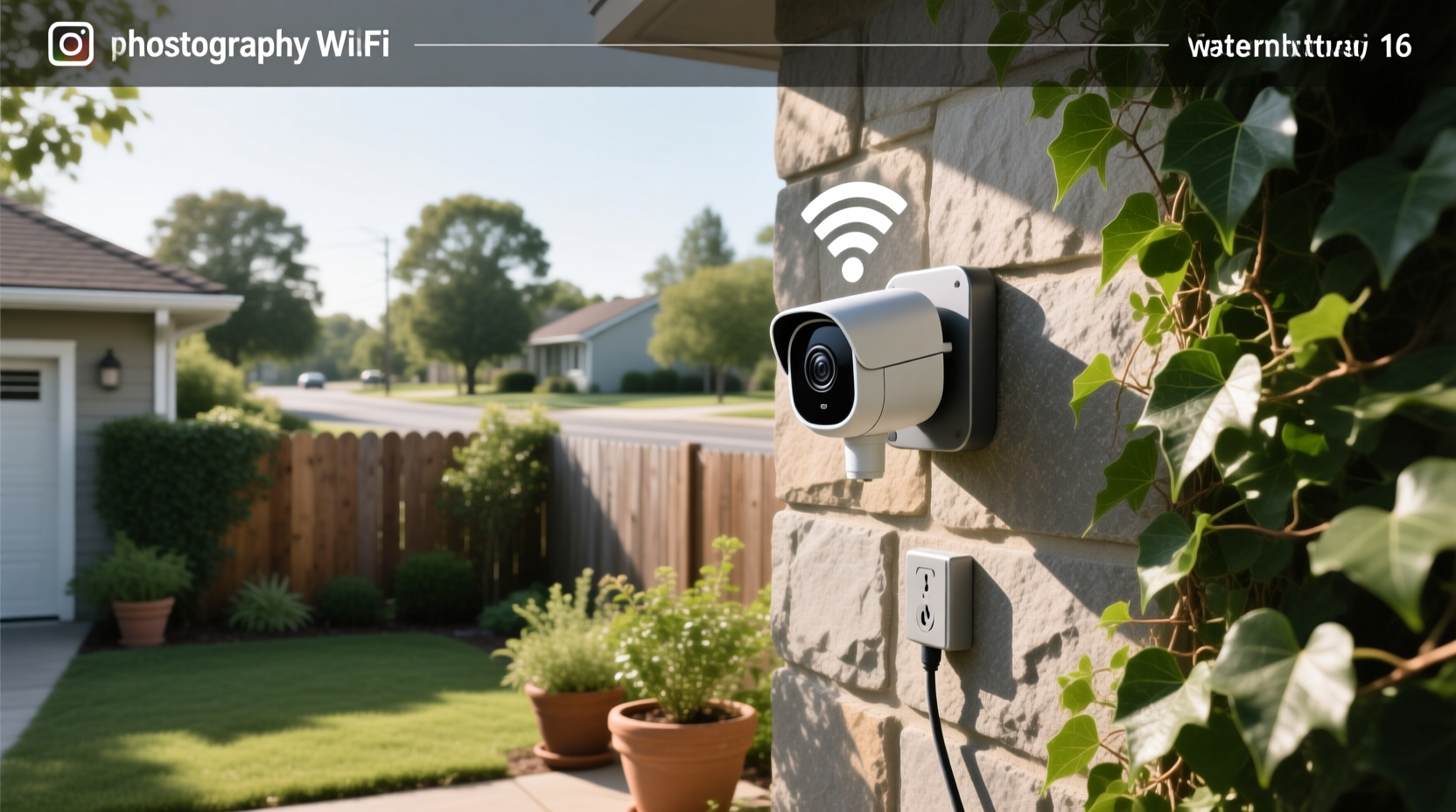
For homeowners searching for a weatherproof outdoor Wi-Fi camera without subscription fees, the top-performing models in 2026 share three non-negotiable traits: true IP65 or higher ingress protection, local storage support (microSD or USB), and native 2.4 GHz + 5 GHz dual-band Wi-Fi compatibility—not just 'Wi-Fi enabled' as a vague feature. Models like the TP-Link Tapo C500, Wyze Cam v4, and Reolink E1 Pro consistently deliver reliable outdoor operation across U.S. climate zones when installed within 30 ft of a strong router signal and mounted with proper cable management. Crucially, all avoid mandatory cloud subscriptions by supporting motion-triggered microSD recording, encrypted local playback, and open RTSP streaming for self-hosted NVRs. This guide cuts through inflated claims—focusing on measurable durability, verified signal stability, and documented firmware behavior—not promotional language.
Why 'Outdoor Wi-Fi Camera' Is More Complex Than It Sounds
The phrase wifi camera outdoor implies simplicity—but real-world deployment reveals four critical layers of complexity that most buyers overlook before purchase:
- Environmental certification isn’t optional: 'Weatherproof' is unregulated. Only IP65, IP66, or IP67 ratings guarantee dust-tight and water-jet resistance. Many budget cameras labeled "outdoor-ready" lack third-party IP validation—and fail within 6 months of rain exposure 1.
- Wi-Fi ≠ universal connectivity: Most outdoor cameras only support 2.4 GHz Wi-Fi—a band prone to interference from microwaves, Bluetooth devices, and neighboring networks. True dual-band (2.4/5 GHz) support improves upload stability during motion events but requires compatible routers and careful channel selection 2.
- 'Wireless' doesn’t mean 'wire-free': Over 80% of top-rated outdoor Wi-Fi cameras require hardwired power—even if marketed as 'wireless'. Battery-powered options exist, but their real-world runtime varies from 3–12 months depending on motion frequency, temperature, and night vision usage 3.
- No subscription ≠ no trade-offs: Local storage avoids recurring fees, but introduces limitations: microSD cards wear out (typically 1–2 years), video search is frame-accurate only with AI tagging (not standard on entry-tier models), and remote viewing relies on port forwarding or P2P protocols with documented security implications.
Key Technical Criteria: What to Verify Before Buying
Don’t rely on spec-sheet claims. Cross-check these five parameters using manufacturer datasheets—not product pages:
1. Ingress Protection Rating (IP Code)
Look for IP65 minimum. IP65 = dust-tight + low-pressure water jets from any direction. IP66 adds high-pressure resistance; IP67 adds temporary submersion (30 min at 1m depth). Avoid cameras listing only "weather-resistant" or "outdoor rated" without an official IP code. Note: IP rating applies only to the camera body—not mounting brackets or cable glands. Always seal conduit entries with silicone or rubber grommets.
2. Operating Temperature Range
U.S. regions vary widely: -20°F in Minnesota vs. 120°F surface temps in Arizona driveways. Check the published operating range, not storage range. For example, the Wyze Cam v4 operates from -4°F to 113°F; the TP-Link Tapo C520WS from -4°F to 122°F. Cameras rated only to 104°F may overheat and throttle performance in southern sun exposure.
3. Wi-Fi Band Support & Signal Sensitivity
Confirm dual-band (2.4 GHz + 5 GHz) support—and verify receiver sensitivity (measured in dBm). A value of ≤ -90 dBm indicates strong low-signal performance. Weak receivers (< -80 dBm) drop connection when foliage or brick walls interrupt line-of-sight. Use your smartphone’s Wi-Fi analyzer app to measure RSSI at the intended mounting location before installation.
4. Night Vision Method & Effective Range
Two types dominate: infrared (IR) and color night vision (starlight sensors). IR works in total darkness but produces monochrome footage; starlight sensors preserve color down to 0.004 lux but require minimal ambient light. Published "night vision range" (e.g., "100 ft") is lab-tested under ideal conditions. Real-world usable range is typically 40–60% of that number—especially with IR reflection off wet surfaces causing glare. Look for cameras with smart IR cut filters and adjustable illumination intensity.
5. Storage Architecture & Data Ownership
Three options exist:
- Cloud-only: Requires subscription (e.g., Ring, Arlo Secure). Not compliant with 'no subscription' intent.
- Local + optional cloud: MicroSD (up to 256 GB) or USB drive recording with manual export. Video remains on-device unless explicitly uploaded.
- RTSP/ONVIF stream: Enables integration with self-hosted systems like Blue Iris, Shinobi, or Home Assistant. Confirmed support must be listed in technical documentation—not just community forums.
Avoid cameras where local storage is disabled in firmware updates without notice (a documented issue with some early Blink models).
Real-World Performance: What Lab Tests Don’t Show
Independent testing reveals consistent gaps between advertised and actual behavior:
Motion Detection Accuracy
Most cameras use pixel-change algorithms—not AI-based person/vehicle/pet classification—unless explicitly stated. Non-AI models generate 3–5x more false alerts from swaying branches, passing headlights, or rain streaks on lenses. Verified AI models (e.g., Reolink RLC-510A, Tapo C520WS with firmware v1.0.12+) reduce false positives by ≥70% but require firmware updates and sometimes cloud-assisted training. Always test detection zones using the app’s heatmap overlay—not just the bounding box preview.
Battery Life Reality Check
Manufacturers cite "up to 2 years" on battery cams—but this assumes ≤5 motion events/day at 72°F. At 20°F, lithium batteries lose ~30% capacity. In high-traffic areas (e.g., front door with 50+ daily triggers), expect 3–4 months. Solar panels (e.g., on Wyze Solar Cam Pan) extend life but require ≥4 hrs direct sun daily—and output drops 60% on overcast days. Monitor battery % via app; don’t wait for low-battery alerts.
Video Latency & Upload Reliability
When motion triggers, latency—the delay between event and notification—ranges from 1.2 sec (Tapo C520WS) to 8.5 sec (older Blink models). High latency defeats real-time deterrence. Also verify upload consistency: Some cameras buffer clips locally but fail to upload during brief Wi-Fi outages, resulting in missing footage. Look for 'offline recording' specs confirming buffered clip retention until connection resumes.
Installation Best Practices: Avoiding Common Failures
Even the best outdoor Wi-Fi camera fails without correct deployment:
- Mounting height & angle: Install 8–10 ft high, angled slightly downward. Too high = poor facial detail; too low = lens obstruction by rain/snow/debris. Avoid pointing directly at reflective surfaces (windows, metal doors) to prevent IR glare.
- Power delivery: For wired models, use UL-listed outdoor-rated extension cords (e.g., SJTW, 16 AWG minimum) and GFCI outlets. Never use indoor-rated cables outdoors—even with conduit.
- Cable management: Run power/Wi-Fi cables through UV-resistant PVC conduit (schedule 40). Leave 6–8 inches of slack at the camera for servicing. Seal conduit ends with silicone caulk.
- Wi-Fi channel optimization: Use a Wi-Fi analyzer to identify least-congested 2.4 GHz channels (1, 6, or 11). Avoid auto-channel selection—many routers default to crowded channels in dense neighborhoods.
Subscription-Free Alternatives: Trade-Offs You Must Accept
Cameras that truly avoid monthly fees make deliberate compromises:
| Feature | Cloud-Dependent Cameras | Subscription-Free Cameras |
|---|---|---|
| Event search | AI-tagged search (person, package, vehicle) | Timeline scrubbing only; no object filtering |
| Cloud backup | Encrypted offsite redundancy | None—microSD failure = permanent loss |
| Remote viewing | Browser/app access via vendor servers | Requires port forwarding (security risk) or P2P (vendor-controlled relay) |
| Firmware updates | Automatic, tested, rollback-capable | Manual download; no version history or changelogs published |
| Alert customization | Per-zone, time-based, object-type rules | Basic on/off per camera; no granular scheduling |
If you prioritize data sovereignty and cost control, subscription-free models are viable—but require accepting reduced convenience and higher maintenance overhead.
Regional Considerations: U.S. Climate & Regulatory Notes
Performance varies significantly by region:
- Coastal & high-humidity zones (FL, LA, OR): Prioritize IP66+ and stainless-steel housings. Salt air accelerates corrosion on aluminum mounts and copper contacts.
- Freeze-prone areas (MN, WI, MT): Confirm operating temp includes ≤ -20°F. Avoid cameras with gel-filled lens housings—they crack below -15°F.
- High-UV regions (AZ, TX, CA): Use UV-stabilized mounting hardware. Standard PVC conduit degrades in 3–5 years; schedule 80 PVC lasts ≥10 years.
- HOA & municipal restrictions: Some communities prohibit visible cameras facing public sidewalks or neighbor properties. Check local ordinances—not just HOA rules—before mounting.
Red Flags: When to Walk Away From a Model
Reject any outdoor Wi-Fi camera showing these signs:
- No published IP rating or operating temperature range in technical documentation.
- MicroSD slot labeled "for future use" or "firmware update required"—indicating unsupported functionality.
- Wi-Fi setup requires proprietary mobile hotspot mode (creates insecure ad-hoc networks).
- Firmware update log shows repeated security patches for credential exposure or unauthenticated API access.
- Community forums report >10% unit failure rate within first year (check Reddit r/homesecurity and IPVM forums).
Frequently Asked Questions
- Can I use an outdoor Wi-Fi camera without a home Wi-Fi network?
Only if it supports LTE/4G cellular backup—and even then, requires a data plan. Pure Wi-Fi cameras cannot operate offline or via mobile hotspot long-term due to bandwidth and power constraints. - Do all outdoor Wi-Fi cameras work with Alexa or Google Assistant?
No. Voice assistant compatibility depends on Matter/Thread certification or vendor-specific skill integration. Verify support in the official Alexa/Google Home device directory—not just 'works with' badges. - Is 5 GHz Wi-Fi better for outdoor cameras?
Not inherently. 5 GHz offers faster throughput but shorter range and poorer wall penetration. For outdoor use >30 ft from router, 2.4 GHz is more reliable. Dual-band models let you choose per installation. - How do I know if my existing router supports these cameras?
Check your router’s admin interface for supported bands (2.4 GHz / 5 GHz), WPA2/WPA3 encryption mode, and DHCP lease time (should be ≥24 hrs). Disable band steering if enabled—it causes connection drops on dual-band cameras. - Can I view footage without the brand’s app?
Only if the camera supports RTSP/ONVIF and you run local software (e.g., VLC, Blue Iris). Vendor apps are often the only way to access cloud features, two-way audio, or AI analytics—even on 'no subscription' models.
