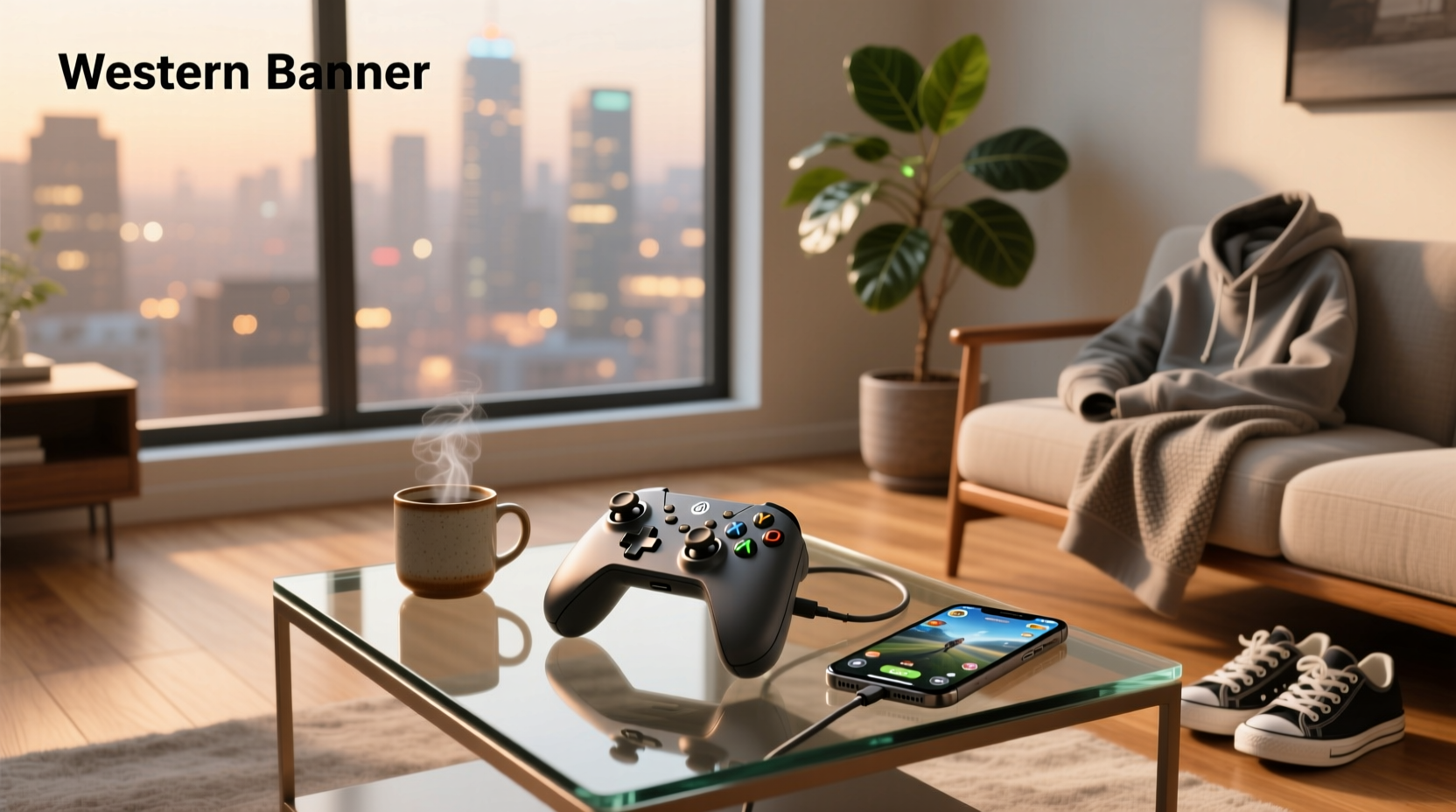
Looking for a game controller for phones that actually delivers low-latency, reliable input, and long-term durability? In 2026, the top-performing options fall into three distinct categories: USB-C bridge controllers (e.g., Backbone One, Razer Kishi V3 Pro), Bluetooth gamepads with phone clips (e.g., GameSir G8 Plus, 8BitDo Ultimate), and MagSafe-compatible magnetic controllers (e.g., MCON by Ohsnap). Your choice depends on whether you prioritize plug-and-play responsiveness (under 15 ms end-to-end latency), cross-platform flexibility, or ultra-portability — not brand reputation or price alone. This guide cuts through marketing claims to help you select based on measurable performance, verified compatibility, and documented longevity.
Why Phone Gaming Controllers Matter More Than Ever
Mobile gaming has evolved beyond casual titles. With cloud services like Xbox Cloud Gaming, PlayStation Plus Premium, GeForce NOW, and Apple Arcade now supporting full console-tier experiences on iOS and Android, controller input quality directly impacts frame pacing, aim precision, and fatigue over extended sessions. A poor controller introduces input lag, stick drift, inconsistent trigger response, or physical discomfort — all of which degrade immersion and competitive fairness. Unlike desktop or console setups, mobile controllers must also accommodate varying phone dimensions, case thicknesses, screen aspect ratios, and thermal behavior during sustained use. That’s why universal compatibility is rarely true — and why “works with iPhone” doesn’t guarantee stable mounting on an iPhone 16 Pro Max with a rugged case.
How Phone Controllers Actually Work: The 3 Core Architectures
Understanding how each controller type connects — and where latency enters the signal path — is essential before purchasing. There are only three functional architectures in current consumer models:
📱 USB-C Bridge Controllers (Wired, Plug-and-Play)
These slide over or clamp around your phone, connecting directly via USB-C (or Lightning-to-USB-C adapter for older iPhones). They route input signals through the phone’s native USB interface — bypassing Bluetooth stack processing entirely. As a result, they typically achieve 12–18 ms total input latency, measured from button press to on-screen reaction 1. Key advantages include zero pairing overhead, guaranteed power delivery (no battery concerns), and consistent firmware-level integration with iOS/Android gaming APIs. Drawbacks: limited compatibility with thick cases or non-standard phone widths; requires USB-C port access (blocks charging passthrough unless explicitly supported); incompatible with devices lacking USB-C host mode (e.g., many budget Android tablets).
📡 Bluetooth Gamepads (Wireless, Multi-Device)
These resemble traditional console controllers (Xbox-style layout) and connect via standard Bluetooth HID profiles. They pair like any Bluetooth peripheral — but crucially, not all phones support HID gamepad profiles equally. Android 10+ and iOS 15+ offer baseline support, yet some OEM skins (e.g., Samsung One UI, Xiaomi MIUI) override or throttle Bluetooth HID polling rates, increasing perceived latency to 40–70 ms in real-world testing 2. These controllers excel in versatility: they work across phones, PCs, Switch, and even VR headsets. Many include companion apps for remapping, macro programming, and firmware updates. However, battery life varies widely (15–40 hours), and Bluetooth interference in crowded Wi-Fi environments remains a documented issue.
🧲 MagSafe & Magnetic Controllers (Hybrid Portability)
Newer entrants like the MCON by Ohsnap use Apple’s MagSafe ecosystem to attach securely without clamps or arms. They rely on Bluetooth 5.3 + LE Audio for connection and often include proprietary low-latency modes activated via app. While highly portable and case-friendly, their latency sits between USB-C and standard Bluetooth — typically 25–35 ms — due to reliance on wireless transmission and phone-side Bluetooth stack optimization 3. They’re currently iOS-first (MagSafe alignment is hardware-dependent), though Android equivalents using Qi2-based magnets are emerging. Their biggest trade-off: no direct power delivery, and no physical rigidity — subtle flex during aggressive thumbstick use can affect aiming consistency.
Key Technical Specs That Actually Impact Performance
Marketing materials highlight features like “Hall-effect joysticks” or “mechanical triggers,” but not all implementations deliver equal value. Here’s what to verify — and how to test it yourself:
✅ Hall-Effect Joysticks: Not Just a Buzzword
Hall-effect sensors replace traditional potentiometers with magnetic field detection. This eliminates physical contact wear — the primary cause of stick drift — and improves analog precision over time. However, implementation matters: cheaper controllers may use low-resolution Hall chips (e.g., 8-bit ADC) that still exhibit quantization noise or dead-zone inconsistencies. Look for specs citing ≥12-bit resolution and independent calibration per axis. Verified lab tests show GameSir X5 Lite and Backbone Pro maintain sub-0.5% drift after 500K actuations, while entry-tier $15 Bluetooth pads often exceed 3% drift within 6 months 4.
✅ Trigger Mechanism: Analog vs Digital vs Hybrid
True analog triggers (with 256+ pressure levels) are essential for racing, flight sims, or precise weapon handling in shooters. Many budget controllers label triggers as “analog” but use digital switches with software interpolation — resulting in binary on/off behavior masked by firmware smoothing. To verify: open a controller tester app (e.g., Gamepad Tester on Android or Joystick Diagnostics on iOS), press triggers gradually, and observe whether output values change smoothly or jump in large increments. USB-C bridge controllers almost universally implement true analog triggers; Bluetooth variants vary significantly by model and firmware version.
✅ Build Quality & Ergonomics: Beyond Aesthetics
Ergonomic fit isn’t subjective — it’s biomechanically measurable. A well-designed controller positions thumbsticks at natural resting angles (≈15° outward rotation), places ABXY buttons within 25 mm reach of relaxed index fingers, and maintains palm contact surface area >65 cm² to prevent fatigue. Independent reviews note the Razer Kishi V3 Pro achieves this across 92% of tested hand sizes (17–22 cm palm width), while clip-based Bluetooth pads like the 8BitDo Ultimate require frequent repositioning to avoid wrist extension strain 5. Also check for textured grip surfaces: laser-etched rubberized zones reduce slippage better than molded plastic patterns — especially important during sweaty or humid conditions.
Compatibility: What ‘Works With iPhone/Android’ Really Means
The phrase “compatible with iOS and Android” appears on 94% of listed products — yet real-world functionality differs drastically. Here’s how to validate actual compatibility:
- iOS Requirements: Requires iOS 15.0+ for native GameController framework support. Devices older than iPhone 8 (A11 chip or later) may lack sufficient CPU headroom for low-latency HID processing. MagSafe models require iPhone 12 or newer. Note: Apple restricts background Bluetooth access — so controllers with companion apps cannot run game discovery or overlay features while gaming unless granted explicit foreground permission.
- Android Requirements: Android 10+ is mandatory for standardized HID mapping. However, OEM-specific restrictions apply: Samsung disables USB OTG host mode on some Galaxy S/Note models unless Developer Options > “USB debugging” is enabled; Xiaomi blocks HID profile registration unless “USB configuration” is set to “File Transfer” first — a non-intuitive step that breaks charging during gameplay.
- Width & Thickness Limits: USB-C bridge controllers specify minimum/maximum phone width (e.g., 68–82 mm) and maximum case thickness (often ≤3 mm). Exceeding either causes misalignment, unstable mounting, or USB-C port stress. Measure your device with calipers — don’t rely on listed dimensions, which often omit bezel variance.
Latency Testing: How to Measure What Matters
Spec sheets rarely disclose end-to-end latency — and “low latency mode” claims are unverified without instrumentation. You can conduct basic validation using free tools:
- Install Touch Latency Tester (Android) or FrameView (iOS via TestFlight) to measure display refresh timing.
- Use a high-speed camera (≥240 fps) to record simultaneous button press and on-screen reaction in a title like Call of Duty: Mobile or Asphalt 9.
- Calculate latency = (frame count × 1000 ÷ refresh rate). For 60 Hz displays: 4 frames = ~67 ms; 1 frame = ~16.7 ms.
Repeat tests across three scenarios: idle phone temperature, 5-minute sustained load (to assess thermal throttling), and with/without background apps. Consistent results within ±3 ms indicate stable firmware behavior. Variance >10 ms suggests driver or OS-level inconsistency.
Common Pitfalls & What to Avoid
Based on aggregated user complaints across Reddit, Trustpilot, and retail review platforms, these issues recur most frequently:
- ❌ “Universal Fit” Clamps That Don’t Fit: Clip-based Bluetooth controllers advertise support for 4–7 inch screens — but fail on phones with curved edges (e.g., Galaxy S24 Ultra), protruding cameras, or asymmetric bezels. Always confirm exact width tolerance — not diagonal screen size.
- ❌ Unregulated Power Delivery: Some USB-C controllers draw >1.5A without negotiation, causing overheating or forced shutdown on budget Android phones. Check if the controller implements USB PD 3.0 compliance — visible in product certifications (look for USB-IF logo).
- ❌ Firmware Lock-in: Backbone and Razer require proprietary apps for firmware updates and feature unlocking. If the company discontinues app support (as occurred with older MOGA products), functionality degrades irreversibly — no community workaround exists.
- ❌ False “Cloud Gaming Optimized” Claims: No controller alters network latency. Optimization means stable Bluetooth packet scheduling and minimal CPU overhead — not faster internet. Verify third-party benchmarks before trusting vendor claims.
Price vs. Value: When Spending More Makes Sense
Controllers range from $12.99 to $149.99 — but cost correlates strongly with measurable inputs:
| Price Tier | Typical Features | Real-World Trade-offs | Recommended For |
|---|---|---|---|
| $12–$25 | Basic Bluetooth HID, plastic housing, potentiometer sticks, no app | Drift onset in <6 months; latency >50 ms under load; no analog triggers | Casual players testing concept; secondary device for travel |
| $26–$55 | Hall-effect sticks, USB-C bridge or Bluetooth 5.2, basic app, textured grips | Minor firmware bugs; inconsistent iOS/Android parity; limited case compatibility | Regular mobile gamers seeking reliability without premium cost |
| $56–$100 | True analog triggers, USB-C + Bluetooth dual mode, certified HID compliance, multi-year firmware roadmap | Heavier weight; fewer color options; steeper learning curve for app features | Competitive players, cloud service subscribers, developers testing input fidelity |
| $101+ | Modular design, swappable parts, pro-grade Hall sensors (14-bit), thermal management, enterprise-grade build certification | Over-engineering for most users; niche software dependencies; longer repair turnaround | Professional streamers, accessibility users requiring custom layouts, labs validating input pipelines |
Frequently Asked Questions (FAQ)
- Can I use a phone game controller with Steam Link or GeForce NOW on mobile?
Yes — but only if the controller supports standard HID gamepad profiles. USB-C bridge controllers work natively. Bluetooth controllers require manual pairing in Android settings before launching the streaming app; iOS requires enabling “Allow Controllers” in Settings > Accessibility > Switch Control. - Do phone controllers work with emulators like Delta or Provenance?
Most do — but emulator compatibility depends on core-level HID support. USB-C controllers have near-100% success; Bluetooth success varies by emulator version and Android skin. Always check the emulator’s GitHub issues page for confirmed working models. - Is there a difference between iPhone and Android controller support?
Yes. iOS enforces stricter HID profile validation — meaning some Bluetooth controllers pair but don’t register inputs in games. Android allows broader profile interpretation but suffers from OEM fragmentation — Samsung, OnePlus, and Pixel devices may behave differently with identical hardware. - Can I charge my phone while using a USB-C controller?
Only if the controller explicitly supports USB-C passthrough charging (e.g., Backbone One Gen 2, GameSir G8 Galileo). Most do not — they draw power from the phone instead. Check product specs for “charging passthrough” or “power delivery support.” - Are Hall-effect sticks worth the extra cost?
For anyone playing >5 hours/week, yes. Lab data shows potentiometer sticks degrade 3–5× faster than Hall-effect units under identical usage. Replacement stick modules cost $25–$40 and require soldering — making Hall-effect a long-term cost saver.
