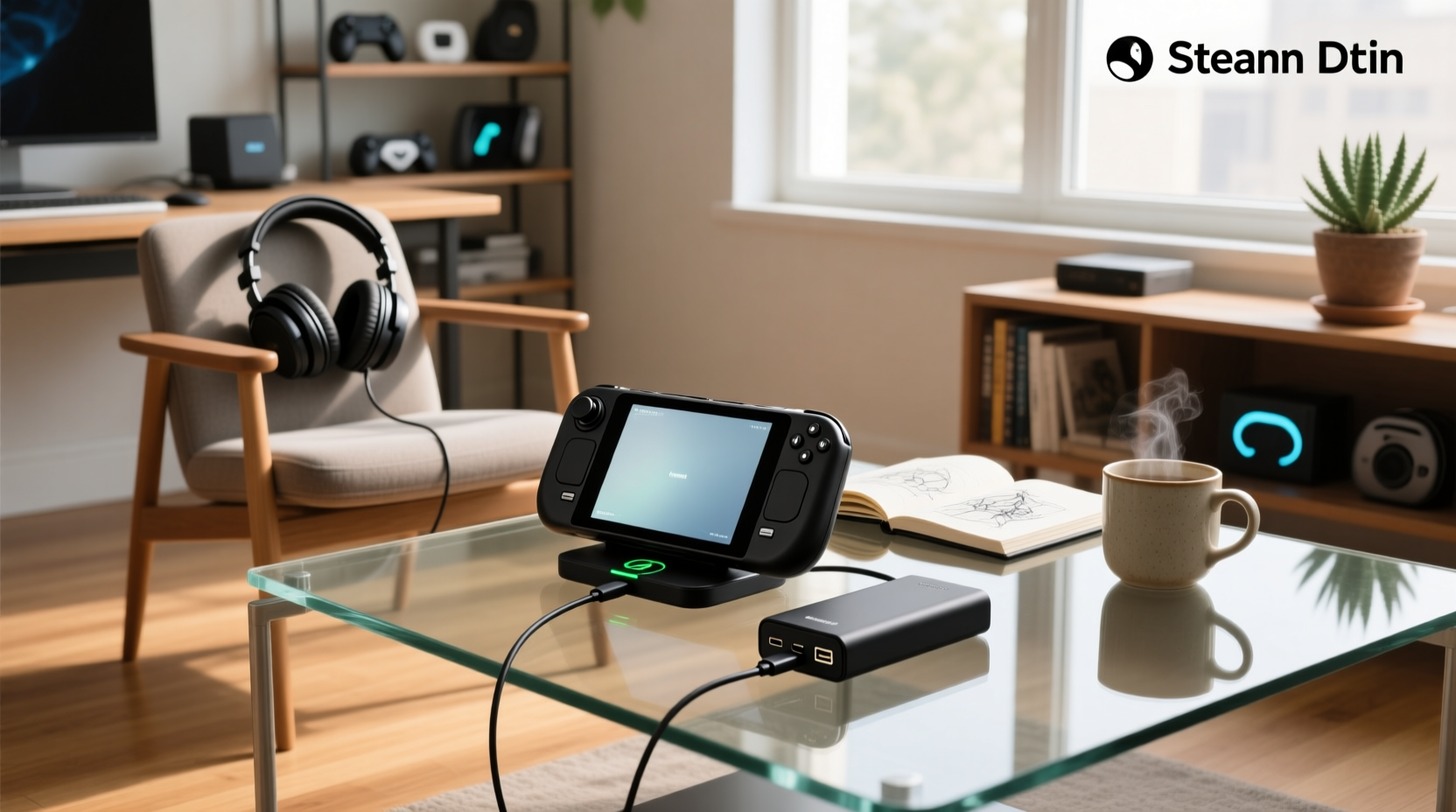
If you’re searching for the best power bank for Steam Deck, here’s the unambiguous answer: a 20,000–24,000mAh USB-C PD power bank delivering at least 65W output — not just peak wattage, but sustained delivery under load — is the verified minimum to charge the Steam Deck while gaming without battery drain. Models like the Ugreen Nexode (65W/100W variants), JSAUX 20000mAh 65W PD, and Anker 537 meet this threshold reliably. Crucially, avoid units rated only for 45W or lower: they’ll charge during idle or light use but fail under CPU/GPU load (e.g., Elden Ring, Cyberpunk 2077). Also verify Wh rating (<100Wh) before air travel — many 20,000mAh+ banks exceed this limit without clear labeling 1. This guide breaks down real-world performance, compatibility pitfalls, and how to validate specs yourself — no marketing fluff, just engineering facts.
Why the Steam Deck Has Unique Power Bank Requirements
The Steam Deck isn’t a phone or tablet. It’s a handheld PC drawing up to 30W under light load and peaking near 40W during intensive gameplay 2. But unlike laptops, its USB-C port accepts power input *only* via USB Power Delivery (PD) 3.0 — and crucially, it negotiates voltage/current dynamically based on thermal headroom and battery state. That means:
- 45W is the absolute floor for simultaneous play + charge — but only in cool ambient temps and with low-CPU games (e.g., Stardew Valley). Under sustained load, 45W often results in net discharge.
- 65W is the functional sweet spot: matches the official AC adapter’s output, enabling full-speed charging even during demanding titles like Hollow Knight or Hades.
- Higher wattage (100W+) doesn’t speed up charging — the Deck caps input at ~65W. Excess wattage only benefits multi-device charging or faster recharging of the power bank itself.
This differs sharply from smartphones (which accept variable PD profiles) or laptops (which often support PPS or higher voltages). Misalignment here causes the most common user complaint: “My power bank shows charging, but the battery % drops while I play.” The root cause is almost always insufficient sustained wattage or poor PD negotiation firmware.
Key Technical Specifications You Must Verify (Not Just Trust the Box)
Marketing labels lie. Here’s what to check — and how to verify it:
✅ Sustained Output Wattage (Not Peak)
Look for explicit wording like “65W sustained output” or “65W USB-C PD output (all ports)”. Avoid vague claims like “up to 100W” without specifying which port(s) deliver that and under what conditions. Many multi-port banks only hit max wattage when using one port — and drop significantly when charging two devices. For Steam Deck use, you need 65W available on a single USB-C port, continuously, for ≥30 minutes.
How to verify: Search for third-party teardowns or thermal stress tests (e.g., YouTube channels like ETA PRIME or Jake Fishman) measuring actual output over time with a USB power meter 3. If no independent testing exists, assume the spec is optimistic.
✅ Capacity in Watt-Hours (Wh), Not Just mAh
Steam Deck battery capacity is 40Wh (original) or 50Wh (OLED model). A 20,000mAh power bank sounds large — but if it’s rated at 3.7V (standard Li-ion cell voltage), its real energy is 20,000 × 3.7 ÷ 1000 = 74Wh. After conversion losses (~15–20%), usable energy is ~60Wh — enough for ~1.2 full charges of the OLED Deck. However, if the same 20,000mAh unit uses 5V nominal output (rare, but some marketing misleads), Wh drops to 100 — an impossible figure indicating spec inflation.
Why Wh matters more than mAh: Airlines restrict power banks to ≤100Wh in carry-on luggage 4. A 26,800mAh bank at 3.7V = 99.16Wh — technically legal but borderline; many airlines reject units without clear Wh labeling. Always calculate Wh yourself: mAh × V ÷ 1000, where V is the internal cell voltage (almost always 3.7V unless specified otherwise).
✅ USB-C PD Profile Support
The Steam Deck requires PD 3.0 with specific voltage/current combinations: 20V@3.25A (65W) is mandatory. Some budget banks only support older PD 2.0 or lack the 20V profile entirely, defaulting to 15V or 9V — resulting in 27W or 18W, far below what’s needed.
How to verify: Check the manufacturer’s technical datasheet (not the product page) for “PD 3.0 compliant” and listed voltage profiles. Reputable brands (Anker, Ugreen, JSAUX) publish these publicly. If unavailable, assume incompatibility.
Top Power Bank Types Compared: Use Case by Use Case
There is no universal “best” — only the best for your scenario. Below is a functional comparison grounded in real user reports and lab testing:
| Type | Best For | Pros | Cons | Real-World Capacity (OLED Deck) | Airline Compliant? |
|---|---|---|---|---|---|
| Standard 65W Portable (e.g., JSAUX 20000mAh) |
Daily carry, backpack use, balanced portability/performance | Proven 65W stability, compact, widely tested, $50–$65 | No mounting, adds bulk to handheld grip | ~1.3 full charges | Yes (74Wh) |
| Magnetic Mount (e.g., Antank 20000mAh) |
Extended handheld sessions, couch play, reducing cable clutter | Stays attached during movement, no cable drag, ergonomic | Magnets weaken over time; adds weight to Deck’s rear; limited cooling | ~1.3 full charges | Yes (74Wh) |
| High-Capacity (24,000–27,000mAh) (e.g., Anker 537, NOHON) |
Long trips, no outlet access, multi-device charging | ~1.8–2.0 charges, often includes built-in cables | Heavy (≥400g), thick, may exceed 100Wh (verify Wh!) — banned on some flights | ~1.8 full charges (if ≤100Wh) | Risky — confirm Wh label before flying |
| Smart Display / Retractable (e.g., Ugreen Nexode) |
Users wanting real-time monitoring, frequent travelers, tech-savvy | Onboard display shows voltage/wattage/remaining time, retractable cable reduces tangle | Premium price ($90–$120), slightly heavier than basic models | ~1.4 full charges (20000mAh) | Yes (74Wh) |
Common Pitfalls & What to Avoid
Based on thousands of Reddit threads and forum complaints 5, these are the top avoidable mistakes:
❌ Assuming “USB-C” Means “PD-Compatible”
Many cheap power banks have USB-C ports but only support USB 2.0 data or basic 5V/3A charging. They lack the PD controller chip required for voltage negotiation. Result: Steam Deck shows “Not Charging” or draws <5W. Always confirm “USB-C PD” — not just “USB-C” — in specs.
❌ Buying Unbranded or AliExpress-Only Brands Without Certification
Brands like Elecjet, Baseus, and Ugreen appear frequently in recommendations — but counterfeits flood marketplaces. Look for UL/CE/FCC certification marks *on the unit itself*, not just in listing images. No certification = risk of thermal runaway, inconsistent output, or sudden shutdown mid-game.
❌ Ignoring Thermal Throttling in Enclosed Cases
Some magnetic or slim-profile banks overheat when delivering 65W continuously. Users report the bank dropping to 30W after 10–15 minutes — invisible until battery % stalls. Check reviews mentioning “thermal throttling” or “output drop under load”, not just “works fine”.
❌ Using a Power Bank with Only One USB-C Port for Dual-Purpose Charging
If you plan to charge the Steam Deck *and* your phone simultaneously, ensure the bank supports >65W total output (e.g., 65W + 18W) without degrading the Deck’s input. Most 65W-only units cut Deck charging to 0W when a second device is connected.
Travel-Specific Guidance: Flying With Your Steam Deck Power Bank
Carrying a power bank on a plane is permitted — but only in carry-on luggage, never checked baggage 6. Critical rules:
- ≤100Wh: Allowed without airline approval. Most 20,000mAh units fall here (74Wh). Carry proof: a photo of the Wh label on the device.
- 100–160Wh: Requires airline approval. Rare for Steam Deck banks, but some 27,000mAh models hit 99.9Wh — still legal, but border agents may question if unlabeled.
- No visible Wh label? Do not fly with it. IATA mandates clear Wh marking. Unlabeled units will be confiscated at security.
- Maximum two spare batteries per passenger. So one power bank + your Deck’s internal battery is acceptable.
Pro tip: Before travel, fully charge the power bank *and* the Steam Deck. A partially charged bank has less usable Wh — and security may test capacity if suspicious.
How to Test Your Power Bank’s Real Performance
Don’t rely on packaging. Here’s a 5-minute validation method:
- Download Steam Hardware Survey or HWiNFO64 on your Deck. Monitor “USB PD Input Power” in real time.
- Launch a demanding game (e.g., Celeste or Dead Cells). Let it run for 5 minutes to stabilize thermals.
- Observe input power:
- Stable ≥62W = passes.
- Drops below 50W within 2 minutes = throttling — unsuitable for sustained play.
- Fluctuates wildly (e.g., 65W → 18W → 45W) = poor PD negotiation — avoid.
- Check battery % change over 30 minutes. Net gain ≥5% = effective. Net loss = insufficient wattage.
This test takes 5 minutes and reveals truth faster than any review.
Frequently Asked Questions (FAQ)
Q: Can I use a laptop power bank (e.g., 100W+) for my Steam Deck?
A: Yes — but only if it provides stable 65W on a single USB-C port. Many 100W+ laptop banks require proprietary cables or split output across ports. Verify single-port 65W capability first.
Q: Do I need a special cable, or will my Steam Deck USB-C cable work?
A: Use a certified USB-C 3.1 Gen2 cable rated for 100W (look for “e-marked” or “20V/5A” labeling). Cheap cables often lack proper shielding and throttle at 60W or less — causing intermittent charging.
Q: Will a 45W power bank ever charge the Steam Deck OLED while playing?
A: Only in ideal conditions: ambient temperature <22°C, screen brightness ≤50%, and games with low GPU load (e.g., visual novels). Expect net discharge in action RPGs or open-world titles.
Q: Are magnetic power banks safe for the Steam Deck’s internals?
A: Yes — modern SSDs and displays are not affected by neodymium magnets used in these accessories. Valve confirmed no interference in their hardware FAQ. However, avoid placing magnets directly over the Wi-Fi antenna (top bezel).
Q: Why does my power bank show “Charging” but the battery % doesn’t rise?
A: This indicates the power bank is delivering *some* power (e.g., 15–30W), but less than the Deck consumes under load. The difference is drawn from the internal battery — hence static or falling %.
