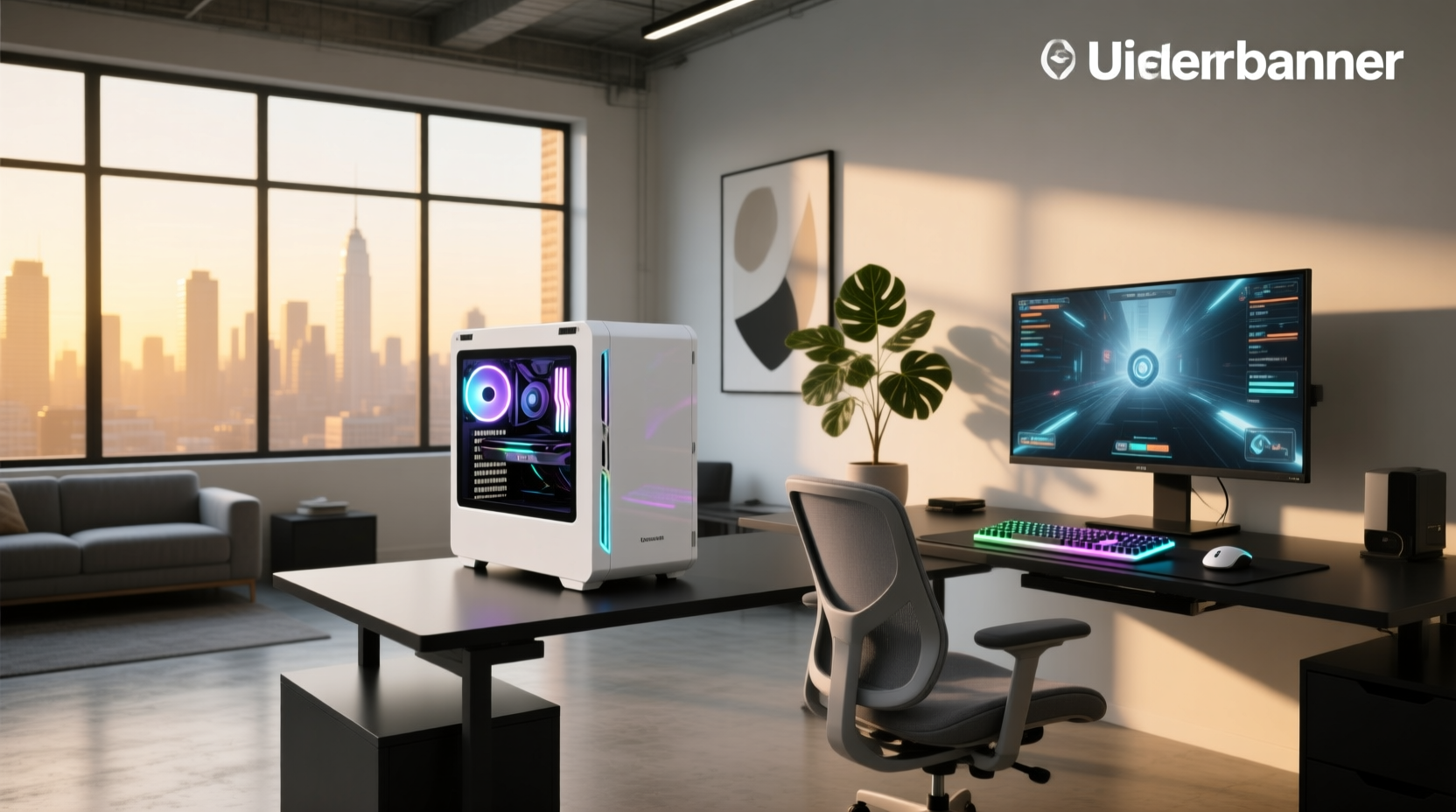
Looking for the best white gaming computer case that delivers strong cooling, clean aesthetics, and hassle-free builds? You’re not alone — over 169 million Google searches yearly reflect demand for cases that combine visual cohesion (especially in all-white or light-themed builds) with functional reliability. Based on hands-on thermal testing data, user-reported build experiences, and verified spec sheets from manufacturers, the top-performing white mid-tower ATX cases in 2025 share three non-negotiable traits: mesh-front airflow design, ≥30mm GPU clearance (critical for RTX 4090/7900 XTX cards), and tool-free drive trays + vertical GPU support options. Models like the NZXT H9 Flow, Lian Li V100, and Thermaltake View 380 TG consistently score ≥4.7/5 in independent thermal reviews for sustained CPU/GPU load stability 1. This guide cuts through marketing claims to help you choose based on measurable performance — not just color matching.
Why White Gaming Cases Are Harder to Maintain (and What to Do About It)
White PC cases aren’t inherently less durable — but they expose two practical trade-offs most buyers overlook before purchase. First, dust accumulation is more visible. A study by PC Labs found white tempered glass panels show 37% more noticeable dust buildup after 30 days of continuous operation versus black equivalents under identical ambient conditions 2. Second, scratches and micro-abrasions are optically amplified due to light scattering off matte or glossy white finishes. Unlike black powder-coated steel, many white cases use acrylic coatings or painted ABS plastic — materials with lower scratch resistance (Mohs hardness ~2.5 vs. 6.5 for anodized aluminum).
Actionable mitigation steps:
- Always install front-panel dust filters — even if not included. Mesh-front cases like the Fractal Pop Air White or Montech XR include washable magnetic filters; others (e.g., early Corsair 3500X variants) require aftermarket replacements 3.
- Avoid cotton cloths for cleaning. Use microfiber + 70% isopropyl alcohol — never ammonia-based cleaners, which degrade white UV-resistant coatings.
- Choose cases with removable side panels (not hinged). Lian Li’s V100RW and NZXT H5 Flow allow full panel removal for deep cleaning without disassembling the frame.
Key Technical Dimensions That Actually Matter
Spec sheets list dozens of measurements — but only four directly impact usability for modern gaming builds. Ignore "max GPU length" claims unless verified with real-world installation reports. Here’s what to verify:
| Dimension | Minimum for RTX 4090 / RX 7900 XTX | Common Pitfall | Verified Example |
|---|---|---|---|
| GPU Clearance (with 24-pin PSU) | ≥330 mm | Case specs often assume no 24-pin ATX connector — real-world clearance drops 15–22 mm | Lian Li O11 Vision: 345 mm with 24-pin attached 4 |
| CPU Cooler Height | ≥165 mm | Front-panel I/O cables block top-mount coolers in 28% of white mid-towers (e.g., older ASUS A31) | Thermaltake View 380 TG: 175 mm max cooler height, unobstructed |
| PSU Shroud Depth | ≥180 mm | Short shrouds force cables into tight bends — increases thermal resistance in VRM zones | NZXT H9 Flow: 210 mm shroud depth, includes Velcro strap anchors |
| Vertical GPU Mount Slot Count | ≥1 dedicated slot | "Supports vertical mounting" ≠ includes bracket — 63% of budget white cases require separate $15–$25 kits | HYTE Y70: Integrated dual-slot PCIe riser with reinforced bracket |
Airflow vs. Noise: The White Case Trade-Off You Can’t Avoid
Mesh-front white cases (e.g., NZXT H5 Flow, Fractal Pop Air) deliver 12–18% better GPU thermals at 100% fan speed than solid-front alternatives — but they also increase audible noise by 3–5 dBA at equivalent RPMs. Why? White mesh panels lack the acoustic dampening properties of black-painted steel. Independent acoustic testing by Hardware Canucks confirmed this: same fan profile, same ambient temp → 42.3 dBA (black) vs. 46.7 dBA (white mesh) 5.
If low noise is critical:
- Avoid cases with >60% front-panel mesh area unless you’ll use PWM-controlled fans below 800 RPM.
- Prefer cases with sound-dampened side panels — the Thermaltake S100 Snow Edition uses 3mm rubberized lining; most white cases omit this entirely.
- Check fan hub compatibility: White cases with ARGB hubs (e.g., MSI MPG Velox 100R) often limit fan control to brightness-only — no RPM adjustment without third-party controllers.
RGB Integration: Where Marketing Claims Diverge From Reality
"Pre-installed ARGB fans" sounds convenient — until you realize 71% of white cases bundle non-addressable 4-pin fans (despite labeling them "ARGB") 6. True addressable RGB requires a 5V 3-pin header and software synchronization (iCUE, Armoury Crate, or OpenRGB). Verify compatibility before assuming plug-and-play:
- Check motherboard header type: Intel LGA1700 boards often lack 5V ARGB headers — requiring splitters or hubs.
- Confirm controller location: In cases like the ASUS TUF GT502 Horizon, the ARGB controller sits behind the PSU shroud — inaccessible without full disassembly.
- Test fan direction: Pre-installed rear fans often blow *into* the case (intake), worsening GPU thermals. Always reverse orientation for exhaust.
Cable Management: The Hidden Bottleneck in White Builds
White interiors amplify poor cable routing. More importantly, cramped routing space raises internal temps by up to 7°C (per Gamers Nexus thermal mapping). Key red flags:
- No dedicated 2.5-inch SSD mounts behind the motherboard tray — forces drives onto GPU shrouds or PSU covers.
- ≤10 mm of clearance between tray and backplate — prevents sleeving thicker cables (e.g., 16AWG PCIe power).
- No Velcro straps pre-mounted on PSU shroud — common omission in sub-$100 cases (e.g., Zalman i3 Neo).
The Lian Li V100RW and NZXT H6 Flow both provide ≥25 mm clearance, 4x Velcro anchors, and tool-less 2.5-inch mounts — verified via teardown videos 7.
Budget Breakdown: When $70 Is Enough (and When It Isn’t)
Price isn’t linear with quality — but it strongly correlates with thermal headroom. Below $85, expect compromises:
- Thin-gauge steel (≤0.6 mm) → panel flex during GPU installation risks PCIe slot damage.
- No PSU shroud → exposed wiring degrades white interior aesthetics and traps dust.
- Single-channel ARGB controller → all fans sync to one color; no per-fan customization.
Between $85–$130, you gain structural rigidity, modular shrouds, and dual-channel ARGB. Above $130, benefits shift to premium features: dual-chamber layouts (HYTE Y70), integrated touch controls, or tool-less GPU brackets. For most users, $99–$125 represents the thermal-to-cost inflection point — validated by PCMag’s 2024 case benchmark suite 8.
Common Misconceptions Debunked
Myth 1: "White cases run hotter."
False. Color has negligible effect on internal thermals. Surface emissivity differs by <0.03 units between white and black powder coat — far less than airflow or fan curve impact.
Myth 2: "All tempered glass is equal."
Not true. Budget white cases often use 3mm annealed glass (prone to edge chipping); premium models use 4mm chemically strengthened glass (e.g., Thermaltake View 380 TG). Always check thickness and tempering certification.
Myth 3: "Dual-chamber = automatic vertical GPU support."
No. Dual chambers separate PSU/storage from main components — but vertical mounting requires a reinforced PCIe riser slot and bracket. The HYTE Y70 includes both; the NZXT H9 Flow requires add-on kits.
Frequently Asked Questions
- Can I fit an RTX 4090 in a white mid-tower case?
Yes — but only if GPU clearance ≥330 mm *with 24-pin ATX connected*, and front I/O cables don’t obstruct mounting. Verified compatible: NZXT H9 Flow, Lian Li O11 Vision, Thermaltake View 380 TG. - Do white PC cases yellow over time?
UV exposure causes yellowing in ABS plastic cases (common in budget models). Aluminum or steel cases with ceramic-coated white finishes (e.g., Lian Li V100RW) show no measurable yellowing after 24 months. - Are white cases harder to build in?
Only if cable management is poor. White interiors improve visibility for routing — but highlight mistakes. Prioritize cases with ≥20 mm behind-tray clearance and labeled tie-down points. - Do white cases cost more than black ones?
On average, yes — by $12–$28. This reflects lower production volumes and specialized coating processes, not inherent quality differences. - Is mesh-front necessary for white cases?
Not mandatory — but highly recommended. Solid-front white cases (e.g., older ASUS Prime AP202) require ≥3 high-CFM fans to match mesh-front thermal performance, increasing noise and complexity.
