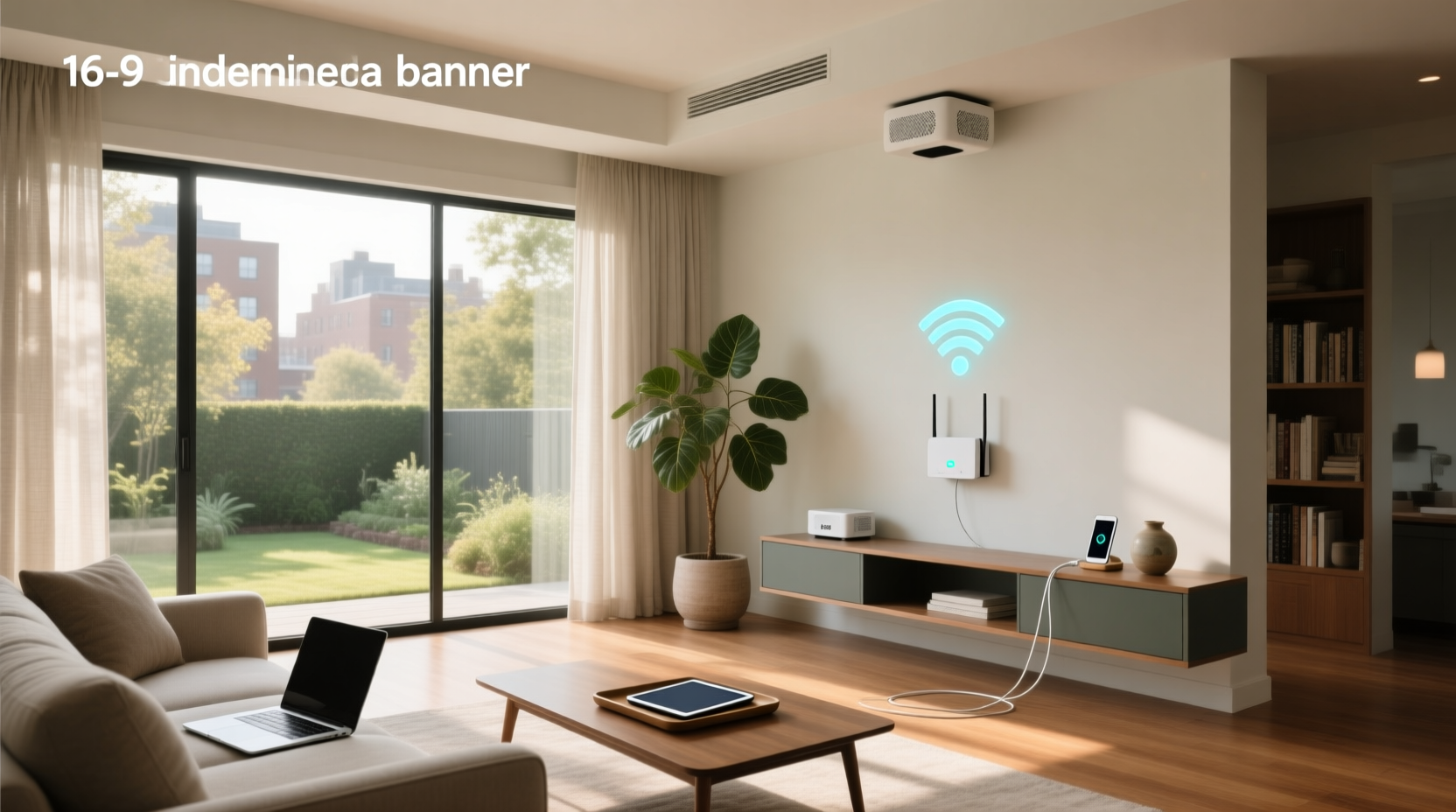
Choosing the right wifi devices for home isn’t about chasing the latest spec — it’s about matching hardware to your home’s size, layout, internet source, and usage patterns. In 2026, the most common and effective setups fall into three categories: single high-performance routers (ideal for apartments or homes under 1,500 sq ft), Wi-Fi 6 or Wi-Fi 7 mesh systems (best for multi-floor or large homes with dead zones), and 4G/5G LTE routers (for locations without fixed broadband). Your choice depends less on ‘best’ and more on whether you need coverage, speed consistency, portability, or independence from an ISP. This guide walks through each option objectively — including what you actually need to set up, how standards like Wi-Fi 6 (802.11ax) and Wi-Fi 7 (802.11be) differ in practice, and why a $300 mesh system may outperform a $900 standalone router in your 2,200 sq ft brick house.
Why ‘WiFi Devices for Home’ Is More Than Just a Router
Many users searching for wifi devices for home assume they only need one box — but reliable home Wi-Fi is a system, not a single device. The core components are:
- Modem: Connects your home to your Internet Service Provider (ISP) via cable, DSL, or fiber. It converts the ISP signal into Ethernet output. You cannot get Wi-Fi without either a modem or a modem-router combo.
- Router or mesh node(s): Takes the wired internet connection and broadcasts it wirelessly. A traditional router handles everything in one unit; mesh systems distribute intelligence across multiple nodes.
- Ethernet cables (Cat6a or Cat7 recommended): Critical for backhaul (node-to-node links in mesh) and for connecting stationary devices like desktop PCs, gaming consoles, or smart TVs. Wireless backhaul often cuts throughput by 30–50% compared to wired.
Missing any of these — especially using an outdated modem or skipping wired backhaul in a mesh setup — directly undermines performance, regardless of router specs 1.
Understanding Wi-Fi Generations: Wi-Fi 6 vs Wi-Fi 7 (and Why It Matters)
Wi-Fi standards define maximum theoretical speeds, latency, capacity, and efficiency — but real-world gains depend heavily on environment and client compatibility.
| Feature | Wi-Fi 6 (802.11ax) | Wi-Fi 7 (802.11be) |
|---|---|---|
| Release timeline | 2019 (widely adopted 2021–2023) | 2024 standard finalized; mainstream hardware available mid-2025 onward |
| Max PHY rate (theoretical) | 9.6 Gbps (with 160 MHz channel + 1024-QAM) | 46.1 Gbps (with 320 MHz channel + 4096-QAM + MLO) |
| Key new features | OFDMA, BSS coloring, Target Wake Time (TWT) | Multi-Link Operation (MLO), 320 MHz channels, 4K-QAM, puncturing |
| Real-world impact | Noticeable improvement in crowded networks (apartments, video calls + streaming) | MLO reduces latency spikes during handoffs; 320 MHz boosts throughput — but only if your ISP delivers >2 Gbps and clients support it |
| Device compatibility (2026) | Supported by all smartphones since iPhone 11 / Galaxy S10; laptops since 2021 | Limited to flagship phones (iPhone 16 Pro, Galaxy S25 Ultra), high-end laptops, and new gaming consoles — no legacy devices benefit |
Bottom line: If your internet plan is ≤1 Gbps and most devices are 2–4 years old, Wi-Fi 6 remains the pragmatic choice. Wi-Fi 7 justifies its higher cost only if you have fiber ≥2.5 Gbps, multiple Wi-Fi 7 clients, and need ultra-low latency for VR, cloud gaming, or synchronized multi-camera workflows 2. Don’t upgrade solely for the label.
Router vs Mesh vs LTE: Matching Device Type to Your Home Reality
Choosing between device types hinges on three non-negotiable factors: physical space, construction materials, and internet access method. Here’s how to decide:
✅ Single Router: When It’s Enough (and When It’s Not)
A high-end Wi-Fi 6 or Wi-Fi 7 router works well in:
- Open-plan apartments or condos under 1,200 sq ft
- Homes with mostly drywall or wood framing (not thick concrete or metal lath)
- Setups where the router can be centrally located — not tucked in a closet or basement
Avoid single routers if:
- Your home exceeds 1,500 sq ft
- You have two or more full floors with central stairwells (signal degrades vertically)
- Walls contain metal insulation, radiant barrier sheathing, or masonry — common in newer builds and older brick homes
Even top-tier routers struggle to maintain consistent 5 GHz or 6 GHz signal strength beyond ~30–40 ft through solid obstacles. Speed drops aren’t linear — they’re exponential. What reads as “300 Mbps at 40 ft” on spec sheets often means unstable 40–60 Mbps in practice when passing through two walls 3.
✅ Mesh Systems: Coverage Over Peak Speed
Mesh isn’t ‘faster’ — it’s more consistently usable. By placing nodes on each floor or wing, you eliminate reliance on one broadcast point. Key considerations:
- Backhaul matters more than band count: Tri-band (2.4 GHz + 5 GHz + 5/6 GHz) doesn’t guarantee performance. If nodes connect wirelessly (not via Ethernet), one radio is dedicated to node-to-node traffic — reducing client capacity. Wired backhaul (using Ethernet cables between nodes) restores full bandwidth for devices.
- Node placement isn’t intuitive: Avoid corners, metal cabinets, or behind refrigerators. Ideal placement is elevated (shelf height), centrally located per zone, and within 30 ft line-of-sight of adjacent nodes.
- Don’t over-deploy: Adding a fourth node rarely improves coverage — it increases interference and management overhead. Most homes need 2–3 nodes max.
Wi-Fi 7 mesh (e.g., TP-Link Deco BE85) excels in large homes with many simultaneous 4K streams or remote workers — but Wi-Fi 6 mesh (e.g., TP-Link Deco X60) still delivers 95% of the coverage benefit at half the price and broader device compatibility.
✅ LTE/5G Routers: When You Have No Fixed Broadband Option
These devices use cellular networks (via SIM card) to provide home internet — critical for rural areas, rentals where wiring isn’t allowed, or temporary setups. Realities to know:
- Data caps apply: Most consumer LTE plans include 200–500 GB/month. Streaming 4K video consumes ~7 GB/hour — so 50 hours of 4K uses up a 350 GB cap.
- SIM compatibility is not universal: Check band support (e.g., B2/B4/B5/B12/B13/B25/B26/B41/B66/B71 for US carriers) before buying. A TOTOLINK LR350 may work on T-Mobile but not Verizon without firmware tweaks.
- Signal ≠ speed: ‘Full bars’ indicates signal strength, not throughput. Upload speed (often 5–15 Mbps) frequently bottlenecks video calls and cloud backups — unlike fiber, which offers symmetrical 1 Gbps+.
LTE routers are functional alternatives, not upgrades. They solve access problems — not performance ones.
What Devices Do I Need for Home WiFi? (The Minimum Viable Setup)
Based on RTINGS.com and PChome 24h shopping data, here’s what’s truly required — and what’s optional:
| Component | Required? | Notes |
|---|---|---|
| Modem (or gateway) | ✅ Yes | Must match your ISP’s technology (DOCSIS 3.1 for cable, GPON for fiber). Some ISPs lease modems — check rental fees vs. buying. |
| Router or mesh system | ✅ Yes | Can be separate or built into modem (‘gateway’). Standalone routers offer better control and upgradability. |
| Ethernet cables (Cat6a minimum) | ✅ Yes (for wired devices & mesh backhaul) | Avoid Cat5e for >1 Gbps links. Use shielded cables if running near power lines. |
| Wi-Fi 6/7 client devices | ❌ No (but recommended) | Your phone/laptop determines max speed. Older devices limit network to their supported standard. |
| Network switch | ❌ Optional | Only needed if you have >4 wired devices and your router has ≤4 LAN ports. |
Important: You cannot get Wi-Fi without an internet provider — unless you use LTE/5G (which still requires a cellular provider) or tethering (limited by phone plan). There is no ‘Wi-Fi-only’ service. Wi-Fi is a local networking protocol, not an internet source.
Common Misconceptions About Home WiFi Devices
Myths persist because marketing emphasizes specs over physics. Here’s what’s actually true:
- “More antennas = better coverage” — False. Antenna count matters less than antenna design, placement, and radio calibration. A 4x4 MIMO router with poorly tuned antennas performs worse than a 2x2 with beamforming and clean RF isolation.
- “Wi-Fi 7 eliminates lag” — Overstated. MLO reduces latency variability, but end-to-end latency depends on ISP routing, server distance, and device drivers — not just the router.
- “Mesh means no configuration” — Not quite. While setup apps simplify basics, optimizing channel selection, disabling unused bands (e.g., turning off 2.4 GHz if all devices support 5/6 GHz), and scheduling reboots require manual intervention for stability.
- “Gaming routers improve ping” — Marginally. QoS features prioritize traffic, but they can’t fix upstream congestion or last-mile latency. A $300 gaming router won’t beat a $150 standard router on a congested neighborhood node.
How to Verify Performance Claims Before Buying
Spec sheets lie by omission. To assess real-world suitability:
- Check independent testing: Sites like RTINGS.com measure throughput at multiple distances, latency under load, and roaming handoff times — not just ‘up to’ numbers 1.
- Review teardowns: iFixit or YouTube teardowns reveal heatsink quality, power supply robustness, and whether radios are shared (common in budget mesh nodes).
- Read firmware update logs: Frequent security patches and feature additions indicate vendor commitment. Stale firmware (>6 months without update) signals abandonment.
- Test your current setup first: Use free tools like iPerf3 (for wired throughput) or NetSpot (for heatmapping) to identify actual weak spots — not assumed ones.
Frequently Asked Questions
- Which type of Wi-Fi is best for home?
Wi-Fi 6 is the best balance of performance, compatibility, and value for most homes. Wi-Fi 7 is worthwhile only if you have ≥2.5 Gbps fiber, Wi-Fi 7 clients, and demanding low-latency use cases. - What devices do I need for home WiFi?
You need a modem (or ISP-provided gateway), a router or mesh system, and Ethernet cables for wired connections and mesh backhaul. That’s the minimum functional stack. - Can I get Wi-Fi without an internet provider?
No — Wi-Fi is a local wireless protocol. You need an internet source: either a fixed ISP (cable/fiber) or a cellular provider (via LTE/5G router or hotspot). - Do I need tri-band for my home?
Only if you run a large mesh system with wireless backhaul and have 20+ concurrent devices. For most homes, dual-band Wi-Fi 6 suffices — and avoids 6 GHz signal absorption by walls and water (including human bodies). - How much does a reliable home Wi-Fi setup cost in 2026?
A complete Wi-Fi 6 mesh system (2 nodes + modem) starts around $250–$350. Wi-Fi 7 mesh starts at $550+. LTE routers range $80–$180, but factor in monthly data plan costs.
