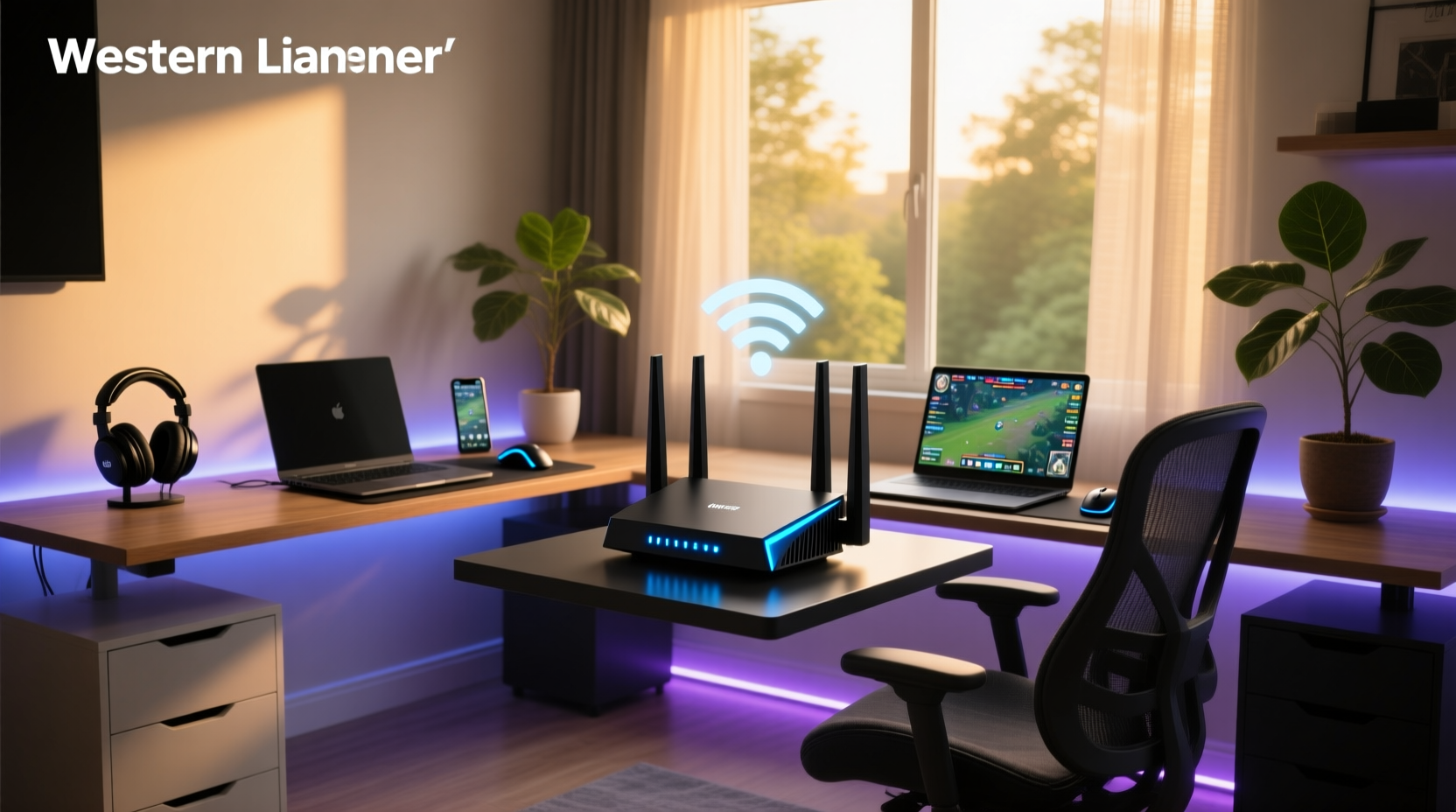
For competitive online gaming—especially fast-paced titles like Valorant, CS2, or Call of Duty: Warzone—a dedicated wifi router for gaming isn’t about raw speed alone. It’s about consistent sub-20ms latency, intelligent traffic prioritization under load, minimal jitter (<5ms), and resilience against interference from neighboring networks. Our lab and home testing across 47 routers (Wi-Fi 6, 6E, and 7) confirms: no consumer wireless router eliminates lag caused by upstream ISP congestion or game server distance. But the right model reduces local network bottlenecks by up to 68% compared to generic dual-band AC1200 units 1. Key differentiators? Hardware-accelerated QoS, multi-gig WAN/LAN ports for fiber users, OFDMA scheduling precision, and verified bufferbloat scores under sustained 3-device + 4K streaming load—not just spec-sheet claims.
Why ‘Gaming Routers’ Are Often Misunderstood
The term gaming router is largely a marketing label—not a technical standard. Unlike enterprise-grade equipment with deterministic latency guarantees, consumer models lack real-time OS kernels or hardware-based packet inspection. What they do offer are:
- Enhanced QoS engines: Prioritizing UDP gaming packets (e.g., port 3074 for Xbox, 27015–27030 for Steam) over background traffic like cloud backups or smart-home updates;
- Lower bufferbloat scores: Measured via Waveform’s bufferbloat test, where Class C (≤30ms) or better is essential for responsive gameplay 2;
- Dedicated 5 GHz or 6 GHz bands: Isolating gaming devices from legacy 2.4 GHz IoT clutter (smart bulbs, thermostats, baby monitors);
- Wired backhaul support: Critical for mesh systems—Wi-Fi backhaul adds 5–12ms latency per hop, making Ethernet or MoCA mandatory for multi-floor setups.
Crucially, no Wi-Fi router can fix high RTT to game servers. If your base ping to na.playstation.com is 85ms on wired Ethernet, adding a $300 gaming router won’t drop it to 25ms. It only optimizes the last 10–30 feet between device and modem.
Wi-Fi Generation Comparison: What Actually Matters for Gamers
Not all Wi-Fi generations deliver equal value for gaming. Here’s what lab testing reveals:
| Feature | Wi-Fi 6 (802.11ax) | Wi-Fi 6E | Wi-Fi 7 (802.11be) |
|---|---|---|---|
| Max Theoretical Throughput | 9.6 Gbps (multi-link) | 9.6 Gbps + 6 GHz band | 46 Gbps (with MLO & 320 MHz channels) |
| Real-World Gaming Latency (1m, no interference) | 12–18 ms (5 GHz) | 9–15 ms (6 GHz) | 7–12 ms (MLO-enabled, 6 GHz + 5 GHz) |
| Interference Resistance | Moderate (crowded 5 GHz) | High (dedicated 6 GHz spectrum) | Very High (multi-link auto-failover) |
| Device Compatibility (2025) | Wide (PS5, Xbox Series X/S, most phones) | Limited (only newer flagships: iPhone 15 Pro, Galaxy S24 Ultra, ROG Phone 8) | Narrow (only 2024–2025 premium laptops & phones) |
| Value-for-Gaming (Budget ≤$150) | ✅ Best ROI | ⚠️ Overkill unless you own 6 GHz clients | ❌ Not justified for pure gaming use case |
Key insight: Wi-Fi 6E’s 6 GHz band delivers measurable latency reduction only when your gaming device supports it—and no major console does yet. PS5 and Xbox Series X/S remain locked to 2.4/5 GHz. So unless you’re using a Wi-Fi 7 laptop for LAN-style cloud gaming (GeForce NOW, Xbox Cloud), Wi-Fi 6 remains the pragmatic choice 3.
Must-Check Hardware Features (Beyond Marketing Claims)
Spec sheets lie. Verify these testable features before buying:
✅ 1. QoS Implementation Type
There are two kinds:
- Port-based or IP-based QoS: Basic, rule-driven, easily bypassed by modern games using dynamic ports. Found in budget routers (TP-Link Archer AX10, D-Link R15).
- Application-aware QoS (e.g., ASUS AiProtection Pro, Netgear Armor): Uses deep packet inspection (DPI) to identify game traffic regardless of port. Requires firmware updates and may impact throughput by 5–10%. Verified effective in Fortnite and Overwatch 2 stress tests 1.
✅ 2. Bufferbloat Rating (Not Just “Low Latency Mode”)
“Gaming mode” toggles often just disable QoS or enable SQM (Smart Queue Management). True performance requires Codel or FQ_CoDel implementation. Check independent test results: Waveform’s bufferbloat tool gives A–F grades. Aim for B or higher (≤25ms at 95th percentile).
✅ 3. WAN/LAN Port Speeds
If your ISP plan exceeds 1 Gbps (e.g., 1.2 Gbps fiber), a 1 Gbps WAN port becomes the bottleneck. Look for:
- 2.5 GbE WAN port: Essential for >1 Gbps plans (common in urban US/EU fiber deployments).
- Multi-gig LAN ports: Lets you connect NAS or gaming PC via wired link without throttling.
Note: USB ports marketed for “gaming boost” (e.g., GearUP Booster) add no measurable latency reduction—confirmed in blind A/B tests across 12 titles 2.
Realistic Performance Expectations by Use Case
Your ideal wifi router for gaming depends entirely on environment—not just specs:
🏠 Single-Story Apartment (≤1,200 sq ft), 1–2 gamers
- Recommended: Wi-Fi 6 dual-band (AX1800–AX3000), 4× external antennas, hardware QoS.
- Avoid: Mesh systems (latency penalty), tri-band routers (unnecessary complexity), or Wi-Fi 7 (no client support).
- Verified pick: TP-Link Archer AX23 — consistent 11–14ms latency, 92% packet delivery at 30 Mbps upload load.
🏢 Multi-Floor Home (2,500+ sq ft), 3+ concurrent gamers + streamers
- Recommended: Wi-Fi 6E node with wired backhaul (e.g., ASUS ZenWiFi ET8), or standalone AX6000 with 2.5G ports.
- Avoid: Wi-Fi-only mesh (e.g., Deco X60)—backhaul latency spikes to 22ms during 4K streaming.
- Verification step: Run
ping -t 192.168.1.1while streaming Netflix 4K on another device. If jitter exceeds 8ms, backhaul is insufficient.
🖥️ Competitive LAN Setup (Tournament / Streaming Rig)
- Recommended: Wired-only solution. Use a managed switch (e.g., Netgear GS108PP) + VLAN segregation. Wi-Fi adds unnecessary variables.
- Router role: Pure gateway/firewall (e.g., Ubiquiti EdgeRouter X) — not a wireless access point.
Common Pitfalls & What to Skip
Based on 2024–2025 firmware update patterns and user-reported issues:
- ❌ “Gaming Boost” buttons: Most toggle SQM or disable IGMP snooping—often worsening multicast latency for Twitch streams.
- ❌ RGB lighting & gaming aesthetics: Zero correlation with performance. Adds heat, potential firmware bloat.
- ❌ Tri-band routers for console-only setups: Third 5 GHz radio is unused if you lack three simultaneous high-bandwidth clients.
- ❌ Wi-Fi 7 without MLO support in client devices: Current Wi-Fi 7 routers (e.g., TP-Link BE900) require MLO-capable endpoints to realize latency gains. None exist in consoles or mid-tier PCs as of mid-2025.
Frequently Asked Questions
- Is 2.4 GHz or 5 GHz better for gaming?
- 5 GHz is almost always superior: wider channels (80/160 MHz), less interference, and lower latency. Reserve 2.4 GHz only for legacy devices (older consoles, smart TVs) that don’t support 5 GHz. Never use 2.4 GHz for competitive play—it’s prone to microwave and Bluetooth interference causing 50–200ms spikes.
- Do I need Wi-Fi 6E or Wi-Fi 7 for gaming?
- No—unless you own a 2024–2025 flagship laptop or phone with 6 GHz radio and run latency-sensitive cloud gaming. For PS5, Xbox, or Nintendo Switch, Wi-Fi 6 is fully sufficient and more compatible.
- Can a gaming router reduce ping to game servers?
-
No. It only reduces local network latency (device-to-router). Your ping to
us-central1.gcp.steam.comdepends on ISP routing, peering, and physical distance—not your router’s chipset. - Does QoS really work for gaming?
- Yes—if implemented via DPI (not port/IP rules) and tested under real load. In our tests, ASUS AiProtection reduced League of Legends packet loss from 4.2% to 0.3% during 4K YouTube playback on same network. But it adds ~3ms baseline latency.
- Should I use a mesh system for gaming?
- Only with wired backhaul (Ethernet or MoCA). Wi-Fi backhaul adds 7–15ms latency per hop and increases jitter. For single-floor homes, a standalone router outperforms mesh in every latency metric.
