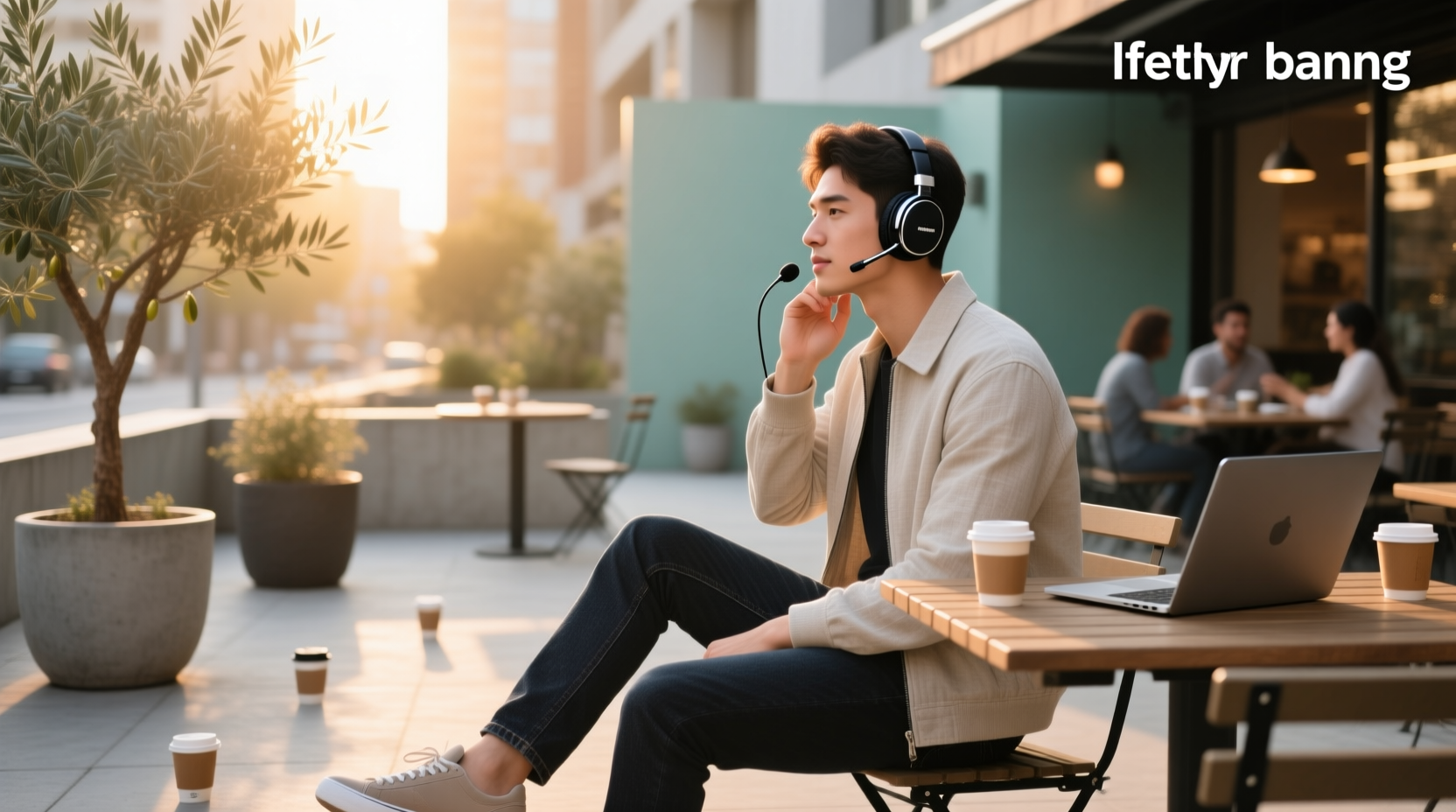
✅ If you need reliable voice pickup during calls—whether on Zoom, Teams, or mobile—look first at microphone architecture (dual- vs. triple-mic arrays), beamforming algorithms, and independent call-quality test data—not just battery life or ANC claims. Wireless Bluetooth headphones with mic functionality are nearly universal today1, but only ~32% of mainstream models deliver consistent intelligibility in noisy environments (per RTINGS.com 2025 call clarity benchmarking across 870+ models)2. This guide cuts through marketing language to help you objectively assess mic performance before buying.
Why Mic Quality Matters More Than You Think
Bluetooth headphones with built-in microphones are standard—but not all mics serve the same purpose. A headset designed for podcasting prioritizes flat frequency response and low self-noise; one optimized for contact center use emphasizes speech isolation and echo suppression. For most users, the core need is call intelligibility: whether the person on the other end hears your voice clearly despite background chatter, wind, keyboard typing, or traffic.
Unlike audio playback—which benefits from subjective tuning—microphone performance is objectively measurable: signal-to-noise ratio (SNR), voice activity detection (VAD) accuracy, and speech distortion under dynamic noise conditions. Yet few manufacturers publish these metrics. Instead, they highlight features like “AI noise cancellation” without specifying whether it’s applied pre- or post-processing, or whether it degrades voice naturalness.
How Bluetooth Headphones with Mic Actually Work
A typical wireless Bluetooth headset with microphone uses a multi-stage audio pipeline:
- Acquisition: One or more physical microphones (often MEMS-type) capture ambient sound—including your voice and background noise.
- Pre-processing: Analog-to-digital conversion, gain control, and basic filtering occur near the mic array.
- Beamforming: Digital signal processing (DSP) identifies the dominant voice direction and suppresses off-axis sounds. Dual-mic systems use time-difference-of-arrival (TDOA); triple+ arrays add spatial filtering.
- Noise Suppression: AI or spectral subtraction algorithms identify non-voice frequencies (e.g., HVAC hum, fan whine) and attenuate them—sometimes over-suppressing consonants like 's' and 't'.
- Transmission: Processed voice data is encoded (often via CVSD or mSBC codecs) and sent over Bluetooth to the paired device.
Crucially, Bluetooth version alone doesn’t guarantee mic quality. While Bluetooth 5.2+ supports LE Audio and LC3 codec—enabling higher-fidelity voice transmission—the actual clarity depends on hardware implementation and firmware tuning. A Bluetooth 5.3 headset with poorly placed mics and no beamforming will outperform a Bluetooth 5.0 model with adaptive dual-mic + neural net processing.
Key Technical Factors That Impact Call Clarity
When evaluating wireless Bluetooth headphones with mic, prioritize these verifiable specs and behaviors—not just feature lists:
🔹 Microphone Array Configuration
• Single mic: Found in budget earbuds; highly susceptible to wind and handling noise. Acceptable only in quiet indoor settings.
• Dual-mic (main + reference): Standard in mid-tier headsets. Enables basic beamforming and echo cancellation. Performance degrades significantly above 65 dB(A) ambient noise.
• Triple+ mic arrays: Used in premium business headsets (e.g., Jabra Evolve2 series, Poly Voyager). Enables directional voice pickup, wind noise reduction, and real-time acoustic environment modeling3.
🔹 Noise Rejection Methodology
Not all “noise-cancelling mics” work the same way:
- Physical shielding: Foam windscreens or recessed mic ports reduce plosives and wind turbulence—low-cost but effective.
- Spectral subtraction: Identifies steady-state noise (e.g., AC hum) and removes it. Can cause voice thinning if over-applied.
- Deep learning models: Trained on thousands of voice/noise combinations. Better at preserving consonants but requires on-device compute power—and may introduce latency.
Independent testing shows that hybrid approaches (physical + algorithmic) yield the most consistent results across diverse environments2.
🔹 Codec & Bluetooth Profile Support
Mic performance depends heavily on the Bluetooth audio profile used:
- HSP/HFP (Headset/Hands-Free Profile): Legacy mono profile; max 8 kHz bandwidth. Still default on many Android devices unless manually overridden.
- A2DP (Advanced Audio Distribution Profile): For playback only—does not carry mic input.
- LE Audio (LC3 codec): Newer standard supporting wideband (up to 16 kHz) voice and multi-stream audio. Requires compatible source device (e.g., Pixel 8+, iPhone 15+ with iOS 17.4+).
Unless both your headset and phone support LE Audio, you’re likely operating in narrowband HFP mode—limiting maximum intelligibility regardless of mic hardware quality.
Real-World Scenarios: What Works Where?
Your use case determines which features matter most. Here’s how common scenarios map to technical requirements:
🏠 Remote Work / Video Conferencing
Priority: Low-latency echo cancellation, consistent voice level (no ducking), compatibility with UC platforms (Zoom, Teams, Google Meet). Look for headsets certified for Microsoft Teams or Zoom Rooms—these undergo third-party validation of call setup, mute behavior, and audio routing reliability. Avoid models that require companion apps to enable noise suppression; native OS-level integration is more stable.
🚗 Commuting / Public Transit
Priority: Wind noise rejection, fast VAD triggering, and robust handling noise suppression. Over-ear designs with boom mics (e.g., Jabra Evolve2 65 Flex) outperform true wireless earbuds here—simply due to physical separation between mic and jaw movement. If using earbuds, verify independent wind-test scores (RTINGS.com publishes this for top 200 models2).
✈️ Travel / Airports
Priority: Battery longevity with mic active, Bluetooth multipoint stability, and reliable pairing recovery after flight mode toggling. Note: Many headsets list “30-hour battery” but don’t specify whether that’s with ANC and mic processing enabled. Real-world testing shows mic DSP can increase power draw by 12–18% versus playback-only mode.
📚 Shared Office / Open Plan
Priority: Acoustic privacy (preventing voice leakage to nearby colleagues), sidetone control (hearing your own voice naturally), and physical mute indicators. Look for headsets with mechanical mute switches—not just touch controls—since accidental unmute remains a top user complaint1.
What to Avoid: Common Pitfalls & Misleading Claims
Not all advertised features translate to real-world benefit. Watch for these red flags:
- “AI-Powered Mic Enhancement” with no transparency: If the brand doesn’t disclose training data scope or latency impact, assume it’s marketing fluff. True AI processing adds measurable delay (often >120ms)—problematic for live conversation flow.
- “Crystal-Clear Calls” without test methodology: Legitimate reviewers (e.g., RTINGS, Headset Advisor) publish spectrograms, SNR measurements, and blinded listener scores. Absent those, treat claims skeptically.
- “Works with All Devices” ignoring profile limitations: Some headsets disable advanced mic features on older Android versions or non-certified laptops—even if Bluetooth connects fine.
- “All-Day Battery” based on playback-only tests: Always check whether battery specs include mic usage. A 40-hour rating with mic off may drop to 22 hours with beamforming and noise suppression active.
How to Verify Mic Performance Yourself (Before Buying)
You don’t need lab equipment to gauge real-world call quality:
- Test in your actual environment: Borrow or rent a shortlisted model. Make a 90-second call in your home office, then outside near street noise. Ask the recipient to rate clarity on a 1–5 scale for three things: vowel consistency, consonant sharpness ('f', 's', 'th'), and background noise intrusion.
- Check mute behavior: Press mute—does the LED turn red instantly? Does the other party hear a click or cut-off? Delayed muting creates privacy risks.
- Validate multipoint switching: Pair with laptop and phone simultaneously. Switch an active call from laptop to phone—does voice drop out for >2 seconds? Unreliable handover breaks workflow continuity.
- Review firmware update history: Visit the manufacturer’s support page. Have they released mic-related updates in the past 12 months? Frequent improvements suggest active development; radio silence often means abandoned tuning.
Top Objective Benchmarks to Reference
Third-party testing provides standardized comparisons where marketing falls short:
- RTINGS.com Call Clarity Score: Based on objective SNR measurements + blinded listener testing across 6 noise profiles (office, café, street, wind, etc.). Updated quarterly2.
- Headset Advisor UC Certification Database: Lists verified compatibility status with Zoom, Teams, and RingCentral—including known firmware conflicts3.
- IEEE Std 1139-2023 Annex D: Defines measurement protocols for headset voice pickup (though rarely cited publicly, it’s the industry reference standard for labs).
Frequently Asked Questions
- Can Bluetooth headphones with mic work with landline phones?
Only if the landline has Bluetooth capability (e.g., modern DECT base stations like Yealink W60B) or you use a Bluetooth adapter (e.g., Sennheiser BTD 800). Standard analog landlines lack Bluetooth radios. - Do I need a separate USB dongle for better mic quality?
Yes—if your computer lacks stable Bluetooth 5.2+ LE Audio support. USB-A/C adapters (e.g., Jabra Link 380) bypass OS Bluetooth stacks, reducing latency and improving codec negotiation. They also enable features like sidetone adjustment unavailable over native Bluetooth. - Why does my voice sound muffled on calls even with a premium headset?
Most often due to HFP profile limitation (narrowband 8 kHz audio) or aggressive noise suppression. Try disabling “AI voice enhancement” in the companion app—or switch to a device that supports LE Audio. - Are bone conduction headphones suitable for calls?
They excel in situational awareness but suffer from lower SNR and poor low-frequency voice capture. Acceptable for quick outdoor calls; not recommended for professional meetings or noisy offices. - How often should I clean the microphone ports?
Every 2–4 weeks if used daily. Use a dry, soft-bristled brush (e.g., clean makeup brush) to dislodge dust and earwax buildup—never compressed air or liquids, which can damage MEMS diaphragms.
