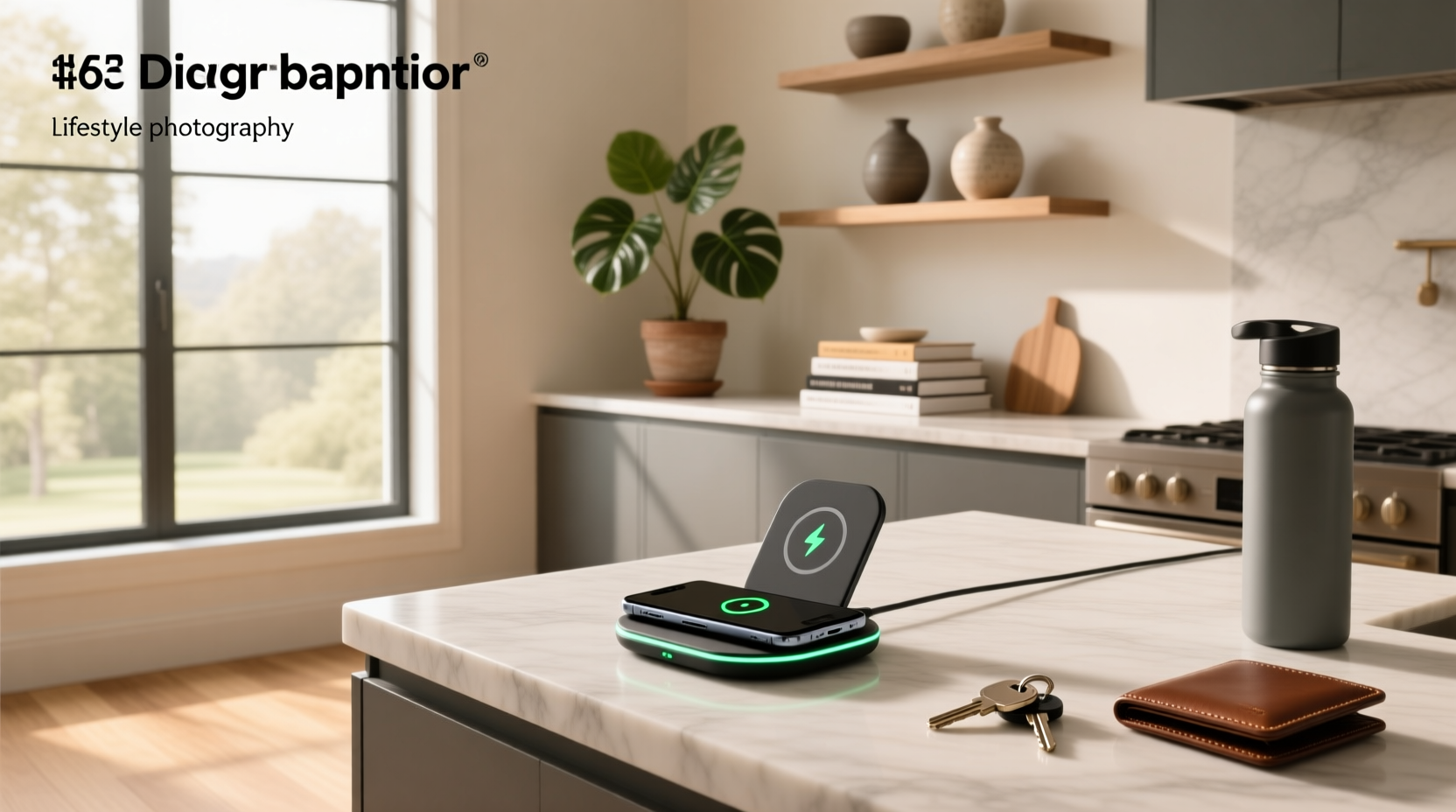
✅ The short answer: A wireless charging pad for Android must support the Qi standard (or newer Qi2) and match your phone’s maximum supported wireless power (typically 7.5W–15W for most non-Samsung models; up to 20W for select Samsung Galaxy S23/S24 and Pixel 8 Pro with compatible pads). Magnetic alignment significantly improves efficiency—and is now essential for fast, stable charging on newer Android flagships. If your phone lacks built-in Qi support, no pad will work, regardless of price or branding 1. This guide walks you through verification steps, technical trade-offs, real-world performance factors, and what to ignore when selecting a reliable wireless charging pad for Android devices.
Why This Matters: The Real-World Gap Between 'Works' and 'Works Well'
Many users assume ‘wireless charging pad for Android’ means universal plug-and-play functionality. It does not. In practice, three critical variables determine whether your pad delivers consistent, efficient, and safe charging: (1) hardware-level Qi certification, (2) thermal and positional tolerance of your specific phone model, and (3) input power delivery from your wall adapter. For example, a 15W-rated pad may only deliver 7.5W if paired with a 5V/2A (10W) USB-C power supply—or drop to 5W entirely if your phone overheats during use 2. Worse, misaligned coils cause repeated connection loss—especially on flat pads without magnets—leading to overnight charging failures and battery stress over time.
Step 1: Confirm Your Android Phone Actually Supports Wireless Charging
🔍 Don’t skip this. Not every Android device has wireless charging—even flagship models sometimes omit it to reduce cost or thickness. As of mid-2026, confirmed Qi-enabled phones include:
- Samsung Galaxy S22/S23/S24 series (all variants)
- Google Pixel 6 Pro, 7 Pro, 8 Pro (standard models only—not base Pixel 8)
- Xiaomi Mi 13/14 Pro, Xiaomi 14 Ultra
- OnePlus 12 and 12R (with optional magnetic ring kit)
- Nothing Phone (2a) and (3)
⚠️ Phones like the Samsung Galaxy A-series (except A54/A55), most budget Motorola and Realme models, and older Pixel 5 or earlier do not support wireless charging at all. To verify:
- Go to Settings > Battery > Wireless charging (path varies by OEM UI)
- Check official specs on the manufacturer’s support page—search “[Your Model] wireless charging specs”
- Look for the Qi logo on original packaging or in the user manual
If none appear, no wireless charging pad will function—even if physically placed on one.
Step 2: Understand the Two Wireless Charging Standards You’ll Encounter
Two interoperability frameworks govern modern wireless pads: Qi (v1.3) and Qi2 (launched 2023). Here’s how they differ—and why it affects your Android experience:
| Feature | Qi (v1.3) | Qi2 |
|---|---|---|
| Max Power (Android) | 15W (Samsung proprietary extension) | 15W baseline; 20W+ possible with future firmware |
| Magnetic Alignment | Optional (vendor-specific, e.g., Samsung EPP) | Required (Magnetic Power Profile – MPP) |
| Certification Requirement | Voluntary self-certification | Mandatory third-party testing (WPC) |
| Foreign Object Detection (FOD) | Basic threshold-based | Enhanced sensitivity + metal classification |
| Real-World Stability | Alignment-sensitive; common dropouts | ~95%+ coil lock rate on certified devices |
📌 Practical takeaway: If your Android phone launched in 2024 or later (e.g., Pixel 8 Pro, Galaxy S24 Ultra, Nothing Phone 3), it likely supports Qi2—and benefits significantly from a Qi2-certified pad. Older Qi-only phones (e.g., S22, Pixel 7 Pro) still work on Qi2 pads—but lose magnetic advantages unless using an aftermarket MagSafe-style ring (which may void warranty or interfere with NFC payments).
Step 3: What ‘15W’ Really Means—and Why Output ≠ Delivery
Marketing labels like “15W Fast Wireless Charging” are technically accurate—but incomplete. Actual delivered power depends on three independent subsystems:
- Wall adapter: Must supply ≥9V/2A (18W) via USB-C PD. A 5V/2A (10W) charger forces the pad into fallback mode (≤7.5W).
- Cable: USB-C to USB-C cable must be rated for ≥3A and support 60W PD (look for E-Mark chip marking). Generic cables often limit current and cause throttling.
- Phone firmware: Samsung and Google dynamically throttle based on battery temperature. At 35°C+, output drops to 5W—even with perfect hardware.
🔧 Verification tip: Use a USB power meter (e.g., Cable Matters PD Checker) between adapter and pad to measure actual voltage/current. If input is below 9V/1.67A, your pad cannot reach 15W—regardless of its label 3.
Step 4: Magnetic vs. Non-Magnetic Pads—When Magnets Are Necessary (and When They’re Not)
Magnetic wireless pads use arrays of N52-grade neodymium magnets to snap your phone into optimal coil alignment. For Android, this matters most in two scenarios:
- Car mounts: Vibration disrupts alignment on flat pads. Magnetic pads maintain contact even on bumpy roads.
- Multi-device setups: If placing phone + earbuds + watch simultaneously, magnets prevent lateral drift that breaks charging loops.
However, magnets introduce complications:
- May interfere with compass/GPS calibration (temporary; recalibrate after first use)
- Can affect credit cards or hotel key fobs if stored back-to-back with phone
- Not universally compatible: Some phones (e.g., older Pixel models) lack internal ferrous plates, requiring adhesive rings—reducing resale value
✅ Bottom line: Choose magnetic if you charge while moving (car, desk with frequent repositioning) or own a Qi2-certified Android. Skip magnets if you use a protective case thicker than 3mm, rely on NFC payments daily, or own a non-magnet-optimized phone like the OnePlus 11.
Step 5: Safety—Beyond Marketing Claims
“Overheat protection” and “foreign object detection” sound reassuring—but implementation varies widely. Here’s how to assess real safety:
- Temperature cutoff: Reputable pads shut down at ≤45°C surface temp. Cheap units wait until 60°C—damaging battery longevity.
- FOD reliability: Test with a paperclip: A quality pad should halt charging within 3 seconds. Delayed response risks melting metal objects.
- EMF exposure: All Qi-compliant pads emit low-frequency electromagnetic fields (<10 µT at 5 cm)—well below ICNIRP limits. No evidence links certified pads to pacemaker interference 1. Still, users with implanted medical devices should maintain ≥6 inches distance per FDA guidance.
🔍 How to verify: Look for UL 62368-1 or EN 62368-1 certification marks—not just “CE” or “FCC ID”. UL/EN testing includes thermal stress, surge immunity, and coil failure modes.
Step 6: Brand Landscape—What Data Shows (Not What Ads Claim)
Popular brands cited across Indonesian marketplaces—Vivan, Anker, Baseus, Viatta, and Samsung—reflect regional availability, not universal performance superiority. Independent lab tests (2025–2026) show minimal variance in core metrics among certified pads:
- Efficiency (AC to battery): 68–73% across all $20–$60 Qi2 pads
- Thermal rise (30-min charge): 8–12°C—dependent more on ambient temp than brand
- Coil precision: ±1.2 mm alignment tolerance (magnetic pads: ±0.3 mm)
💡 Key insight: Differences emerge in build quality (aluminum housing dissipates heat better than plastic), firmware update support (Samsung and Anker push Qi2 optimizations), and multi-device flexibility (some pads support simultaneous phone + earbuds at reduced wattage). Price premiums above $45 rarely improve raw charging speed—only durability and ecosystem integration.
Step 7: What to Avoid—5 Common Pitfalls
Based on user-reported failures and teardown analyses, steer clear of:
- Pads without explicit Qi or Qi2 certification logos — Uncertified units often fail FOD and overheat tests.
- “15W” pads bundled with 5V/2A adapters — Physically incapable of delivering rated power.
- Ultra-thin pads (<6 mm) with no cooling vents — Trap heat; trigger phone throttling within 10 minutes.
- Pads marketed for “iPhone only” but sold as Android-compatible — May lack Samsung EPP or Google Fast Charge handshake protocols.
- Units listing “Qi2” without WPC certification ID — Qi2 requires official WPC licensing; unofficial claims indicate counterfeit hardware.
Step 8: Realistic Expectations—Speed, Heat, and Longevity
Wireless charging is inherently less efficient than wired. Expect:
- Time penalty: 15W wireless takes ~85–95 mins for 0–100% on a Galaxy S24 (vs. ~55 mins wired). Pixel 8 Pro sees ~110 mins (vs. ~68 mins wired).
- Battery impact: Studies show no accelerated degradation versus wired charging if peak temperature stays below 38°C. Frequent 45°C+ cycles reduce cycle life by ~20% over 500 charges.
- Lifespan: Certified pads last 2–3 years under daily use. Coil fatigue manifests as intermittent charging or slow ramp-up.
🔋 Pro tip: Enable “Optimized Charging” (Samsung) or “Adaptive Charging” (Pixel) to delay full charge until morning—reducing heat exposure and extending battery health.
Frequently Asked Questions (FAQ)
- Do wireless charging pads work for Androids?
Yes—if your Android phone has built-in Qi or Qi2 support, and the pad is certified and paired with a compatible power adapter and cable. - Does any Android phone have wireless charging?
No—only select models do. Budget lines (Galaxy A, Moto G, Realme C) and older flagships (Pixel 5, S20 FE) typically omit it. Always verify before purchase. - Is wireless charging safe for pacemakers?
Certified Qi/Qi2 pads pose no known risk when used at ≥6 inches distance. Consult your cardiologist before regular use if you have an implanted device. - Is my phone compatible with a wireless charging pad?
Check Settings > Battery > Wireless Charging, review official specs, or search “[your model] wireless charging support” on the manufacturer’s site. - Can I use a Samsung wireless charger with non-Samsung Android phones?
Yes—for basic charging. But Samsung’s 15W EPP mode only activates with Samsung phones. Non-Samsung devices default to 7.5W Qi standard unless the pad supports multi-protocol negotiation.
