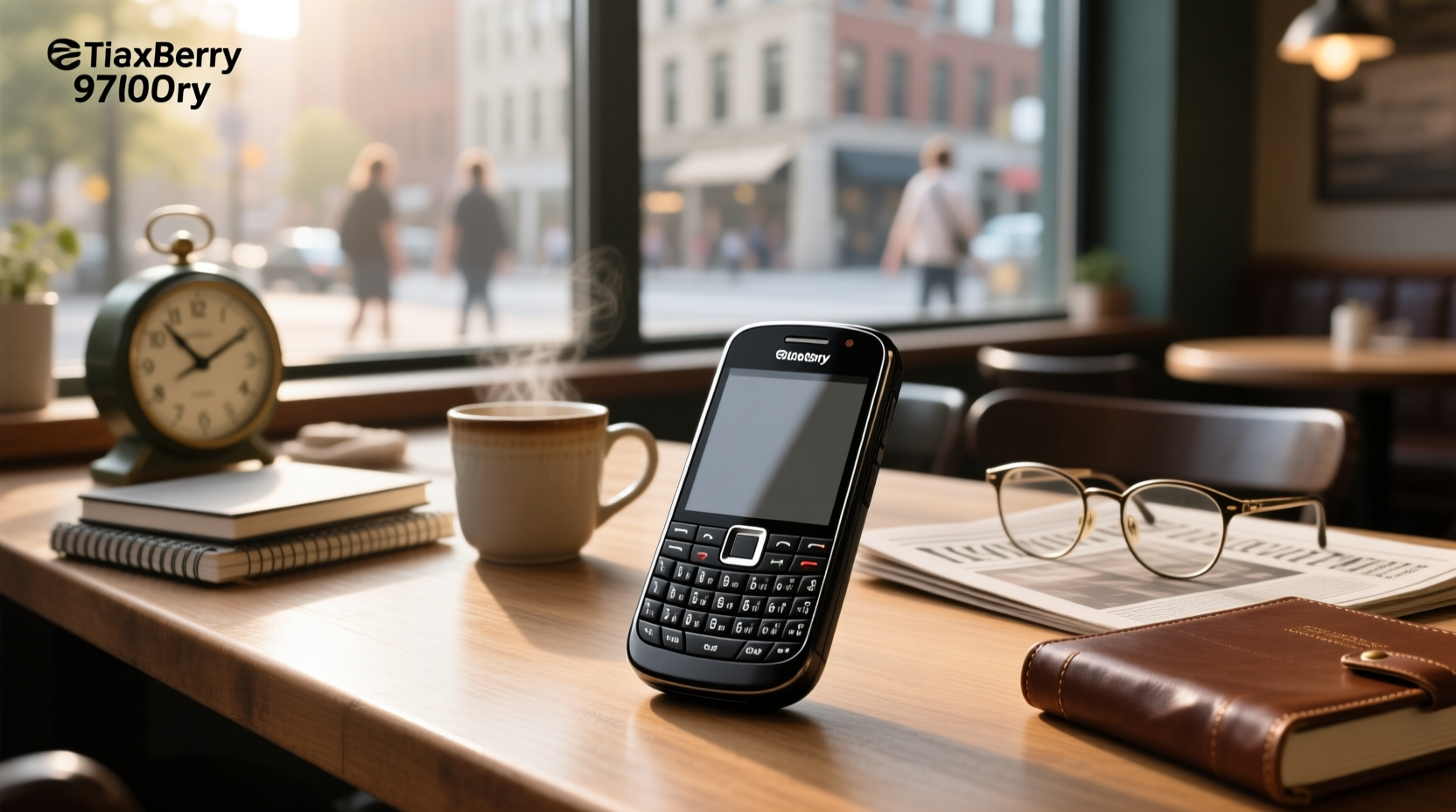
Yes, you can still power on, make calls, send SMS, and use the physical QWERTY keyboard on a BlackBerry Bold 9700 in 2026 — if it’s unlocked, paired with a compatible 2G/3G GSM carrier (where service remains), and configured for basic voice/SMS-only operation. However, it cannot access email, BBM, web browsing, app stores, or secure enterprise services — all BlackBerry Infrastructure Services (BIS) and BlackBerry Enterprise Server (BES) were permanently discontinued on January 4, 2022 1. This means the device functions today as a legacy communication tool, not a smartphone — ideal for collectors, retro enthusiasts, GSM security researchers, or users seeking distraction-free typing. If your goal is daily connectivity, messaging, or internet access, the Bold 9700 operates within defined technical boundaries — but if you value tactile input, battery longevity, or historical hardware authenticity, it remains uniquely functional.
What Is the BlackBerry Bold 9700 — And Why Does It Still Matter?
Released on December 18, 2009 2, the BlackBerry Bold 9700 (codenamed "Onyx") was RIM’s response to growing demand for compact, premium business smartphones. At just 10.9 × 6.1 × 1.5 cm and 123 g, it was significantly smaller and lighter than its predecessor, the Bold 9000 — recognized for its ergonomic form factor and faux-leather back panel 3. Unlike earlier Bold models, it replaced the iconic trackball with an optical trackpad — offering smooth navigation and precision for its era. Its 2.44-inch 480×360 TFT LCD, 3.2 MP camera with autofocus and flash, 624 MHz Marvell PXA930 processor, and 256 MB RAM delivered strong performance for mid-2009, especially for email, calendar, and document handling.
Its enduring relevance stems from design philosophy and mechanical integrity. The full QWERTY keyboard provides distinctive tactile feedback and efficient typing for single-handed, thumb-driven input. Its stainless steel frame, removable battery, and user-replaceable components reflect an era when phones were engineered for longevity and serviceability. That durability, combined with its role in early mobile security research and nostalgic appeal, explains why units continue to circulate on secondary markets for $15–$60 4, and why Reddit and YouTube communities actively maintain usage guides and firmware workarounds.
Hardware Specifications: What You’re Actually Getting
Before evaluating usability in 2026, it’s essential to ground expectations in objective hardware reality — not nostalgia. Below is a verified specification summary based on GSMArena, BlackBerry’s official documentation, and teardown analysis from iFixit 56:
| Category | Specification |
|---|---|
| 📱 Form Factor | Bar-style, physical QWERTY keyboard, optical trackpad |
| 🖥️ Display | 2.44″ TFT LCD, 480 × 360 pixels (~246 ppi) |
| 📷 Camera | 3.2 MP rear, autofocus, LED flash, 480p video recording |
| 🔋 Battery | 1500 mAh removable Li-ion; up to 5.5 hrs talk time / 21 days standby (per spec) |
| 📡 Connectivity | GSM/EDGE (850/900/1800/1900 MHz), UMTS/HSDPA (2100 MHz), Wi-Fi 802.11b/g, Bluetooth 2.1 + EDR, micro-USB 2.0, 3.5 mm jack |
| 💾 Storage & Memory | 256 MB internal Flash, 128 MB RAM (some variants 256 MB RAM), microSDHC slot (up to 32 GB) |
| ⚙️ OS | BlackBerry OS 5.0 (shipped), upgradable to OS 6.0 — no OS 7 or later support |
Note: There is no 4G/LTE, no VoLTE, no NFC, and no GPS A-GPS assistance over cellular networks — only standalone GPS with assisted data via Wi-Fi or cached maps (which are now inaccessible). Compatibility depends on carrier infrastructure alignment — a characteristic shared by many legacy devices operating in evolving network environments.
Can You Still Use It on Cellular Networks in 2026? (The Critical Reality Check)
The short answer: Only on select GSM carriers that still operate 2G or 3G networks — and even then, only for voice and SMS. As of April 2026, major North American carriers have fully sunsetted legacy networks:
- AT&T: Shut down 2G (2017) and 3G (Feb 2022) 7.
- T-Mobile US: Decommissioned 2G (2021) and 3G (July 2022); retained some 3G spectrum for IoT but not consumer devices 8.
- Verizon: Never supported GSM — incompatible with Bold 9700 out of the box.
In contrast, several international carriers — particularly in Europe, Latin America, and parts of Asia — still maintain 2G or 3G layers for machine-to-machine (M2M) and basic voice fallback. Examples include:
- Vodafone UK: Maintains 2G until at least 2025 (officially extended due to rural coverage needs) 9.
- Orange France: 2G active through 2026; 3G scheduled for shutdown in late 2026 10.
- Claro (Mexico, Colombia): 2G remains widely deployed; 3G still active in most urban zones.
To verify real-time compatibility, do not rely on carrier websites alone. Instead:
- Insert a SIM from your target carrier.
- Power on the device and navigate to Options → Device → Advanced System Settings → SIM Card.
- Check if “Network” displays a registered carrier name (e.g., “VODAFONE-UK”) — not “No Service” or “Emergency Calls Only.”
- Test outgoing voice call and SMS (avoid data tests — they will fail).
If registration fails, the issue may be SIM size (the 9700 uses standard mini-SIM — not micro/nano), carrier lock (most units sold on AT&T/T-Mobile were locked), or network deprecation. Unlocking requires either the original carrier’s unlock code (often unavailable post-sunset) or third-party services — which carry legal and warranty risks.
What Functions Differently Today — And How to Adapt
Understanding how functionality has evolved helps set realistic expectations and identify viable use paths. Below is a list of features with updated operational context:
- 📧 Push Email & BIS/BES: Terminated globally on Jan 4, 2022. No servers exist to route mail, sync calendars, or authenticate corporate accounts 1. IMAP/POP3 setup remains possible over Wi-Fi using compatible clients — though modern TLS requirements may necessitate configuration adjustments.
- 🌐 Web Browsing: BlackBerry Browser relies on proprietary proxy servers (now offline) and outdated SSL/TLS stacks. Modern HTTPS sites (including Google, Wikipedia, and banks) return “Secure Connection Failed” errors. Some static HTML content and local files remain accessible — making the browser useful for offline reference material or preloaded documentation.
- 📱 App Ecosystem: BlackBerry App World shut down in 2016. While native app installation is no longer available, third-party Java ME apps (if signed and compatible with OS 5.0–6.0) may run offline — supporting utilities like calculators, converters, or note-taking tools.
- 📍 GPS Navigation: While the SiRFstarIII chipset functions, mapping apps like Navitel or older versions of Google Maps require server-side tile rendering and routing APIs — all defunct. Offline vector maps (e.g., OziExplorer + custom GPX) can be loaded via microSD, enabling location-based reference using pre-2012 map data.
- 🔊 Media Streaming: No Spotify, YouTube, or podcast apps. Built-in media player supports MP3, AAC, and MPEG-4 — allowing playback of locally stored audio and video files transferred via microSD or USB.
Who Benefits Most From Using a BlackBerry Bold 9700 Today?
Purchasing decisions should align with realistic use cases — not sentiment alone. Below is a decision framework grounded in observed buyer behavior across eBay, Reddit, and collector forums:
✅ Ideal Users
- Collectors & historians: Seeking original-condition units with packaging, manuals, and accessories — especially rare variants (e.g., Porsche Design editions, white “Pearl” models, or prototype 746/770 units listed on eBay 4).
- GSM security researchers: Using the device to extract Kc values from GSM base stations for cryptanalysis training or protocol auditing 11.
- Digital minimalists: Those intentionally avoiding notifications, social feeds, and app bloat — using the Bold 9700 solely for encrypted SMS (via third-party tools like TextSecure ports), voice calls, and note-taking.
- Keyboard ergonomics testers: UX designers comparing tactile response, key travel, and layout efficiency against modern foldables or external Bluetooth keyboards.
🔧 Practical Considerations for All Users
- Basic voice and SMS functionality remains fully operational where 2G/3G networks are active.
- Offline capabilities — including local file storage, Java ME utility apps, and preloaded map data — offer dependable utility without internet dependency.
- Hardware serviceability enables long-term ownership: batteries, trackpads, and keyboards can be maintained or replaced using documented repair methods.
How to Evaluate Condition Before Buying (Best Practices)
Given its age (15+ years), unit condition varies dramatically. Here’s what to inspect — with priority order:
- Battery health: Original 1500 mAh batteries degrade over time. Look for listings specifying “new replacement battery” or test voltage with a multimeter (>3.7 V idle = acceptable). Swollen batteries indicate aging — replacement is recommended for safe operation.
- Trackpad responsiveness: Run finger in circles — lag or skipping signals worn optics or debris under the lens. Clean with isopropyl alcohol and soft brush (iFixit guide recommended 6).
- Keyboard integrity: Press each key — spongy, sticky, or unresponsive keys suggest moisture damage or membrane fatigue. Missing keycaps are replaceable, but alignment issues are permanent.
- LCD backlight & touch sensitivity: Display should illuminate evenly; faint corners or yellowing indicate aging CCFL. Note: the screen has no touch layer — only optical navigation.
- Micro-USB port wear: Bent pins or loose fit prevent charging/data transfer. Replacement requires board-level soldering — not beginner-friendly.
Pro tip: Ask sellers for a video showing boot sequence, SIM registration, and keyboard test — not just static photos.
Frequently Asked Questions (FAQ)
Q: Can I use WhatsApp or Telegram on the BlackBerry Bold 9700?
A: Neither app offers native support for BlackBerry OS 5/6. WhatsApp ended support in 2017; Telegram never released a native client. Java ME alternatives exist but are community-maintained and intended for experimental or educational use.
Q: Does the Bold 9700 support Wi-Fi calling?
A: It lacks VoIP stack support, SIP client, and carrier provisioning profiles required for Wi-Fi calling. Wi-Fi enables local file transfer and offline content loading — consistent with its design focus on reliability and simplicity.
Q: How long does the battery last in 2026 with a new replacement?
A: With a high-quality third-party 1500 mAh battery, expect 1–2 days of moderate voice/SMS use — not the original 21-day standby. Real-world usage includes screen-on time, signal search, and background processes.
Q: Is the Bold 9700 waterproof or ruggedized?
A: It has no IP rating. For optimal longevity, avoid exposure to humidity, sweat, or rain — consistent with care recommendations for many legacy electronics with exposed mechanical interfaces.
Q: Can I install Android or another OS?
A: The PXA930 SoC, proprietary bootloader, and absence of open-source drivers make OS replacement technically unfeasible. The device continues to function reliably with its original OS — optimized for its hardware architecture and use case.
