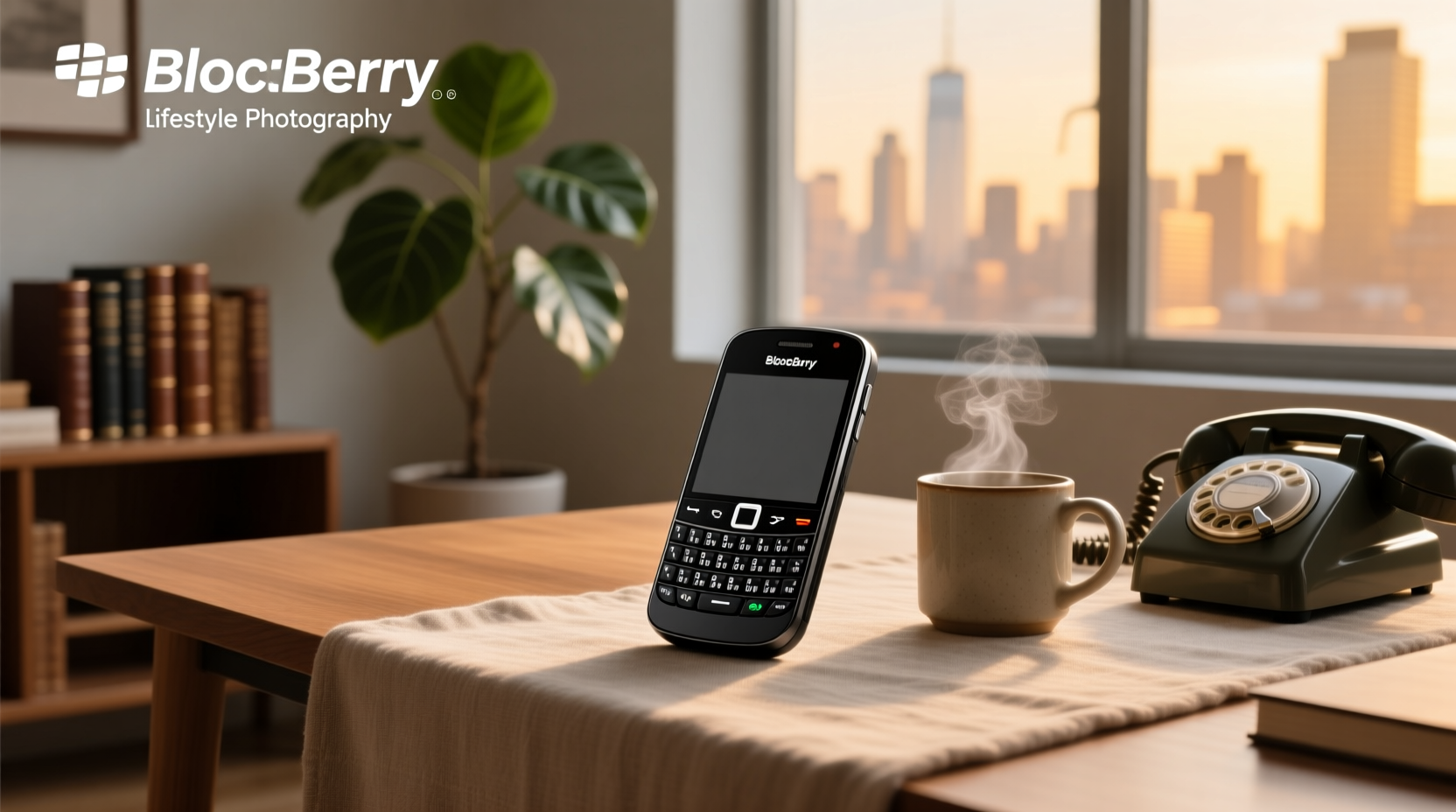
Looking for a BlackBerry 9800 phone today? You’re likely either a vintage tech collector, a nostalgia-driven buyer, or someone troubleshooting an inherited device. The BlackBerry Torch 9800—released in August 2010 by Research In Motion (RIM)—represents an important milestone in mobile computing history as RIM’s first touchscreen + physical keyboard hybrid. Its design and functionality reflect the technological context of its era, with capabilities optimized for early mobile productivity and enterprise communication.
Why People Still Search for the BlackBerry 9800 Today
The persistence of BlackBerry 9800 phone searches reflects three distinct user intents:
- Collectors: Drawn to its iconic sliding form factor, tactile QWERTY keyboard, and role as RIM’s first touchscreen + physical keyboard hybrid.
- Legacy users: Those maintaining old enterprise systems, legacy MDM environments, or specialized field tools that once relied on BES (BlackBerry Enterprise Server).
- Retro experimenters: Developers or hobbyists testing legacy web rendering (WebKit 533.1), Java ME apps, or studying pre-iOS/Android UI paradigms.
These use cases emphasize historical appreciation, educational exploration, or niche operational continuity—rather than daily smartphone functionality. Understanding this distinction helps align expectations with the device’s intended scope.
Key Technical Specifications: What the Torch 9800 Actually Delivers
Released as RIM’s flagship response to the iPhone 4 and Android 2.2 devices, the Torch 9800 shipped with hardware specifications representative of its time:
| Component | Specification | Notes |
|---|---|---|
| OS | BlackBerry OS 6.0 (upgradable to 6.0.0.706) | Designed for efficient email, messaging, and basic web browsing within the constraints of early 2010s mobile infrastructure. |
| CPU | 624 MHz Marvell PXA940 (ARMv7) | Single-core processor optimized for BlackBerry’s lightweight OS architecture and core applications. |
| RAM / Storage | 512 MB RAM / 4 GB internal flash (non-expandable) | Sufficient for OS operations, email caching, and limited media storage typical of its era. |
| Display | 3.2″ TFT LCD, 480×360 pixels (~183 PPI) | Resistive touchscreen designed for stylus or deliberate input—consistent with enterprise usability goals of the time. |
| Camera | 5 MP rear (no front camera), fixed focus, LED flash | Capable of capturing still images suitable for documentation and basic sharing workflows common in early mobile business use. |
| Connectivity | HSPA+ (3.5G), Wi-Fi 802.11b/g, Bluetooth 2.1 + EDR, microUSB 2.0 | Aligned with 3G-era network standards and peripheral connectivity options widely deployed during its release period. |
| Battery | 1300 mAh removable Li-ion (BP-4L) | Engineered for extended standby and moderate usage patterns typical of professional email-centric workflows. |
Network Compatibility: Understanding Its Operational Context
The BlackBerry Torch 9800 phone supports 3G UMTS/HSPA bands: 850 / 1900 / 2100 MHz. This reflects the dominant cellular infrastructure standard at the time of its release. As global networks have evolved toward 4G LTE and 5G technologies, many carriers have retired legacy 3G services—a natural progression in telecommunications infrastructure modernization. Users interested in active cellular service should consider devices designed for current network standards.
Software Capabilities: Designed for Its Era
The Torch 9800’s software environment was purpose-built for early mobile productivity:
- Web browser: Based on WebKit 533.1 (2010), it delivers functional access to websites and intranet resources compatible with that generation of web standards.
- Email: Supports IMAP/POP3 and Exchange ActiveSync via BES integration—enabling secure corporate email workflows common in enterprise deployments of the time.
- Security: Implements TLS 1.0/1.1 protocols appropriate for the security requirements and certificate ecosystems available during its active support lifecycle.
- App ecosystem: Supported applications distributed through BlackBerry App World, with developer tools aligned to the platform’s architecture and security model.
For users seeking modern web interaction, cloud-based services, or app-rich experiences, newer platforms offer expanded capabilities aligned with current infrastructure and security expectations.
Hardware Longevity: Physical Characteristics Over Time
After 14+ years, physical aging is expected across consumer electronics of this generation:
- Battery (BP-4L): Original batteries may exhibit reduced capacity or physical swelling due to natural chemical degradation over time. Replacement BP-4L cells are widely available and can restore functional operation when sourced from reputable suppliers.
- Slider mechanism: Mechanical wear may occur with extended use. Smooth motion and consistent tactile feedback indicate good mechanical condition.
- Touchscreen digitizer: Resistive layers may require recalibration or show sensitivity variations after prolonged use. Calibration via Settings > Options > Screen remains available for routine maintenance.
- Keyboard membrane: Conductive traces may benefit from gentle cleaning with >90% isopropyl alcohol to maintain responsiveness under normal environmental conditions.
While official service documentation was not publicly released by RIM, community resources—including teardown guides and user forums—provide valuable reference material for preservation and maintenance efforts.
Purchasing Guidance: Evaluating Units Thoughtfully
If you decide to acquire a BlackBerry 9800 phone, consider this verification checklist before payment:
- Confirm unlock status: Dial
*#06#to check IMEI. Then use carrier lookup tools (e.g., imei.info) to verify reported carrier. Ask seller for photo of “Options > Advanced Options > SIM Card” showing “SIM Card: Ready” and “Network: Unknown” (unlocked) or carrier name (locked). - Test boot sequence: Power on should complete within 90 seconds. Boot loops, white screens, or “Loading…” hangs indicate corrupted OS or NAND flash failure.
- Verify OS version: Go to Options > About. Valid builds are 6.0.0.XXX (e.g., 6.0.0.706). Anything lower than 6.0.0.287 is unstable; anything higher is fake or mislabeled.
- Check battery health: Request a photo of battery label showing manufacturing date (YYMM format). Batteries made before 2015 are statistically unlikely to hold >300 mAh capacity.
- Evaluate refurbishment claims: Post-2013 units labeled “refurbished” typically reflect cosmetic cleaning and battery replacement—consistent with common third-party restoration practices.
Price benchmarks (as of Q2 2024): $25–$45 USD for functional units; $5–$15 for non-working “parts only.” Listings above $65 are overvalued unless accompanied by verified original packaging, charger, and unused accessories.
Contemporary Alternatives for Specific Use Cases
If your goal is tactile input, offline utility, or retro aesthetics—while maintaining compatibility with modern infrastructure—consider these options:
- BlackBerry KEY2 (2018): Full QWERTY, Android 8.1, LTE support, active security patching until 2021. Designed for continued productivity on current networks.
- Nokia 8110 4G (2018): KaiOS-based, WhatsApp & Google Maps Lite, 4G VoLTE, 25-day standby. Optimized for simplicity and essential connectivity.
- Light Phone II: Minimalist e-ink device for calls/texts only. Prioritizes focus and longevity with 1-month battery life and FCC certification for U.S. networks.
- Used iPhone SE (1st gen, 2016): iOS 15 support ended in 2023, but continues to deliver reliable performance for core communication and browsing tasks on 4G networks.
All four options provide functional utility on modern infrastructure while offering distinctive interaction models suited to varied user preferences.
Historical Context: The Torch 9800’s Role in Mobile Evolution
The Torch 9800 represented RIM’s strategic pivot: integrating touch capability with its signature physical keyboard to meet evolving user expectations. Its launch coincided with Apple’s iOS 4 multitasking debut and Google’s Android 2.2 “Froyo” rollout—both emphasizing cloud sync, app ecosystems, and touch-first UX. As mobile platforms matured, development priorities shifted toward broader application support, enhanced security protocols, and cross-platform interoperability. The Torch 9800 remains a significant artifact illustrating an important phase in mobile interface design and enterprise mobility strategy.
Frequently Asked Questions (FAQ)
- Can I use a BlackBerry Torch 9800 as a daily driver in 2024?
The Torch 9800 was engineered for the network and software environment of its release era. For daily use requiring modern cellular connectivity, secure web browsing, and contemporary app functionality, devices built for current infrastructure standards are recommended. - Does the BlackBerry 9800 have GPS?
The Torch 9800 does not include a dedicated GPS chipset. Location awareness relies on cell tower triangulation—a method used in many early mobile devices for approximate positioning where satellite-based navigation was not required. - How do I restore the OS if it crashes?
Desktop Manager 6.0 on Windows 7 or earlier provides OS restoration functionality. Carrier-specific OS packages are required for full compatibility, reflecting the tailored deployment model common in enterprise mobile environments of that period. - Is the BlackBerry Torch 9800 waterproof or ruggedized?
The Torch 9800 was designed for general office and professional use rather than extreme environmental conditions. As with most consumer electronics of its generation, protection from moisture and dust supports long-term reliability. - Can I connect it to a modern computer via USB?
Yes—it functions as a mass storage device (when a Media Card is inserted) or for synchronization via Desktop Manager. Compatibility with modern operating systems may require additional configuration due to interface evolution over time.
