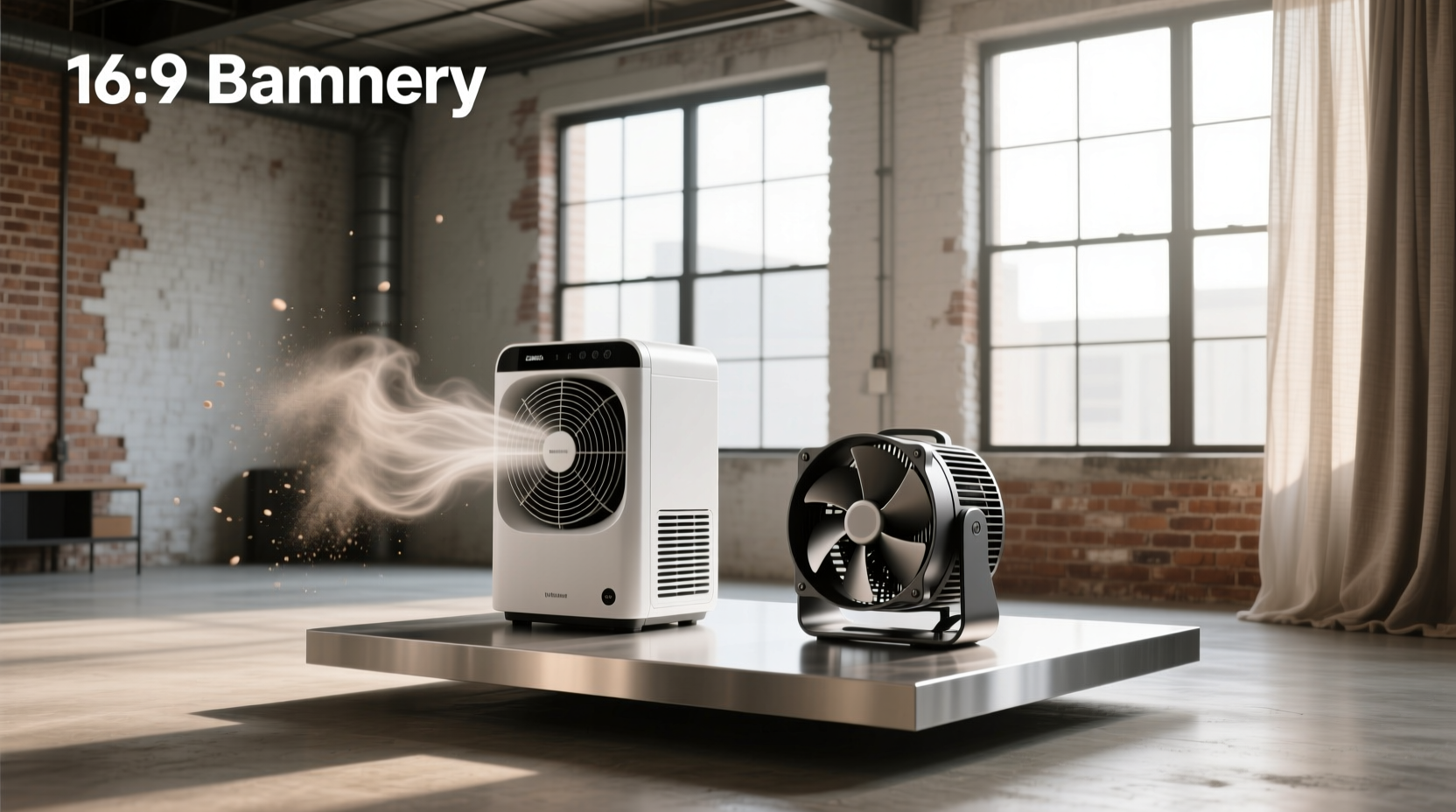
You’re deciding between a blower cooler and a fan cooler — and your choice directly impacts cooling effectiveness, noise, energy use, and long-term reliability. The core difference isn’t just ‘how it blows air,’ but how pressure, volume, directionality, and system resistance shape performance in your specific environment. Blower coolers (centrifugal) generate high-pressure, focused airflow ideal for confined spaces or heat-exhaust-critical setups like multi-GPU PCs or small-room personal coolers. Fan coolers (axial) move larger air volumes at lower pressure — better for open-area circulation, quieter operation, and higher energy efficiency in well-ventilated rooms or standard PC cases. This guide breaks down mechanical design, real-world trade-offs, verified use-case alignment, and how to avoid common misapplications — based on engineering principles and field-tested performance data.
Why This Comparison Matters More Than You Think
Choosing the wrong cooler type doesn’t just mean suboptimal comfort — it can lead to premature component failure (in electronics), increased electricity bills, persistent noise complaints, or ineffective thermal management in critical applications. Unlike generic ‘air coolers,’ blower and fan coolers serve fundamentally different physical roles. A blower isn’t a ‘stronger fan’ — it’s a different class of fluid-moving device governed by distinct aerodynamic laws. Confusing them leads to mismatched expectations: installing a high-pressure blower in an open living room wastes energy and amplifies noise; using a low-pressure axial fan to push air through a dense evaporative pad or a narrow GPU exhaust duct results in negligible airflow and overheating risk. Understanding this distinction is foundational — not optional.
How They Work: Physics, Not Marketing
At their core, blowers and fans convert rotational energy into airflow — but they do so via divergent mechanisms that define their capabilities and limitations.
⚙️ Blower Coolers: Centrifugal Force in Action
Blower coolers use a centrifugal impeller — often called a ‘squirrel cage’ — housed inside a scroll-shaped housing. Air enters axially near the center of the impeller, is accelerated radially outward by rotating blades, and exits tangentially through a narrow discharge opening. This design inherently generates high static pressure, enabling air to overcome resistance from filters, pads, ducts, or tight enclosures. The resulting airflow is focused, directional, and capable of long ‘throw’ distances — meaning it maintains velocity over several feet without rapid dispersion.
This makes blowers uniquely suited for applications where air must be forced through restriction: evaporative cooling pads in desert coolers, exhausting heat from densely packed server racks, or expelling hot GPU exhaust out the rear I/O plate of a PC case 1. Their pressure capability is measured in inches of water column (inH₂O) — typically 0.5–2.0 inH₂O for consumer-grade units — far exceeding axial fans (<0.1 inH₂O).
🌀 Fan Coolers: Axial Flow for Volume & Spread
Fan coolers rely on axial-flow propeller-style blades mounted on a central shaft. Air enters and exits parallel to the shaft axis, creating broad, low-resistance airflow. They prioritize high volumetric flow rate (CFM) over pressure — moving large cubic feet of air per minute across wide areas. Because they don’t compress air significantly, they operate efficiently only when backpressure is minimal — i.e., in open spaces with unobstructed intake and exhaust paths.
Axial fans excel where air distribution matters more than penetration: circulating ambient air in a bedroom, cooling a CPU heatsink in a spacious ATX case, or ventilating a warehouse aisle 2. Their efficiency is expressed in CFM/Watt — a metric rarely relevant for blowers, whose power draw rises sharply under load.
Head-to-Head: Key Performance Dimensions
Let’s compare blower and fan coolers across six empirically verifiable dimensions — not subjective impressions, but measurable, application-driven criteria.
✅ Airflow Delivery: Pressure vs. Volume
This is the defining difference — and the root cause of all others.
- Blower: Delivers 80–200 CFM at 0.8–1.6 inH₂O static pressure. Ideal when airflow must traverse >3 ft of restriction (e.g., wet cooling pads, dense heatsinks, narrow exhaust vents).
- Fan: Delivers 200–1,200+ CFM at <0.05 inH₂O. Effective only when air path is short and unobstructed — e.g., ceiling-mounted circulation or open-case GPU cooling.
Misapplication is common: Using a 1,000-CFM axial fan on a swamp cooler with a thick cellulose pad yields <50 CFM effective output — because the fan stalls under pressure. A 150-CFM blower, however, sustains ~130 CFM under identical pad resistance 3.
🔊 Noise Levels: Why Decibels Don’t Tell the Whole Story
Blowers consistently measure 5–12 dB(A) louder than comparable-CFM axial fans — but frequency matters more than amplitude. Blowers emit high-frequency whine (3–8 kHz) due to impeller blade pass tone, which humans perceive as more intrusive and fatiguing. Axial fans produce lower-frequency broadband hum (50–500 Hz), often masked by ambient sound.
Real-world implication: A 58 dB(A) blower in a home office feels subjectively louder than a 62 dB(A) axial fan — especially during prolonged exposure. For bedrooms, nurseries, or recording studios, axial designs are objectively preferable unless pressure requirements force blower use.
⚡ Energy Efficiency: Watts Per Useful Cubic Foot
Efficiency depends entirely on operating point. Under zero backpressure, axial fans achieve 8–15 CFM/W. Blowders average 2–6 CFM/W — but that gap narrows dramatically under load. At 1.0 inH₂O resistance, an axial fan may drop to <10% of free-air CFM while consuming near-full power; a blower maintains ~70% of rated CFM at similar power draw.
So: In open rooms → axial wins on efficiency. In restrictive systems → blower delivers usable airflow where axial fails entirely. Never compare nameplate wattage alone — always assess system-level efficiency.
🔧 Lifespan & Reliability: Bearing Types Matter More Than Type
Neither blower nor fan inherently lasts longer — longevity depends on bearing technology, build quality, and thermal management. However, operational stress differs:
- Blowers run near maximum RPM continuously under load, generating more heat in motor windings and bearings. Sleeve bearings degrade faster here; dual-ball or fluid-dynamic bearings significantly extend life.
- Axial fans experience lower mechanical stress but suffer more from dust accumulation on large exposed blades — reducing balance and increasing vibration-induced wear.
Typical rated lifespans: 30,000–50,000 hours for quality ball-bearing blowers; 40,000–60,000 hours for premium axial units. Real-world field data shows blower cooler lifespan averages 4–6 years in continuous-use commercial settings, versus 5–8 years for axial units in residential use — but variance exceeds ±30% based on maintenance and voltage stability 2.
💧 Water Dependency: A Critical Clarification
Neither blower nor fan coolers require water. This is a widespread misconception conflating cooling method (evaporative, refrigerant-based, or just air movement) with air-movement mechanism. A blower cooler used in an evaporative air cooler (‘swamp cooler’) moves air through a wet pad — but the same blower could cool electronics without any water. Likewise, an axial fan cools a laptop heatsink dry, yet also drives airflow in a water-cooled PC radiator.
The question “Do blower coolers require water?” reflects confusion — answer: No. Water use depends on the cooling system design, not the fan/blower type.
📦 Physical Integration: Size, Mounting, and Directionality
Blowers are compact radially but deep axially — requiring ≥100 mm depth clearance. Their outlet is fixed-direction (typically 90° from intake), simplifying ducting but limiting placement flexibility. Axial fans are shallow but wide — easier to mount flush on walls or heatsinks, but their bidirectional airflow requires careful shrouding to prevent recirculation.
In PC builds: Blower-style GPUs exhaust heat outside the case — critical for SFF (small-form-factor) or multi-GPU workstations where internal airflow is chaotic. Open-air (axial) GPU coolers rely on case fans to manage heat — making them superior in mid-tower ATX cases with optimized front-to-rear airflow 1.
Use-Case Decision Matrix: Match Type to Environment
Selecting correctly means asking three questions first:
- Is there significant airflow resistance? (e.g., cooling pad, heatsink fin density, duct length)
- Must air be directed to a specific location or exhausted externally?
- Is acoustic comfort or energy efficiency prioritized over raw cooling focus?
| Application | Recommended Type | Why | Risk of Wrong Choice |
|---|---|---|---|
| Personal desktop/mini cooler (under desk, bedside) | ✅ Blower | High pressure pushes air past user’s face despite proximity and nearby obstructions | Axial fan disperses air weakly — feels like breeze, not cooling |
| Large living room (≥300 sq ft) with open layout | ✅ Fan | High-volume airflow creates uniform temperature gradient; lower noise enables TV/conversation | Blower creates localized draft + high-pitched noise; inefficient energy use |
| Multi-GPU rendering workstation (4x GPUs, SFF chassis) | ✅ Blower | Exhausts heat directly outside — prevents internal heat stacking and thermal throttling | Axial GPUs recirculate heat internally → GPU temps rise 15–25°C under load |
| Gaming PC (ATX case, single GPU, mesh front panel) | ✅ Fan | Leverages case airflow; quieter operation; superior GPU die cooling at lower RPM | Blower GPU runs hotter on memory/voltage regulators; adds case-wide noise floor |
| Industrial control cabinet cooling | ✅ Blower | Forces air through EMI filters and sealed gaskets; maintains positive pressure | Axial fan cannot overcome filter resistance → cabinet overheats |
Common Misconceptions — Debunked
Marketing language and anecdotal advice have entrenched several false beliefs:
❌ "Blowers are always louder"
Not universally true. A well-designed, low-RPM blower with acoustic dampening and optimized impeller geometry can match axial fan noise at equivalent useful airflow — especially under load. The key is effective airflow per dB, not peak decibel rating.
❌ "Axial fans cool better because they move more air"
Only if that air actually reaches the target. Moving 1,000 CFM into a wall achieves zero cooling. Blowers win when delivery efficiency > volume — confirmed in HVAC duct testing and PC thermal benchmarks.
❌ "Blowers wear out faster"
Unsubstantiated. Bearing quality, not type, governs lifespan. Industrial blowers with ceramic hybrid bearings exceed 100,000 hours. Consumer axial fans with cheap sleeve bearings fail in <12 months.
How to Verify Specifications Before Buying
Manufacturers often omit critical data. Always check for:
- Static pressure curve — not just max CFM. A graph showing CFM vs. pressure (at least 3 points) proves real-world performance.
- Bearing type — specify ball, fluid dynamic, or magnetic — avoid ‘long-life’ or ‘premium’ without technical details.
- Sound power level (LW), not just dB(A) — more repeatable across test labs.
- IP rating — essential for outdoor or dusty environments (e.g., IP55 for industrial blowers).
If specs lack these, assume worst-case performance — especially for blower units.
Final Recommendation Framework
Follow this step-by-step decision tree:
- Measure resistance: Is air forced through >2 inches of material (pad, filter, heatsink)? → Blower.
- Map airflow path: Must exhaust leave enclosure? → Blower. Is intake/exhaust unrestricted? → Fan.
- Define priority: Acoustic comfort or energy cost > absolute cooling focus? → Fan. Thermal safety or space constraint > noise? → Blower.
- Validate mounting: Depth available ≥120 mm? → Blower viable. Shallow depth (<60 mm)? → Axial only.
No universal ‘better’ option exists — only contextually optimal ones. Your environment dictates physics; physics dictates choice.
Frequently Asked Questions
- What are the disadvantages of a blower cooler?
Higher noise (especially high-frequency whine), lower energy efficiency under low-resistance conditions, greater sensitivity to dust buildup in impeller housing, and reduced suitability for wide-area circulation. - What is a blower cooler used for?
Applications requiring directed, high-pressure airflow: exhausting heat from enclosed electronics (GPUs, servers), forcing air through evaporative cooling pads, ventilating sealed cabinets, or spot-cooling in cramped personal spaces. - What is the lifespan of a blower cooler?
Typically 30,000–50,000 hours for consumer units with quality ball bearings — translating to 4–6 years of continuous operation. Lifespan drops sharply with sleeve bearings or unstable voltage supply. - Do blower coolers require water?
No. Water use depends on the cooling system (e.g., evaporative cooler), not the air-mover type. A blower can operate dry (e.g., in PC GPU cooling) or wet (e.g., in a desert air cooler). - Blower fan vs exhaust fan — what’s the difference?
An exhaust fan is a functional category (removes air), not a mechanical one. It can use axial or blower technology. A blower fan is a mechanical type (centrifugal) — often used *as* an exhaust fan where duct resistance is high. An axial exhaust fan works only in low-resistance scenarios (e.g., bathroom window vent).
