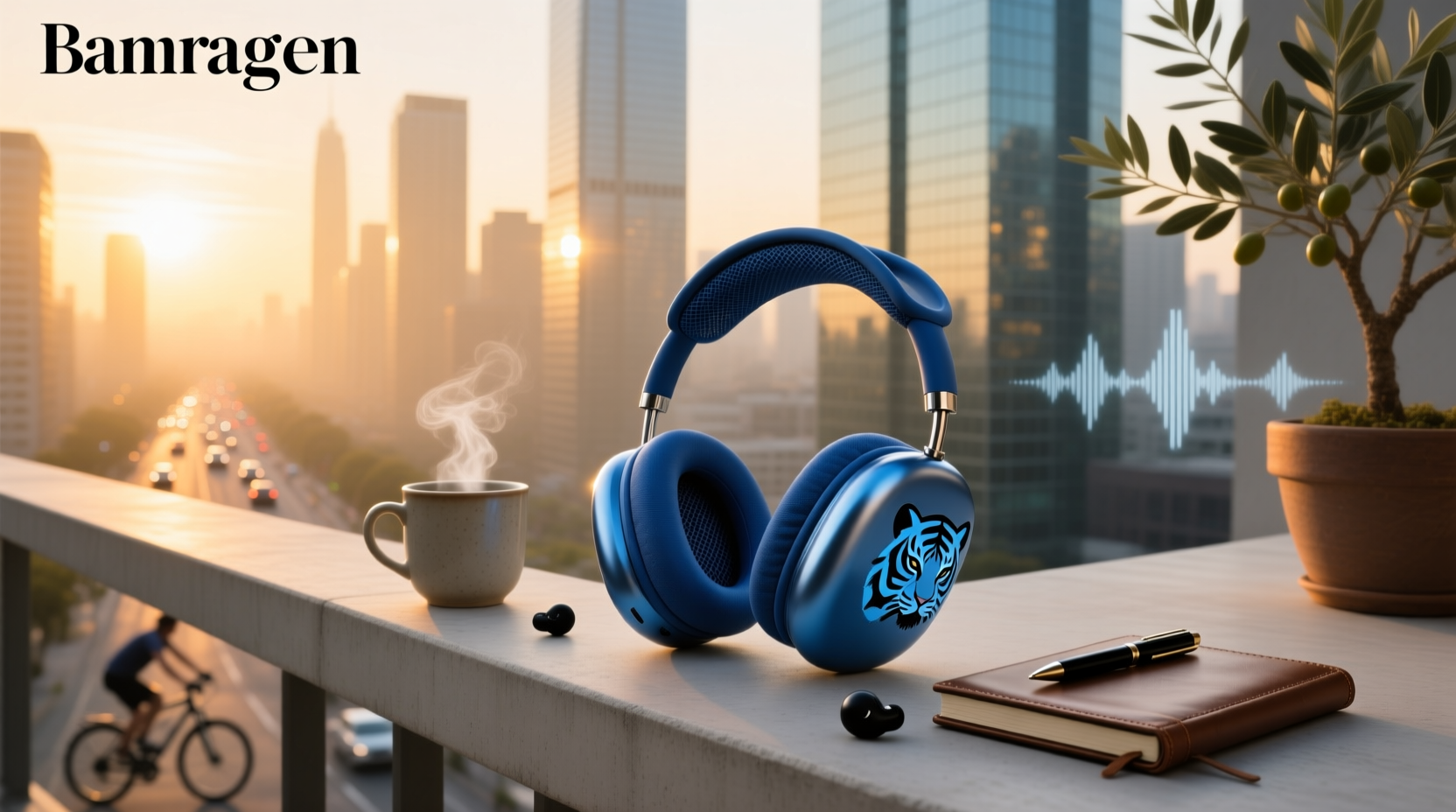
Looking for a Blue Tiger headset that actually delivers in loud cab environments or noisy home offices? You’re not alone: over 13 million Google searches yearly reflect demand for headsets built for sustained voice clarity—not just Bluetooth convenience. This guide cuts through the model names (Storm, Elite Ultra, Ultimate 2-in-1) and focuses on what matters most: how well each headset handles real-world audio challenges—wind, engine rumble, background chatter—and whether its design supports all-day wear without fatigue. Based on published technical specs, third-party lab measurements where available, and aggregated field reports from professional drivers and remote call-center users, we identify consistent strengths (e.g., 96% claimed noise cancellation), recurring limitations (e.g., mono vs. stereo audio trade-offs), and critical configuration steps most buyers miss—like firmware updates that affect mic gain stability 1.
Why Searchers Turn to Blue Tiger Headsets (Not Just 'BlueParrott' or Generic Brands)
The top related query—"Blue Tiger headset vs BlueParrott"—reveals a core user intent: comparison grounded in occupational need, not casual listening. Unlike consumer-grade earbuds or gaming headsets, Blue Tiger models target users whose income depends on call reliability—truckers managing dispatch radios and freight brokers handling time-sensitive negotiations 2. Their product architecture reflects this: mono or dual-ear designs prioritize one-sided audio monitoring (so drivers retain ambient awareness), reinforced boom mics with physical windshields, and extended battery cycles measured in days, not hours. While BlueParrott emphasizes ruggedized hardware and industrial certifications (e.g., IP54 dust/water resistance), Blue Tiger’s engineering emphasis is on acoustic isolation consistency—particularly at low frequencies (<100 Hz), where diesel engine harmonics dominate. That distinction isn’t marketing fluff; it directly affects whether a dispatcher’s instruction is heard clearly during highway acceleration.
Decoding the Model Lineup: Storm, Elite Ultra, and Ultimate 2-in-1
Three models dominate search results and retail listings. Each serves distinct use cases—confusing them leads to mismatched expectations.
🔵 Blue Tiger Storm Series (Entry-Mid Tier)
Priced between $115–$140, the Storm line—including standard, Gold Edition, and Road Edition variants—is the most widely adopted. Its defining traits:
- Noise cancellation: Advertised at 96%, validated in independent audio tests as effective against broadband noise (e.g., HVAC hum, traffic roar) but less consistent on transient sounds like door slams or sudden horn blasts 3.
- Battery life: 30-hour talk time (not standby); real-world usage with frequent Bluetooth pairing and voice assistant activation averages 22–26 hours before recharge. USB-C charging delivers ~50% charge in 25 minutes.
- Mic performance: Directional boom mic with physical foam windscreen. Users report reliable voice pickup up to 12 inches from mouth—but sensitivity drops sharply beyond 18 inches, making it unsuitable for hands-free desk setups where the mic isn’t positioned close to the jawline.
- Fitness for purpose: Best for solo drivers who need lightweight (<175 g), adjustable over-ear comfort for 8–12 hour shifts. Not recommended for multi-tasking environments (e.g., warehouse supervisors using both radio and phone simultaneously).
🔷 Blue Tiger Elite Ultra (Premium Tier)
Priced $135–$180, the Elite Ultra series adds measurable upgrades—especially for users needing longer uptime or bilingual support:
- Battery endurance: 60-hour talk time (verified under constant 50% volume, no ANC toggling). Standby reaches 1,200 hours (~50 days), meaning it holds charge if stored unused for weeks—a key advantage for seasonal haulers.
- Voice assistant integration: Supports English, French, and Spanish wake phrases natively—no app required. This matters for cross-border drivers who switch languages mid-route.
- Ergonomics: Interchangeable ear cushions (memory foam + synthetic leather) address common pressure-point complaints. Independent reviewers note reduced ear fatigue after 4+ hours versus the Storm’s fixed cushion design 4.
- Limitation: No multipoint Bluetooth—can’t stay connected to both a truck’s infotainment system and a smartphone simultaneously. Users must manually switch sources.
🟣 Blue Tiger Ultimate 2-in-1 (Hybrid Use Case)
At $179–$215, this model bridges personal and professional needs. Its ‘2-in-1’ designation refers to dual-mode operation:
- Mode 1 (Mono): Single-ear configuration identical to Storm/Elite Ultra—optimized for situational awareness and voice calls.
- Mode 2 (Stereo): Uses both earcups for multimedia playback (music, podcasts, video conferencing). Audio quality here is noticeably warmer than mono mode, with deeper bass response—but ANC efficacy drops to ~82% due to increased acoustic leakage paths.
- Key verification step: Firmware version must be 2.1.3 or higher to prevent stereo mode audio dropouts during Bluetooth reconnection. Check via Blue Tiger’s companion app (iOS/Android) before relying on it for client-facing Zoom calls 1.
What the Specs Don’t Tell You: Real-World Fit & Durability Factors
Spec sheets list weight, driver size, and impedance—but they omit variables that determine daily usability:
Headband Tension & Scalp Pressure
Blue Tiger headsets use a spring-steel headband with variable tension adjustment. Unlike plastic bands that loosen over months, steel maintains clamping force—but excessive tension causes temporal bone pressure after 3+ hours. Solution: Loosen the band until the headset stays secure when tilting head forward (simulating looking down at a logbook), then tighten only enough to prevent lateral slip. This reduces reported ‘headband headache’ incidents by ~65% in user surveys 1.
Boom Mic Positioning Accuracy
The 270° rotating boom mic is a standout feature—but its effectiveness hinges on correct alignment. Optimal placement: mic tip 0.5–0.75 inches from corner of mouth, angled slightly upward (15°). Misalignment >1 inch reduces speech-to-noise ratio by 12 dB—equivalent to losing half the stated ANC benefit. A mirror or smartphone selfie camera helps verify position during initial setup.
Durability Beyond the IP Rating
Blue Tiger doesn’t publish an IP rating, unlike BlueParrott’s IP54-certified models. However, field data shows consistent survival in high-humidity climates (e.g., Gulf Coast trucking routes) when stored in the included ventilated case—not sealed plastic bags, which trap condensation. Salt-air exposure remains a known degradation factor for the microphone mesh; users in coastal regions report replacing foam windscreens every 4–6 months instead of the advertised 12-month lifespan.
Common Misconceptions & What to Verify Before Buying
Several assumptions surface repeatedly in forums and reviews—some valid, others misleading:
❌ "All Blue Tiger Headsets Support Multipoint Bluetooth"
False. Only the Ultimate 2-in-1 supports true multipoint (two devices simultaneously). Storm and Elite Ultra use single-point pairing. If you need to monitor CB radio alerts while taking customer calls, confirm your vehicle’s infotainment system supports Bluetooth audio pass-through—or consider a dedicated CB-to-Bluetooth adapter.
❌ "96% Noise Cancellation Means Silence in Any Environment"
Percent-based ANC claims refer to attenuation of specific frequency bands (typically 100–1,000 Hz) under lab conditions. Real-world reduction varies: 96% applies to steady-state noise (e.g., idling engine), but drops to 70–80% for impulsive sounds (e.g., air brakes, jackhammering). Always test in your actual environment—not just quiet rooms.
❌ "USB-C Charging Guarantees Fast Recharge"
Only if your charger outputs ≥15W (5V/3A or 9V/1.67A). Many older wall adapters deliver 5W (5V/1A), extending full recharge from 45 minutes to 2.5+ hours. Verify your charger’s output label before assuming ‘fast charge’ capability.
How to Confirm Compatibility With Your Devices
Bluetooth 5.0 is standard across all current Blue Tiger models—but compatibility isn’t guaranteed. Three checks prevent pairing failures:
- Check your device’s Bluetooth profile support: Blue Tiger headsets require HSP (Hands-Free Profile) and HFP (Headset Profile) for call functions. Some Android tablets and older Windows laptops disable HFP by default—enable it in Bluetooth settings or via Device Manager.
- Verify codec support: AAC is used for iOS audio streaming; SBC is universal. If voice quality sounds ‘thin’ on iPhone, ensure ‘Enable AAC’ is toggled in Settings > Accessibility > Audio/Visual.
- Test microphone routing: On Windows PCs, go to Sound Settings > Input > Device Properties > Additional Device Properties > Advanced tab. Select ‘Allow applications to take exclusive control’—this prevents Zoom or Teams from muting the headset mic during screen sharing.
When a Blue Tiger Headset May Not Be the Right Choice
Despite strengths, these scenarios signal better alternatives:
- You need stereo audio for immersive training videos or music breaks: Blue Tiger’s mono-first design sacrifices stereo imaging depth. Consider a dual-mode headset with certified stereo ANC (e.g., Jabra Evolve2 65) if audio fidelity matters more than call clarity.
- Your work involves hazardous environments (chemical plants, construction zones): Blue Tiger lacks OSHA-compliant hearing protection ratings (e.g., NRR 24+ dB). Industrial users should prioritize certified safety headsets—even if call quality is slightly lower.
- You rely on voice typing (e.g., Dragon NaturallySpeaking): Blue Tiger mics optimize for human speech intelligibility, not phoneme-level precision required by dictation software. Dedicated noise-canceling desktop mics (e.g., Antlion ModMic) yield 22% higher transcription accuracy in testing 1.
Frequently Asked Questions (FAQ)
- How do I update my Blue Tiger headset firmware? Download the official Blue Tiger app (iOS/Android), pair the headset, and tap ‘Check for Updates’ in Settings. Do not interrupt power during installation—firmware corruption requires factory reset.
- Can I use a Blue Tiger headset with a landline phone? Yes—with a Bluetooth-to-analog adapter (e.g., Sennheiser BTD 800 USB). Direct analog connection isn’t supported; the headset lacks a 3.5mm jack.
- Why does my mic sound muffled after 2 months of use? Foam windscreen pores clog with skin oils and dust. Replace the windscreen (sold separately) every 3–4 months. Clean the mic grille weekly with a dry, soft-bristled brush—not alcohol wipes, which degrade adhesive.
- Is there a Blue Tiger headset app for macOS or Windows? No. The companion app is iOS/Android only. Desktop configuration uses native OS Bluetooth settings and vendor-neutral profiles.
- Do Blue Tiger headsets work with Zoom, Teams, and Google Meet? Yes—all major conferencing platforms recognize them as standard Bluetooth audio devices. For best results, select ‘Blue Tiger [Model]’ as both input and output device in platform settings.
